

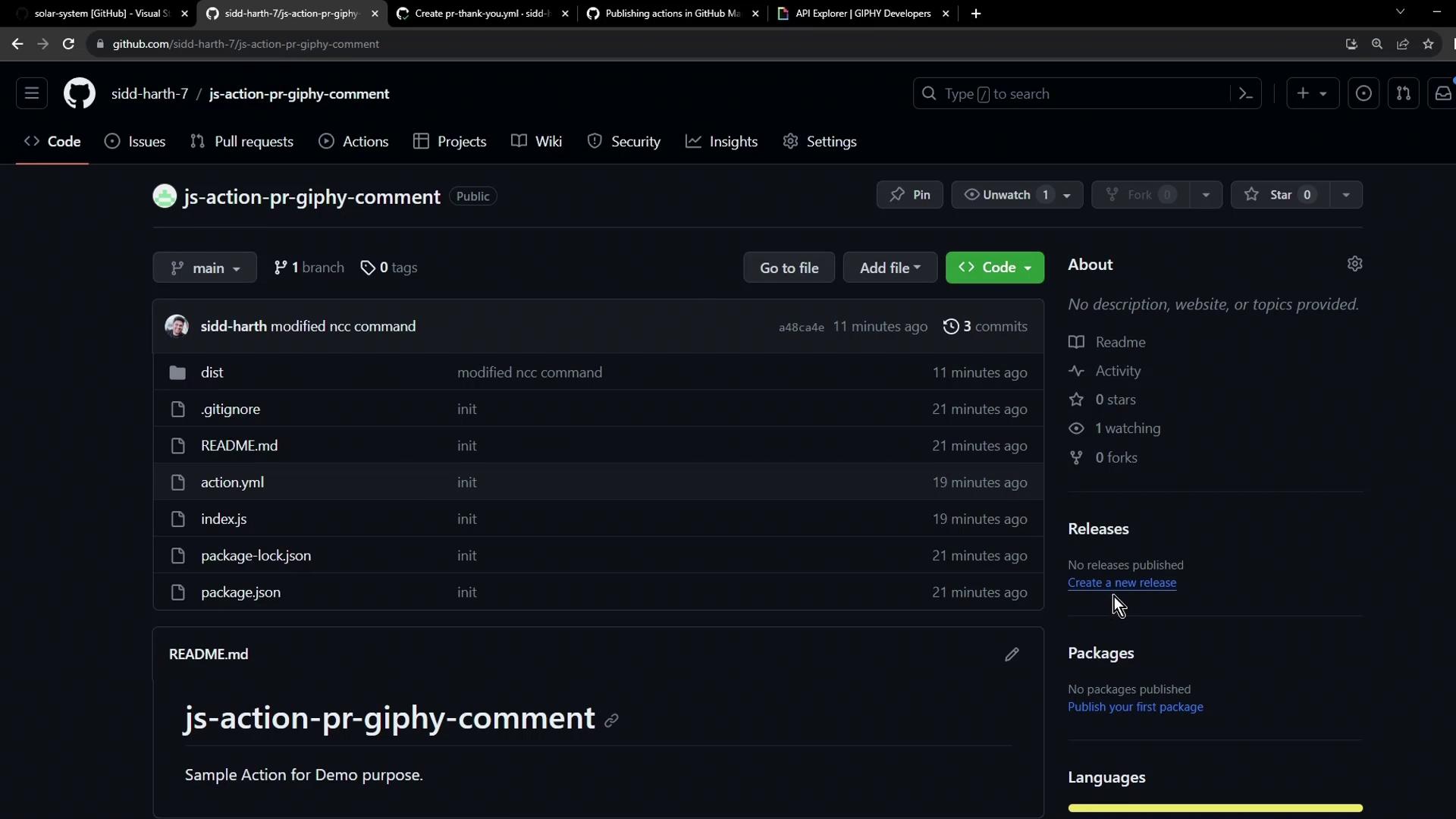
Step 1: Start a New Release
- Navigate to the Releases tab and click Create a new release.
- Scroll down to review and accept the Marketplace terms.
Publishing to the GitHub Marketplace requires two-factor authentication (2FA). If prompted, enable 2FA in your GitHub account settings and refresh the page.
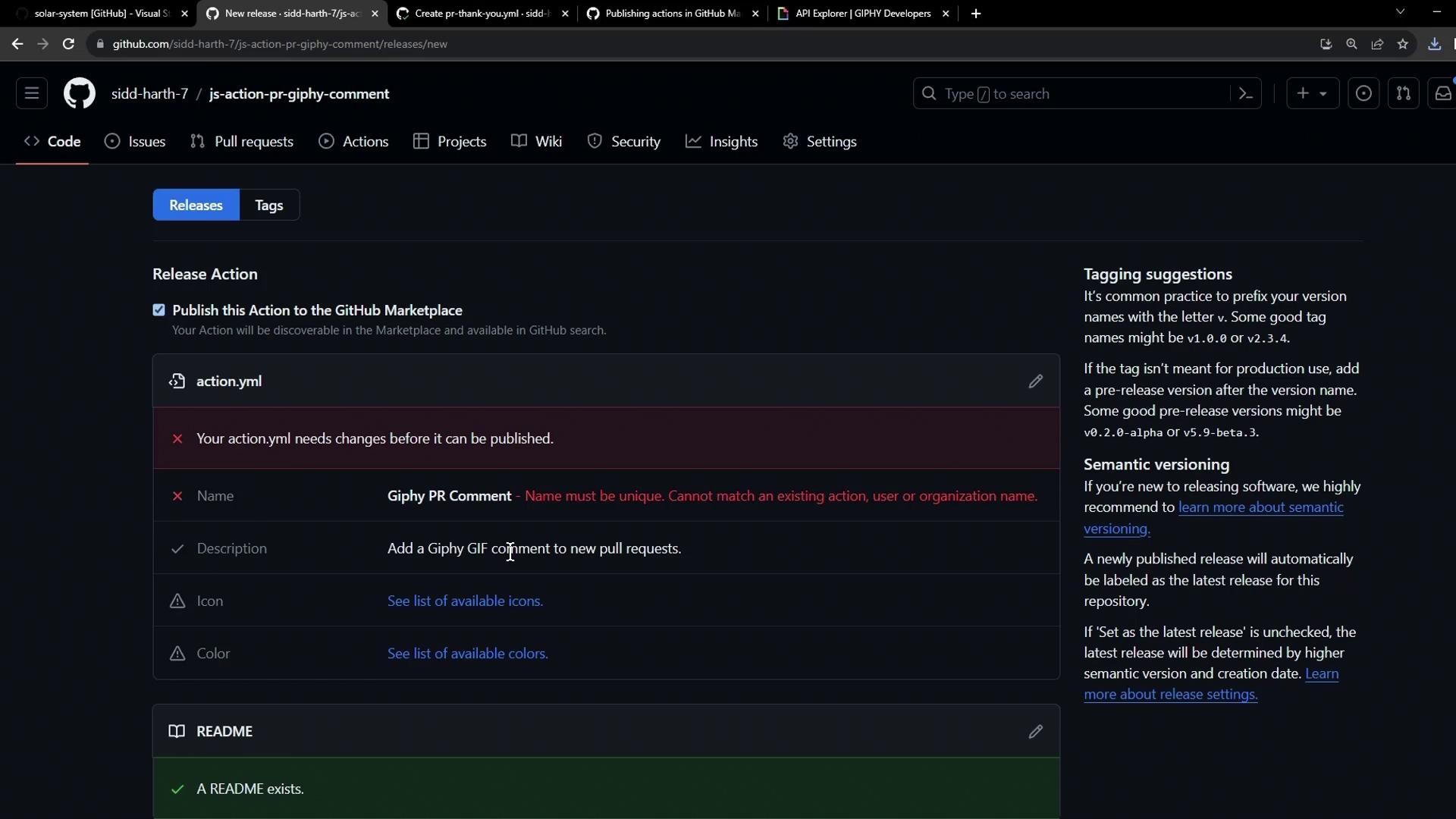
- GitHub will check that your action’s
nameis unique. If it’s already taken, you’ll see an alert:
Step 2: Update Your Metadata (action.yml)
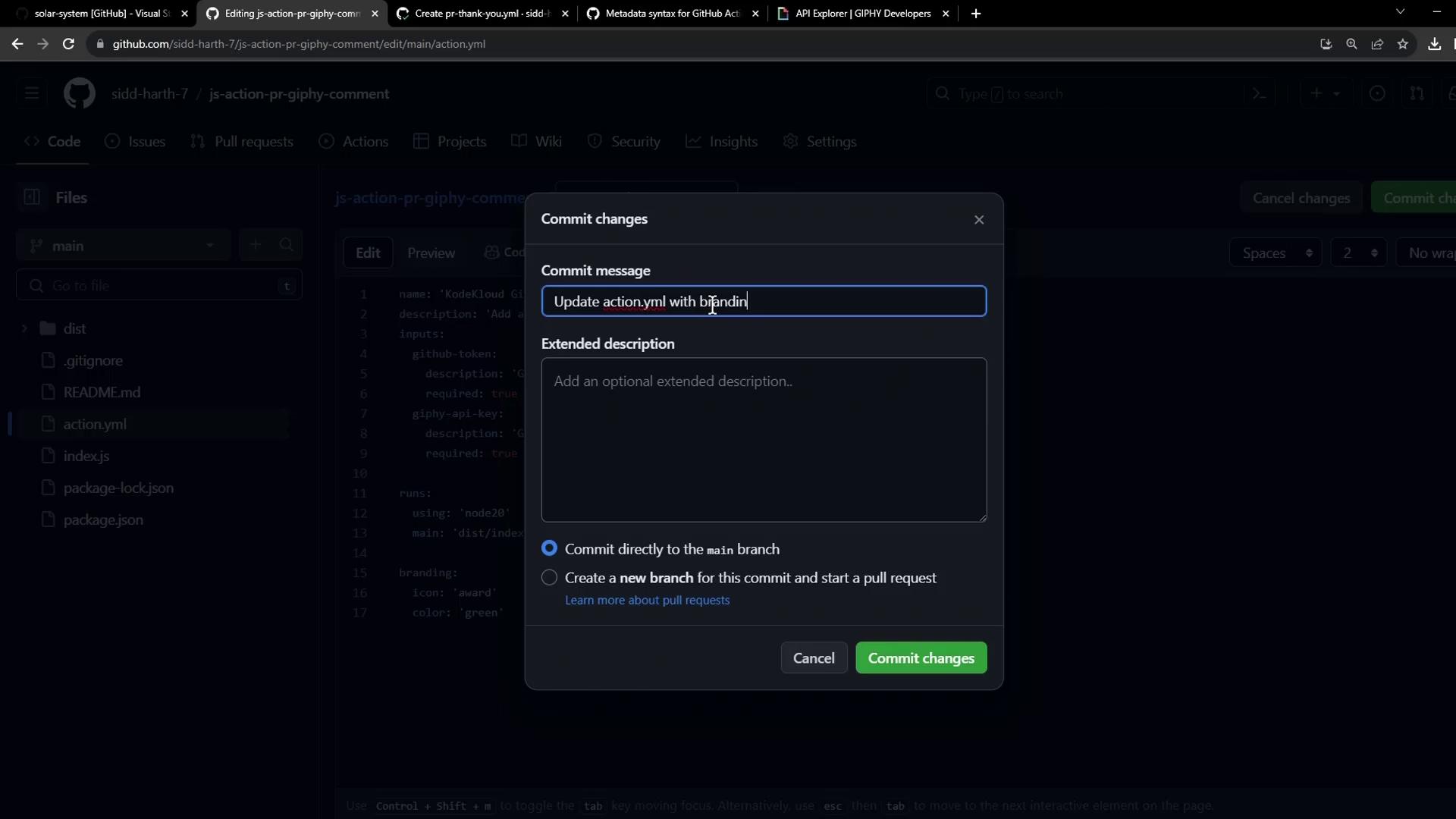
Edit your action.yml (or action.yaml) to ensure you have a unique name and include all required fields:
Step 3: Finalize and Publish the Release
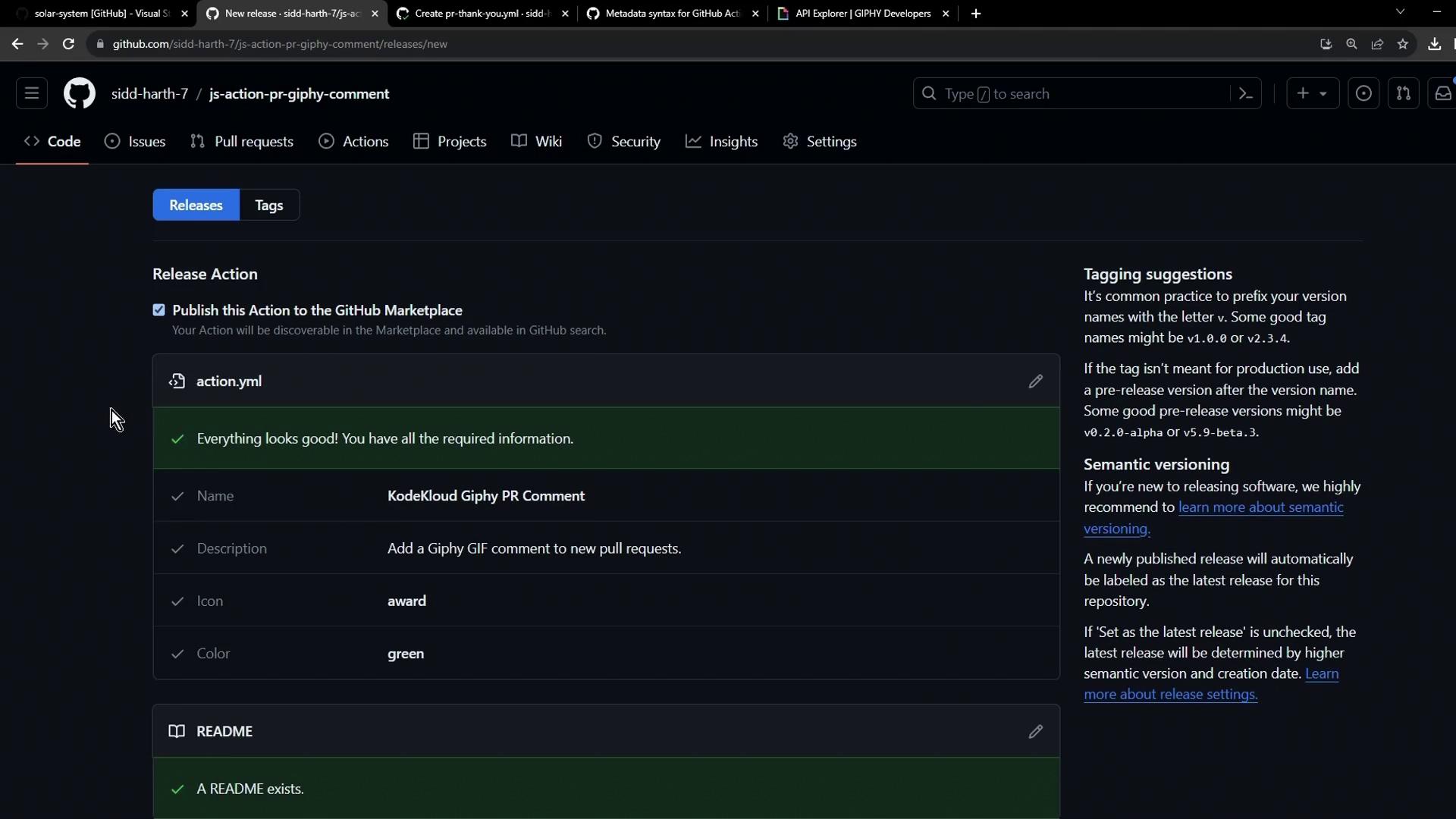
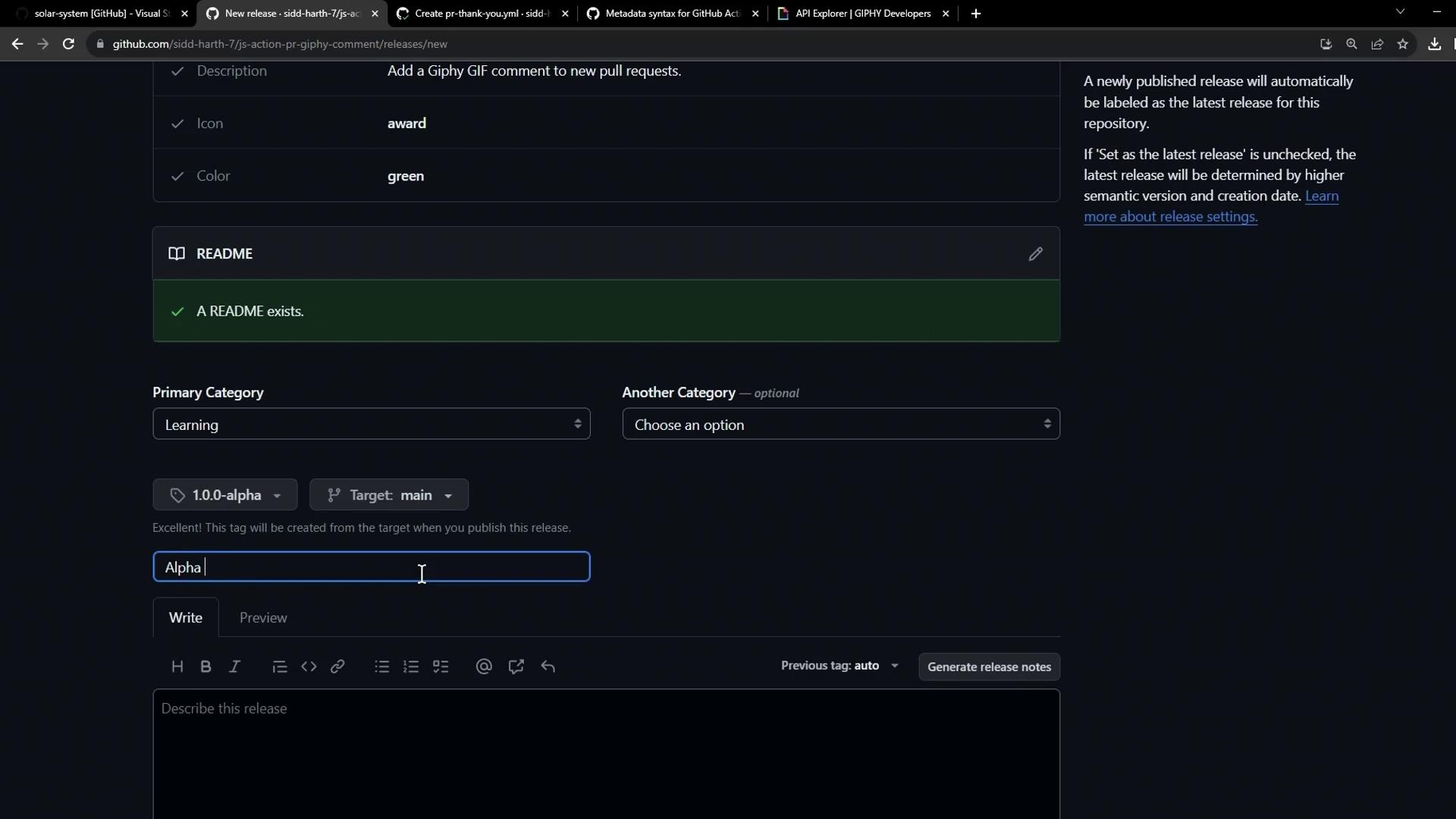
Retry creating the release:- Click Create a new release again.
- Accept the Marketplace terms.
- Confirm all checklist items turn green before proceeding.
| Field | Example |
|---|---|
| Tag version | v1.0.0-alpha |
| Target branch | main |
| Release title | Alpha Release |
| Release notes | This is a demo action for PR GIF comments. |
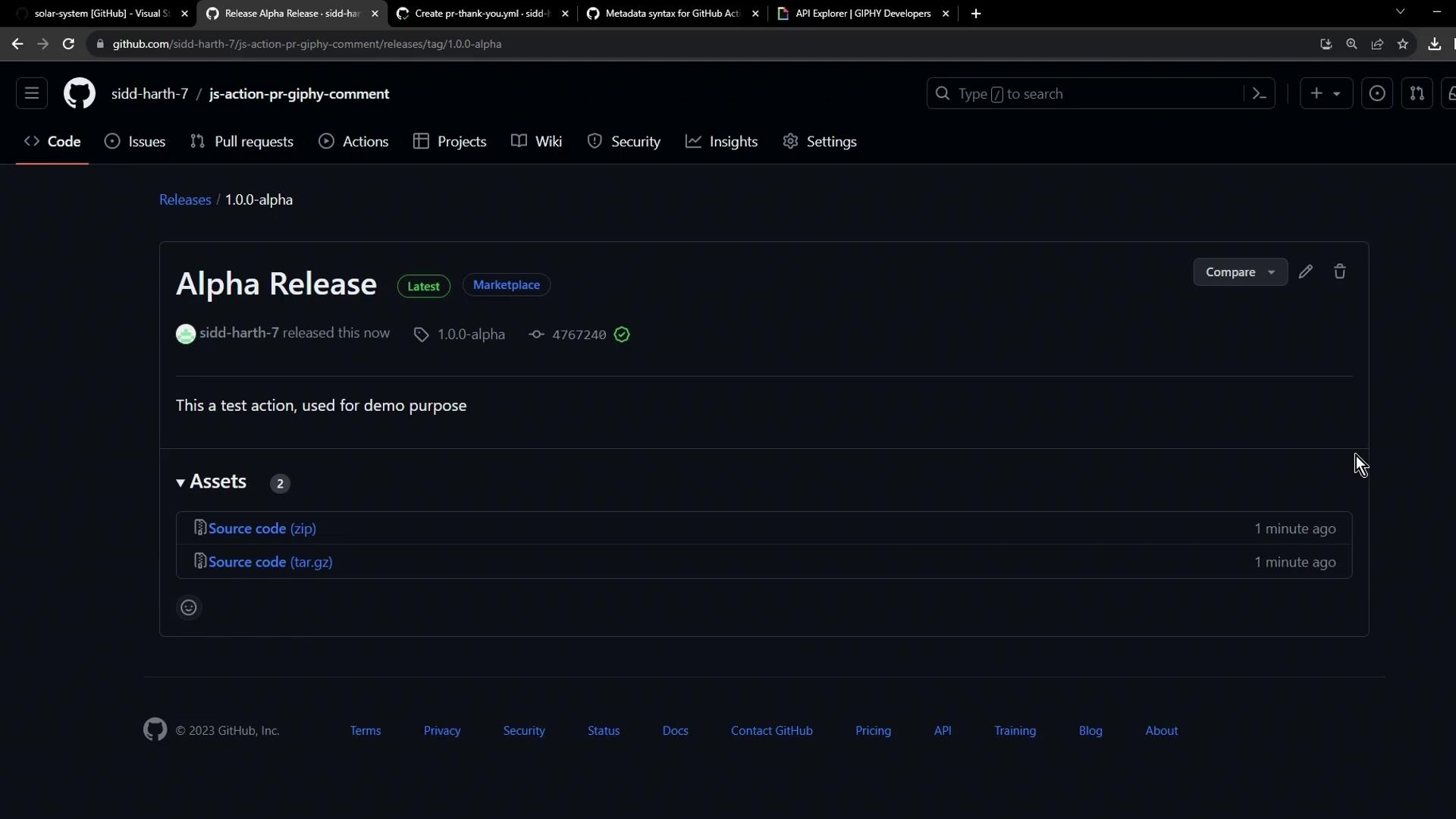
Step 4: Verify in the Marketplace
Visit the Marketplace URL to ensure your action is live and discoverable: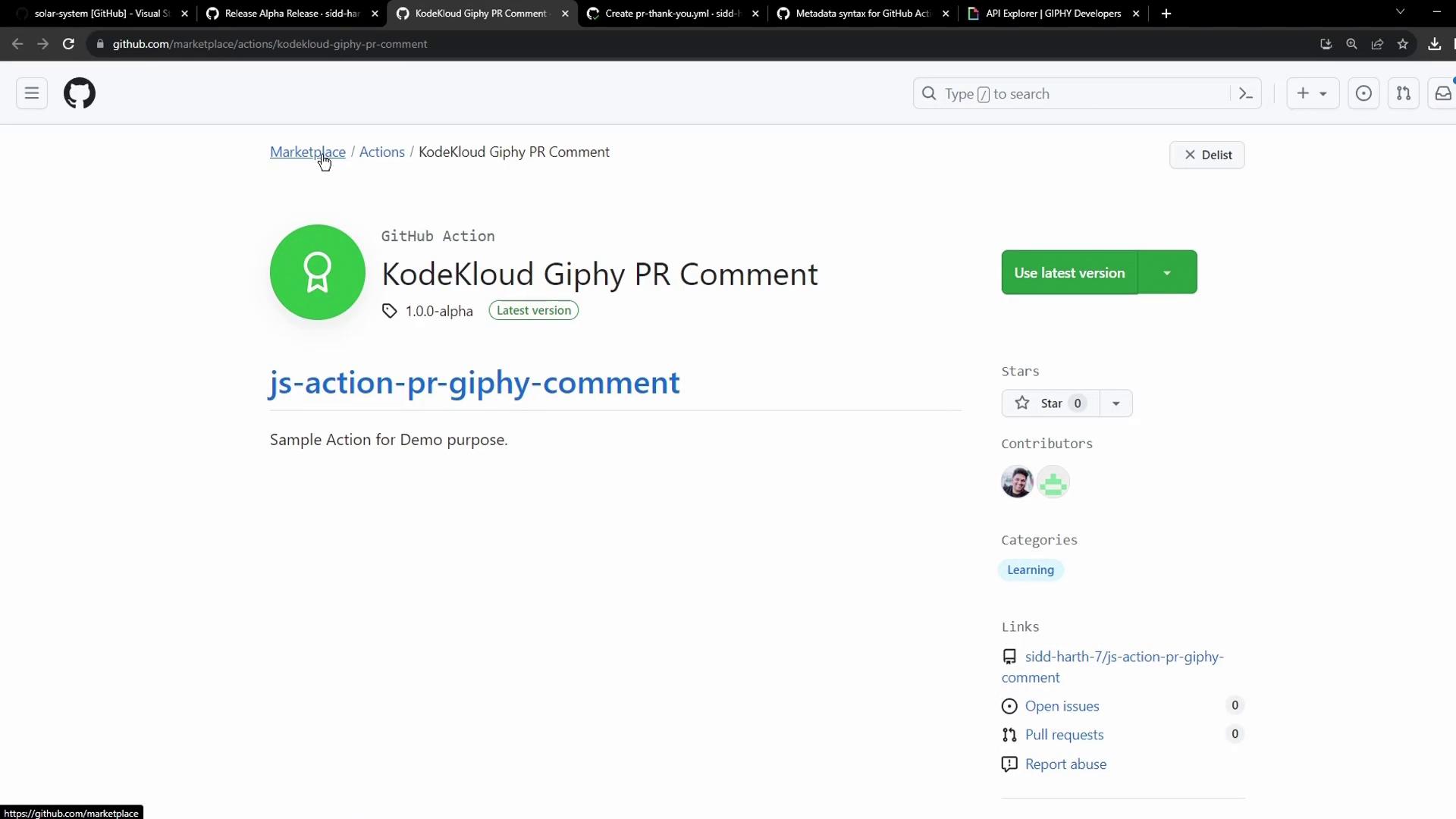
Enhance your
README.md with detailed usage examples and workflow snippets. Then, consumers can use your action like this: