

Centralized Source Control
In a centralized model, a single repository acts as the authoritative source for all code changes. Developers commit directly to this central hub.
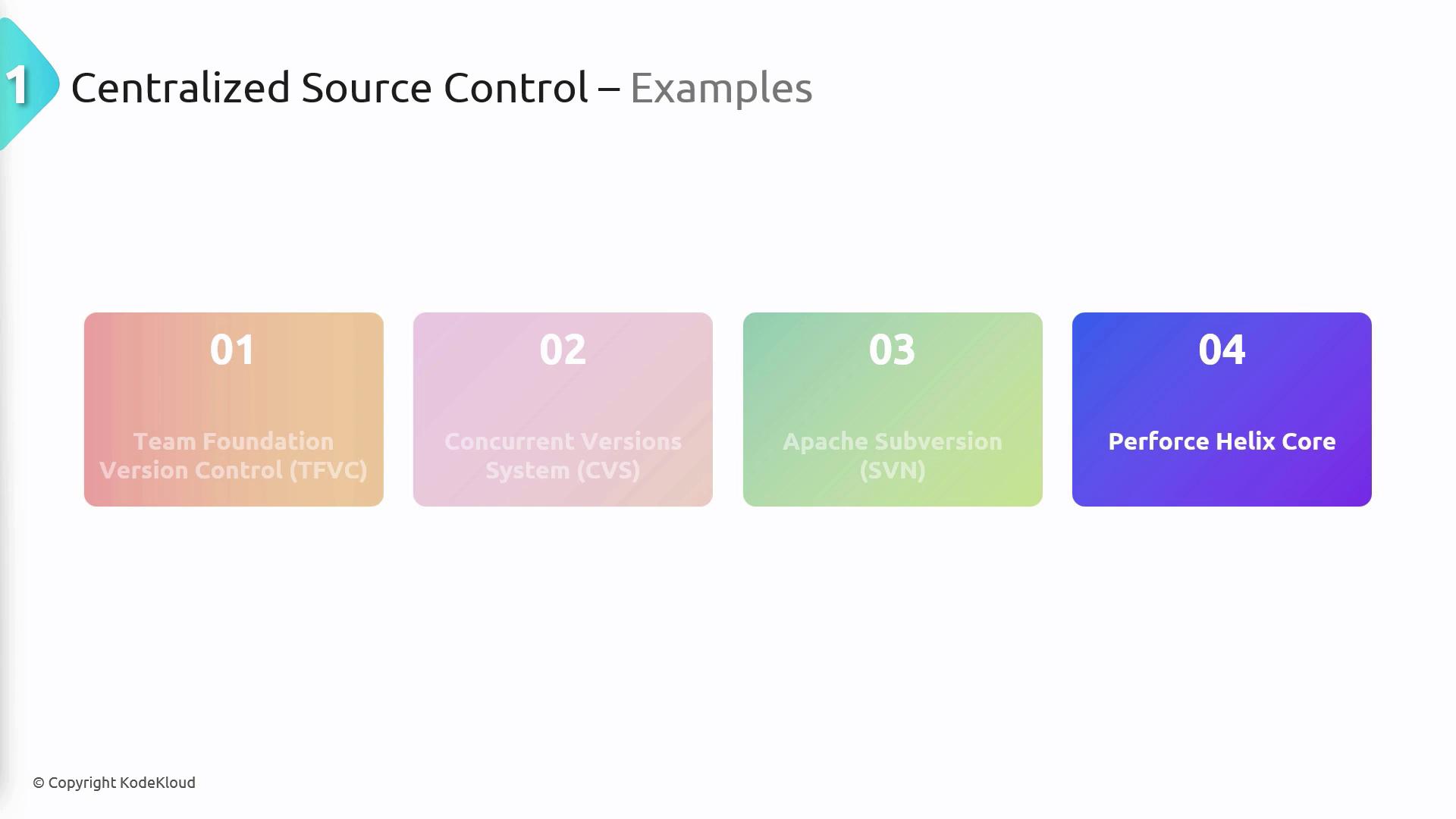
Examples of Centralized Systems
- Scalability: Handles large codebases efficiently.
- Access Management: Fine-grained permission controls.
- Usage Oversight: Tracks who made which changes and when.
- Exclusive Control: File locking prevents conflicting edits.

When to Choose Centralized Control
- Large, monolithic codebases requiring consistent structure
- Projects needing detailed audit trails and permission scopes
- File types that are difficult to merge concurrently
Distributed Source Control
Each developer has a full local copy of the repository, including its entire history. This architecture boosts autonomy, redundancy, and offline work.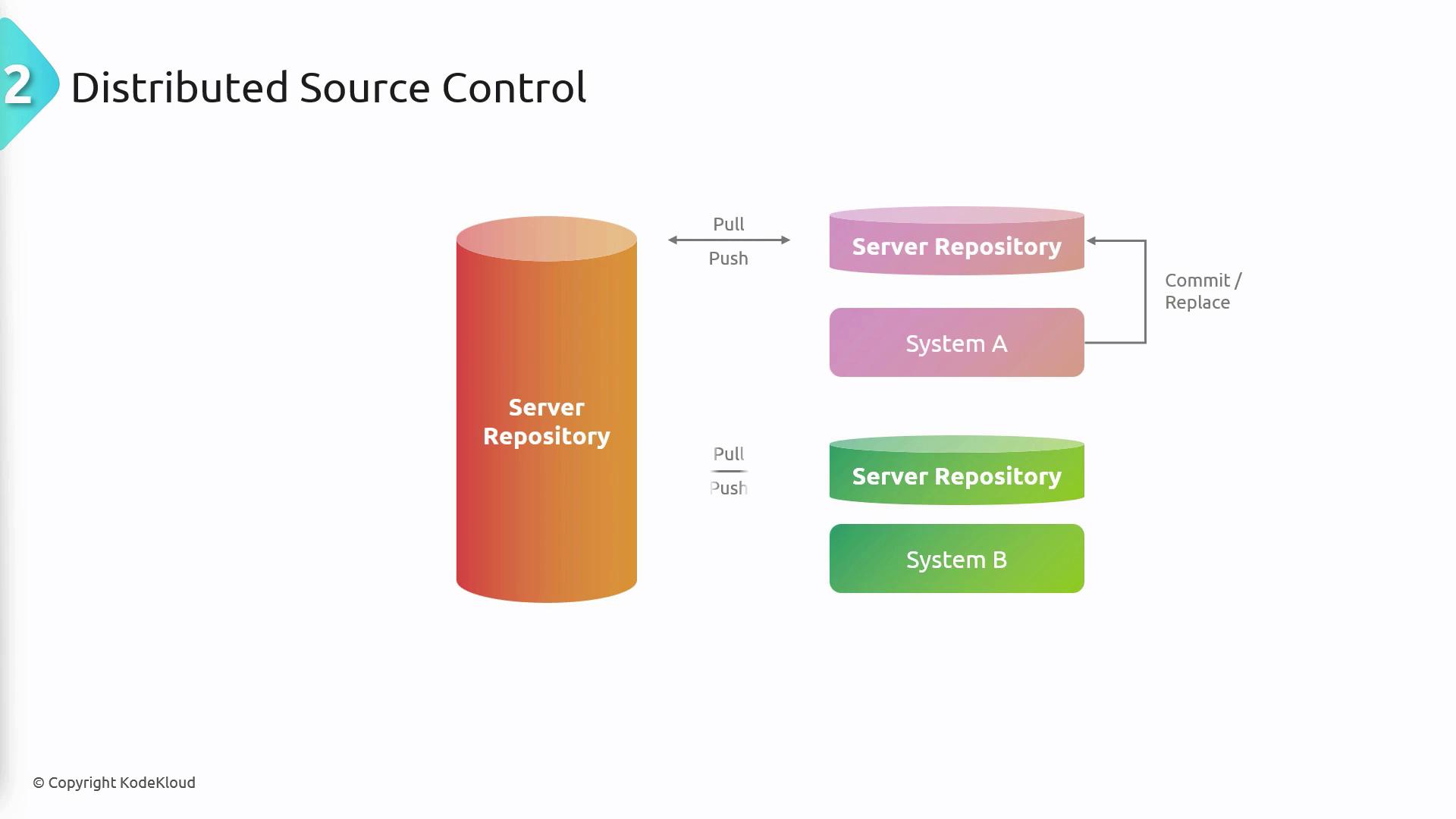
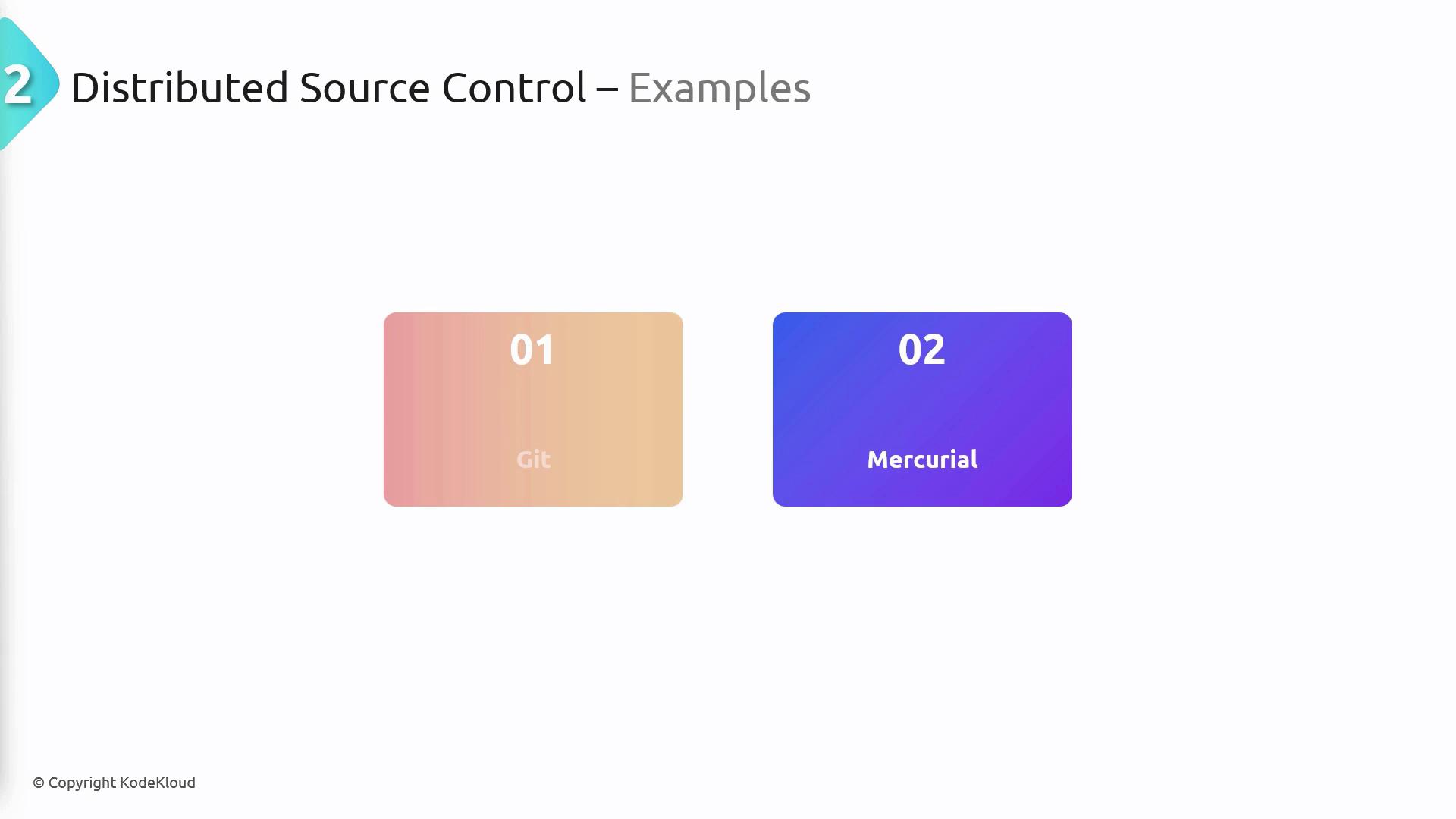
You get full history access even when offline, making code reviews and commits possible without an internet connection.
- Cross-Platform Flexibility: Runs on Windows, macOS, and Linux.
- Community-Driven Reviews: Pull requests streamline collaboration.
- Offline Functionality: Full commit, diff, and log capabilities without network access.
- Complete History in Every Clone: Every contributor has a backup of the repository.
- Wide Adoption: The de facto choice for open-source development.

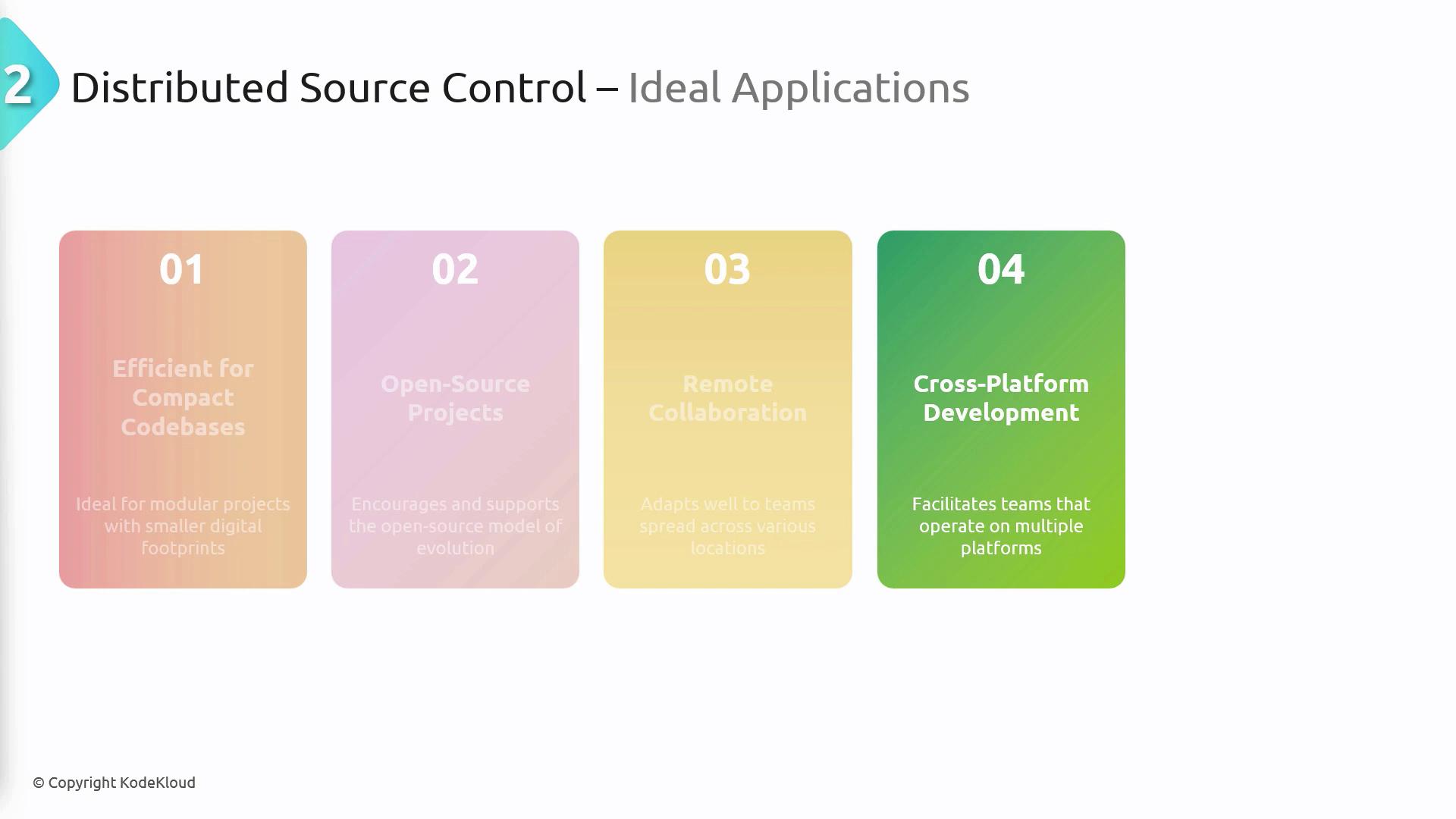
Ideal Use Cases for Distributed Control
- Modular or microservice-based codebases
- Open source projects with many external contributors
- Teams spread across different regions
- Cross-platform development environments
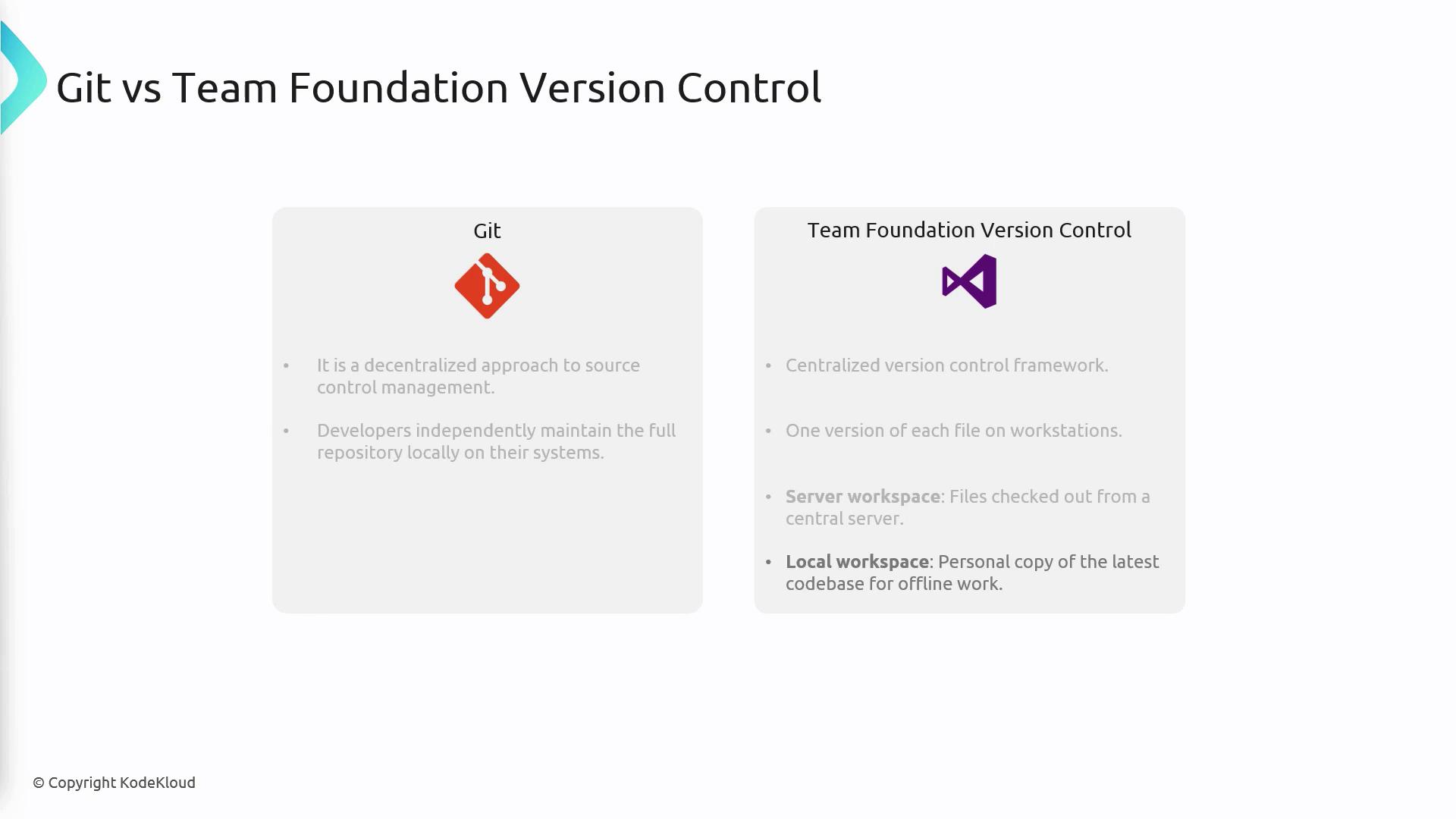
Git vs. Team Foundation Version Control (TFVC)
| Feature | Git (Distributed) | TFVC (Centralized) |
|---|---|---|
| Repository Model | Each developer has a full clone locally | Single central repository; local workspace for latest code |
| Offline Operations | Full commit, branch, and history access at all times | Limited to local workspace edits; must check out changes |
| Branching & Merging | Lightweight branches, easy merges | Heavyweight branching, file locking for conflict prevention |
| Collaboration Workflow | Pull requests, forks, social coding | Check-in policies, gated check-ins |
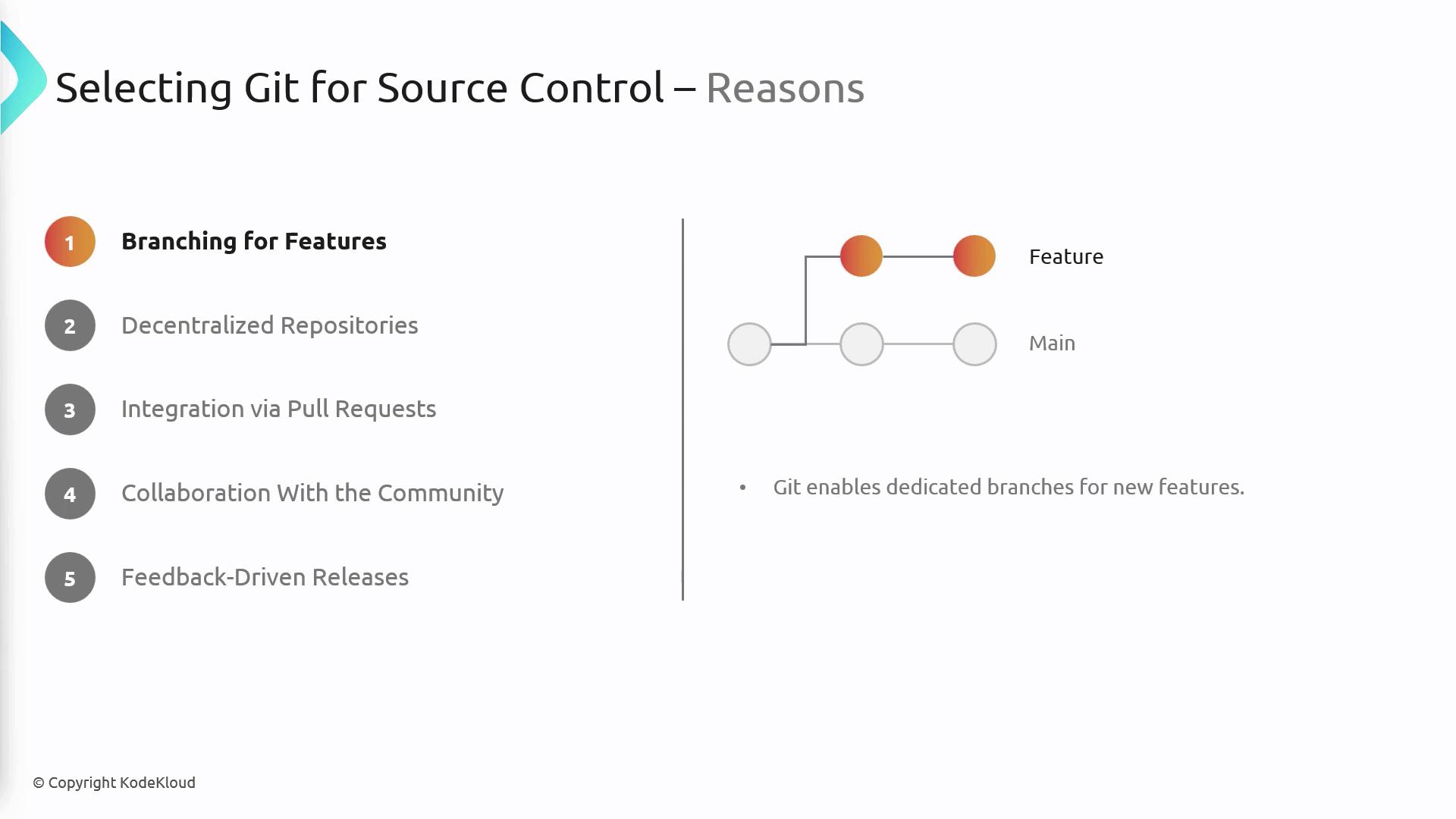
Reasons to Select Git for Source Control
- Feature Branching
Isolate new features in dedicated branches before merging.
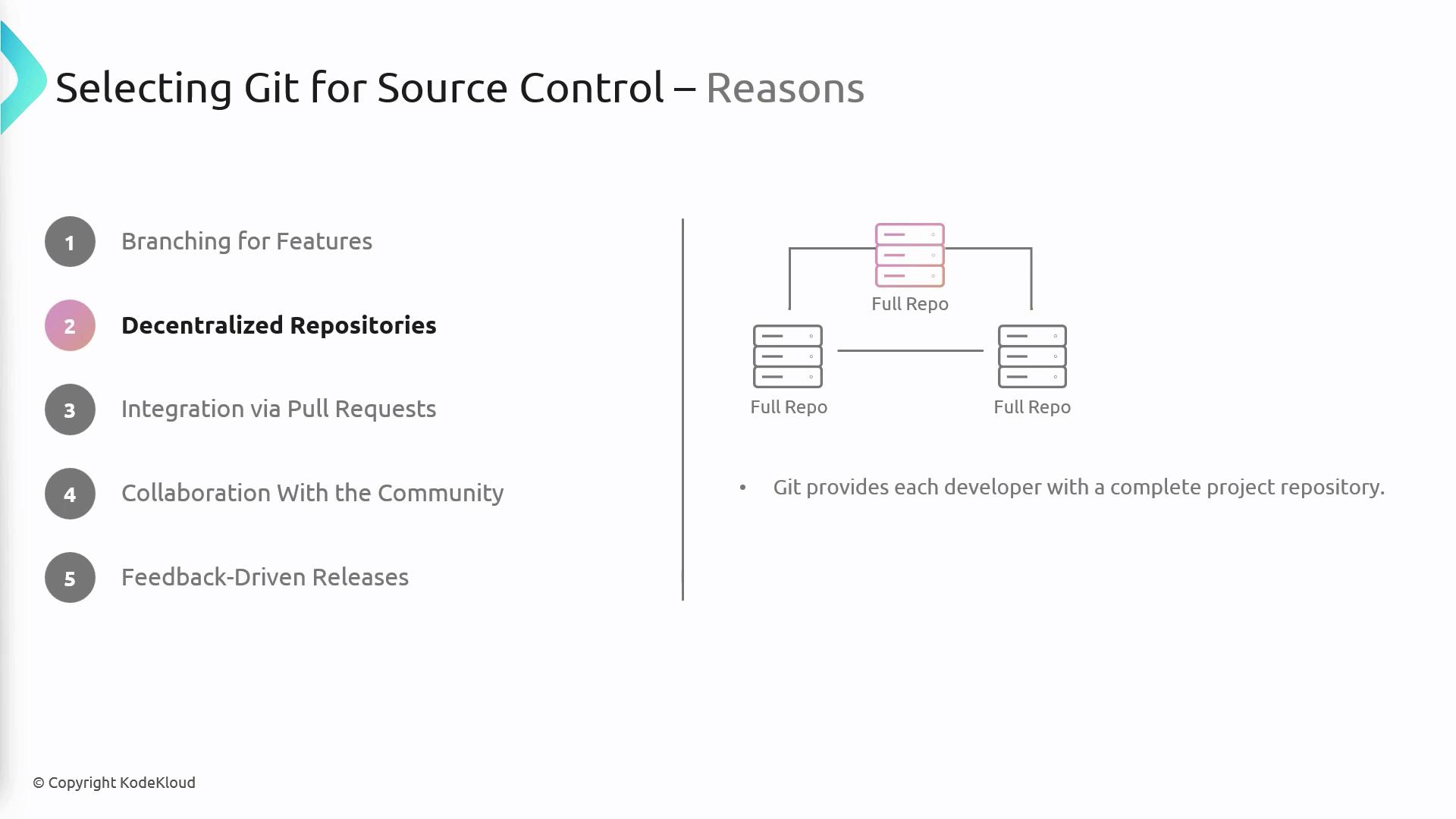
- Full Autonomy
Every developer holds a complete, self-contained repository.
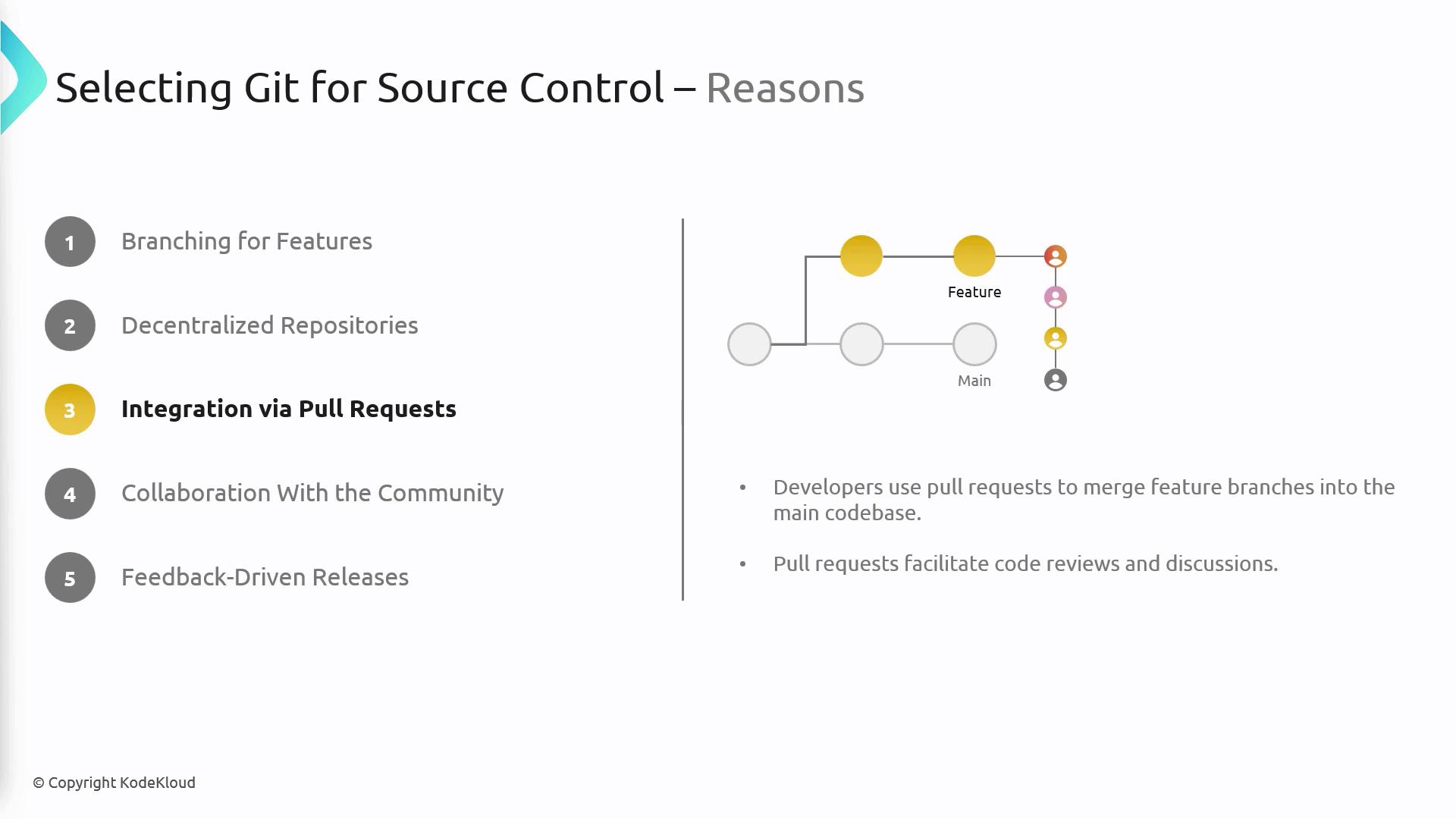
- Pull Requests & Code Reviews
Built-in workflows for peer review, discussion, and approval.
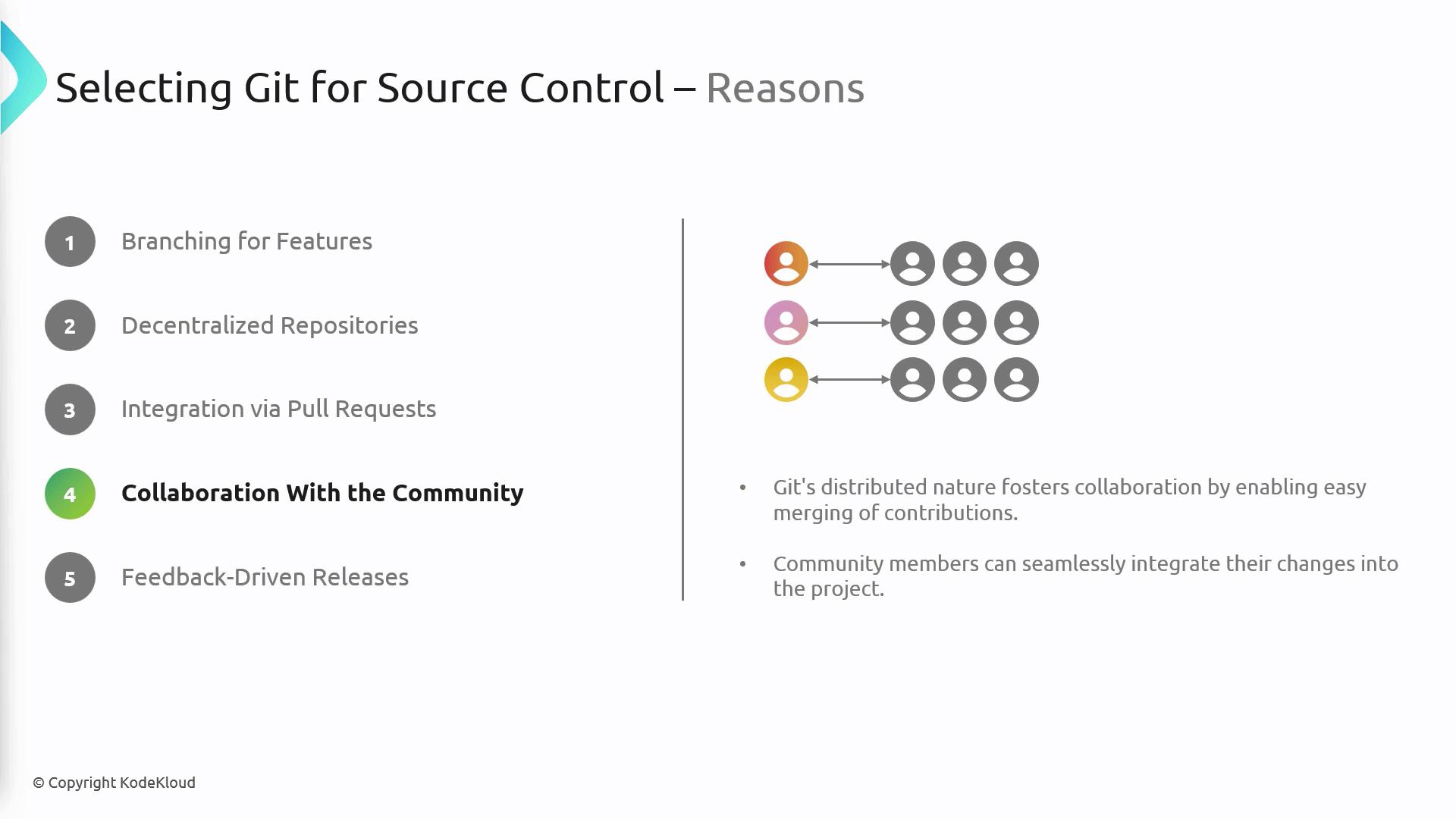
- Community Collaboration
Forks and pull requests simplify contributions from any developer.
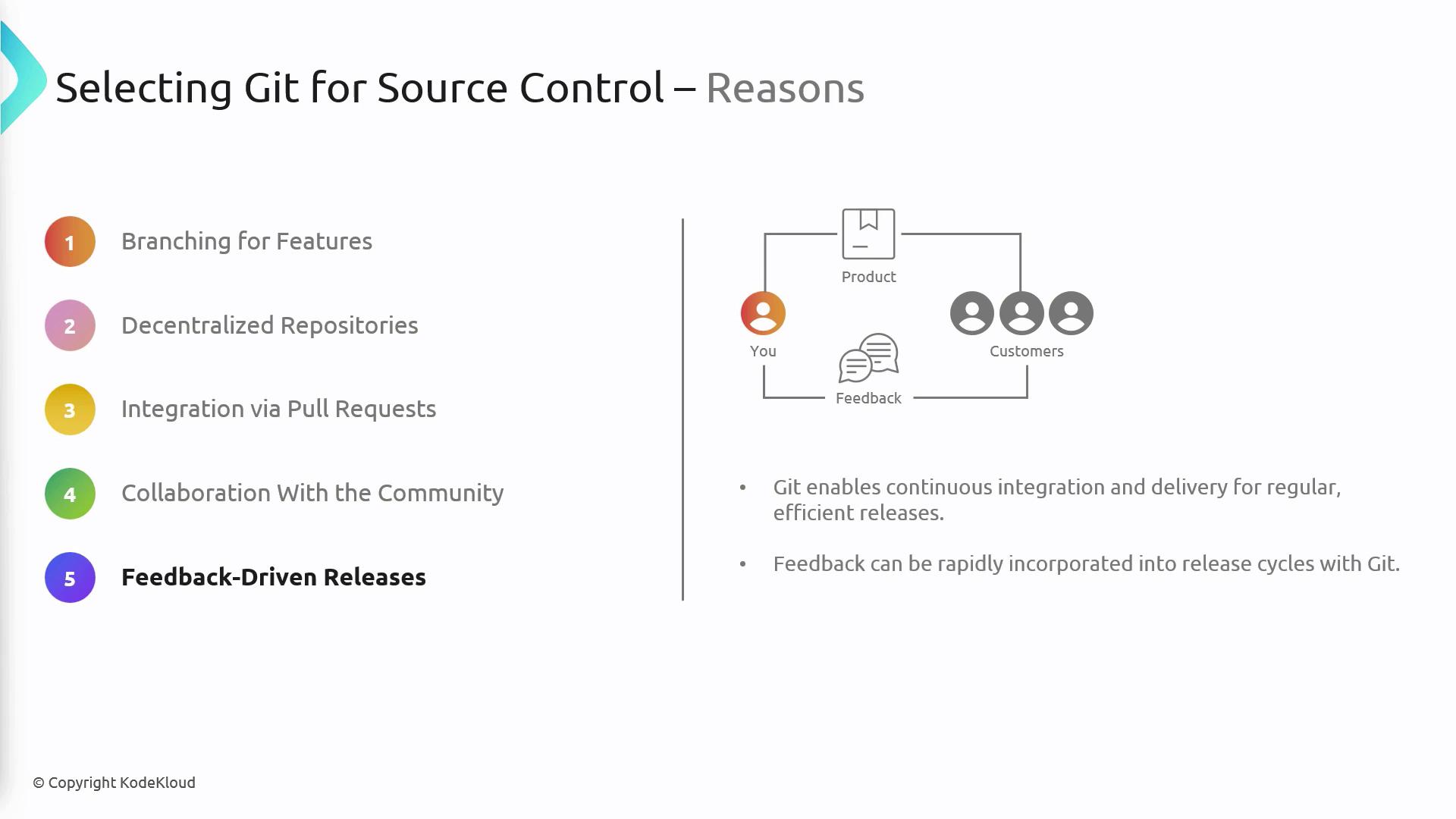
- Continuous Integration & Rapid Feedback
Seamless integration with CI/CD pipelines for faster release cycles.
Common Objections to Using Git
- History Rewrites: Mistakes in rebasing or force-push can alter commit history.
- Large File Management: Git isn’t optimized for big binaries; consider Git LFS.
- Steep Learning Curve: New users may need training to master branching strategies.
Improper use of
git reset or git rebase can rewrite shared history—coordinate closely with your team.