

- Ensure build consistency across environments
- Reduce dependency conflicts and drift
- Accelerate development and deployment cycles
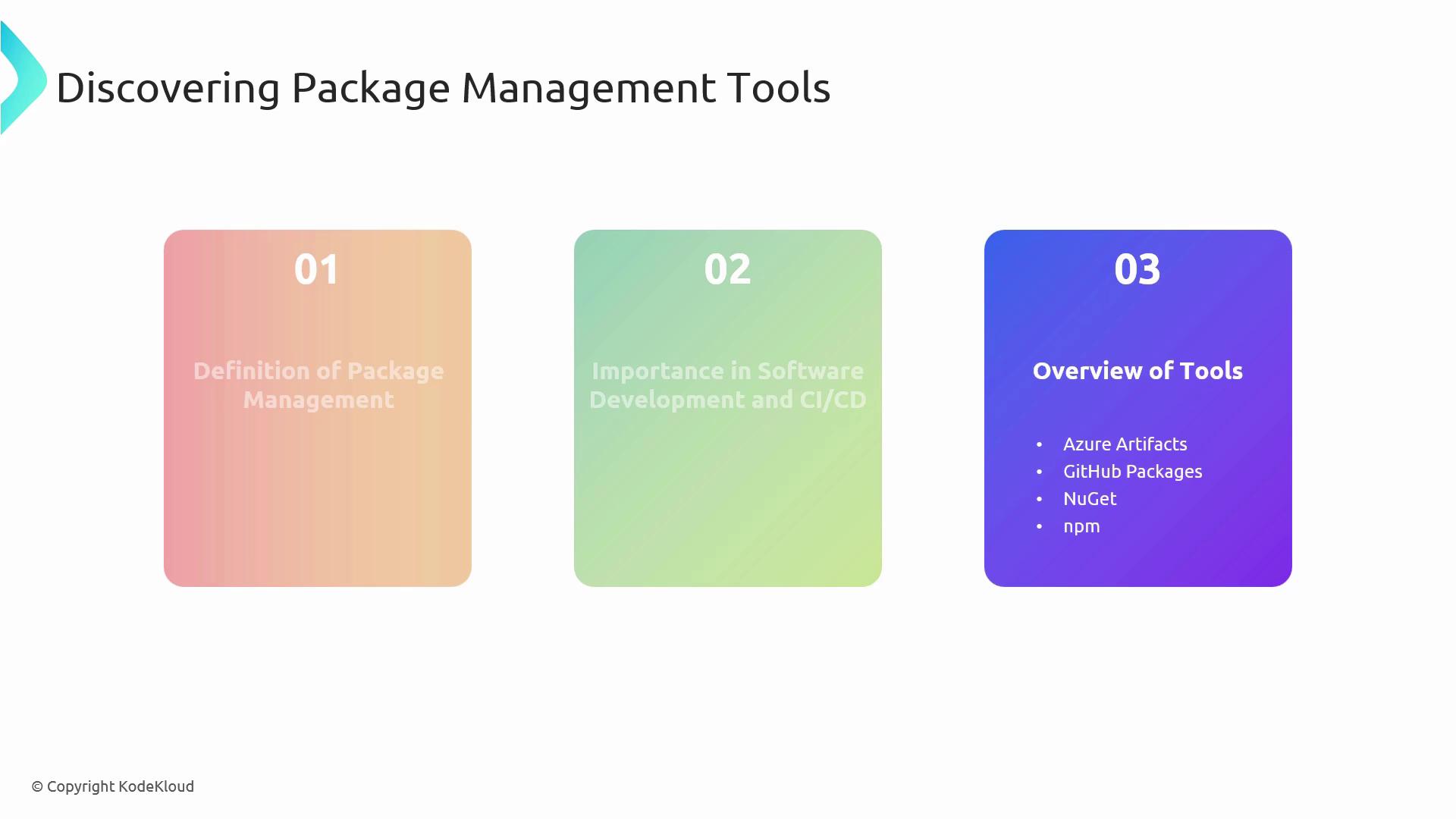
Key Package Management Tools
| Tool | Description | Link |
|---|---|---|
| Azure Artifacts | Universal hosting for NuGet, npm, Maven, Python, and more—manage public & private feeds in one portal. | Azure Artifacts |
| GitHub Packages | Integrated package registry on GitHub, providing version control and artifact hosting. | GitHub Packages |
| NuGet | Official .NET package manager simplifying third-party library integration into .NET applications. | NuGet.org |
| npm | JavaScript package manager for Node.js, essential for web and server-side dependency management. | npmjs.com |
Deep Dive: Azure Artifacts
Azure Artifacts provides a rich set of features for hosting and managing package feeds across multiple formats.Functionality & Integration
- Feed Creation
- Publishing Packages
- .NET (NuGet):
- npm:
- .NET (NuGet):
- Connecting Feeds to Pipelines
- Add a feed resource in your YAML pipeline:
- Reference packages directly in your
buildandreleasestages.
- Add a feed resource in your YAML pipeline:
You can scope feeds to teams or projects to isolate dependencies and improve security.
Key Features
- Universal support for NuGet, npm, Maven, Python, and more
- Fine-grained permissions at user, group, or token levels
- Seamless integration with Azure Pipelines for automated CI/CD workflows
CI/CD Best Practices
| Practice | Description |
|---|---|
| Semantic Versioning | Adopt MAJOR.MINOR.PATCH guidelines to signal breaking changes, enhancements, and fixes. |
| Scoped Feeds & Views | Organize packages by project, environment, or team to simplify discovery and access control. |
| Retention Policies | Automatically clean up old or unused packages to manage storage costs. |
Misconfigured retention policies can inadvertently delete packages in use. Always verify your cleanup rules before applying.