

Azure Pipelines Overview
Azure Pipelines is a fully managed CI/CD service that automates builds, tests, and deployments. With cloud-hosted agents and support for containers, it scales to meet teams’ needs—delivering consistent results and accelerating time to market.Initial Pipeline Configuration
To kick off your CI/CD journey, follow these steps:- Create an Azure DevOps account and set up your project.
- Integrate source control using Git, GitHub, or Azure Repos.
- Define your pipeline via the Classic editor or a YAML file.
Cache dependencies (e.g., NuGet, npm) to reduce build times and save costs.
Cost Management
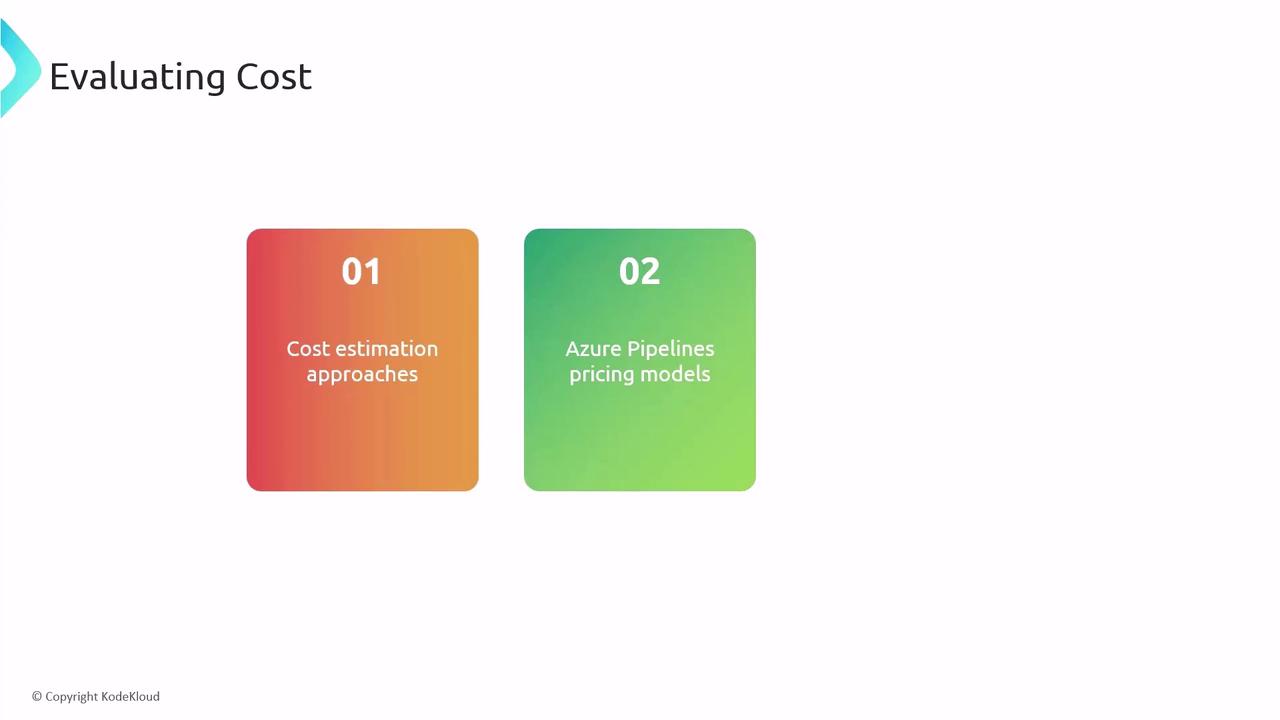
Azure Pipelines billing factors:- Concurrent jobs – number of parallel executions
- Agent type – Microsoft-hosted vs. self-hosted
- Parallelism level – maximum simultaneous runs
- Caching dependencies between builds
- Limiting parallel jobs to critical workflows
- Leveraging self-hosted agents for predictable workloads
Tool Selection
Choose the right tools by evaluating:| Consideration | Details | Example |
|---|---|---|
| Project requirements | Frameworks, languages | .NET, Node.js, Python |
| Azure DevOps extensions | Marketplace integrations | Test plans, SonarCloud, Slack notifications |
| Scalability | Community support, plugin updates | Active GitHub repos, frequent releases |
Licensing
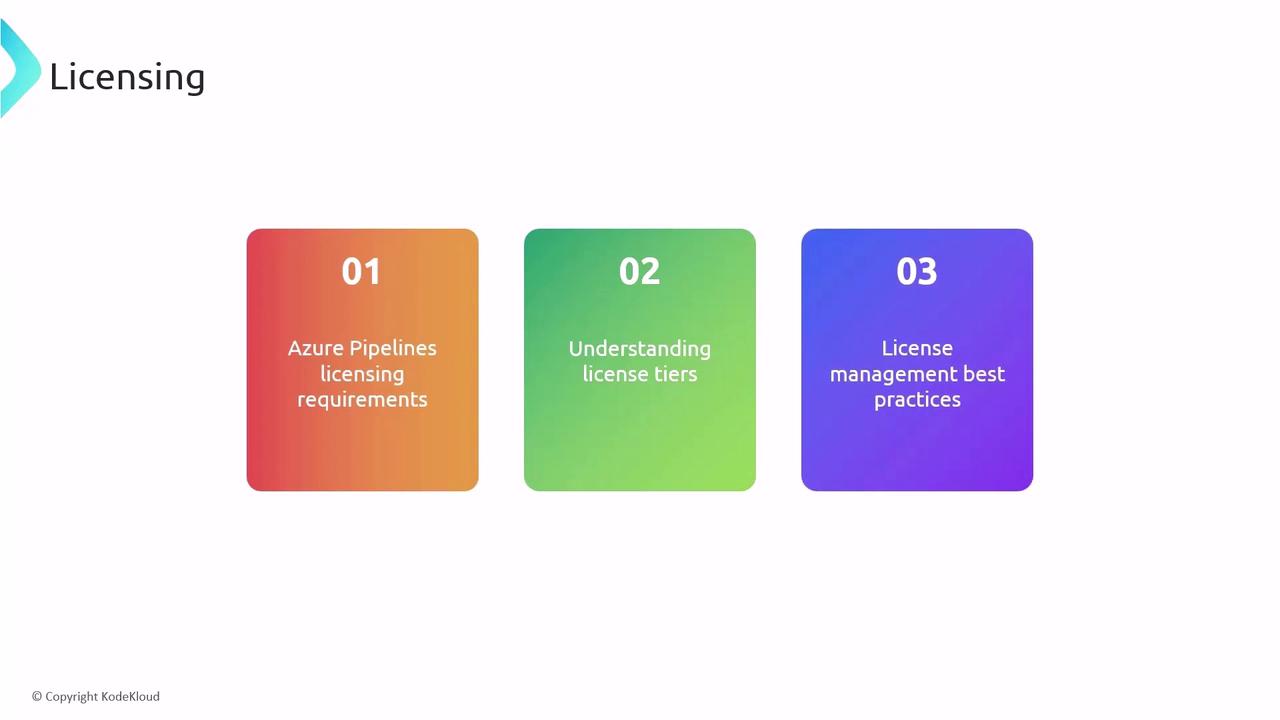
Azure Pipelines offers:- Free tier: Ideal for open-source projects and small teams
- Paid tiers: Additional parallel jobs, self-hosted agents, advanced features
- Conduct regular usage audits
- Match license counts to team size and workload
- Scale license tiers on demand to avoid over-provisioning
Exceeding free tier limits can incur unexpected charges. Monitor job usage in the Azure DevOps portal.
Connectivity
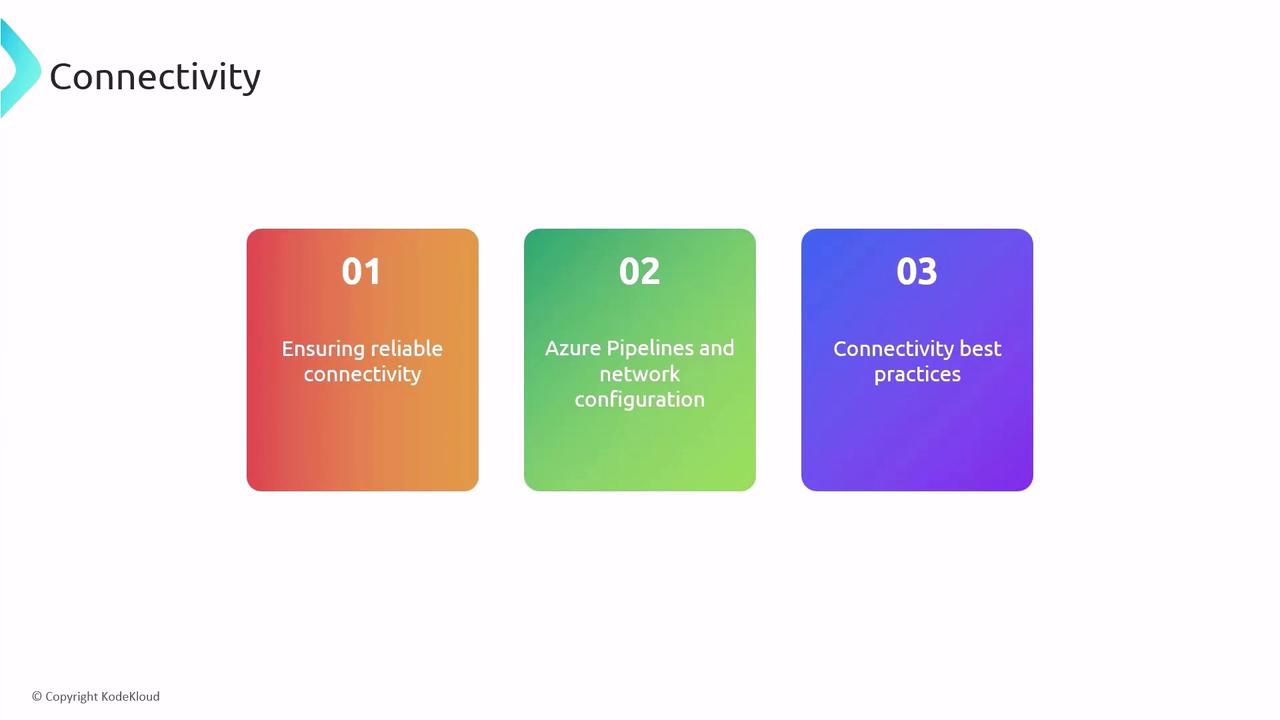
Network reliability is crucial for pipeline triggers and service hooks:- Use dedicated networks for build traffic
- Configure firewalls and VNet integration for secure access
- Monitor latency and throughput to detect bottlenecks
Triggers
Pipeline triggers automate runs based on events:| Trigger Type | Description | Example |
|---|---|---|
| Push trigger | Launch on code commit | trigger: branches: include: - main |
| PR validation trigger | Validate pull requests | pr: branches: include: - develop |
| Scheduled trigger | Run at specified times | Cron: 0 2 * * * |
Classic Pipelines
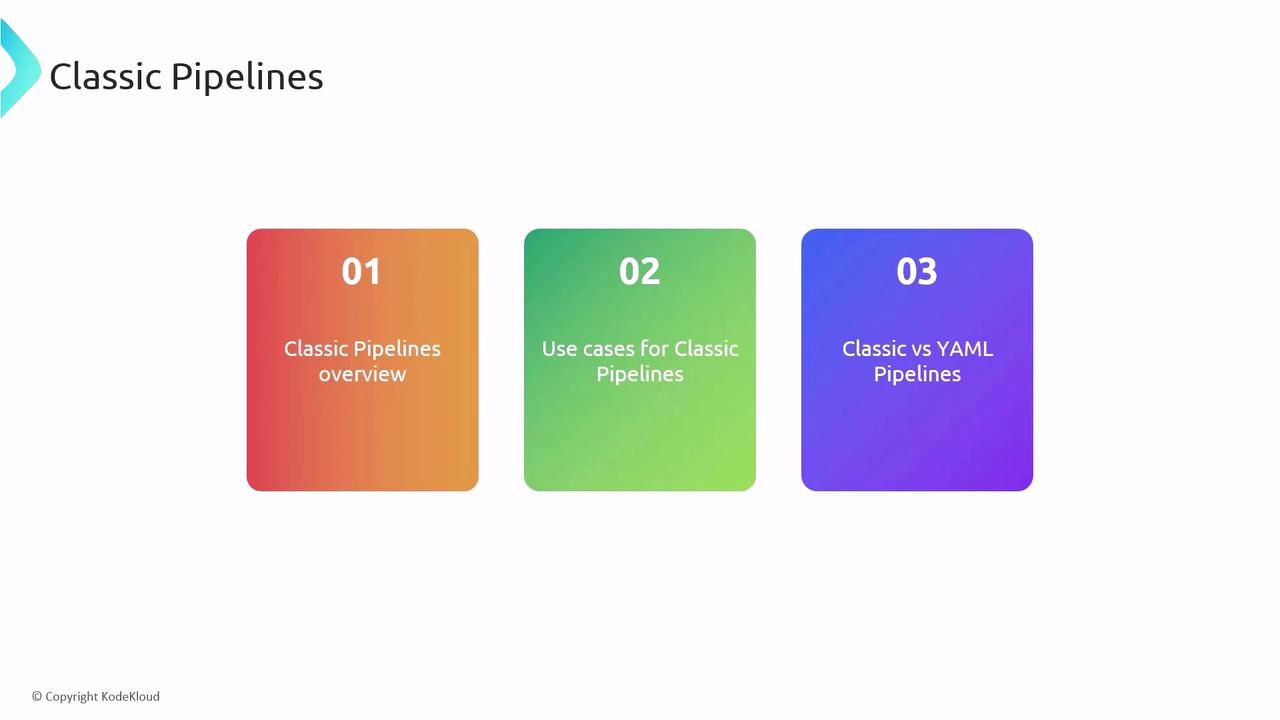
The Classic (GUI) editor provides a visual, drag-and-drop experience:- Quick setup for simple workflows
- Access to built-in tasks and marketplace extensions
- Limited version control compared to YAML
YAML Pipelines
Version pipelines as code for full control, reuse, and auditing:Build Agents and Parallelism
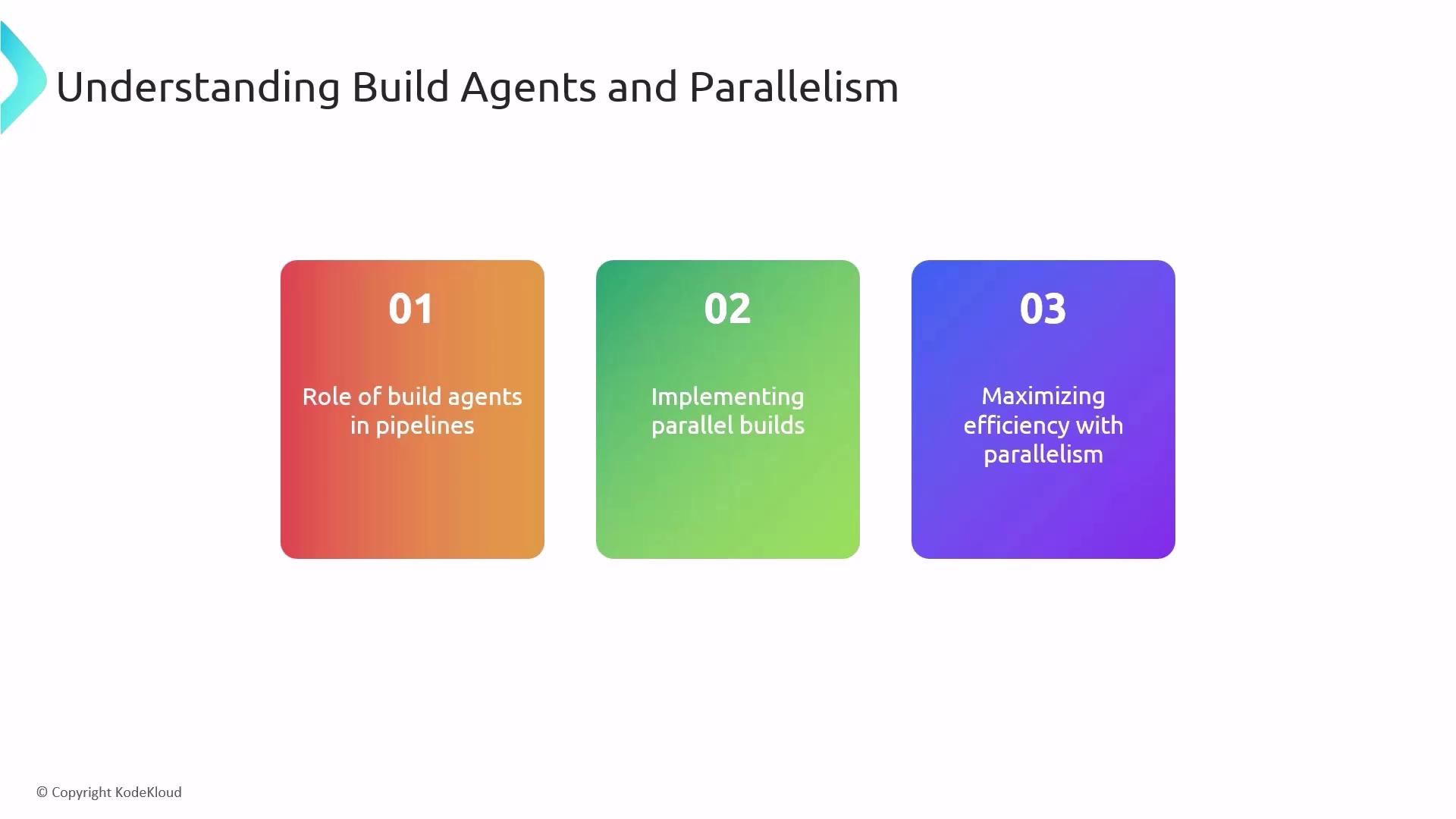
Build agents execute your CI/CD jobs—choose between:- Microsoft-hosted agents for out-of-the-box convenience
- Self-hosted agents for custom environments and compliance
- Configure parallel jobs in pipeline settings
- Use matrix builds for multiple OS and framework combinations
- Optimize job dependencies to reduce idle time
For more details, visit the Azure Pipelines documentation and explore best practices for CI/CD on the Microsoft Learn portal. Thank you for following along!