

- Azure Automation State Configuration
- Azure Resource Manager
- Bicep
- Azure Automanage Machine Configuration
What Is Desired State Configuration?
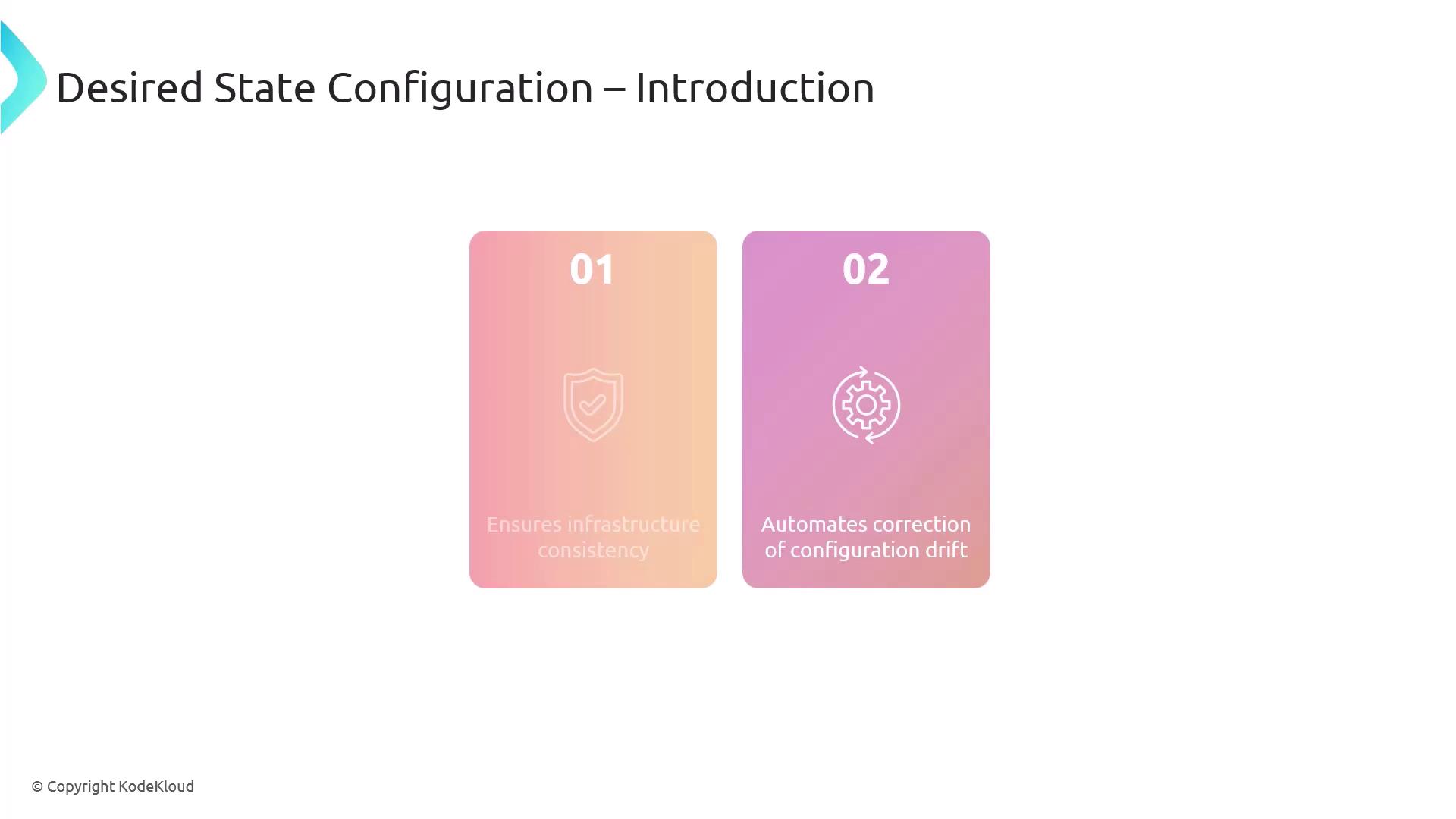
Desired State Configuration (DSC) is a Windows PowerShell management platform designed to:- Ensure infrastructure consistency by applying identical configurations across all nodes
- Automatically detect and remediate configuration drift to keep systems in the defined “blueprint”
Example: PowerShell DSC for a Windows Web Server
Below is a step-by-step demonstration on how to deploy IIS and configure the Default Web Site in a stopped state using PowerShell DSC.Step 1: Define the DSC Configuration
You need administrator privileges to install roles/features and apply DSC configurations on Windows Server.
Step 2: Compile the Configuration
Run the configuration script to generate a Managed Object Format (MOF) file:Step 3: Apply the Configuration
Push the MOF to the Local Configuration Manager (LCM) on the target node:-Pathpoints to the folder containing the.moffile.-Waitpauses execution until the LCM completes the operation.-Verboseshows detailed progress.-Forcere-applies the configuration even if it’s already in place.
How DSC Works
The Local Configuration Manager (LCM) is the DSC engine on each target node. It:- Reads the
.moffile and understands the desired state. - Applies any missing or incorrect settings to match that state.
- Periodically checks for drift and re-applies the configuration if changes are detected.
Key DSC Resources
| Resource | Purpose | Example Usage |
|---|---|---|
| WindowsFeature | Installs or removes Windows Server roles/features | WindowsFeature IIS { Ensure = "Present"; Name = "Web-Server" } |
| xWebsite | Creates, removes, or configures IIS websites | xWebsite DefaultSite { State = "Stopped"; Name = "Default Web Site" } |
Use Azure Automation State Configuration to scale DSC at enterprise level—target hundreds of machines, view compliance reports, and integrate with Azure Monitor.