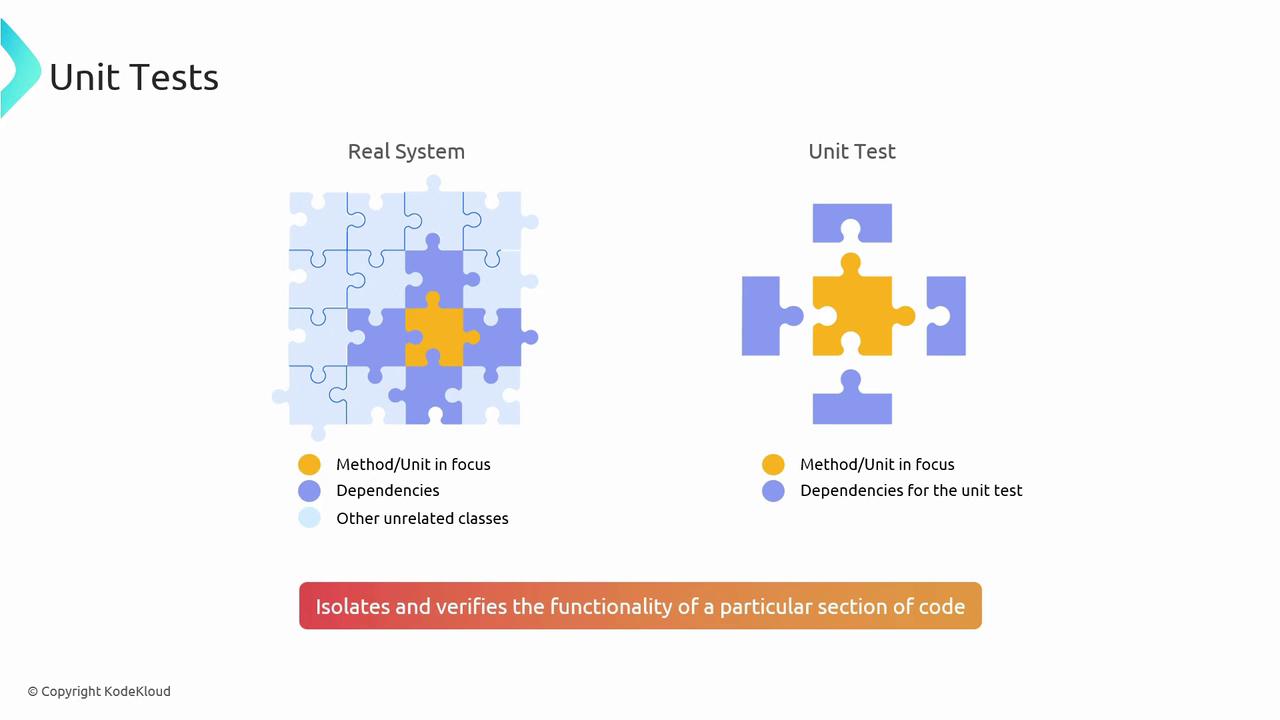
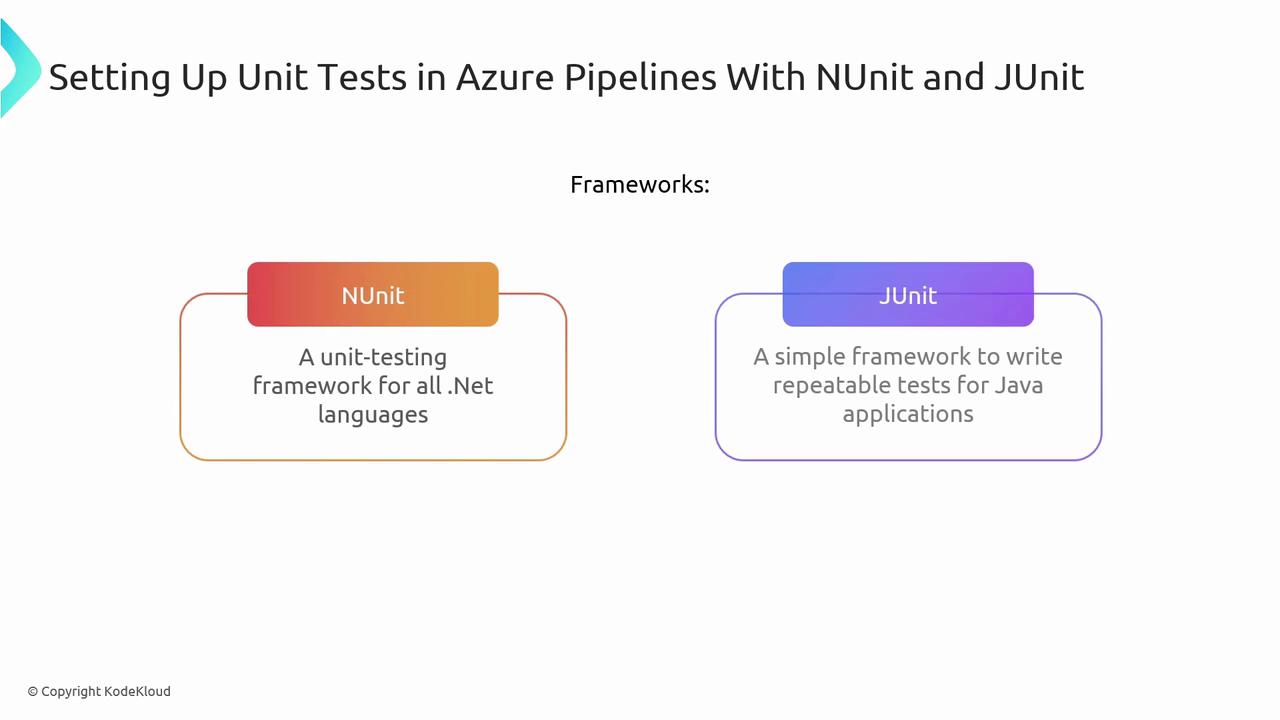
Local Tests Unit Tests Integration Tests Load Tests
This article covers essential testing stages and their integration into CI/CD workflows using Azure Pipelines.
In this article, we’ll cover four essential testing stages—local tests, unit tests, integration tests, and load tests—and show you how to plug them into your CI/CD workflows with Azure Pipelines. By automating these checks, you can catch defects early, maintain high quality, and ensure your services scale under pressure.
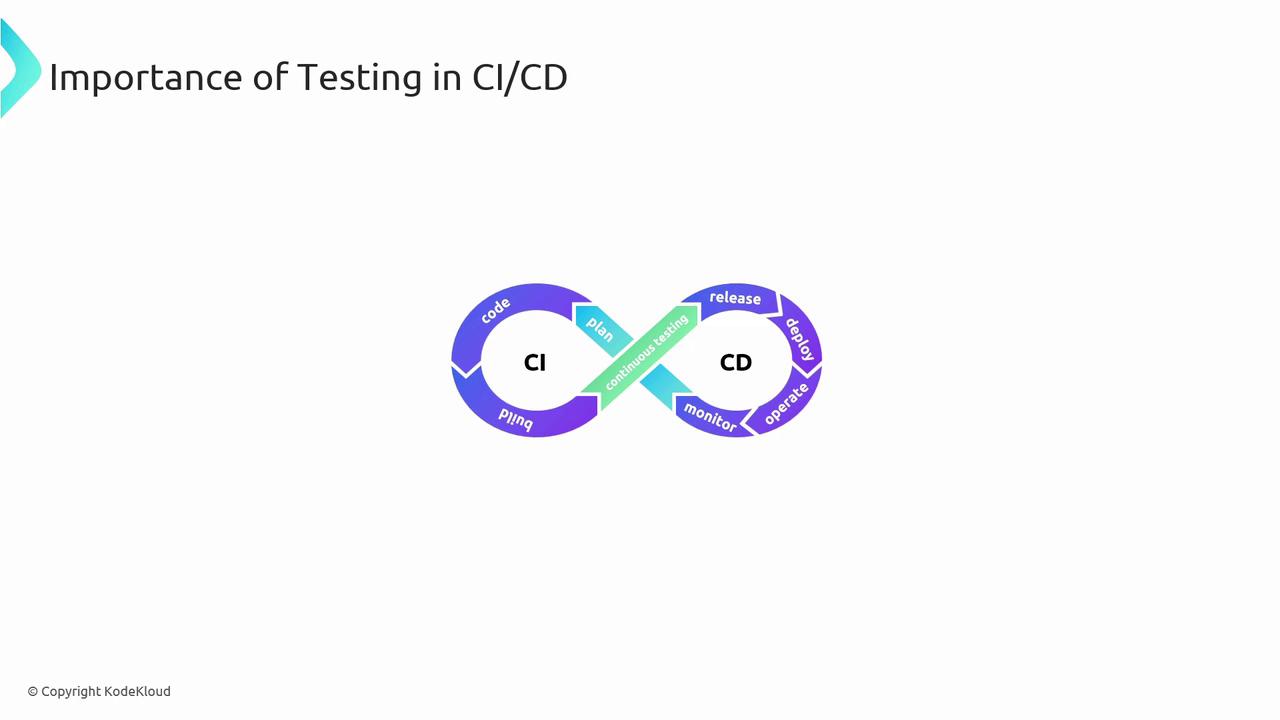
Testing is crucial in CI/CD to maintain application quality and performance.
Azure Pipelines provides the automation framework to execute these tests efficiently, ensuring smooth integration and deployment.
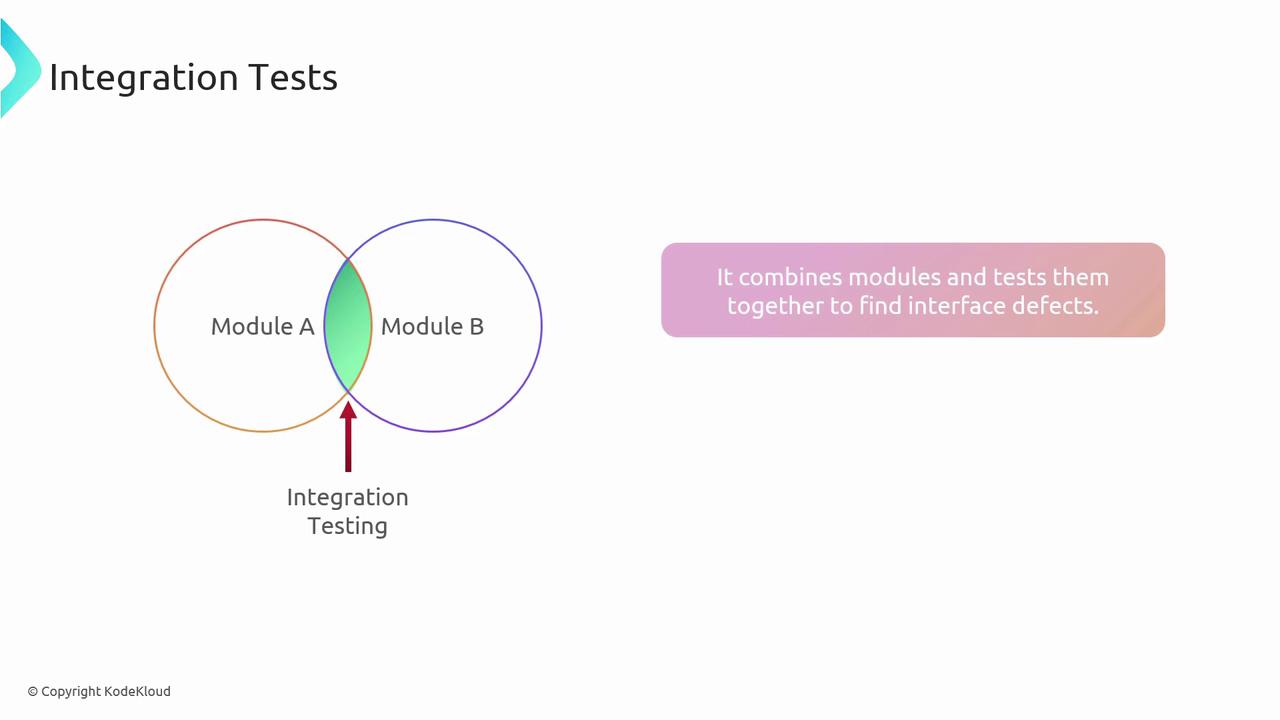
Exercise interactions between modules and services
dotnet test, pytest
Load Tests
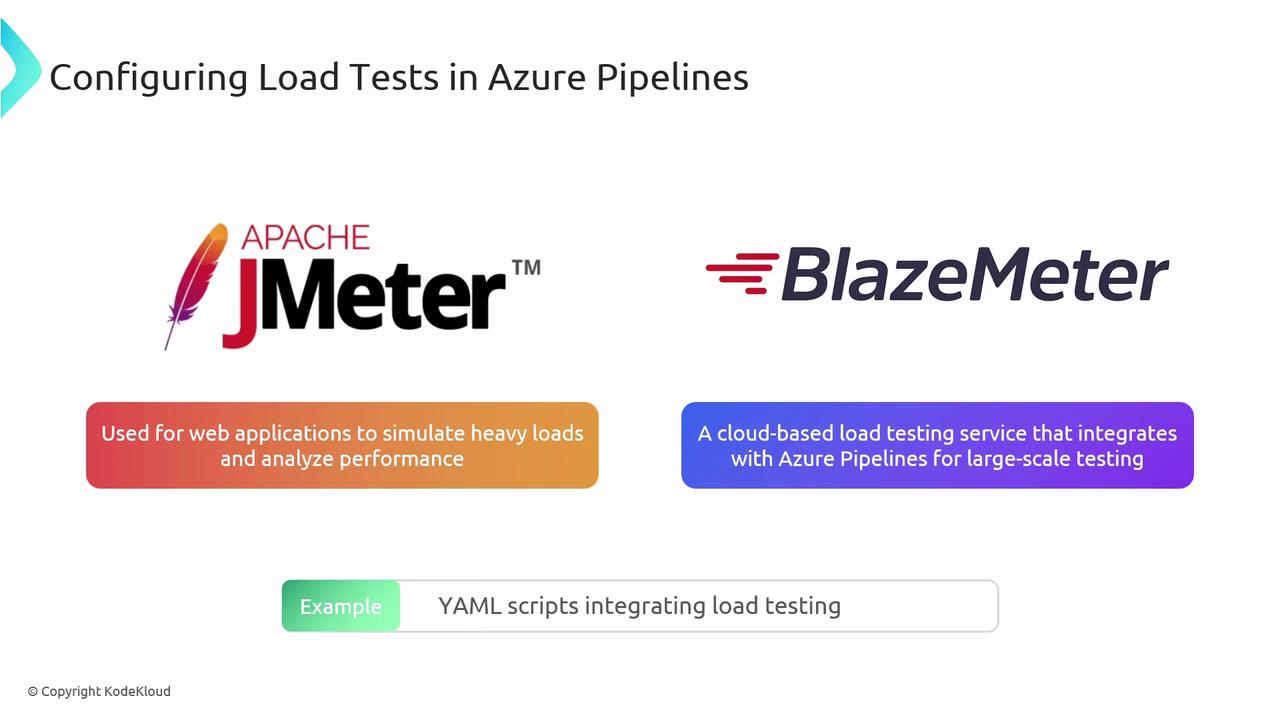
Simulate heavy traffic and measure performance
Apache JMeter, BlazeMeter
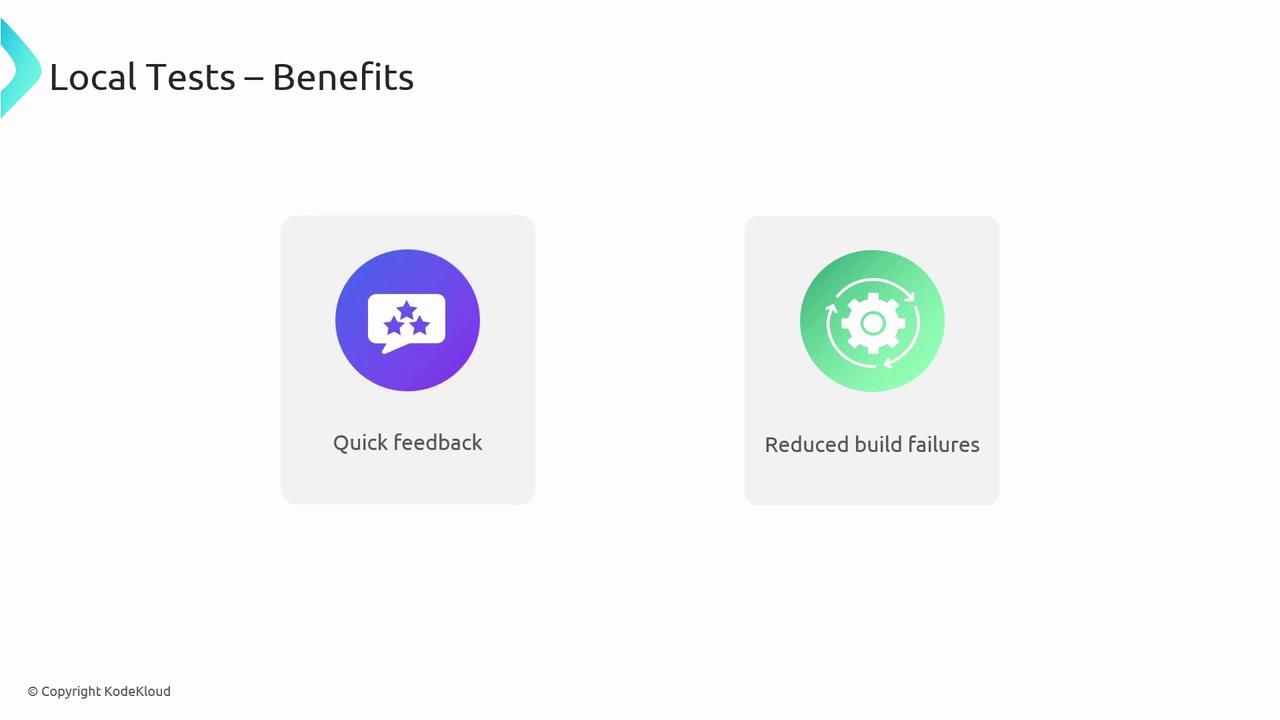
Run local tests before every commit to minimize broken builds in your shared branches. Automate unit, integration, and load tests in separate pipeline stages for clear feedback and faster troubleshooting.
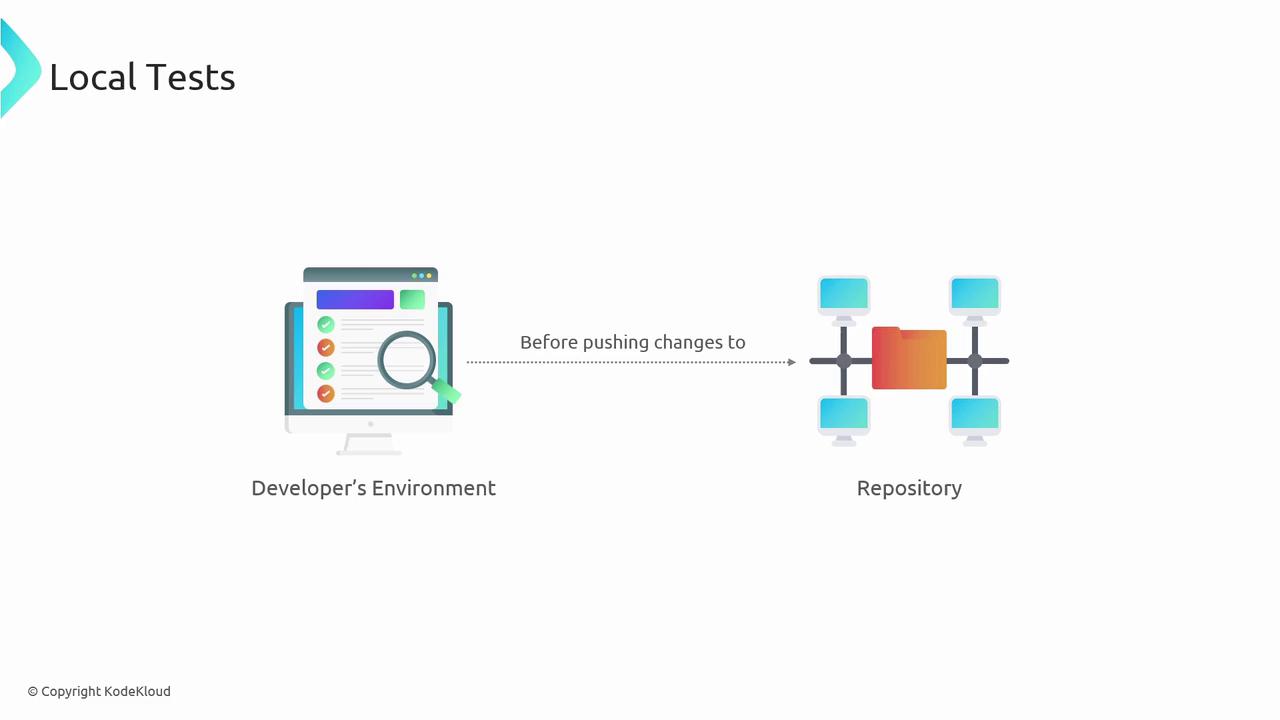
Local tests execute on your machine before code is pushed. They help catch syntax errors, style violations, and basic logical flaws without any external dependencies.
Integration tests validate that multiple components work together correctly. They are vital for catching interface mismatches and environment-specific issues.
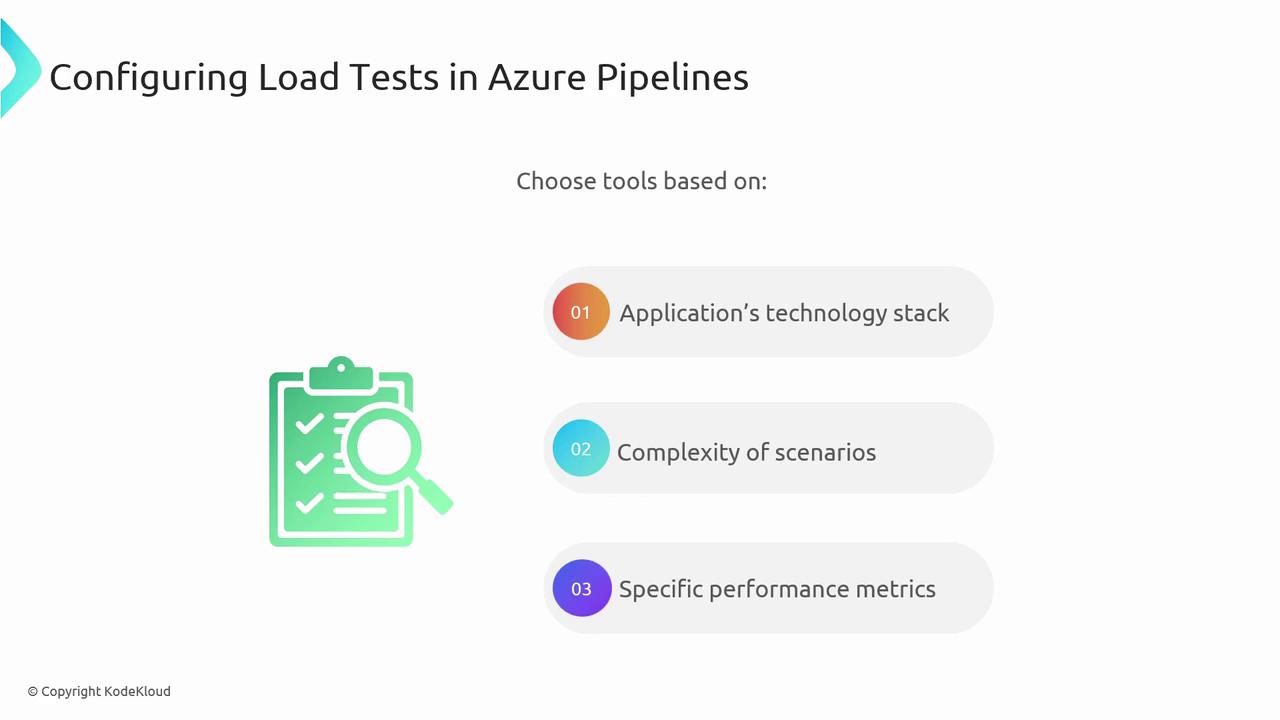
Load tests simulate concurrent users to verify performance and scalability under stress. They help identify bottlenecks before they impact real users.Tools such as Apache JMeter and BlazeMeter integrate seamlessly with Azure Pipelines.