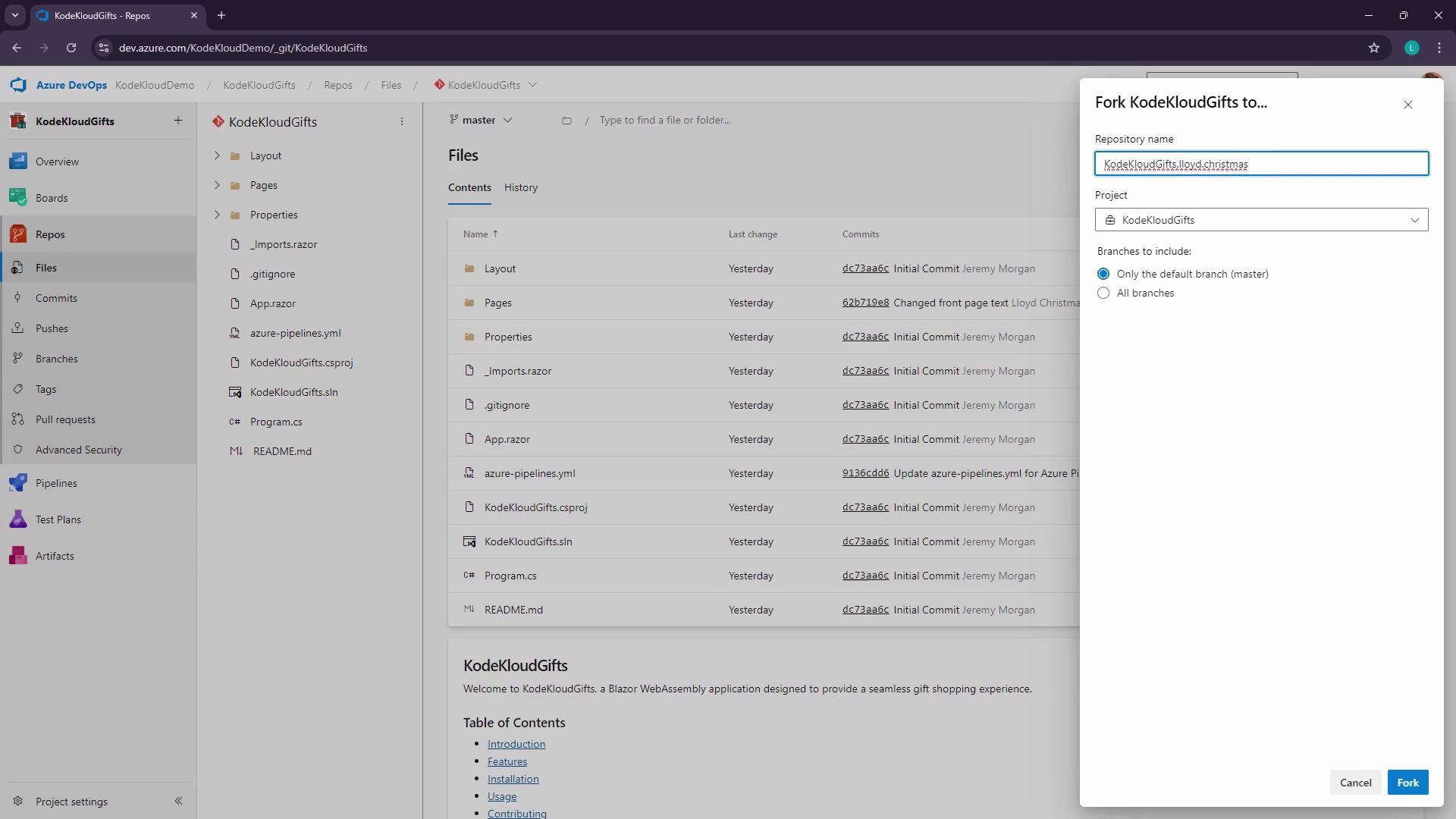
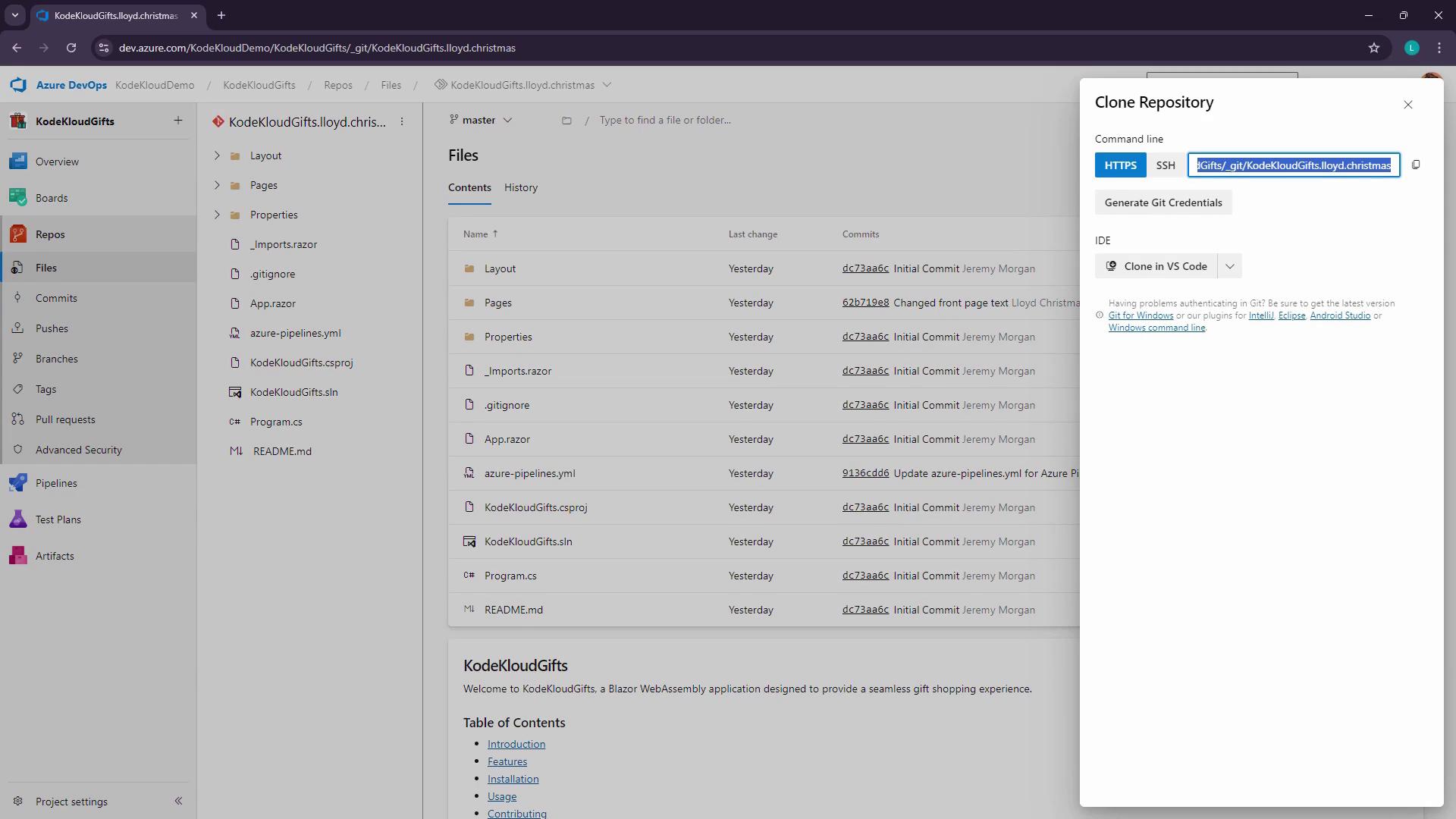
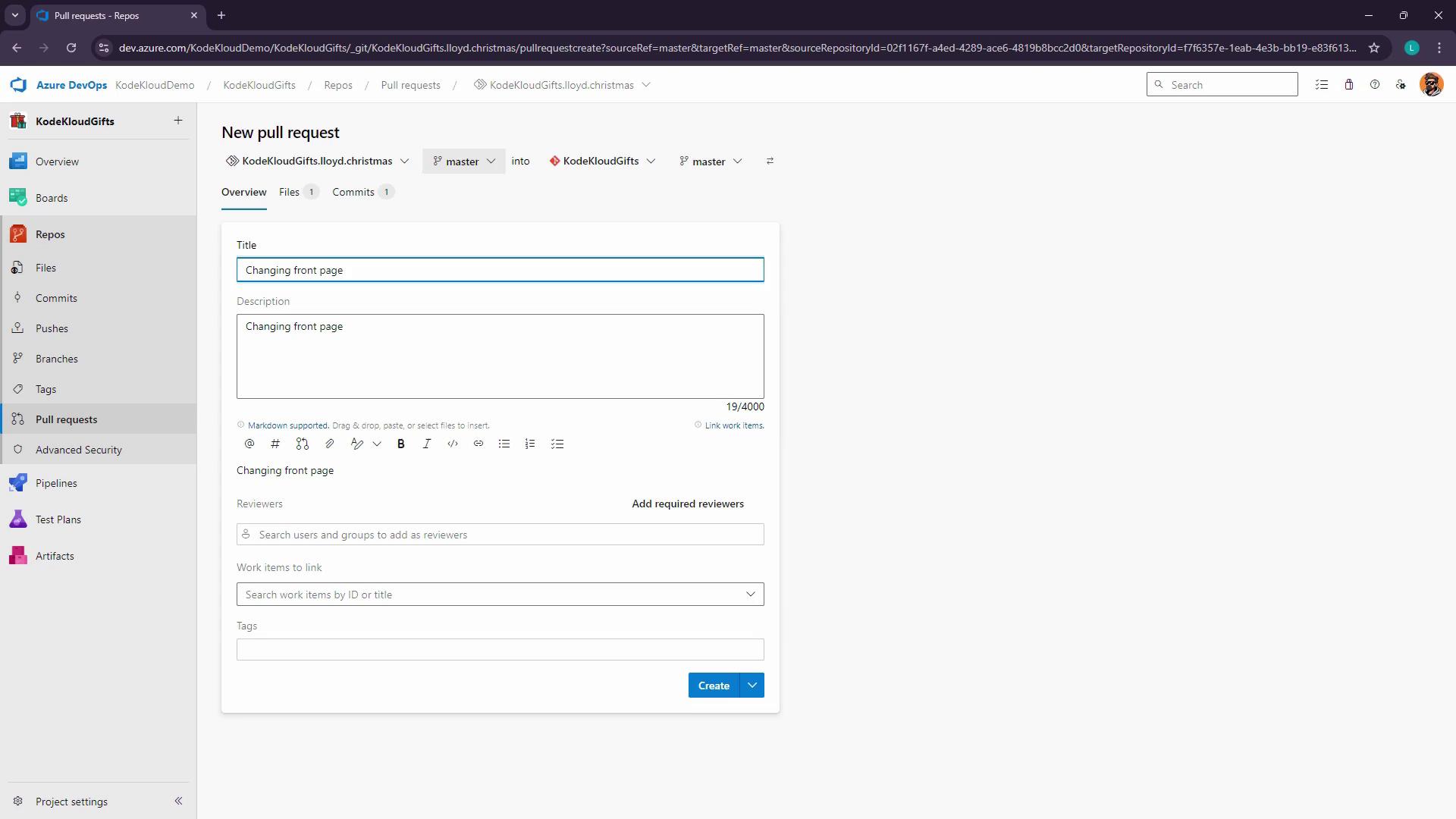
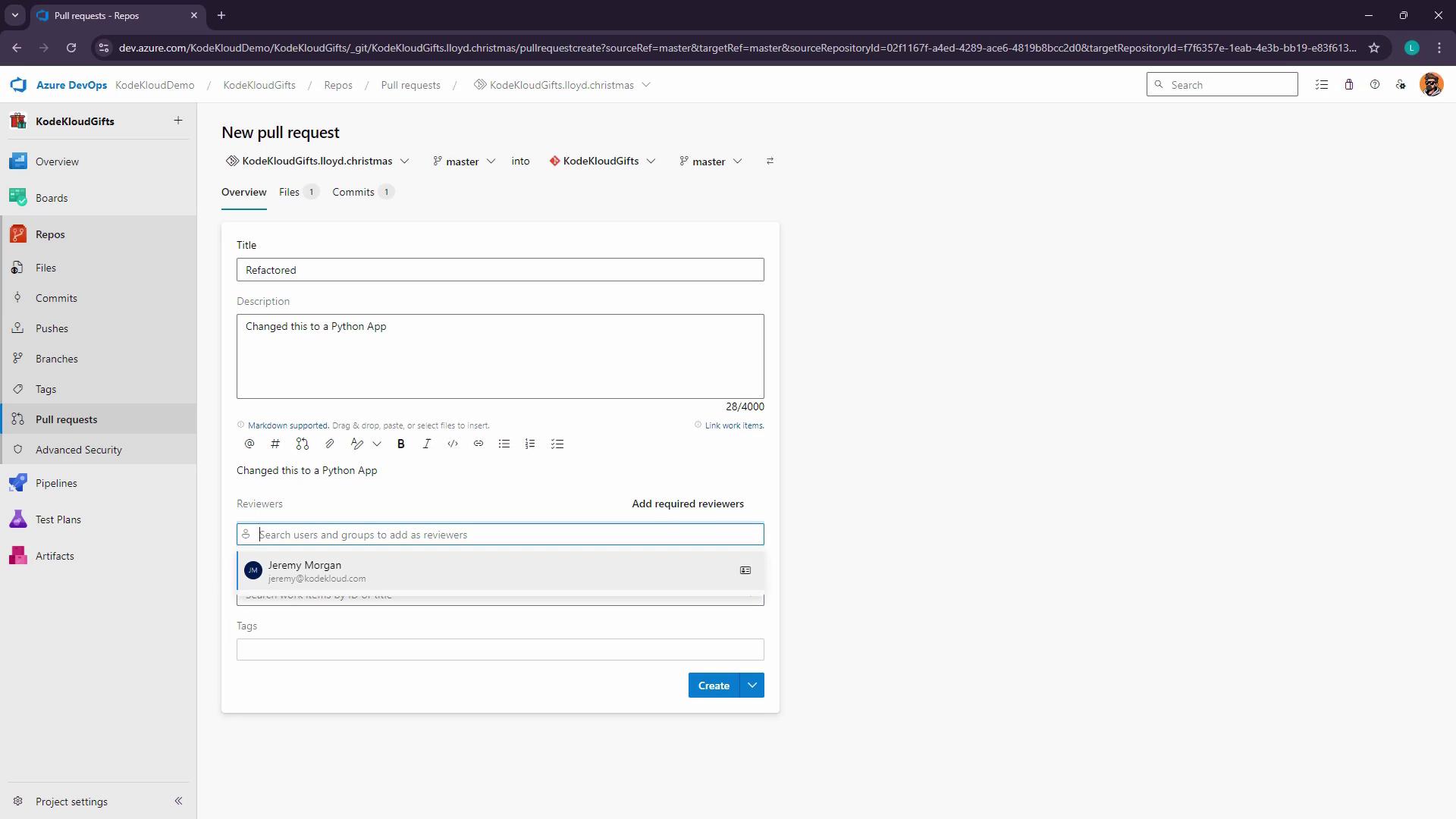
This guide explains how to create a personal copy of an Azure DevOps repository for safe experimentation and collaboration.
In this guide, you’ll learn how to safely experiment with a project by creating a personal copy of an Azure DevOps repository. Forking enables you to develop features, test changes, and submit pull requests back to the original codebase—all without affecting the upstream repository. This workflow is perfect for open source contributions and large-team collaboration.
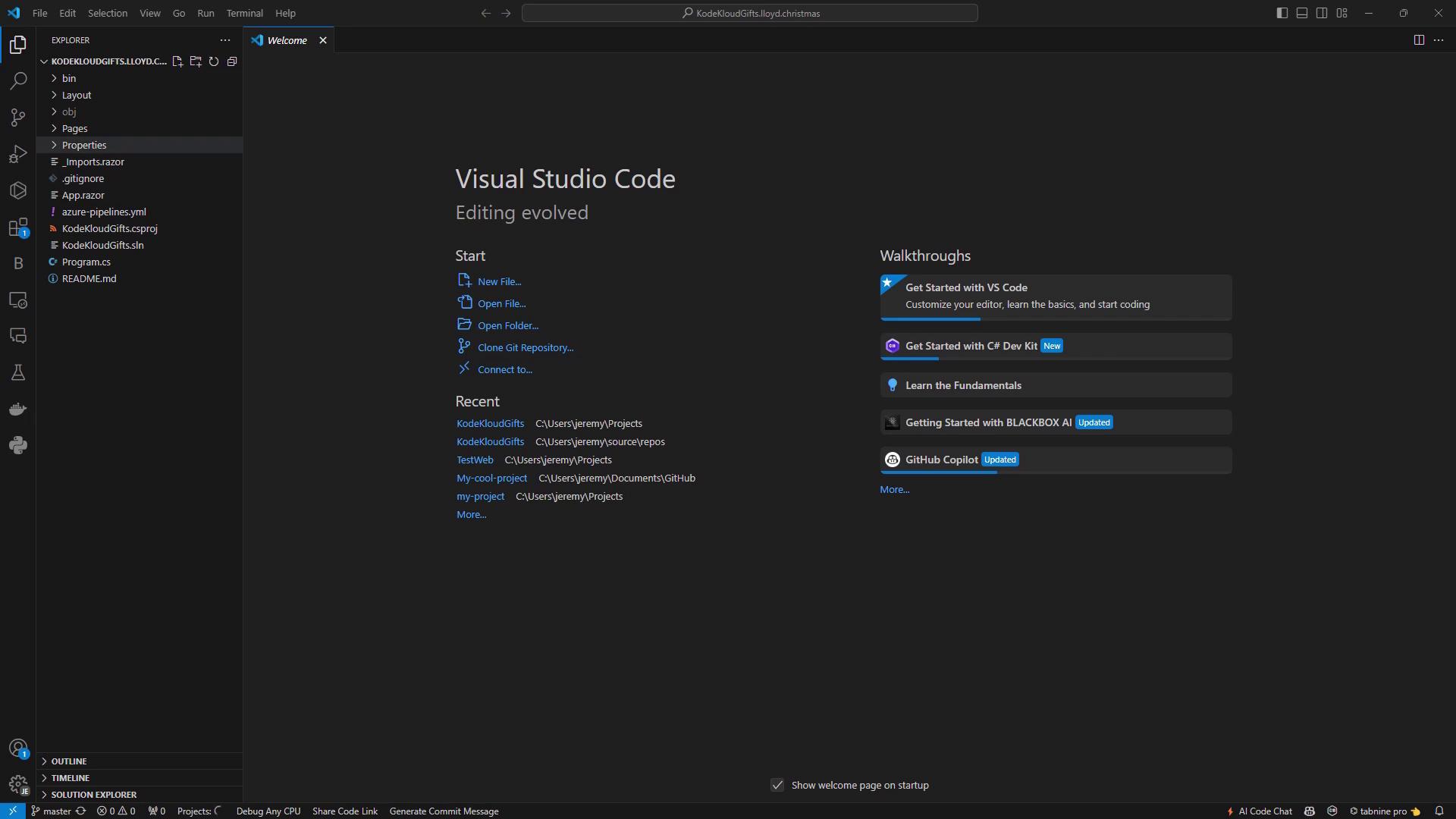
Cloning into 'KodeKloudGifts.lloyd.christmas'...remote: Azure Reposremote: This repository is a fork. Learn more at https://aka.ms/whatisafork.remote: To add its upstream as a remote, run:remote: git remote add upstream https://dev.azure.com/KodeKloudDemo/KodeKloudGifts/_git/KodeKloudGiftsUnpacking objects: 100% (37/37), done.
After cloning, run the following to set up the original repo as upstream:
Edit Pages/Home.razor to showcase Lloyd’s GIF shop:
Copy
Ask AI
@page "/"<PageTitle>Home</PageTitle><h1>Welcome to Lloyd’s KodeKloud Gift Shop!</h1><p> Discover Lloyd’s handpicked collection of quirky and unique GIF gifts. Whether for a friend, family, or yourself, shop the fun here!</p>
Commit and push your updates:
Copy
Ask AI
git statusgit add Pages/Home.razorgit commit -m "Update Home.razor with new shop details"git push origin master