

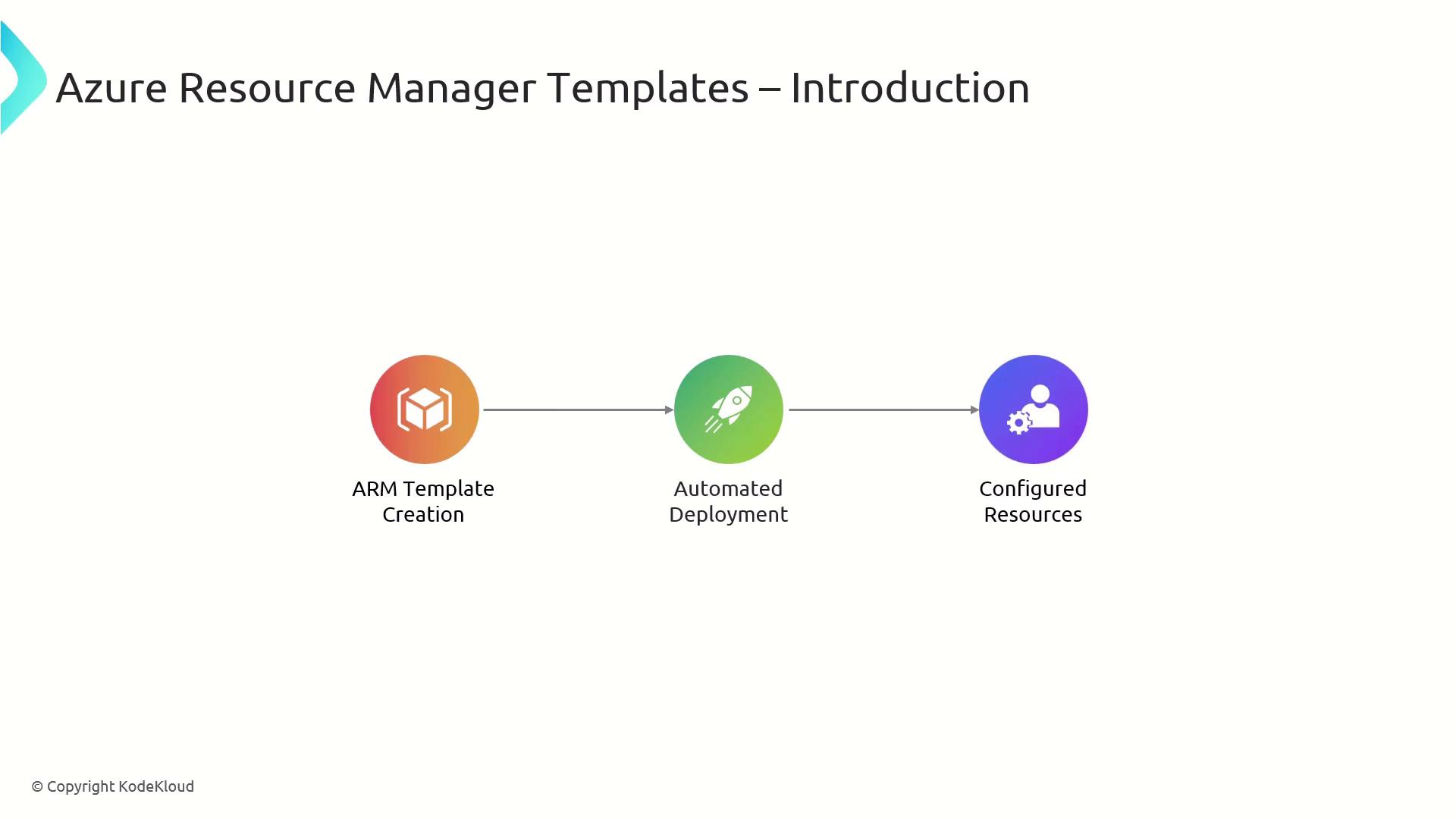
Why Use ARM Templates?
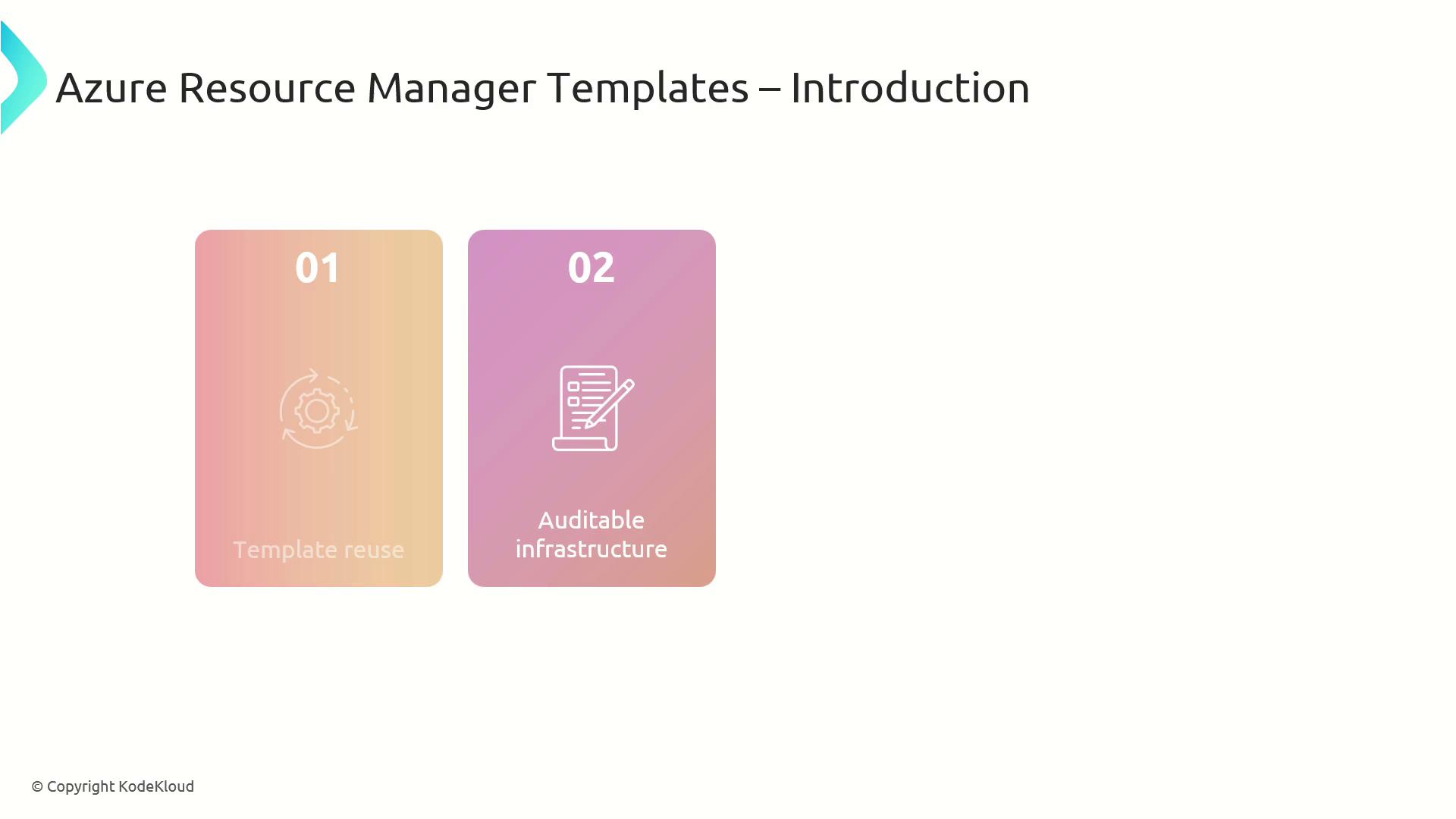
ARM templates offer several advantages over manual provisioning:| Benefit | Description | Example |
|---|---|---|
| Template Reuse | Shareable across teams and projects | Use the same network template in dev, test, and prod |
| Auditable Infra | JSON files double as documentation for compliance | Source control history shows every configuration change |
| Modular Architecture | Break large deployments into smaller, maintainable components | Separate templates for networking, storage, and compute |
Core Structure of an ARM Template
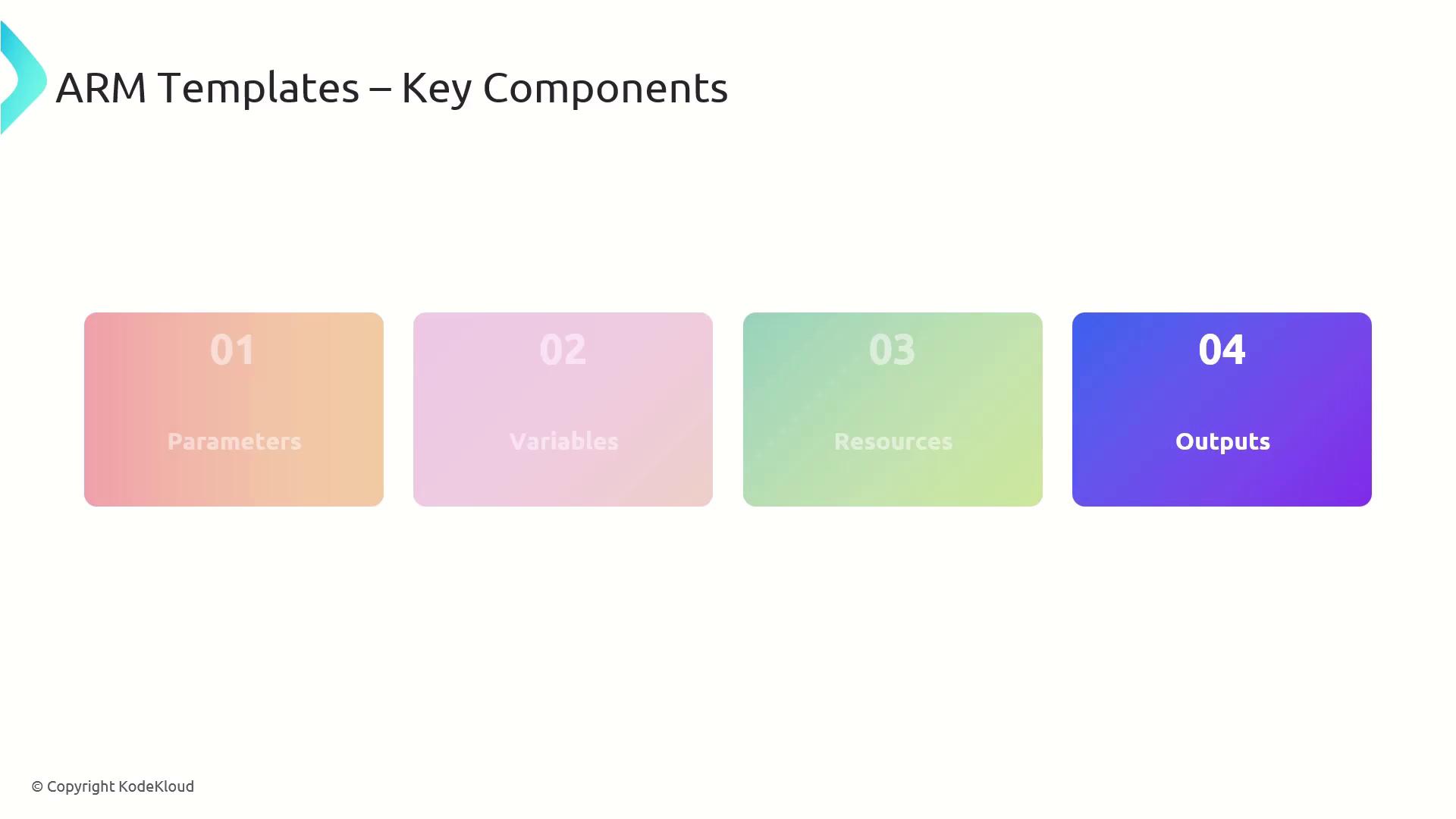
Every ARM template follows a consistent structure with four main sections:- parameters: Define inputs to customize deployments.
- variables: Store reusable values or expressions.
- resources: Declare Azure resources to create or update.
- outputs: Return information after deployment for chaining or debugging.
Managing Resource Dependencies
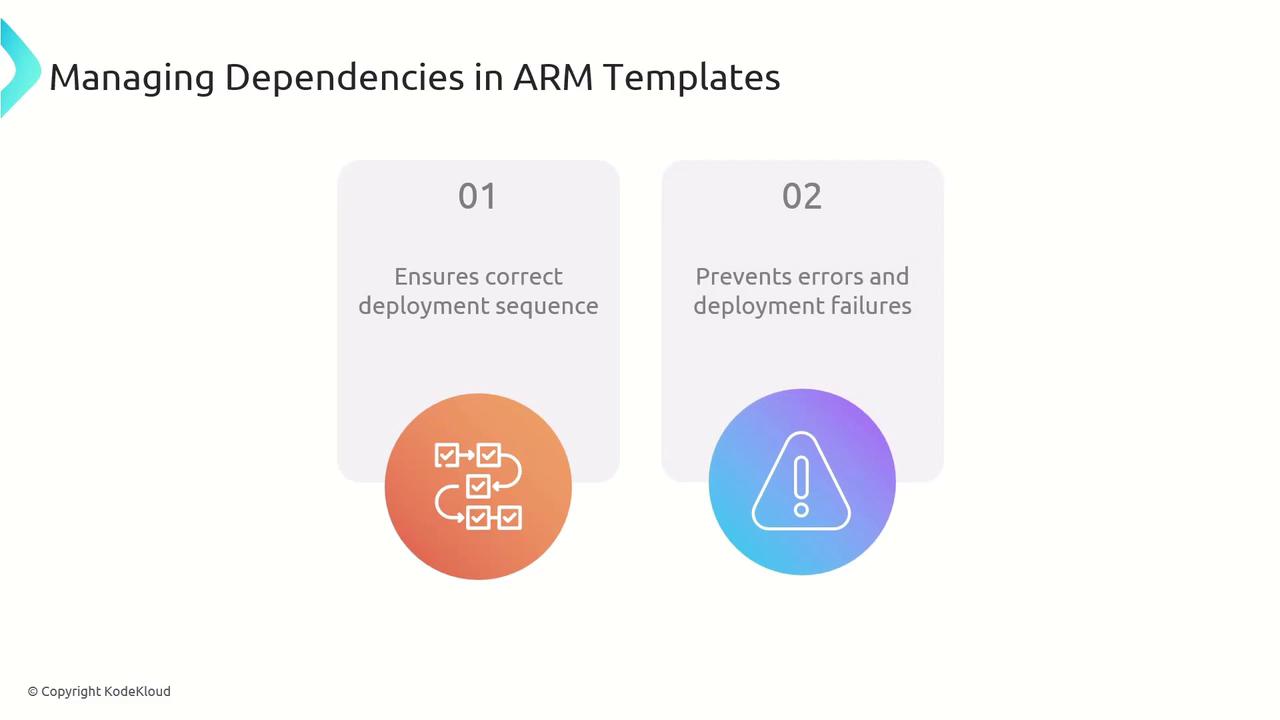
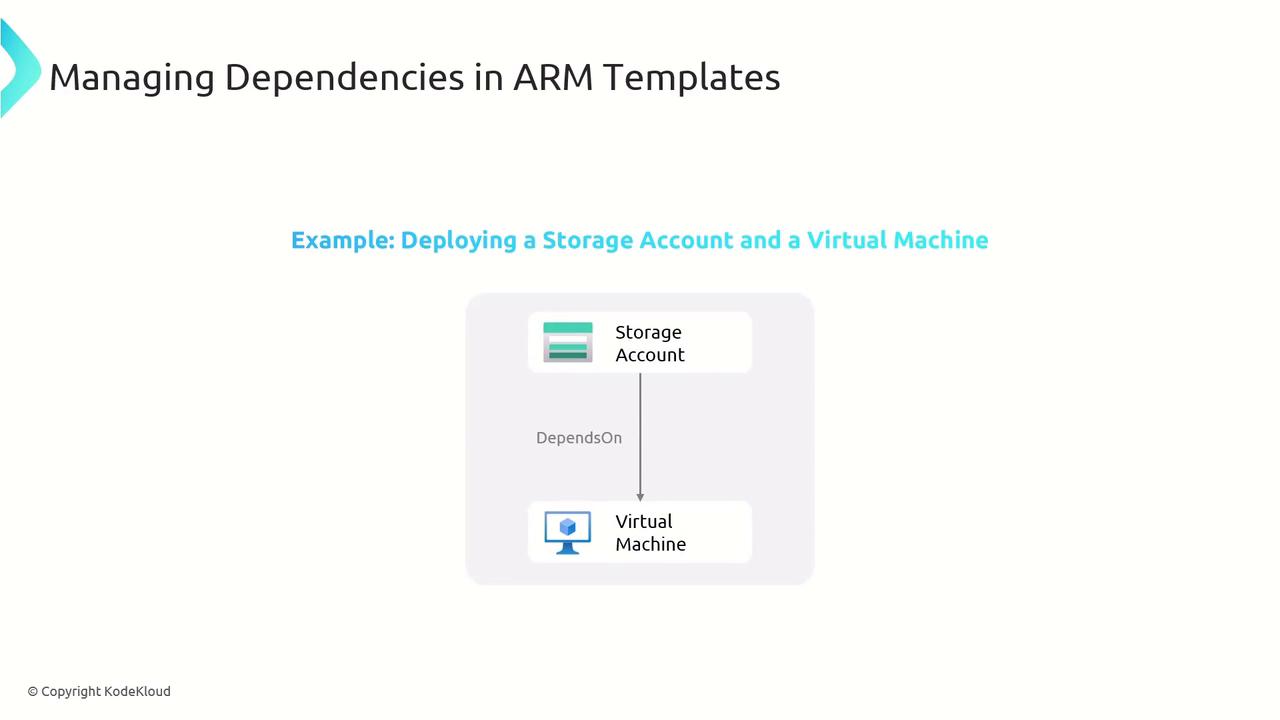
To avoid deployment errors—such as creating a VM before its storage account—you can use thedependsOn property. ARM ensures resources deploy in the correct order.
Secure Secret Management
Never embed secrets (passwords, API keys) directly in your templates. Instead, store them in Azure Key Vault and reference them at deployment time.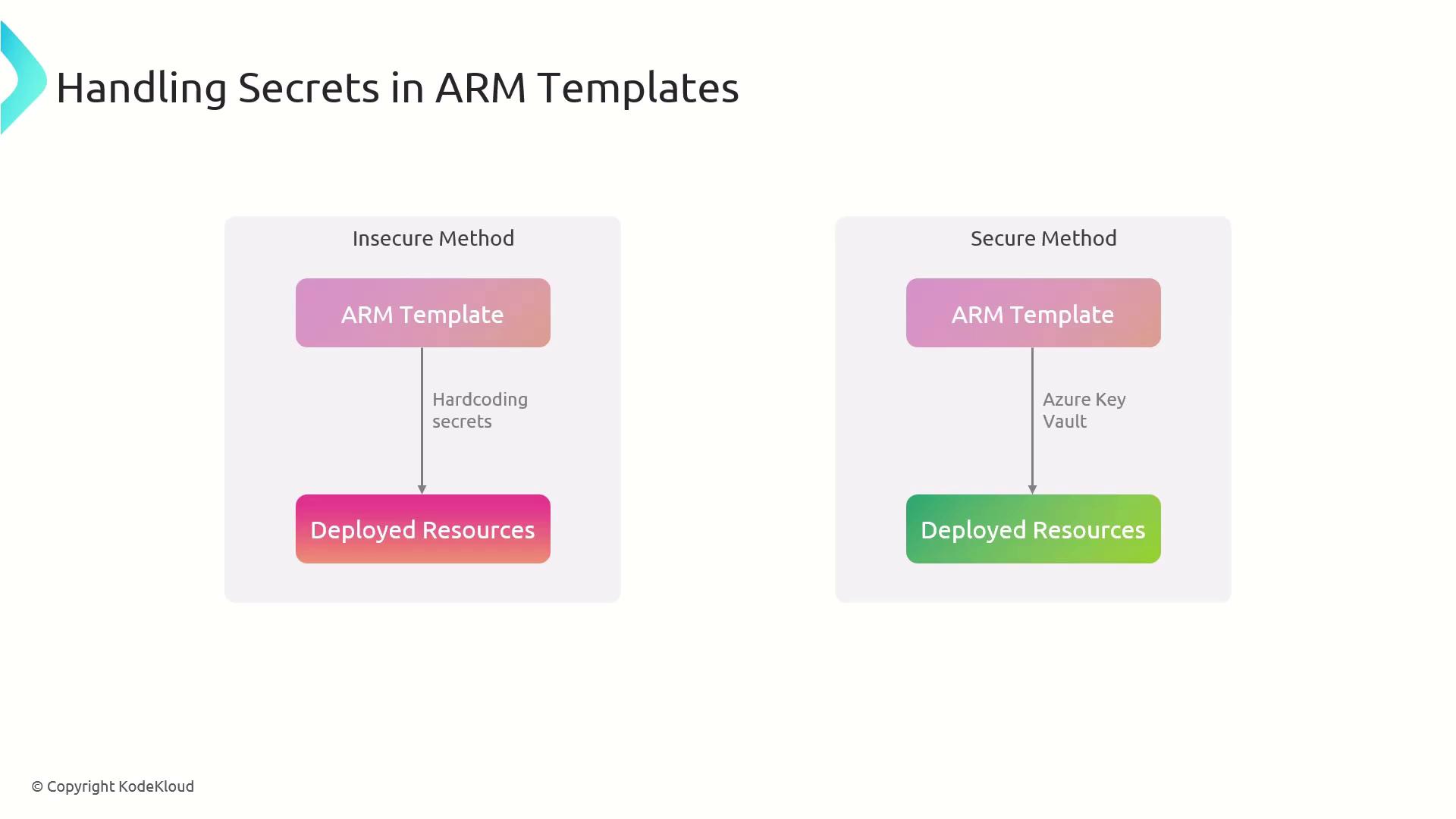
Avoid hardcoding secrets in your JSON. Use
[reference()] or [listSecrets()] to fetch values from Key Vault at runtime.Modular Template Organization
Organize large deployments by splitting templates into specialized files. Use a main template to link sub-templates for networking, storage, compute, and more: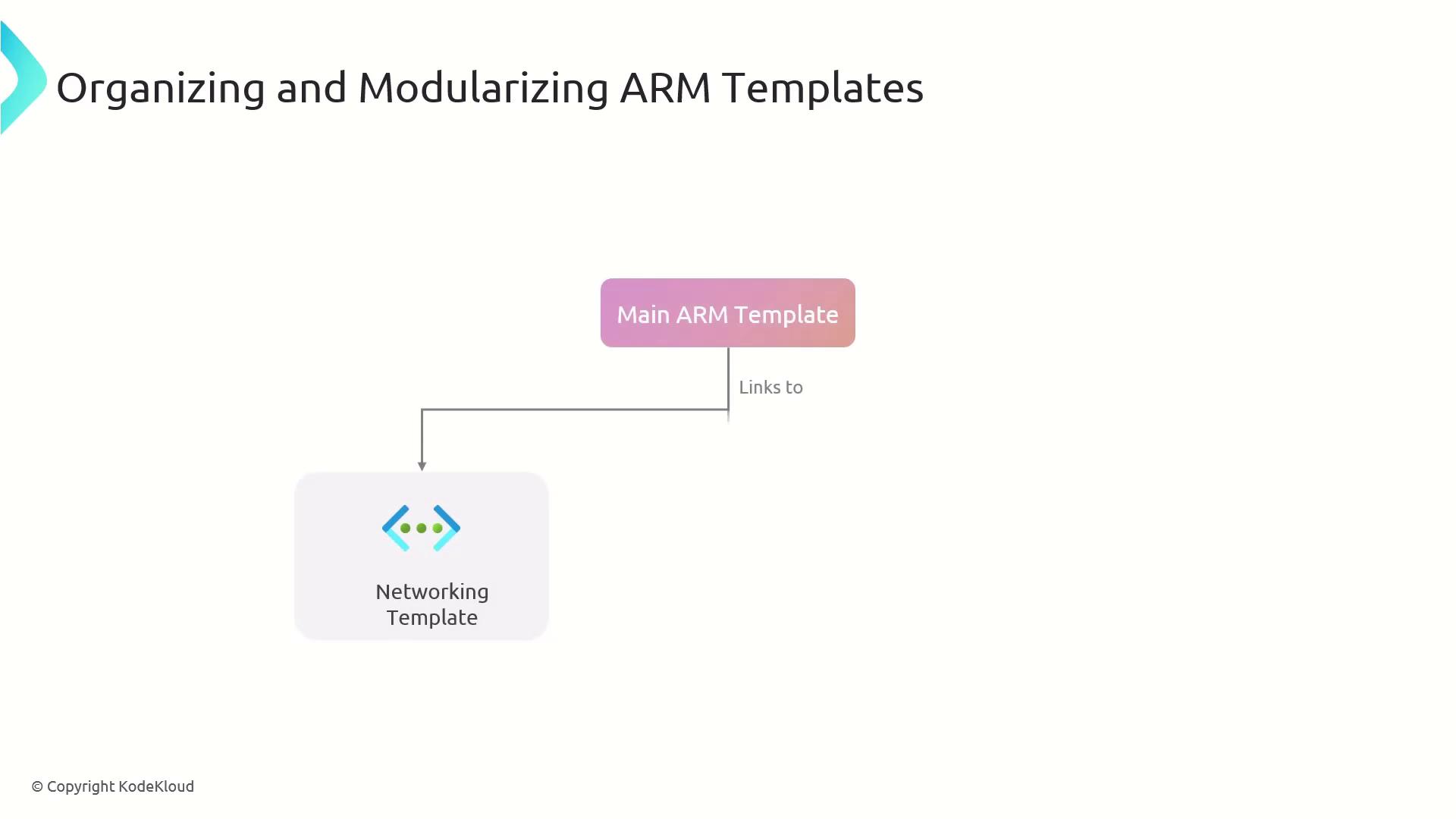
Azure Resource Manager Architecture
Azure Resource Manager is the control plane that validates, orchestrates, and enforces your desired state. You interact with ARM via the portal, CLI, PowerShell, or REST API.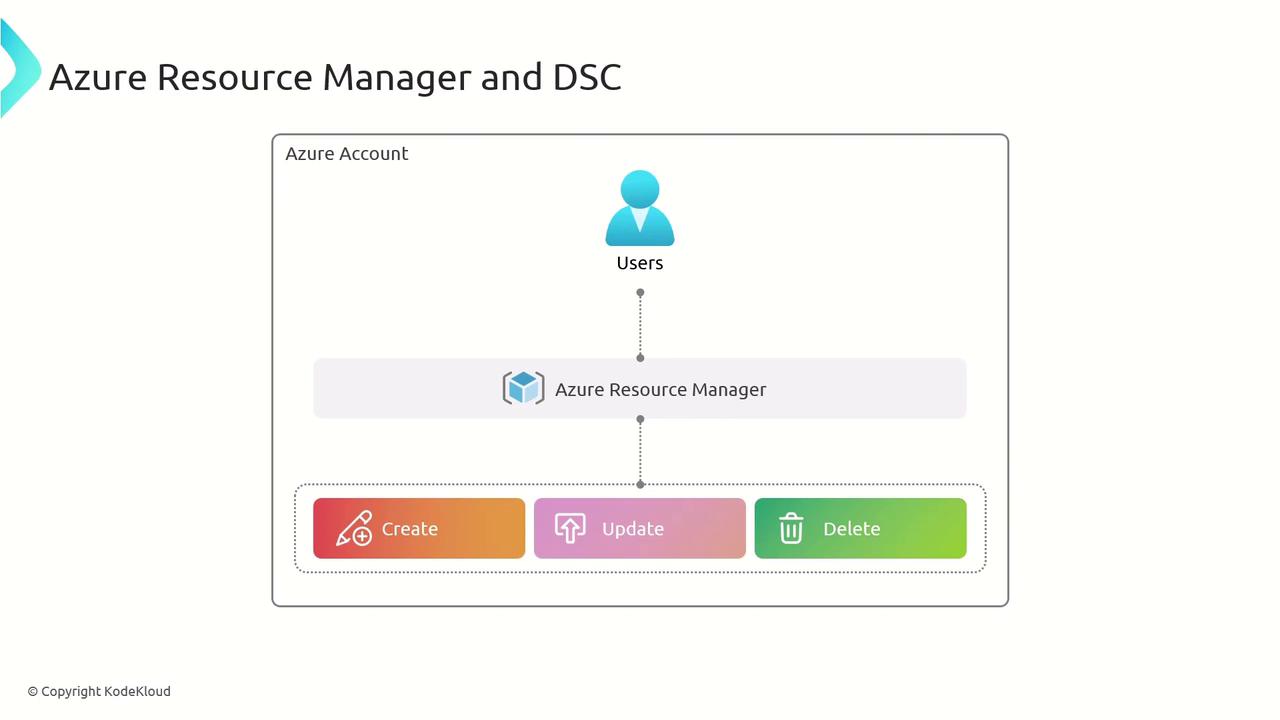
Deploy and Manage functions for your resources:
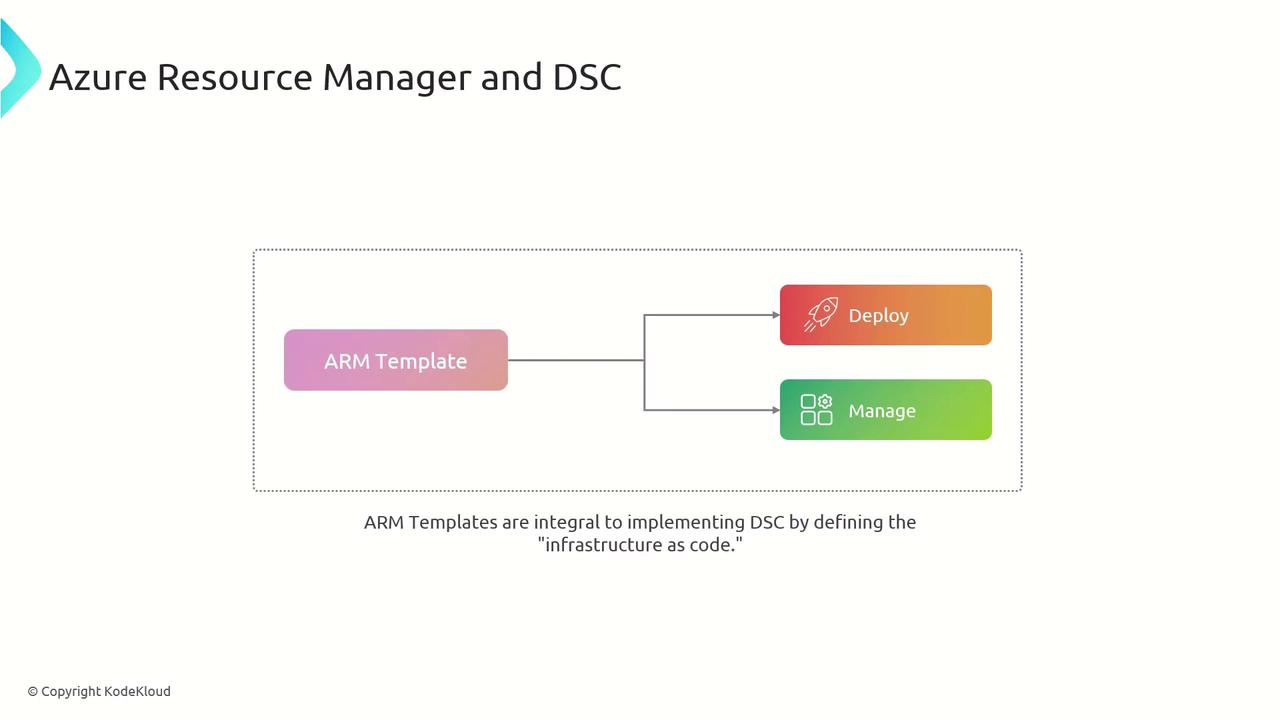
Integrating DSC with ARM Templates
PowerShell Desired State Configuration (DSC) ensures each VM meets your specified state. Use the DSC extension in your ARM template to apply configurations at provisioning:WindowsFeature for IIS or xWebsite for site configuration—complement ARM templates by enforcing OS-level and application settings.
Bicep is a domain-specific language (DSL) that streamlines ARM template authoring by providing concise syntax and rich tooling support.