

Introduction
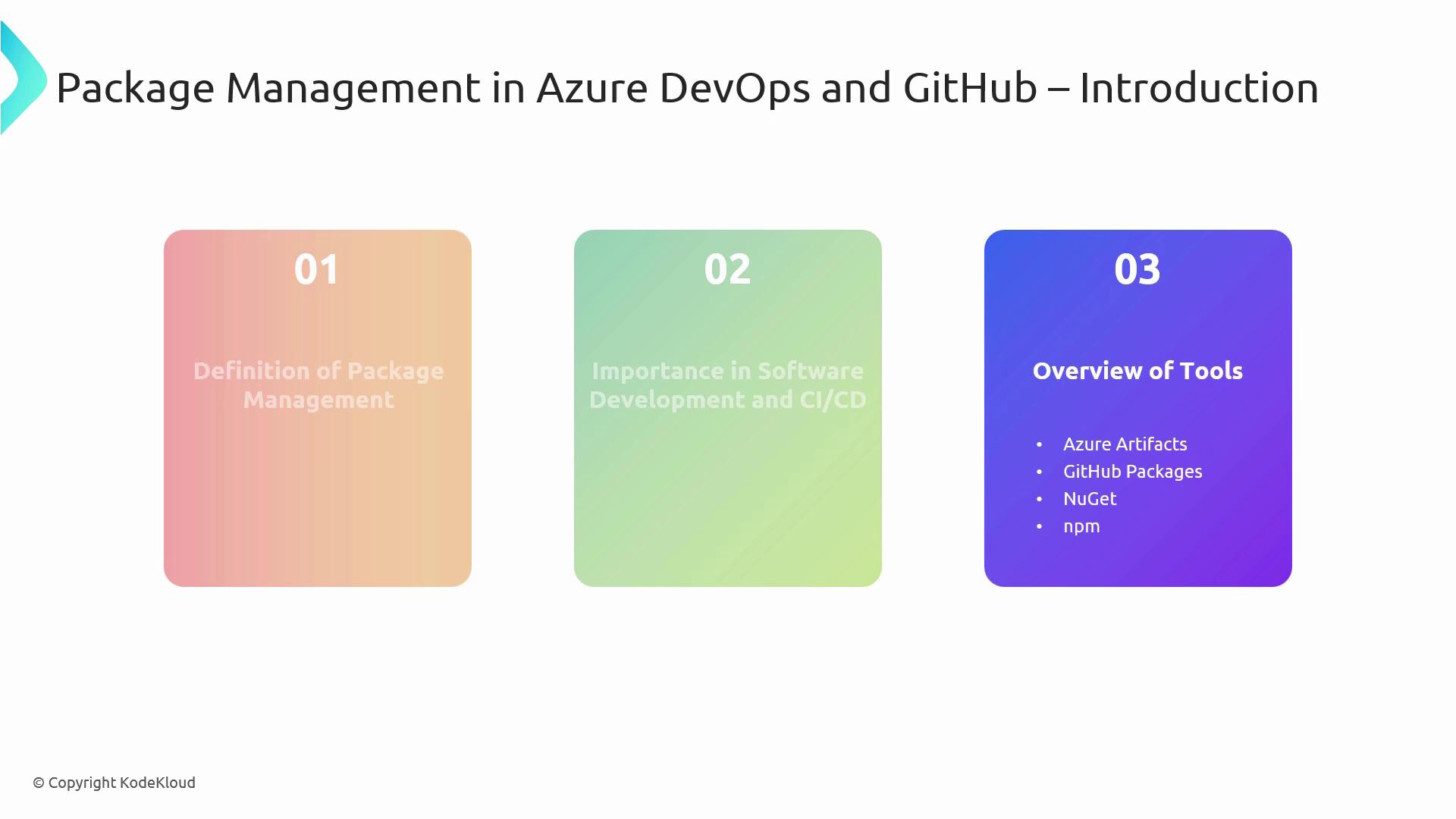
In this lesson, we explore package management in Azure DevOps and GitHub—critical components of modern software development and CI/CD pipelines. We’ll start by defining package management, then highlight why it matters. Finally, we’ll dive into four main tools:- Azure Artifacts
- GitHub Packages
- NuGet
- npm
Key Package Management Tools at a Glance
| Tool | Platform | Supported Packages | Highlights |
|---|---|---|---|
| Azure Artifacts | Azure DevOps | NuGet, npm, Maven, Python, universal feeds | Upstream sources, seamless CI/CD integration |
| GitHub Packages | GitHub | npm, NuGet, Maven, RubyGems, Docker images | Native auth, GitHub Actions workflows |
| NuGet | .NET | .NET libraries and tools | Visual Studio & dotnet CLI integration |
| npm | Node.js | JavaScript modules | Vast registry, script support, dependency audit |
Consistent versioning, faster builds, and secure dependency control are essential for scalable CI/CD. A unified registry reduces “works on my machine” issues and simplifies audits.
Azure Artifacts
Azure Artifacts is a universal package management solution built into Azure DevOps. It allows teams to:- Store and version packages in one central location
- Proxy public registries using upstream sources
- Integrate directly with Azure Pipelines for seamless CI/CD
Use upstream sources to cache npm, Maven, or PyPI packages—reducing build times and improving reliability.
GitHub Packages
GitHub Packages is GitHub’s integrated registry, working with GitHub Actions and repository permissions.- Authentication: Uses your GitHub account credentials
- Supported Formats: npm, NuGet, Maven, RubyGems, Docker, and more
- Access Control: Repository-level permissions and fine-grained scopes
NuGet
NuGet is the de facto package manager for the .NET ecosystem, providing:- Distribution of libraries and CLI tools
- Integration with Visual Studio and the
.NET CLI - Automatic dependency resolution and semantic versioning
npm
npm is the largest registry for JavaScript and Node.js packages, featuring:- Over a million modules and growing
- Simple commands:
npm install,npm update - Scripts, semantic versioning, and built-in security audits
Regularly run
npm audit and review advisories. Use lockfiles (package-lock.json) to ensure reproducible builds.