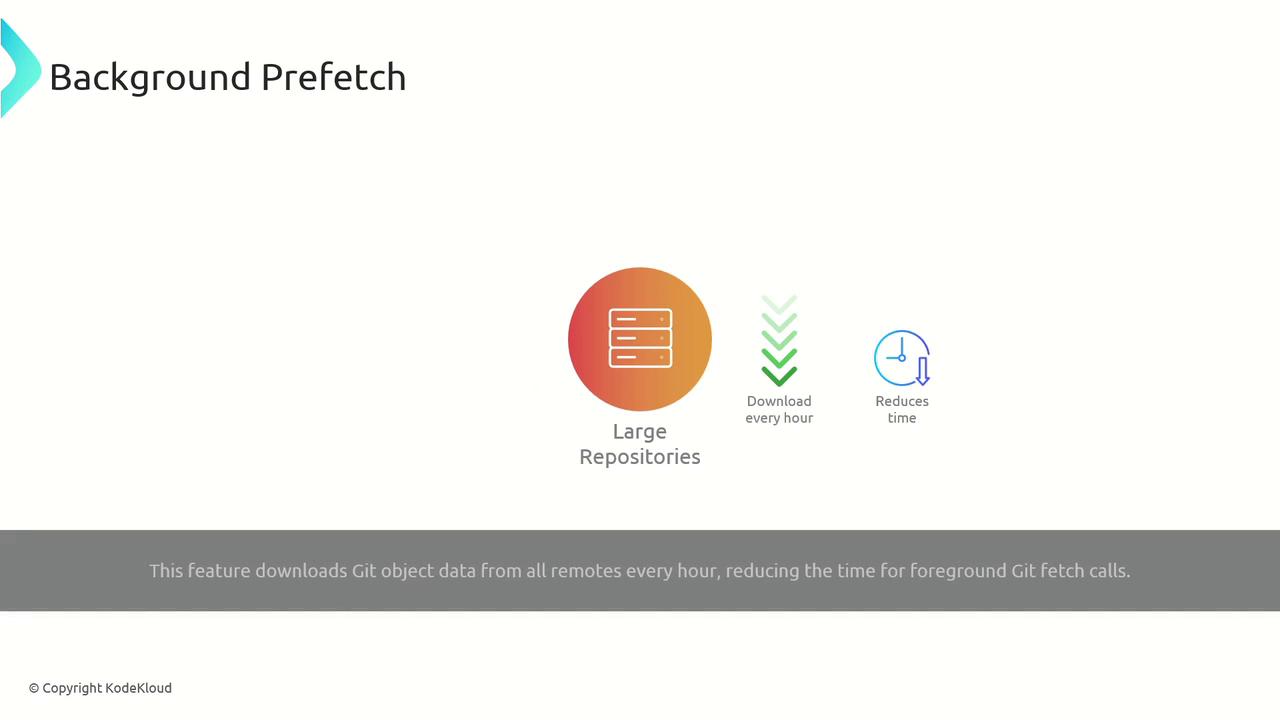
clone, fetch, and checkout. This guide explores strategies and tools to keep your workflow snappy—even in very large repositories.
Challenges in Large Repositories
Long histories, numerous branches, and large binaries contribute to degraded performance. Cloning or fetching a repo with hundreds of megabytes (or gigabytes) of data can take minutes or even hours.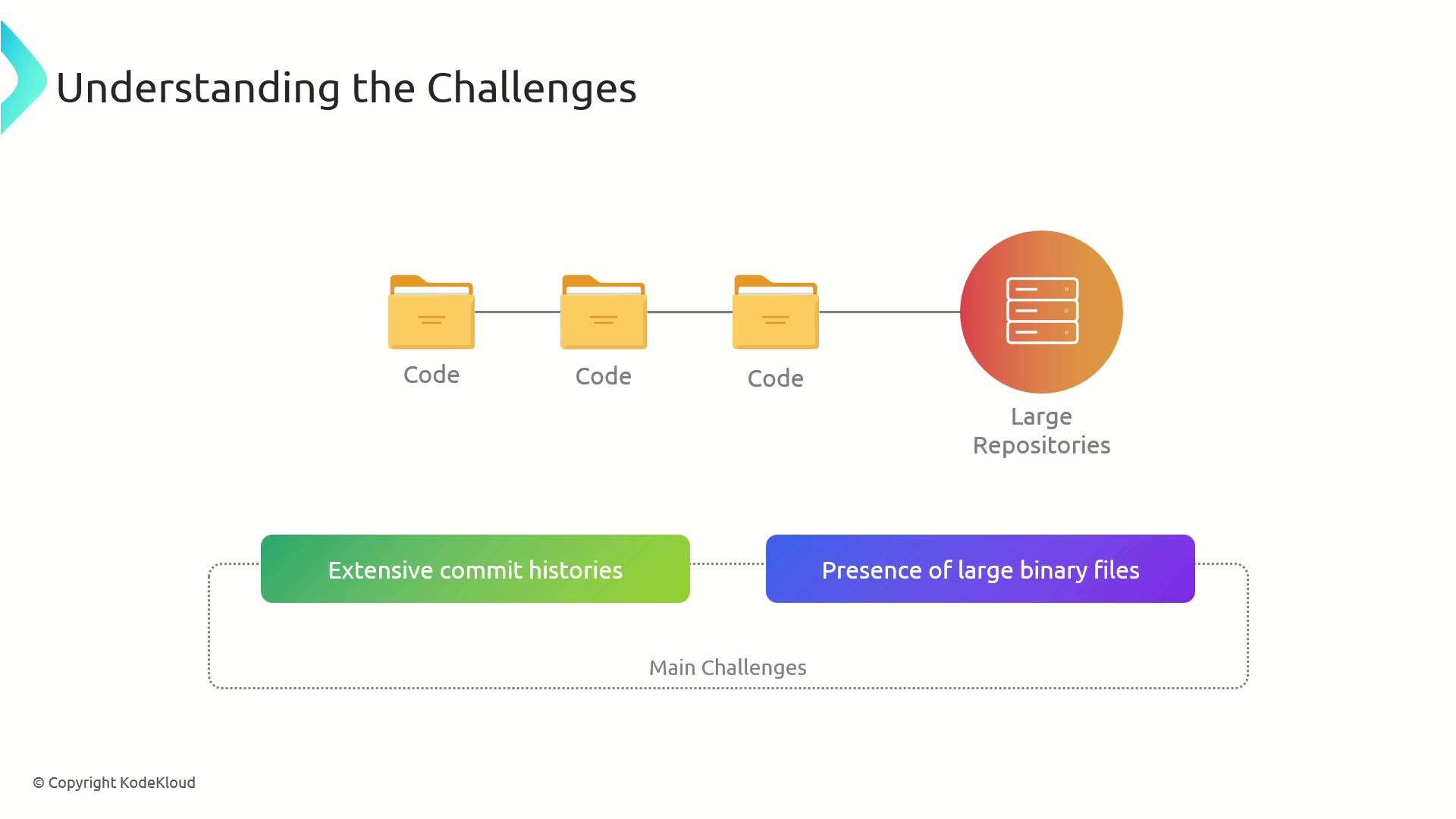
Optimize Clone Time with a Shallow Clone
A shallow clone downloads only the most recent commits and omits deep history:<number-of-commits> with how many commits you need (e.g., 1 for just the latest). This approach can reduce clone time and disk usage dramatically.
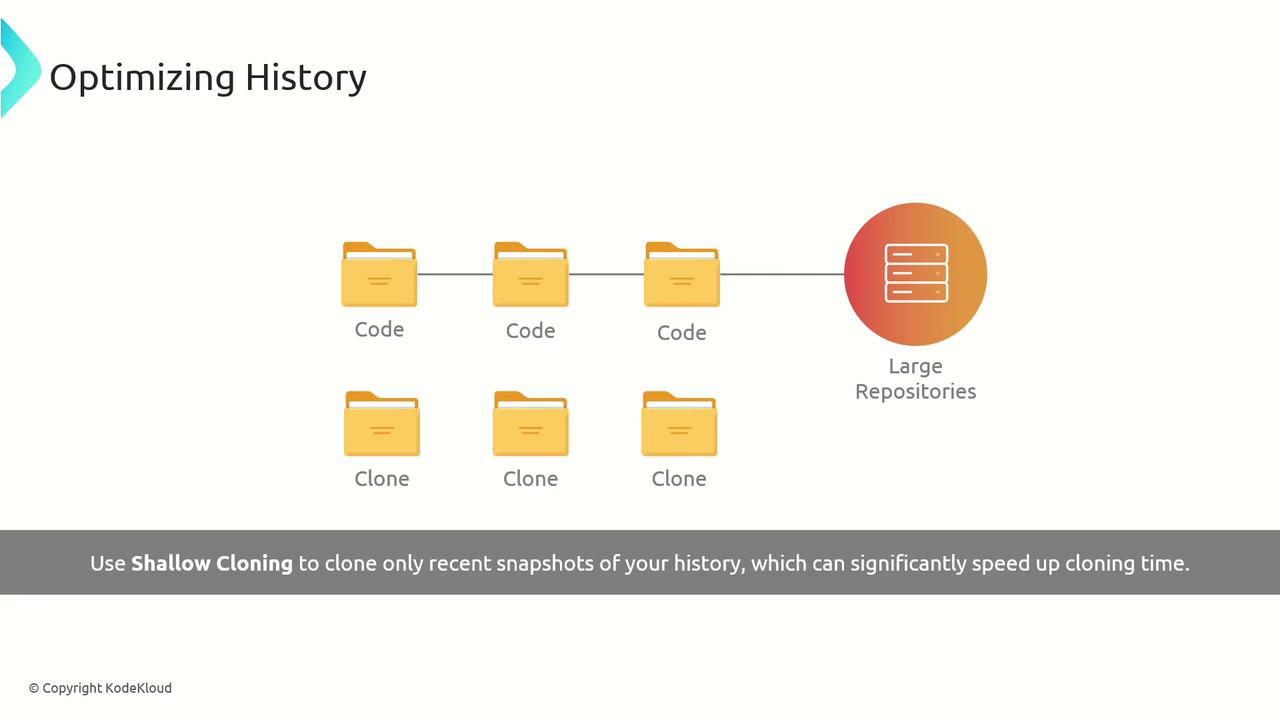
Shallow clones are ideal for read-only CI jobs or quick code reviews, but avoid them if you need full history for debugging or releases.
Managing Large Files
Storing large binaries in Git can bloat your.git directory. Two popular tools help:
Git Large File Storage (LFS)
Git LFS moves big assets—audio, video, datasets—to a separate server while keeping lightweight pointers in your repo: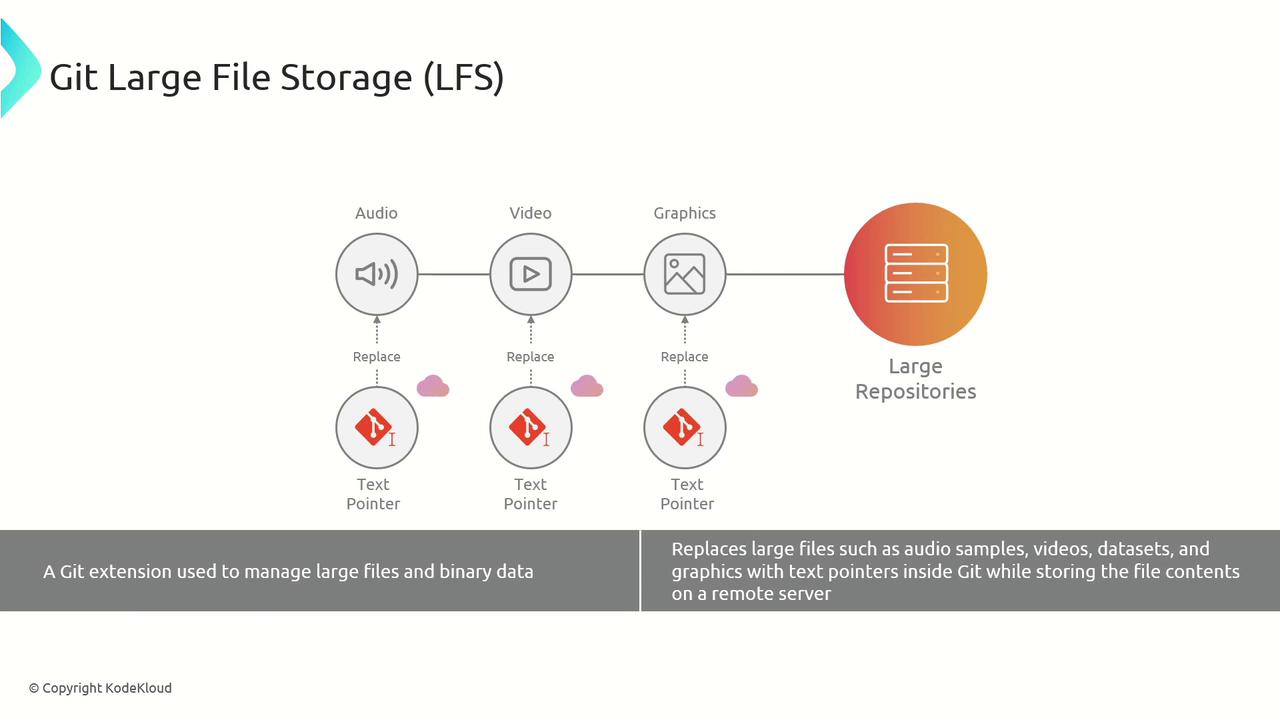
Git-Fat
An alternative is Git-Fat, which also offloads large blobs and keeps pointer files in your Git history: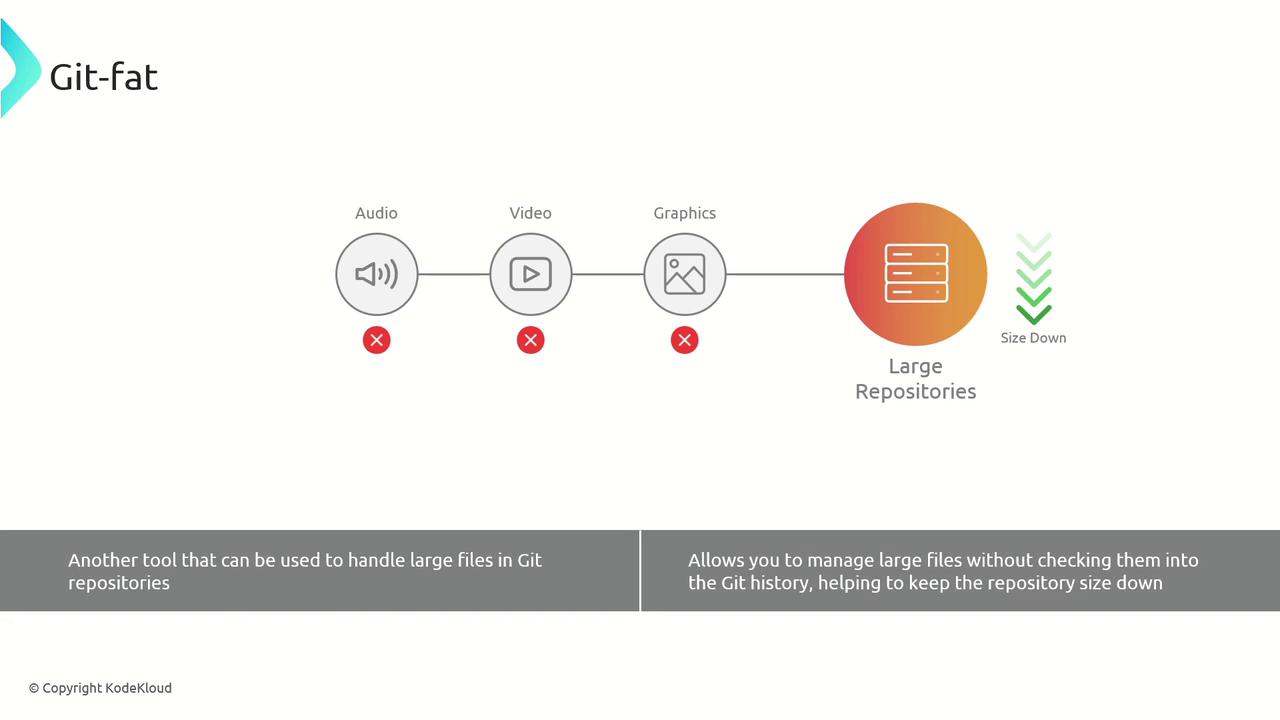
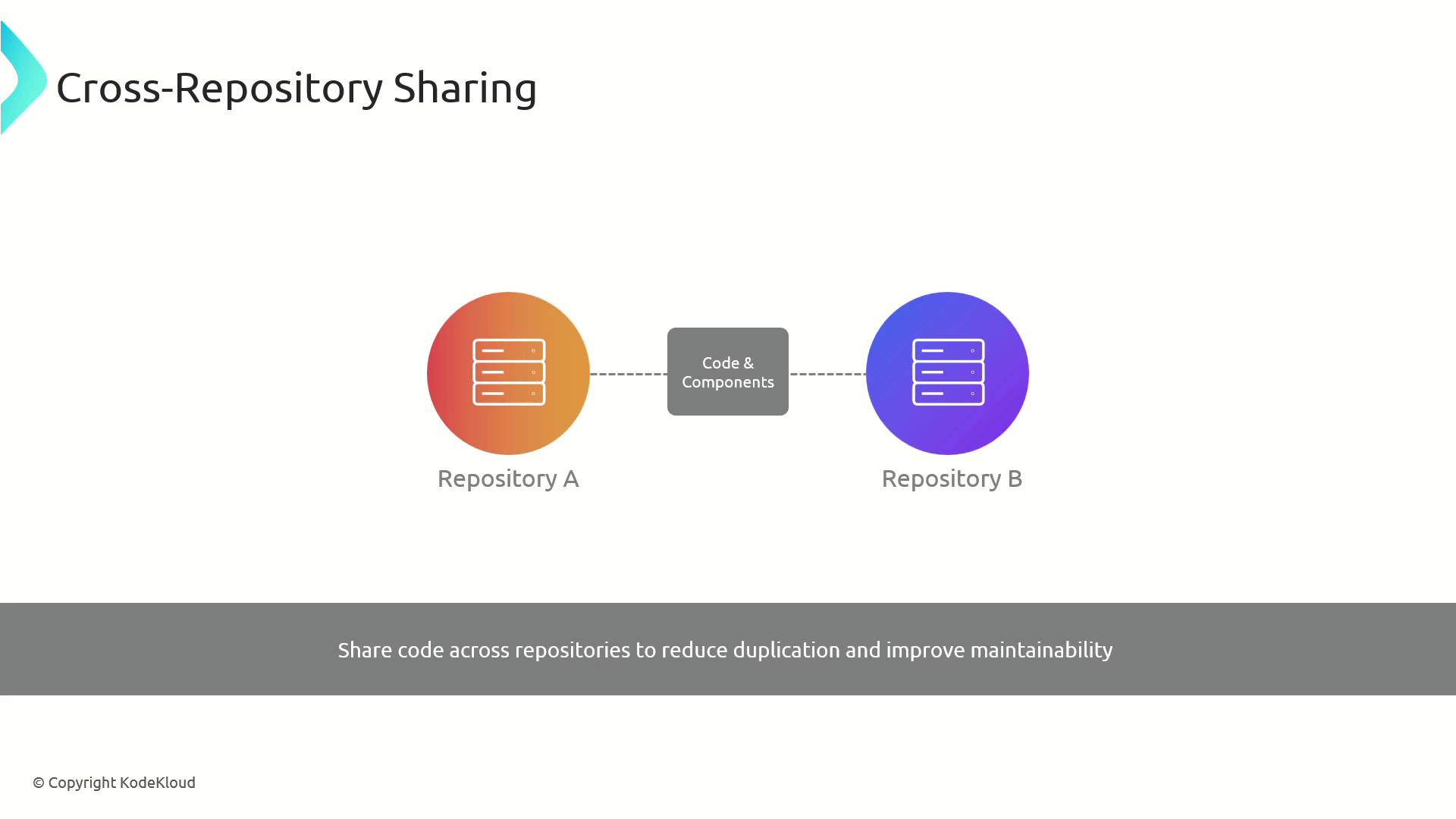
Cross-Repository Sharing
To avoid duplicate code, share common libraries or components across projects. You can use Git submodules, subtrees, or a package manager.| Method | Description | Example Command |
|---|---|---|
| Submodule | Embed another repo at a fixed path | git submodule add <repo-url> path/to/module |
| Subtree | Merge external repo into a subdirectory | git subtree add --prefix=lib/my-lib <repo> main |
| Package | Publish and consume via npm, Maven, or NuGet | npm install @myorg/my-lib |
Sparse Checkout for Partial Working Copies
If you only need a subset of files, sparse checkout lets you clone the full Git history but only check out selected paths: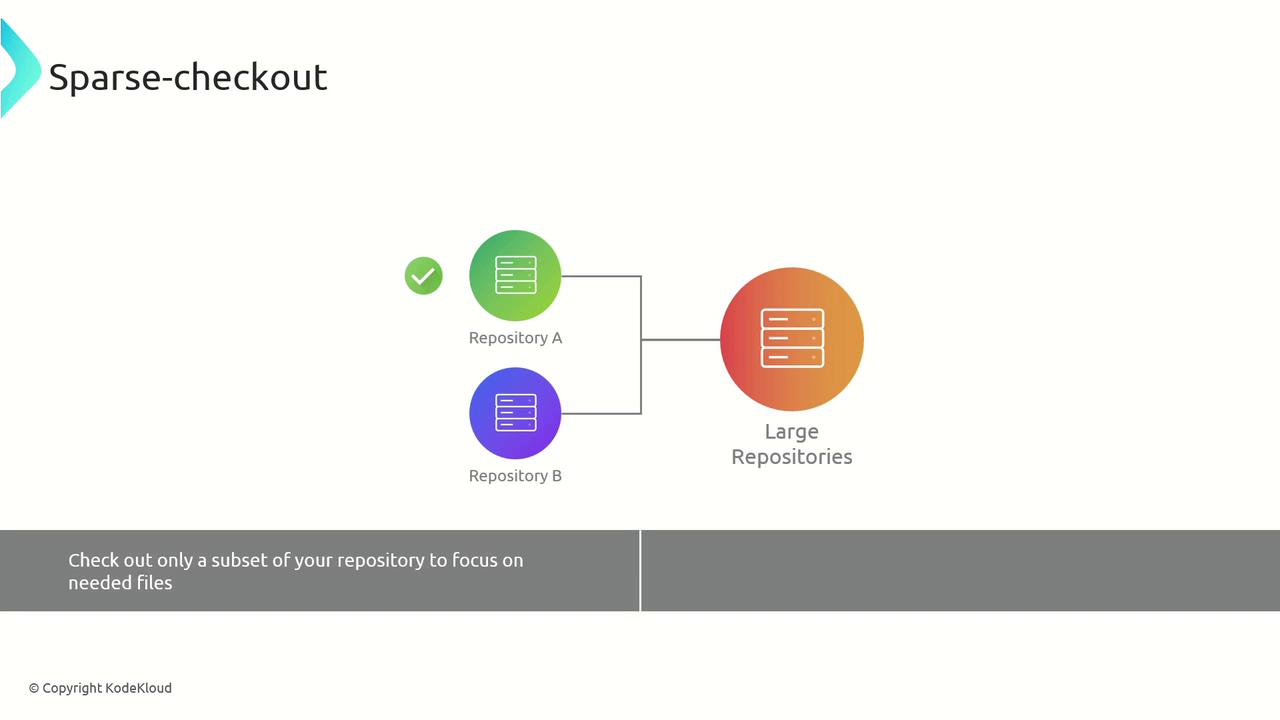
Partial Clone to Defer Large Object Downloads
A partial clone avoids downloading all blobs up front and fetches objects on demand: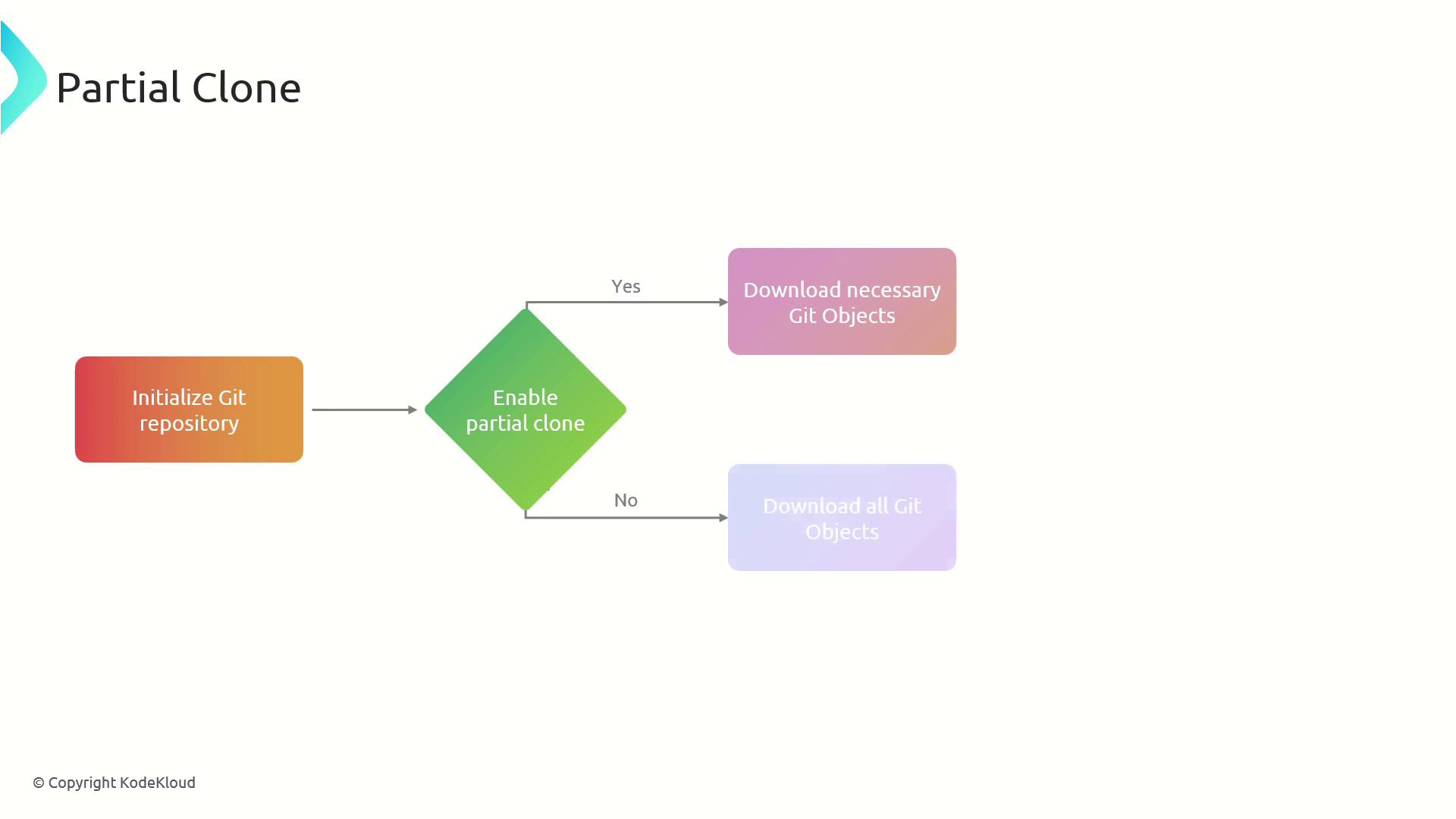
Background Prefetch to Keep Objects Up to Date
Enable background prefetching so Git periodically pulls object data from remotes—reducing wait times during normal fetch operations: