

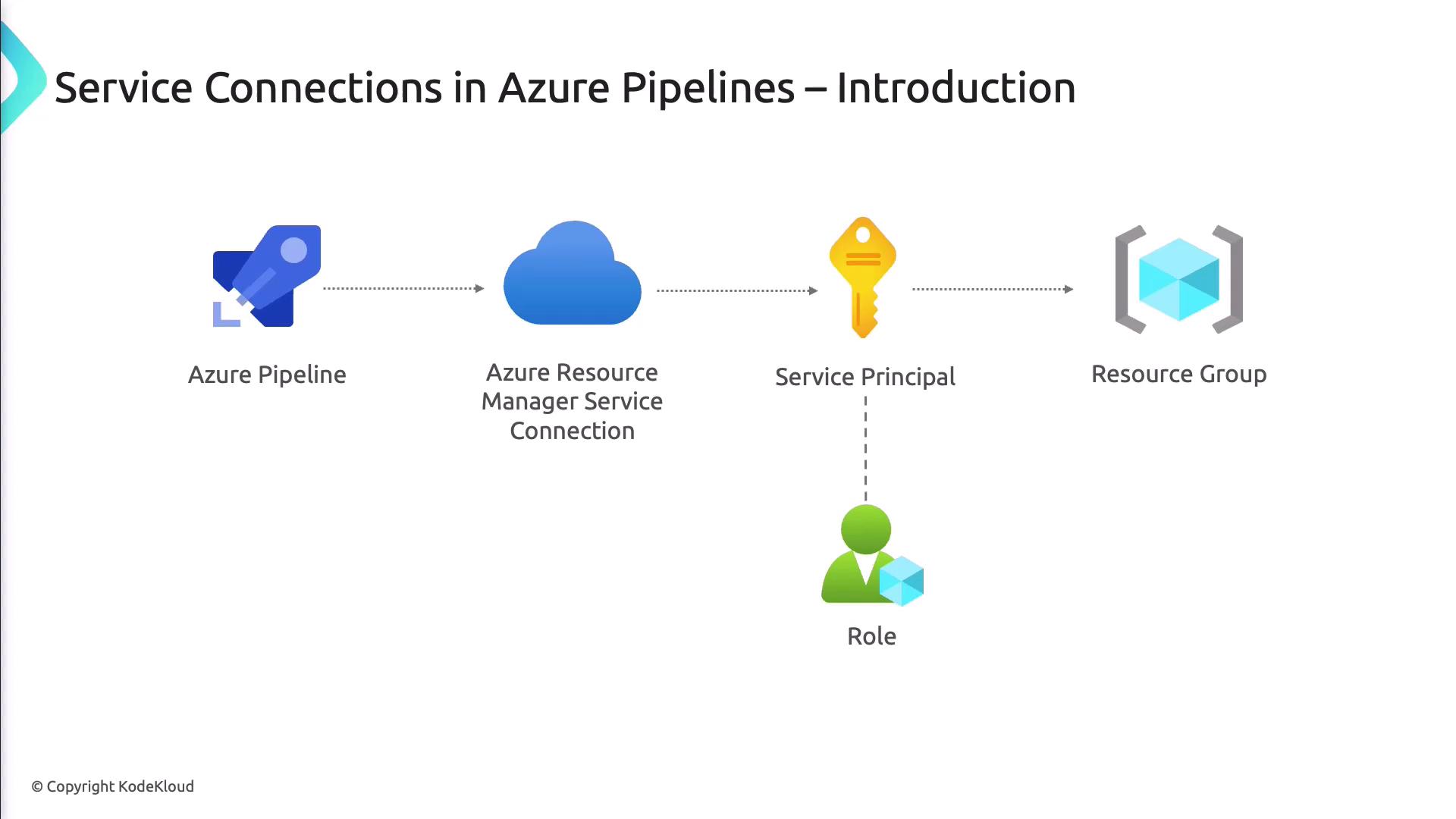
Service connections act like secure bridges, letting your pipelines authenticate against external services without hard-coding credentials.
What Are Service Connections?
Service connections are configuration entries in Azure DevOps that store authentication details for external resources. Instead of embedding passwords, tokens, or keys in your scripts, you reference a service connection in your pipeline YAML or Classic definitions, and Azure DevOps handles the secure login.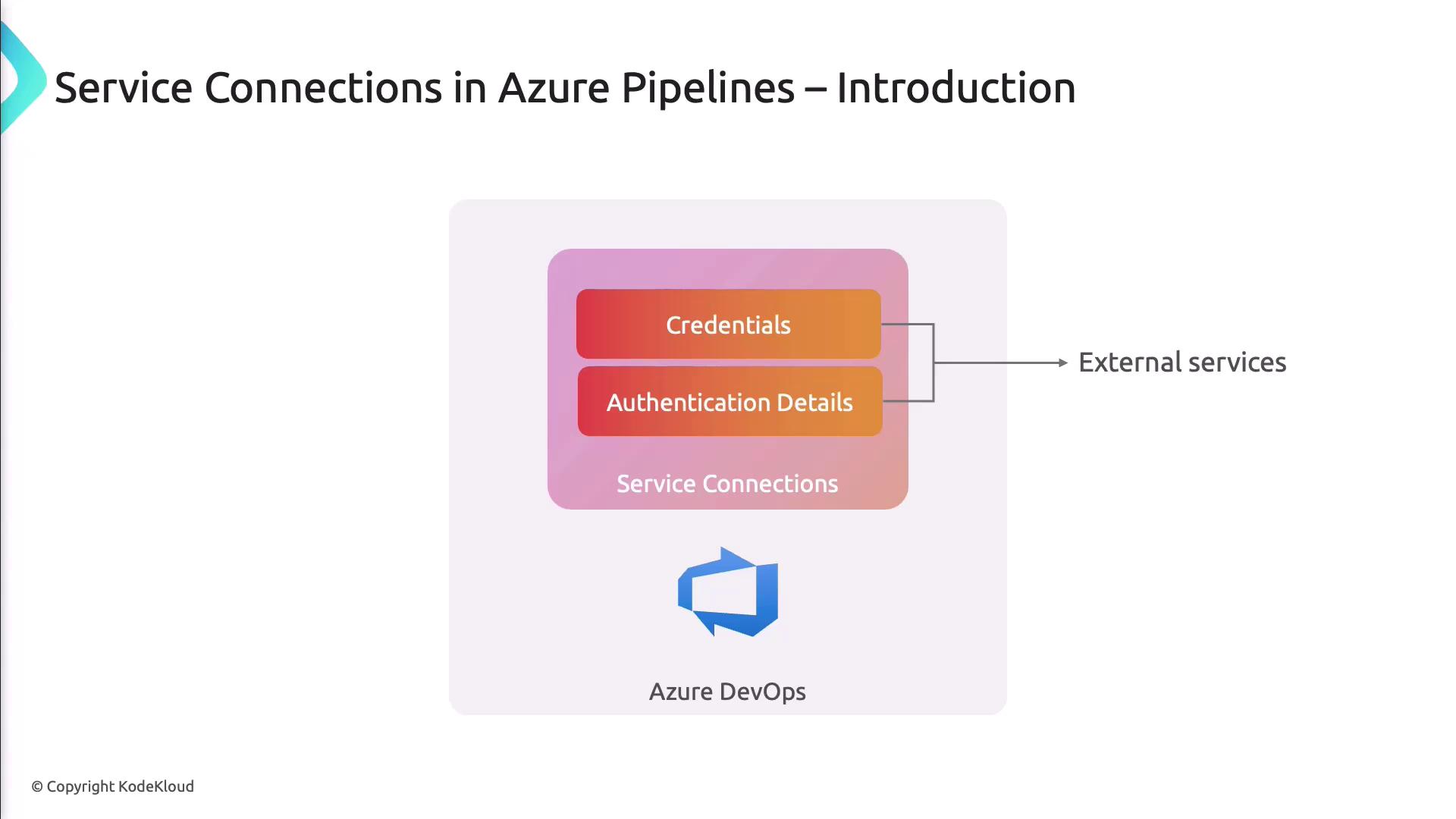
Benefits of Service Connections
- Security: Credentials are encrypted and stored centrally.
- Maintainability: Rotate or update credentials in one place.
- Least Privilege: Grant each connection only the permissions it needs.
- Scalability: Reuse connections across multiple pipelines and projects.
Types of Service Connections
| Connection Type | Use Case | Example |
|---|---|---|
| Azure Resource Manager (ARM) | Automate Azure resource deployments | Deploy ARM templates via AzureCLI@2 |
| GitHub | Pull code or trigger builds from GitHub repos | Clone with checkout: self |
| Docker Registry | Push and pull container images | docker push myrepo/myimage:latest |
| Kubernetes | Deploy to Kubernetes using kubeconfig or SA | kubectl apply -f deployment.yaml |
| Other (Bitbucket, Jenkins) | Integrate with additional DevOps services | Varies by service |
Docker Connection
Enables pipelines to authenticate with Docker Hub or private registries for pulling base images and pushing built artifacts.
Kubernetes Connection
Lets you deploy applications to Kubernetes clusters by providing a kubeconfig file or a service account token.
Creating a Service Connection
- In Azure DevOps, select the gear icon (Project Settings) in the lower-left corner.
- Under Pipelines, click Service Connections.
- Hit New Service Connection and choose the desired type.
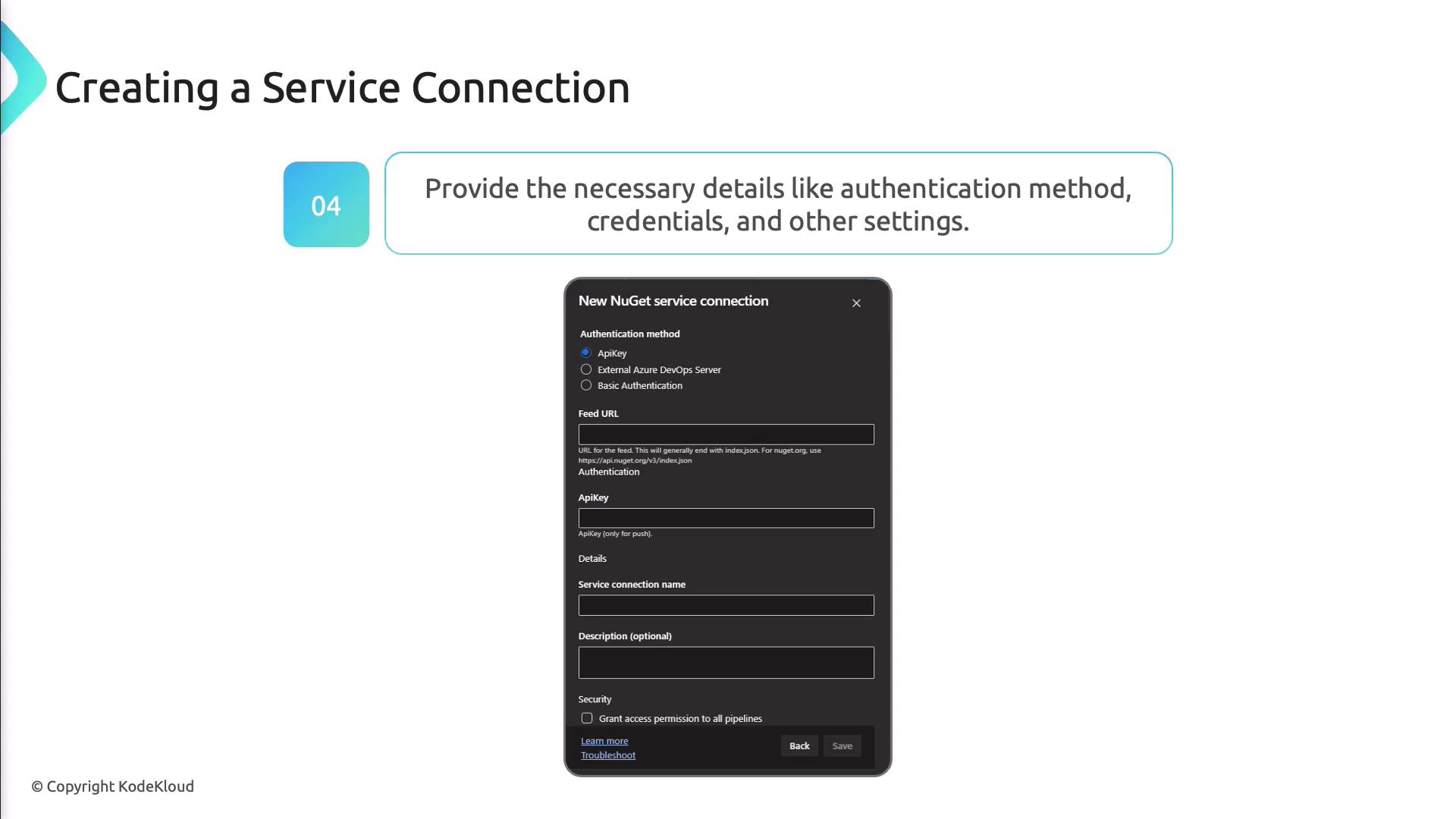
- Complete the authentication form with credentials or OAuth details.
- Test the connection and save it under a clear, descriptive name for use in your pipeline definitions.
Setting Up an Azure Resource Manager Connection
- Select Azure Resource Manager as the connection type.
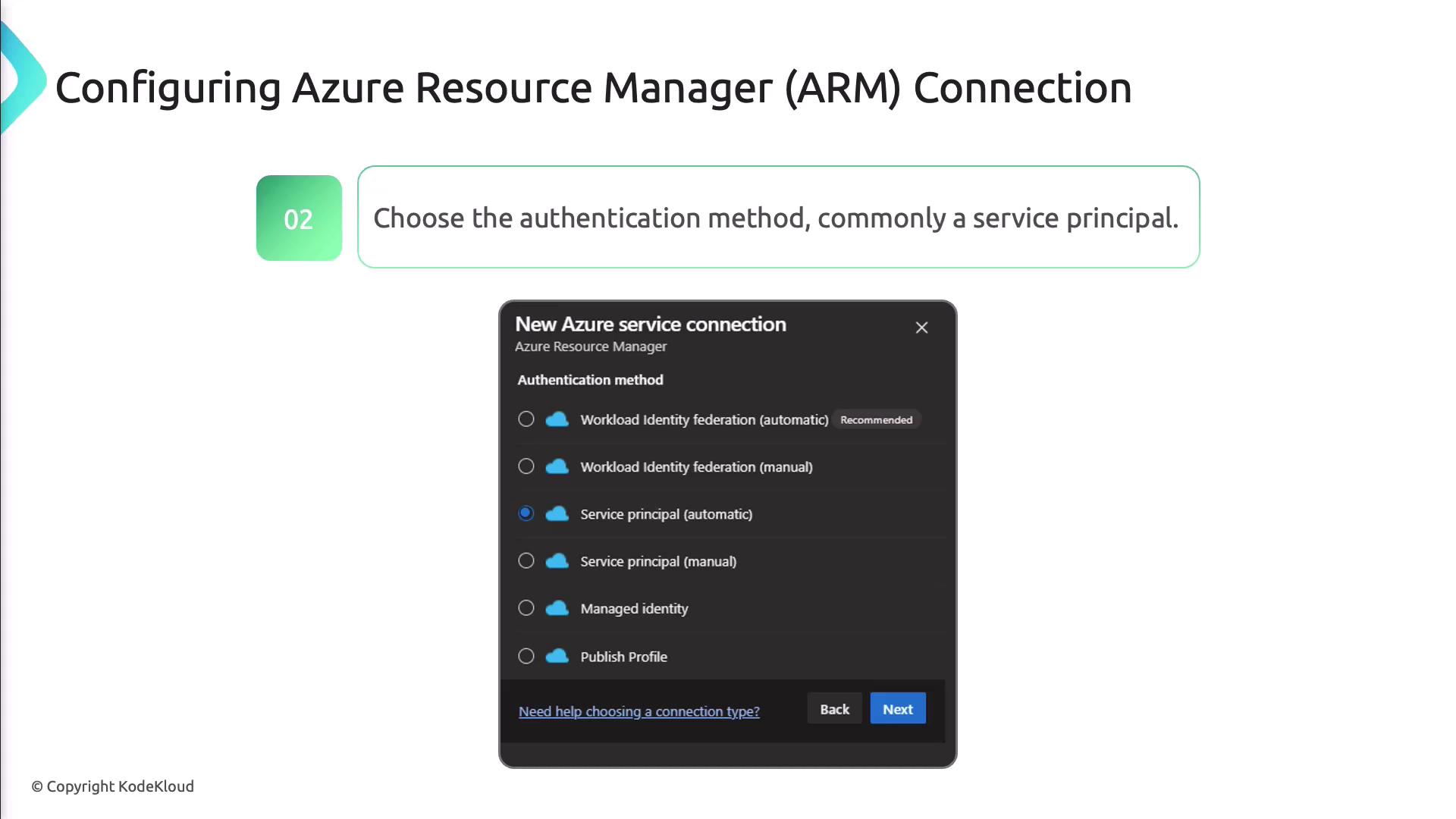
- Choose Service Principal authentication to enforce least-privilege access.
- Enter your Service Principal ID, Key, and Tenant ID from Azure AD.
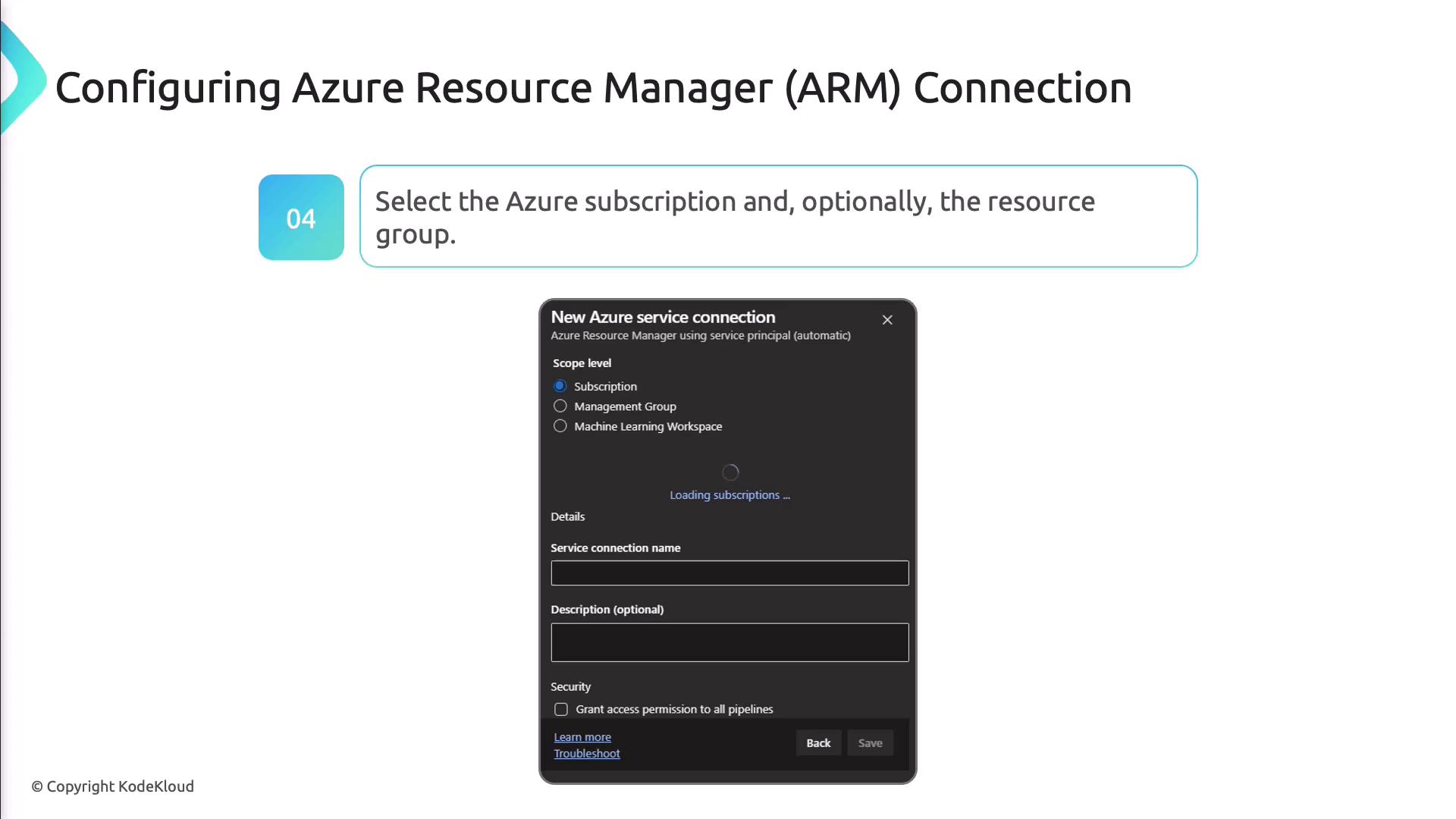
- Pick the target Azure subscription and optionally scope down to a specific resource group.
- Confirm that the Service Principal has only the permissions required for your deployment tasks.
Setting Up a GitHub Connection
- Choose GitHub from the service connection list.
- Authenticate via OAuth or Personal Access Token (PAT):
- OAuth automatically grants permission through a consent screen.
- PAT lets you configure fine-grained scopes—create it in GitHub and paste the token into Azure DevOps.
- Test and save the integration under a memorable name.
Using Service Connections in Pipelines
Reference service connections in YAML or Classic pipelines. Below is an example using the Azure CLI task in YAML:Deploying an ARM Template
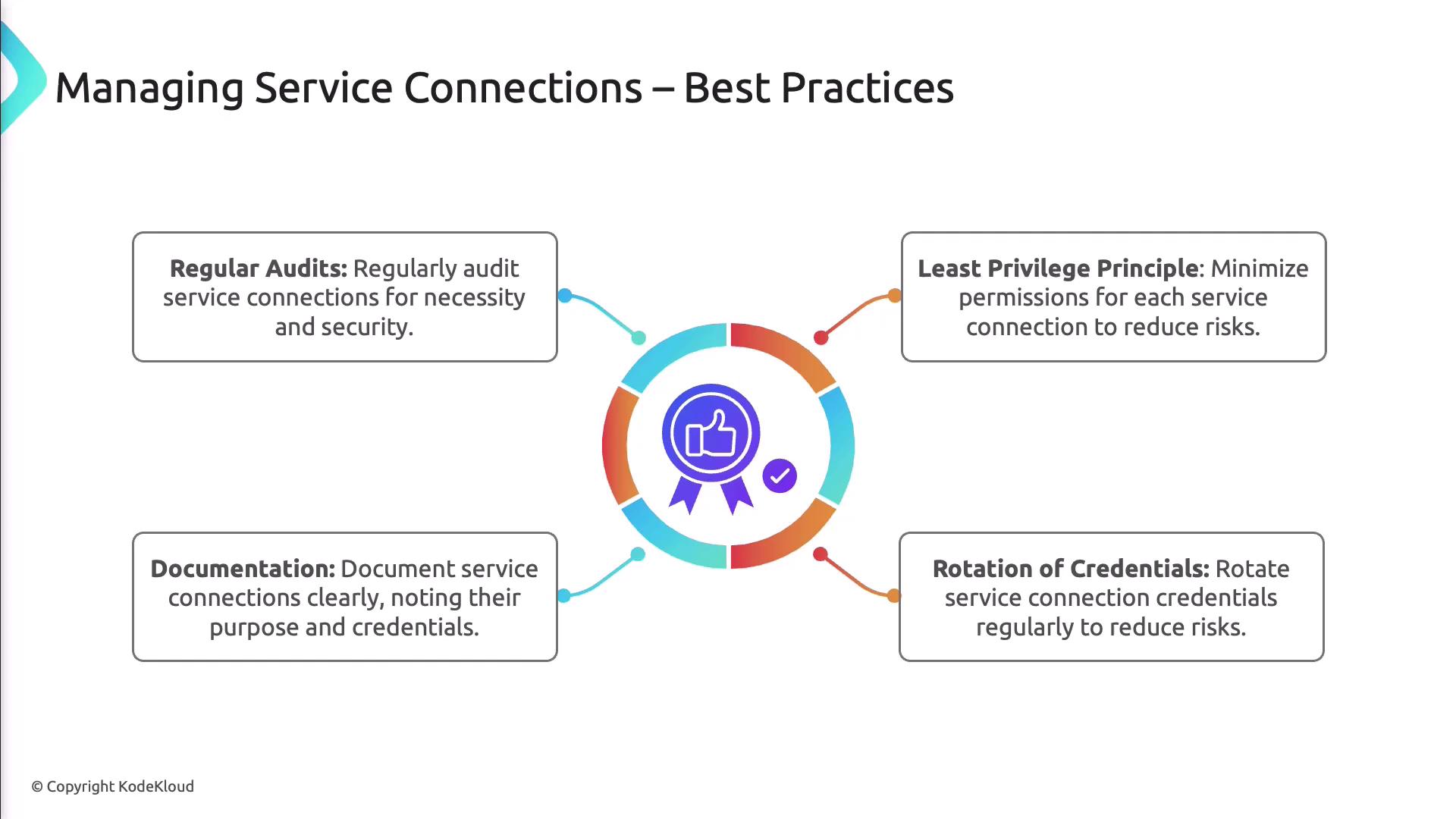
Best Practices for Managing Service Connections
- Audit connections periodically and remove unused entries.
- Follow the least privilege principle—grant only necessary permissions.
- Rotate credentials on a regular schedule.
- Document each connection’s purpose and scope for team transparency.
Failing to rotate or audit credentials may lead to unauthorized access and compliance risks. Schedule regular reviews.