

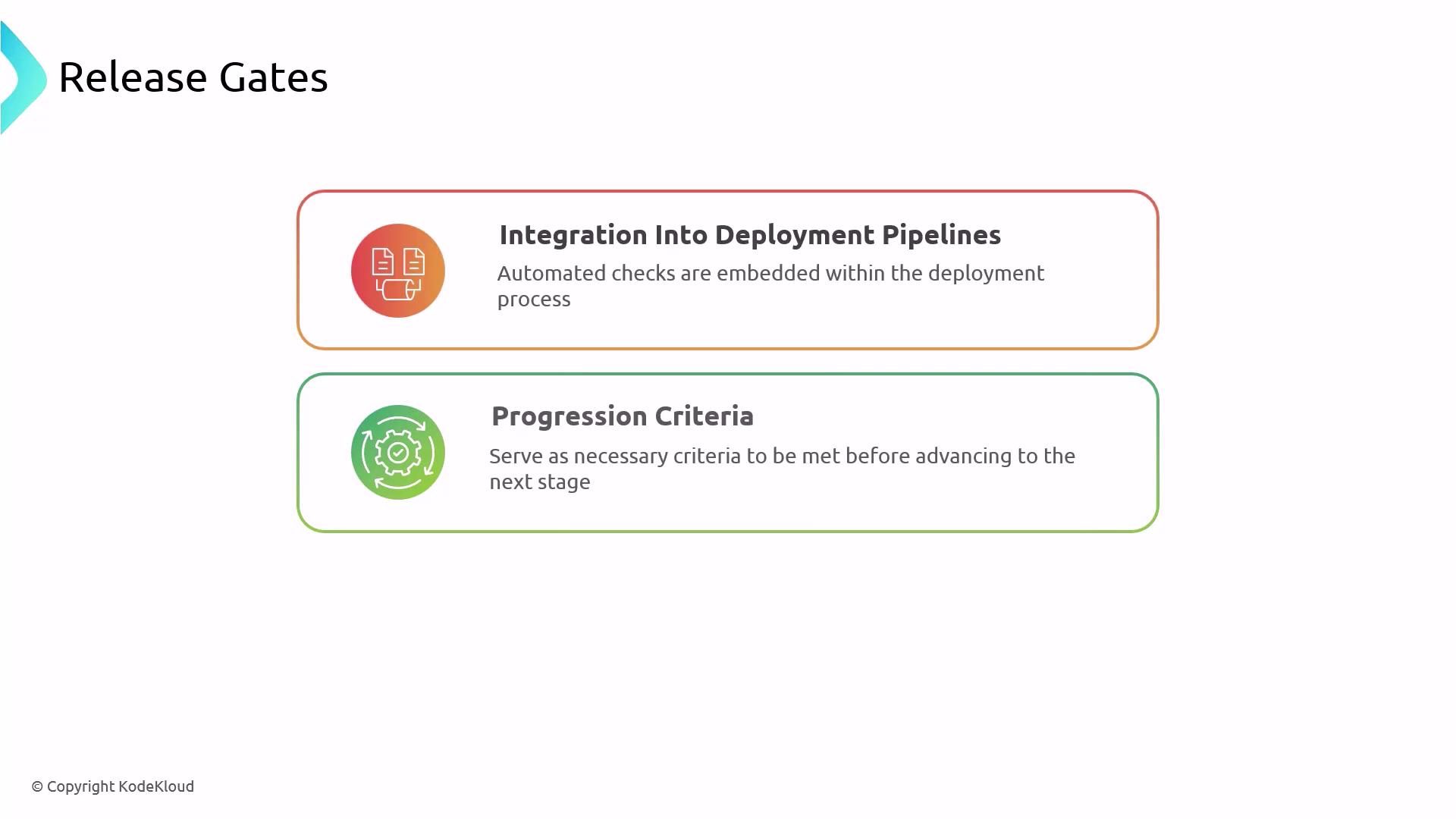
Why Use Release Gates?
-
Enhance Deployment Safety
Automatically halt a release when performance regressions or test failures occur, preventing flawed changes from reaching production. -
Ensure Compliance
Embed regulatory and organizational checks into every deployment to meet audit and security requirements. -
Automate Routine Verifications
Replace manual inspections with scripted or service-based checks, reducing human error and accelerating delivery.
Types of Release Gates
| Gate Type | Description | Example Use Case |
|---|---|---|
| Pre-deployment | Validates prerequisites before any deployment step begins | Check connection to database |
| Post-deployment | Confirms system health or metrics after deployment | Smoke tests, service availability |
| Approval (Manual) | Requires a stakeholder to sign off before proceeding | Legal or security team sign-off |
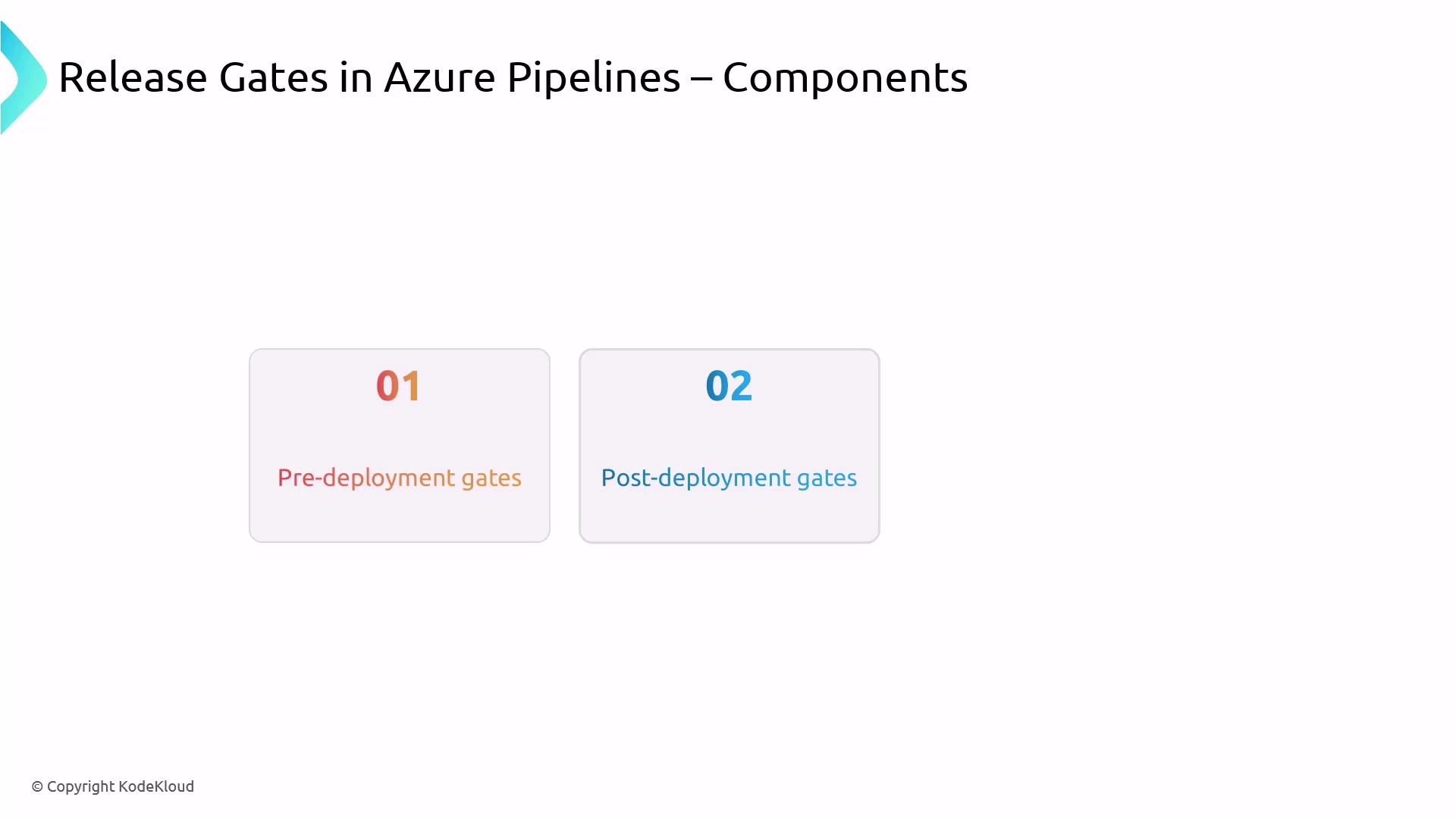
Azure Pipelines Stages and Deployment Jobs
In Azure Pipelines, you orchestrate your workflow in stages and jobs defined in YAML. Each deployment job targets an environment, such as Development, Staging, or Production.An environment in Azure Pipelines represents a collection of resources and checks (approvals, health checks, etc.) associated with a deployment.
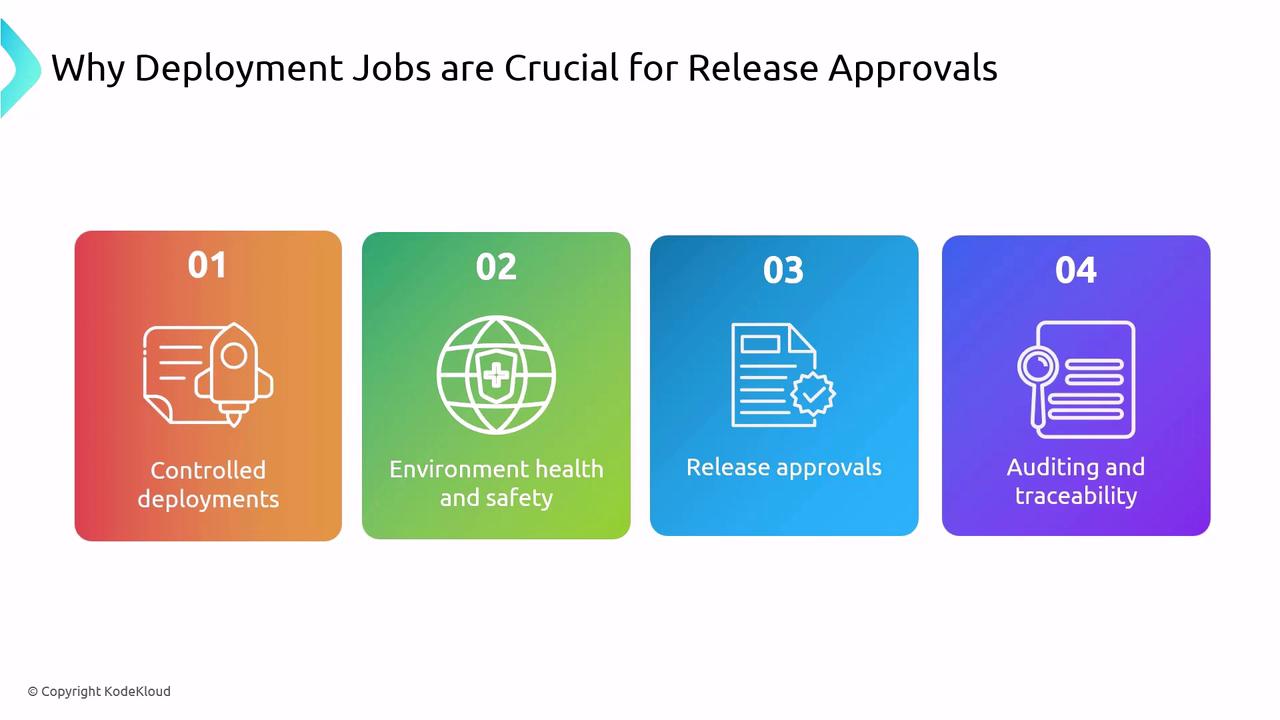
What Is a Deployment Job?
- Environment Association: Scopes the job to a named environment, enabling environment-specific gates.
- Approvals & Checks: You can configure pre- and post-deployment approvals or automated health checks.
- Audit Trail: Records who approved each deployment and when, crucial for compliance.
Configuring Release Gates in YAML
Below is an example of adding a pre-deployment approval check on an environment:Automated Gates: Performance Validation
-
PreDeploy Stage
- Runs a script to confirm the API’s response time is under 0.3 seconds.
- Fails the pipeline if the metric isn’t met.
-
Deploy Stage
- Executes only if the PreDeploy stage succeeds.
- Carries out the production deployment steps.
Avoid overly strict gate conditions that delay deployments unnecessarily. Balance thorough checks with delivery speed.
Tips for Effective Release Gates

- Define clear, measurable criteria for each gate.
- Automate gates wherever possible to minimize manual effort and errors.
- Reserve manual approvals for mission-critical environments.
- Continuously review and update gate definitions to reflect evolving requirements.