

Why Use Persistent Volumes?
When you embed volume definitions in every Pod spec, any change to storage (capacity, filesystem, reclaim policy) requires updating all manifests. PVs solve this by:- Centralizing storage configuration in a single object
- Allowing administrators to manage capacity, access modes, and reclaim policy
- Letting developers request storage without knowing backend details
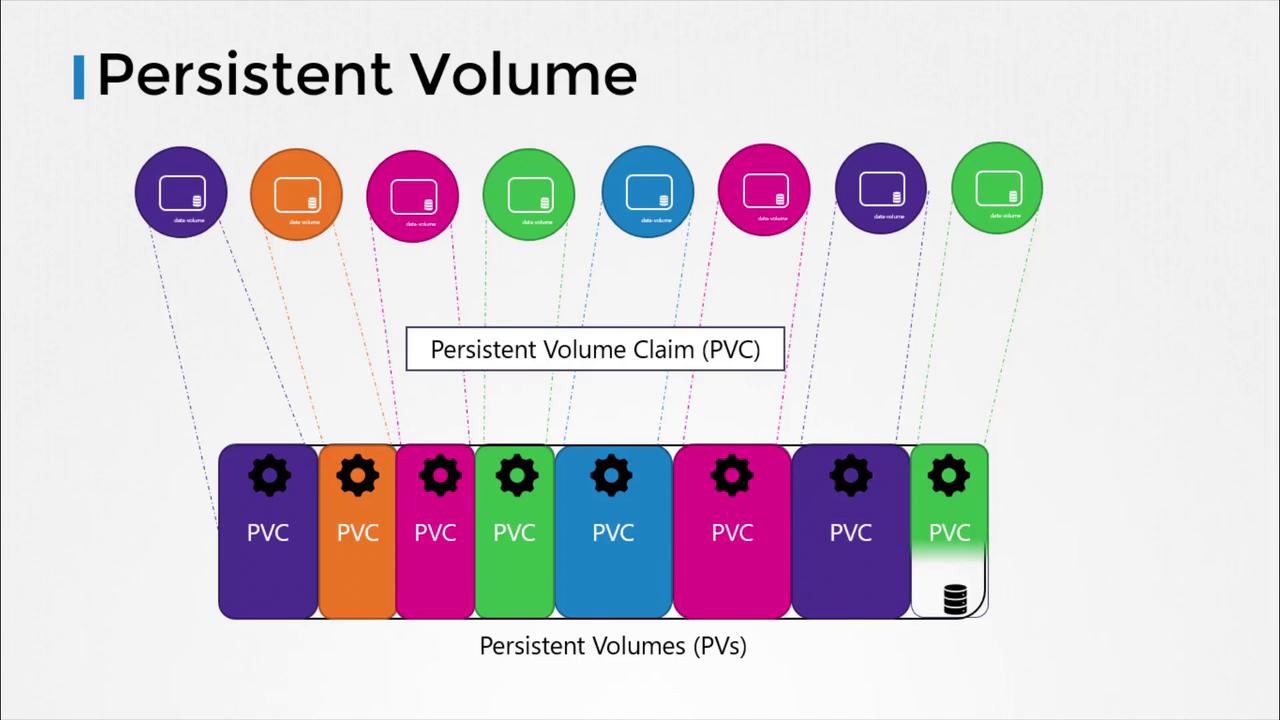
PersistentVolume Object Overview
| Field | Description |
|---|---|
spec.capacity.storage | Total volume size (e.g., 1Gi, 10Gi) |
spec.accessModes | How Pods can mount the volume: - ReadWriteOnce (RWO)- ReadOnlyMany (ROX)- ReadWriteMany (RWX) |
spec.persistentVolumeReclaimPolicy | Action when a PVC is deleted: - Retain- Delete- Recycle |
spec.<storageBackend> | Backend-specific settings (e.g., hostPath, awsElasticBlockStore, nfs) |
1. Creating a HostPath PersistentVolume
Below is a minimal PV definition that uses a node’s local filesystem (hostPath). This is helpful for testing but not recommended for production.
The
hostPath backend binds storage to a specific node’s filesystem. For highly available or multi-node clusters, use cloud volumes or networked storage solutions.pv-hostpath.yaml and apply:
2. Creating a Cloud-Backed PersistentVolume
Replace thehostPath section with cloud provider settings. Example: AWS EBS
Adjust the backend section for other cloud providers (GCE, Azure) or network filesystems (NFS, CSI drivers) by consulting the Kubernetes Storage Concepts.