This article explores how Docker uses Linux namespaces and capabilities for process isolation and security in containerized environments.
In this lesson, we explore how Docker leverages Linux namespaces and capabilities to isolate and secure containerized processes. You’ll learn about PID namespaces, user mappings, and fine-grained capability controls.
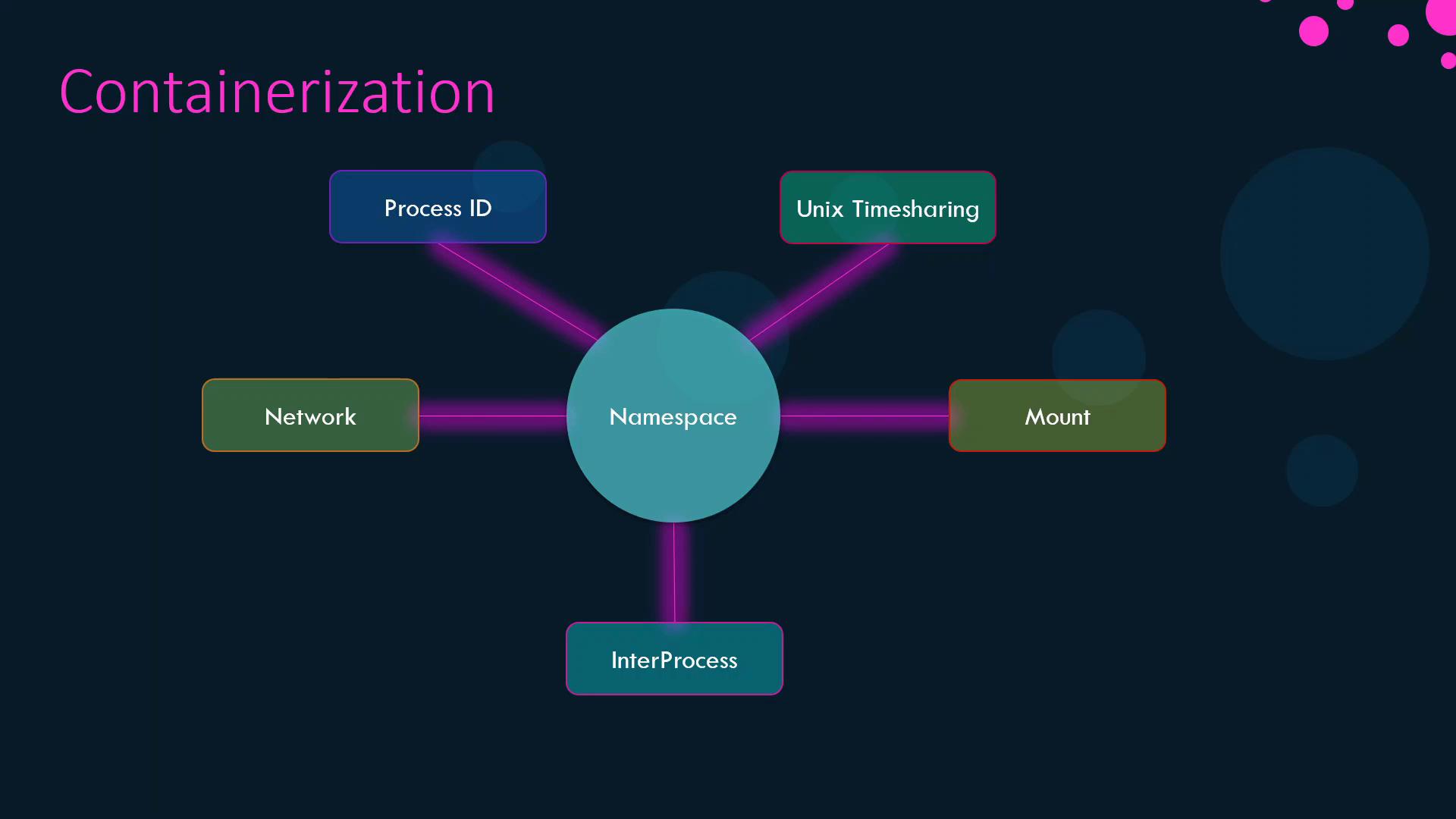
Docker uses Linux namespaces to give each container its own view of system resources—PIDs, network interfaces, IPC, mounts, and time-sharing clocks:
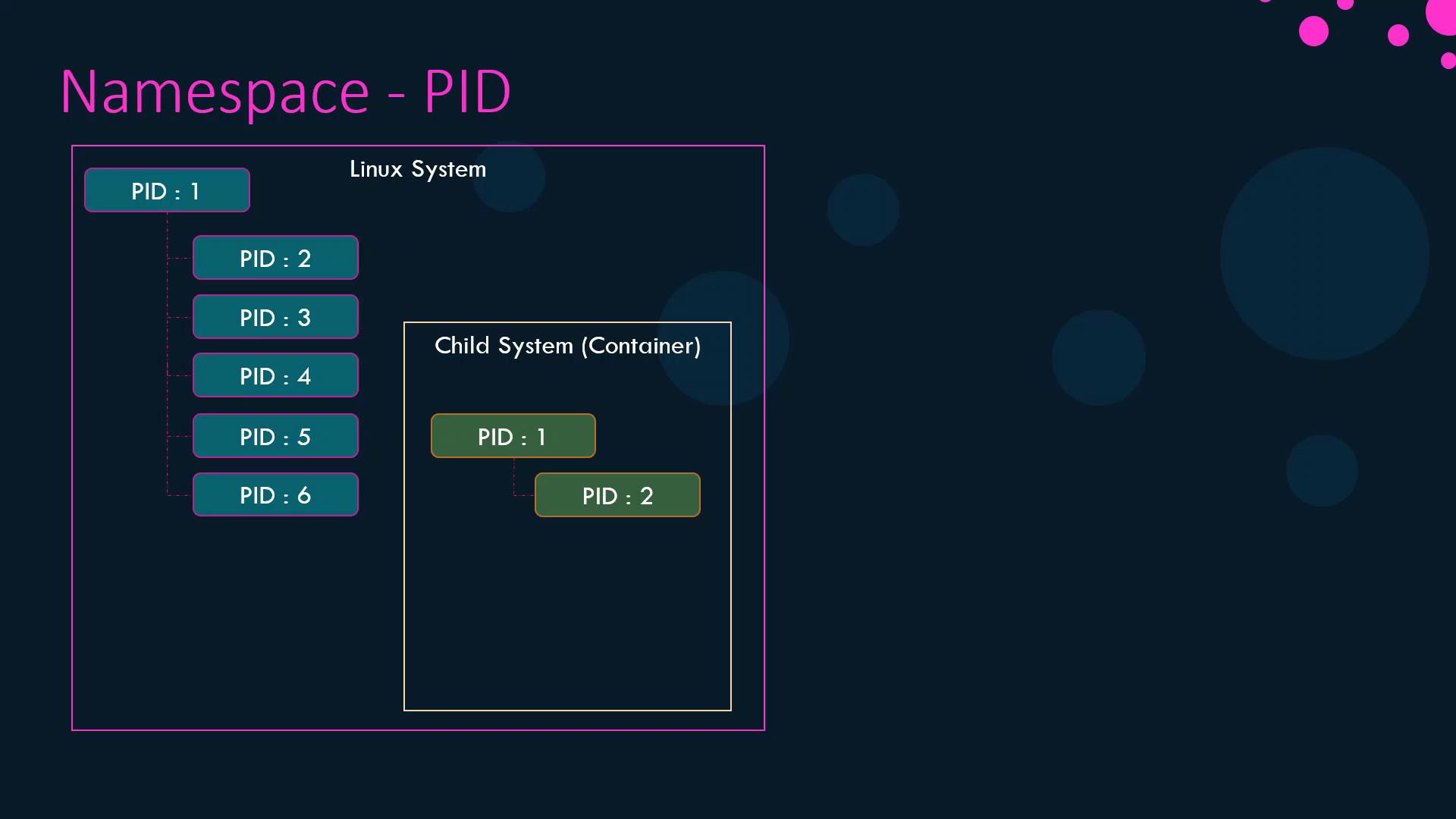
When Linux boots, it creates a single init process (PID 1) and forks all other processes from it. On the host, PIDs must remain unique, but containers also need a PID 1 without colliding with host IDs. PID namespaces solve this by providing each container its own PID space.
Processes inside the container see only PIDs 1 and 2, while the host maps them to PIDs 5 and 6.
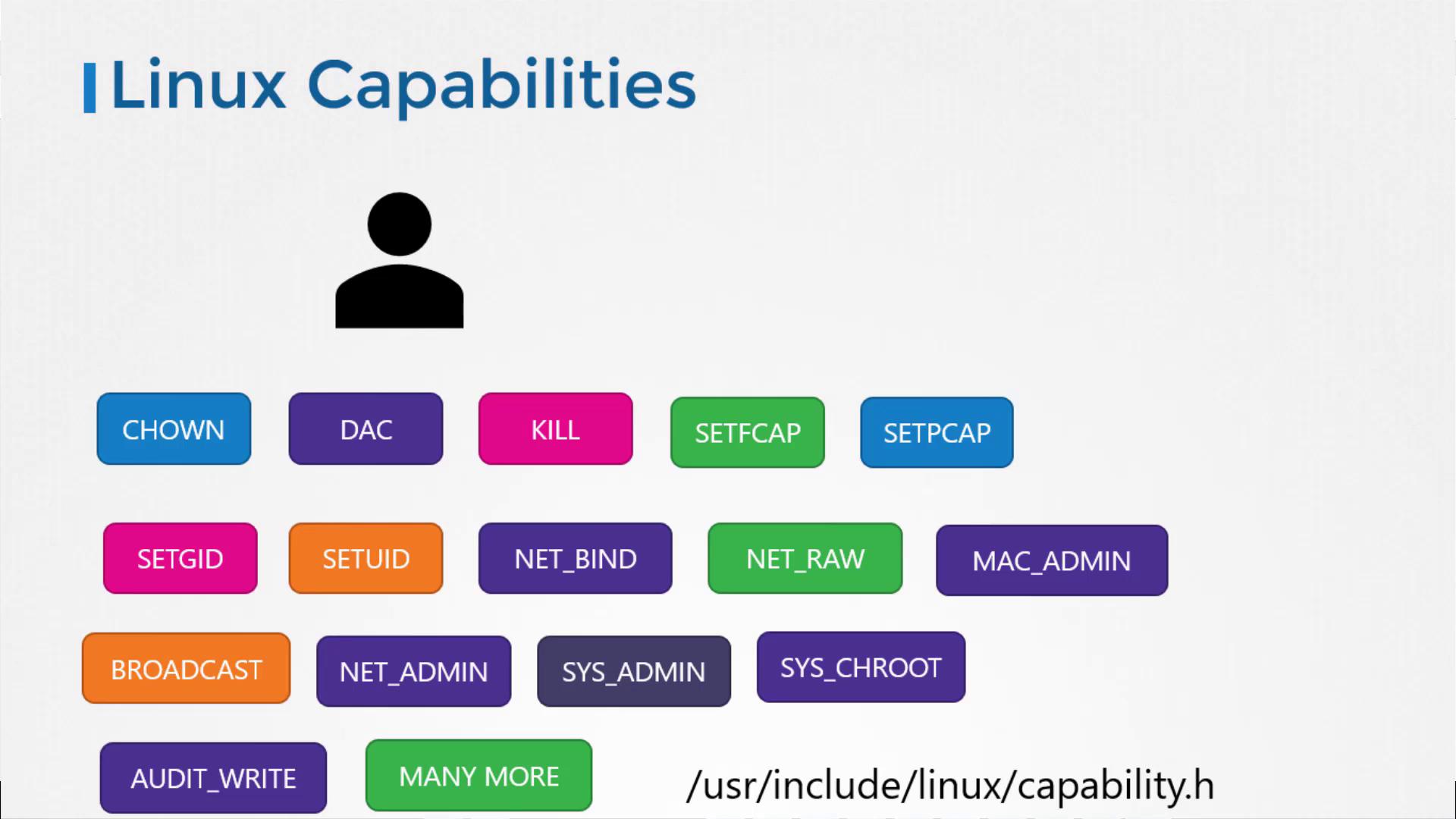
Beyond namespaces, Docker restricts container privileges by dropping most Linux capabilities from the root user inside a container. This prevents operations like rebooting the host or altering network configurations.
By default, containers run with a minimal set of capabilities. You can customize them using --cap-add, --cap-drop, or the --privileged flag:
Command
Description
--cap-add=<CAPABILITY>
Add a specific capability
--cap-drop=<CAPABILITY>
Remove a specific capability
--privileged
Grant all capabilities (not recommended)
Granting --privileged mode gives the container all host capabilities, which can compromise security. Use it only when absolutely necessary.