This article explains Kubernetes Pods, their characteristics, scaling, multi-container patterns, and benefits compared to plain Docker containers.
In this lesson, you’ll learn about Kubernetes Pods—the smallest deployable units in a Kubernetes cluster. We’ll cover what Pods are, how to scale them, the multi-container (sidecar) pattern, and how Pods compare to plain Docker containers.
Your applications are packaged as Docker images and pushed to a registry (e.g., Docker Hub).
You have a healthy Kubernetes cluster (single-node or multi-node) up and running.
With these prerequisites met, Kubernetes can pull your images and schedule them onto worker nodes. But instead of deploying containers directly, Kubernetes wraps them in Pods.
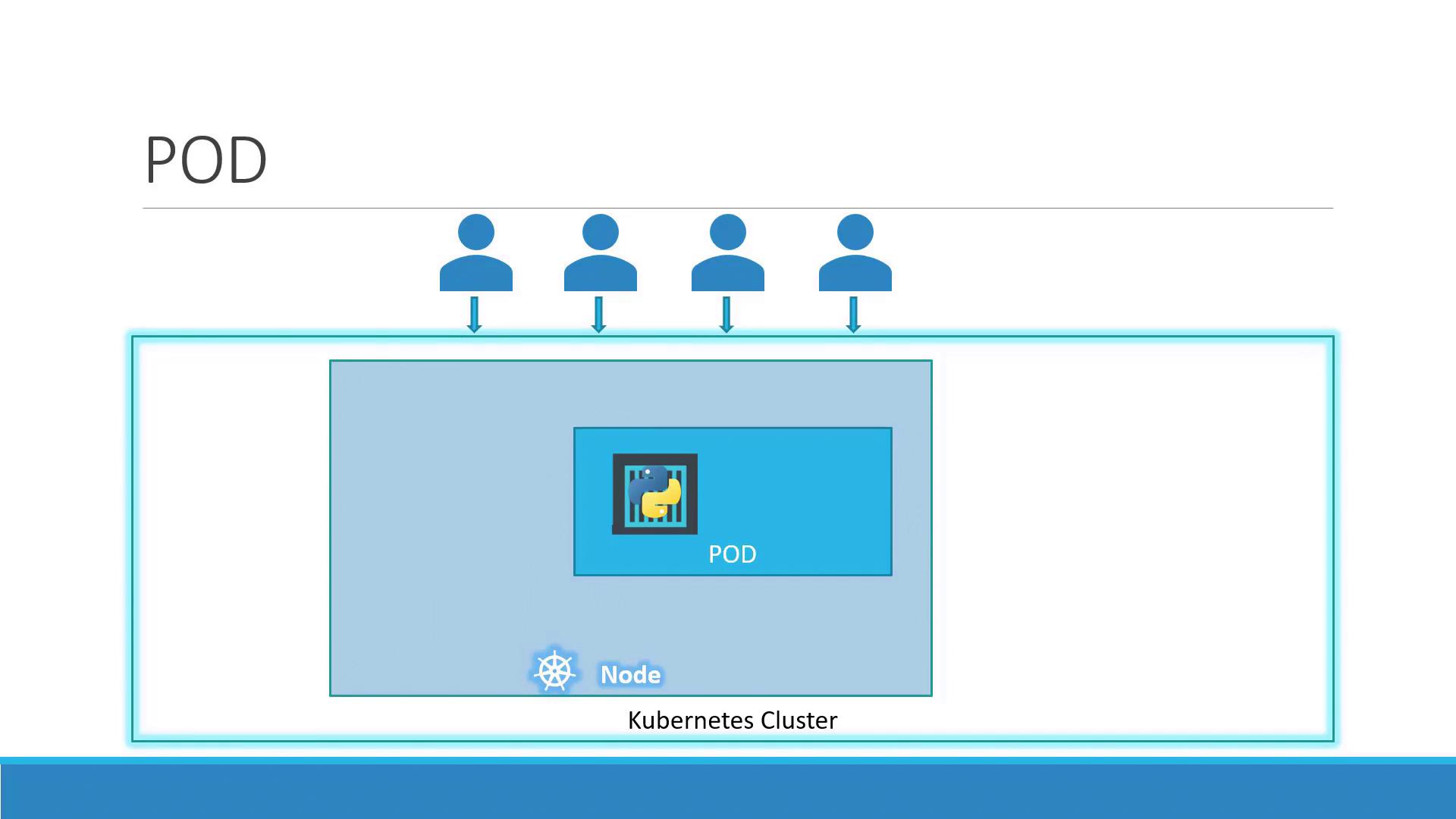
A Pod represents one or more containers that share storage, network, and a specification for how to run them. By default, a Pod hosts a single container instance of your application:
Key characteristics:
One-to-one mapping between a Pod and its main container (default).
Shared network namespace: containers in the same Pod communicate over localhost.
Shared volumes for data exchange between containers.
When your app needs to handle more load, you scale by adding or removing Pods—never by adding containers to an existing Pod. Kubernetes also balances traffic across all running Pods.
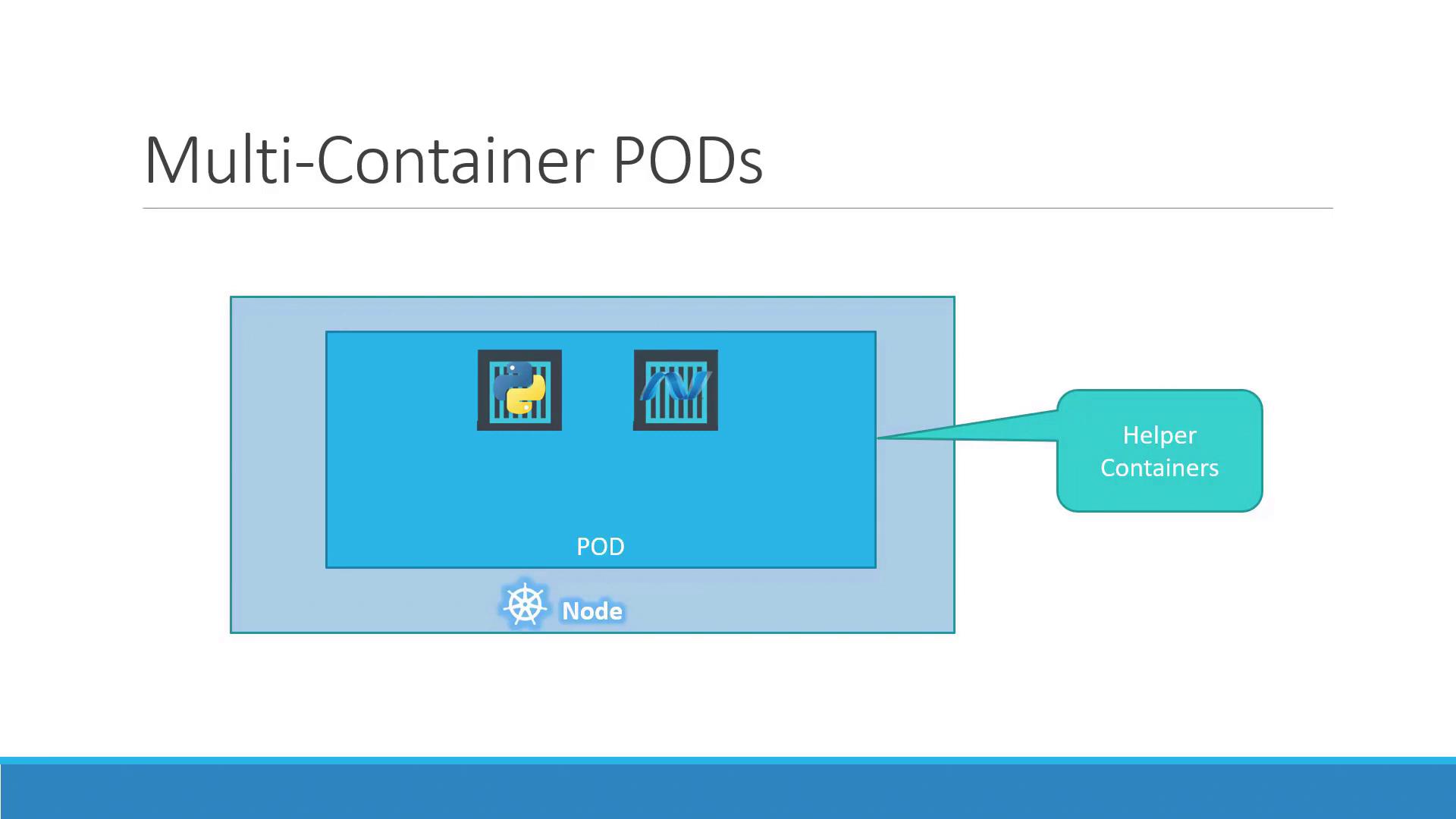
In some cases, two or more containers must run together and share resources. This sidecar pattern is useful for helpers such as logging agents or proxies:
In a multi-container Pod:
Containers share the same lifecycle (start/stop together).
Communication happens over the same network namespace.
Volumes can be mounted by all containers in the Pod.
Multi-container Pods are ideal for sidecars but shouldn’t replace scaling. Use them sparingly to avoid complexity.