

Built-in Docker Networks
Docker creates three networks upon installation:| Network Name | Description | Typical Use Case |
|---|---|---|
| bridge | Default private internal network on the host | General container communication |
| host | Shares host’s network namespace—no isolation | High-performance networking, host apps |
| none | No network interfaces except loopback | Security-isolated or self-managed setups |
--network flag:
1. Bridge Network
The bridge network is Docker’s default. Each container on this network gets an internal IP (typically in172.17.x.x). Containers on the same bridge can communicate directly.
Port Mapping
Expose container ports to the host with-p:
If you omit
-d, the container runs in the foreground.2. Host Network
Running with--network=host makes the container share your host’s network stack:
- No port mapping needed
- Ports in the container are the same as on the host
- Cannot run multiple containers on the same host port
Using the host network removes isolation. Only use this when you trust the container’s network behavior.
3. None Network
The none network disables all external interfaces, leaving only the loopback:Creating a User-Defined Bridge Network
Custom bridge networks let you isolate groups of containers and define subnets: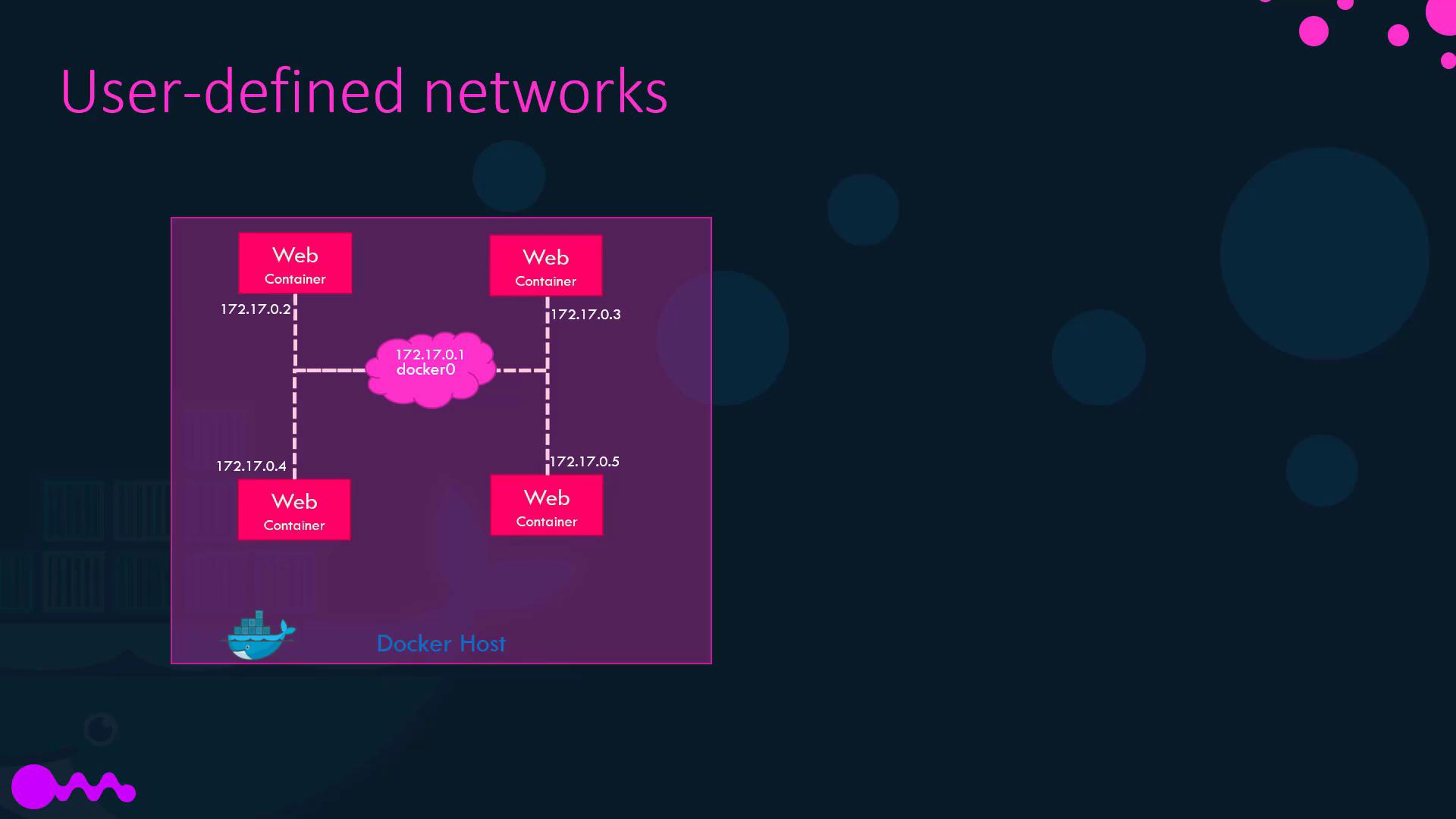
Inspecting a Container’s Network Settings
To retrieve a container’s IP address and network details:NetworkSettings section in the JSON output:
Use
jq to filter output:Name-Based Container Communication
Docker’s embedded DNS (at127.0.0.11) lets containers resolve each other by name:
mysql refers to the target container’s name. No static IPs required.
Under the Hood: Namespaces & veth Pairs
Docker uses Linux network namespaces to isolate containers. Communication between a container and the host bridge relies on veth (virtual Ethernet) pairs:- One end lives in the container’s namespace
- The other end attaches to the host bridge