

This curriculum is designed to align with the Docker Certified Associate (DCA) exam domains, ensuring comprehensive coverage of key Docker Engine, Swarm, Kubernetes, and Enterprise topics.
| Module | Focus Areas |
|---|---|
| 1. Installation & Configuration | System requirements, Engine & Swarm install, UCP/DTR, daemon config, CA auth |
| 2. Image Management | Dockerfile optimization, CLI image ops, registry deployment, best practices |
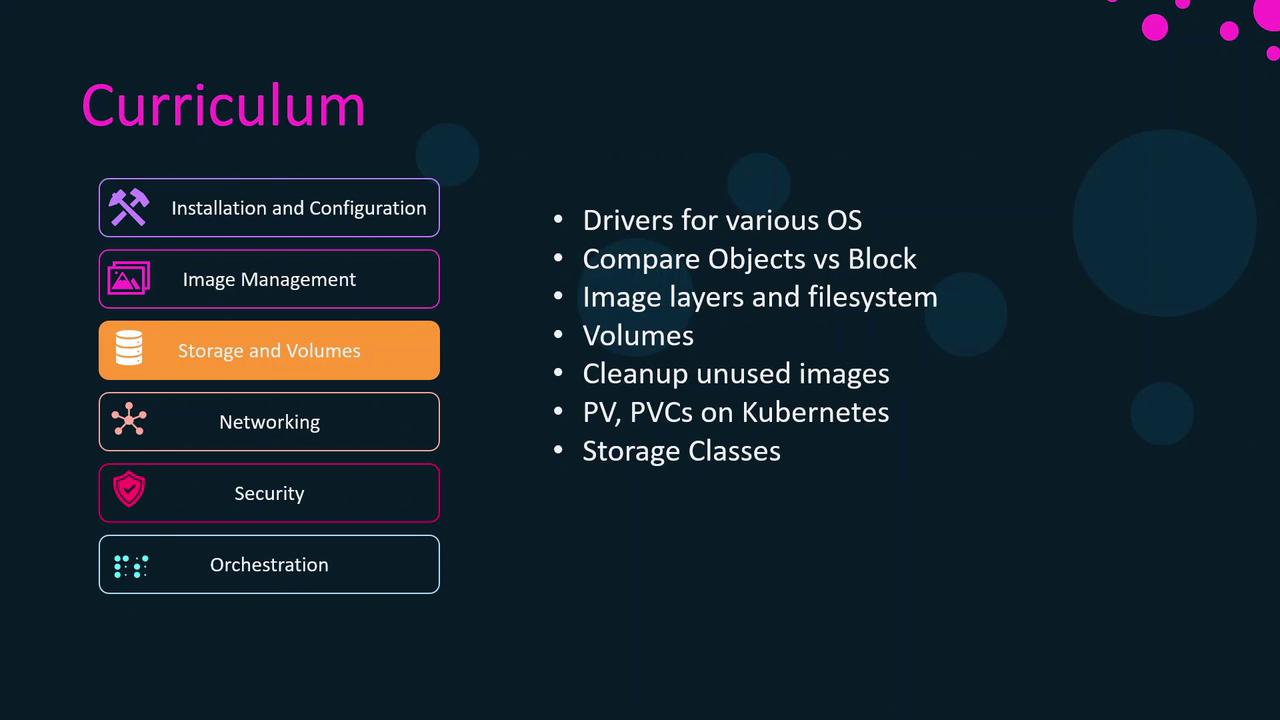
| 3. Storage & Volumes | Storage drivers, layer inspection, volumes, Kubernetes PV/PVC, StorageClass |
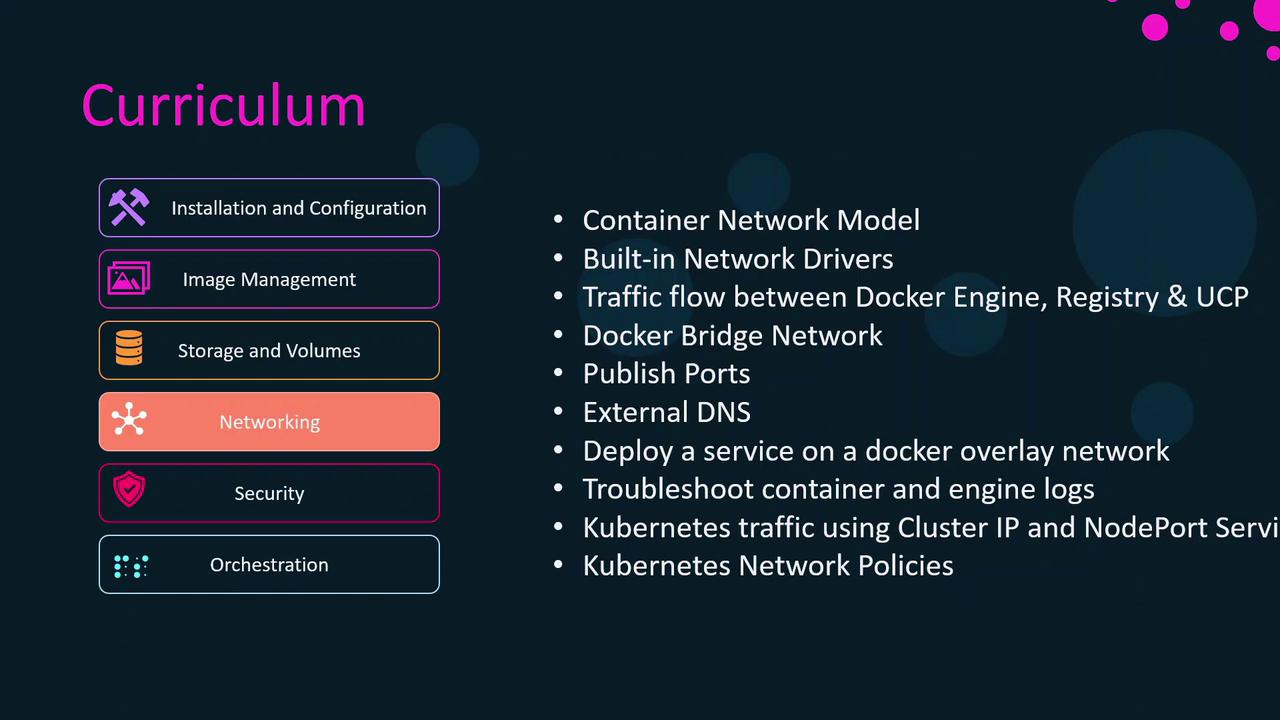
| 4. Networking | Network namespaces, bridge/overlay, port publishing, DNS, K8s Services/Ingress, Policies |
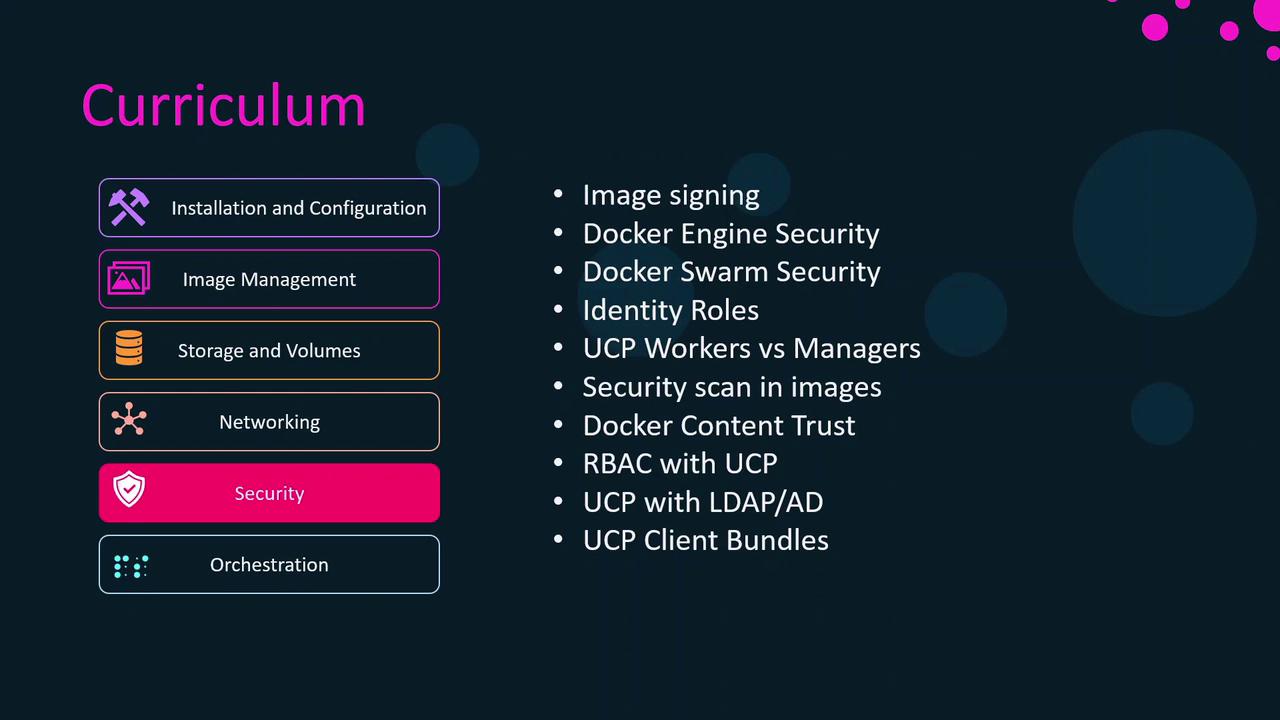
| 5. Security | Docker Content Trust, Engine & Swarm hardening, RBAC with UCP, image scanning |
| 6. Orchestration | Swarm services/stacks, Kubernetes Pods/Deployments/Services, scaling, rollouts |
1. Installation & Configuration
We begin with the foundation:- Sizing & System Requirements: RAM, CPU, and OS compatibility
- Installing Docker Engine: Official packages, repository setup
- Swarm Setup: Initializing a Swarm cluster, manager/worker roles
- Docker Enterprise Components: UCP and DTR overview and deployment
- User & Team Management: Role-Based Access Control (RBAC)
- Daemon Configuration: JSON configs,
daemon.jsonoptions, TLS certs - Namespaces & cgroups: Resource isolation fundamentals
- Troubleshooting & DR: Backup strategies, disaster recovery planning
2. Image Management
Master image lifecycle and optimization:- Writing Efficient Dockerfiles
- Multi-Stage Builds & Build Cache best practices
- Docker CLI:
docker push,pull,rmi,inspect - Tagging & Layer Inspection:
docker history, layer minimization - Registry Operations: Deploying a private registry, searching, and cleanup
3. Storage & Volumes
Understand how containers persist and share data:- Storage Drivers: overlay2, aufs, aufs alternatives per OS
- Inspecting Image Layers on the host filesystem
- Volume Management: Creating, mounting, pruning unused volumes
- Kubernetes Storage: Persistent Volumes (PV), Persistent Volume Claims (PVC), Storage Classes
4. Networking
Dive into container connectivity and service exposure:- Linux Network Namespaces & CNM
- Built-in Drivers:
bridge,host,overlay - Port Publishing & External DNS setup
- Overlay Networks: Deploying multi-host services
- Network Troubleshooting:
docker network inspect, packet captures - Kubernetes Traffic Routing: Services, Ingress Controllers, Network Policies
5. Security
Implement best practices to harden your container environment:- Docker Content Trust & Image Signing
- Engine & Swarm Security: TLS, mutual auth, secret management
- Identity & RBAC with UCP managers and workers
- Image Scanning: Static analysis tools, vulnerability reports
- Integrating UCP with LDAP/AD for centralized auth
6. Orchestration
Compare and contrast Docker Swarm with Kubernetes:- Swarm Architecture: Managers, workers, Raft consensus
- Swarm Services & Stacks: Compose file v3, rolling updates
- Kubernetes Fundamentals: Pods, Deployments, ReplicaSets, Services
- Advanced K8s: Horizontal Pod Autoscaling, liveness/readiness probes
- Integration with Docker Enterprise: UCP scheduling, DTR-based images
The curriculum is organized into four progressive sections:
- Docker Engine – Core installation, config, and basic operations
- Docker Swarm – Native orchestration model
- Kubernetes – Industry-standard orchestration
- Docker Enterprise – UCP/DTR integrations and advanced management
To maximize your learning experience, we recommend:
- Completion of Docker for Beginners
- Completion of Kubernetes for Beginners
- Docker Swarm fundamentals
- Certified Kubernetes Application Developer (CKAD)
In the next lesson, we’ll start with Module 1: Docker Engine Installation & Configuration.