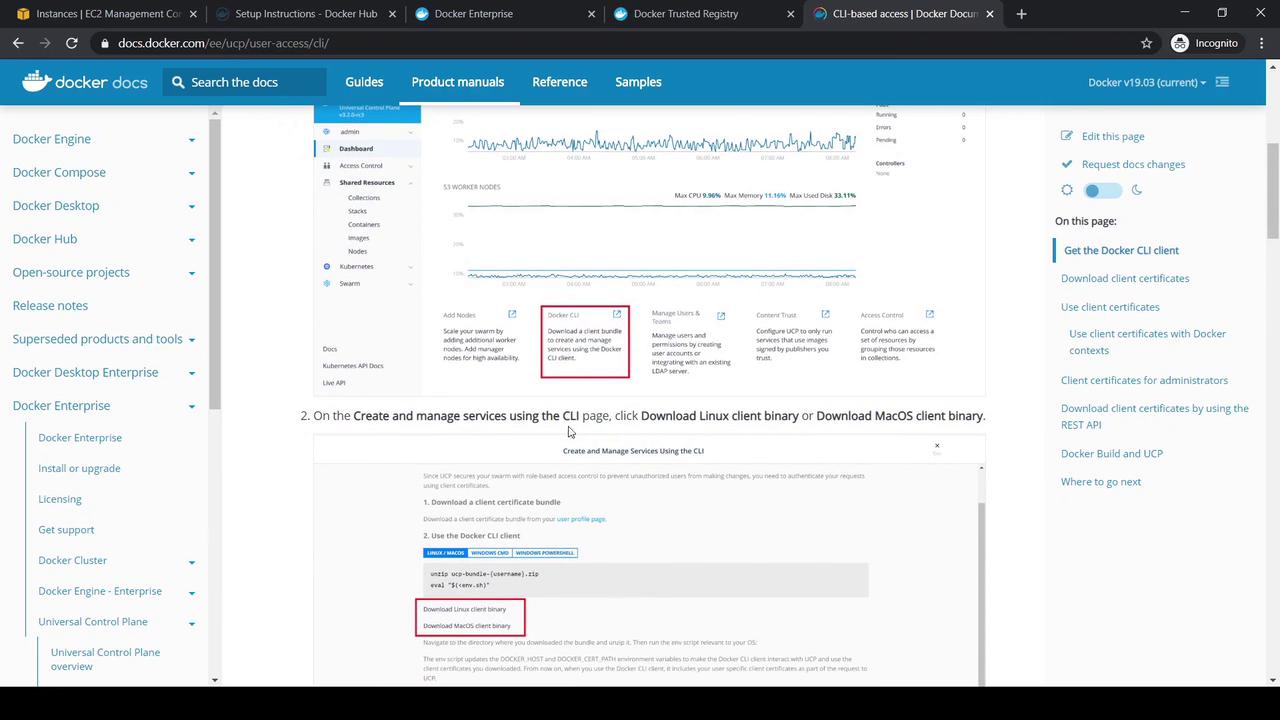
This guide explains how to configure the Universal Control Plane client bundle on your local machine for Docker CLI interaction with a UCP cluster.
In this guide, you’ll configure the Universal Control Plane (UCP) client bundle on your local machine to interact with a UCP cluster through the Docker CLI.
For this example, we provisioned a CentOS host on AWS named Yogesh Client Bundle Test. Transfer both the Docker CLI binary and the UCP client bundle (e.g., via WinSCP), then:
Copy
Ask AI
# On the remote hostmkdir -p ~/client-bundleunzip ucp-bundle-{username}.zip -d ~/client-bundlecd ~/client-bundle
Here’s an example public key from the bundle:
Copy
Ask AI
-----BEGIN PUBLIC KEY-----MIGeMA0GCSqGSIb3DQEBAQUAA4GNADCB9M7C1cfPReZIrCrypItIh4V127f1UARf78B8iWa/2HZfSmKx24QDyCFRDoA=-----END PUBLIC KEY-----
Your private keys and certificates grant full access to your UCP cluster. Handle them with care.
Execute the provided environment script to set Docker CLI variables:
Copy
Ask AI
cd ~/client-bundleeval "$(env.sh)"
Verify your environment settings:
Variable
Description
Example
DOCKER_HOST
UCP manager endpoint
tcp://172.31.32.217:443
DOCKER_CERT_PATH
Path to client certificates and keys
/home/user/client-bundle
Copy
Ask AI
echo $DOCKER_HOST# If needed, switch to the private IPexport DOCKER_HOST=tcp://172.31.32.217:443echo $DOCKER_HOSTecho $DOCKER_CERT_PATH# /home/user/client-bundle
docker node ls# ID HOSTNAME STATUS AVAILABILITY MANAGER STATUS ENGINE VERSION# vpns18n5tj7c59rcx4t26oz06 dtrnode Ready Active Active 19.03.5# g2gzfa9lrijoyg7atl2avveu6r * ucpmanager Ready Active Leader 19.03.5docker service ls
If both commands succeed, your Docker CLI is correctly configured to manage UCP.
docker service ps kodekloudtest# ID NAME IMAGE NODE DESIRED STATE CURRENT STATE# 1yatpy8tm6gi kodekloudtest.1 httpd:alpine ucpworker Running Running 2 minutes ago
Visit http://<UCP_WORKER_IP>:83 in your browser. You should see the default Apache welcome page. The service also appears under Swarm in the UCP console.