

Prerequisites
- Docker Engine installed (version ≥ 19.03)
- Basic familiarity with
dockerCLI - A terminal/SSH session on Linux, macOS, or Windows WSL
Step 1: Install Docker Compose
Docker Compose isn’t bundled with Docker Engine by default. Install it on Linux with:Replace
1.16.1 with the latest stable release. See the Compose releases on GitHub for details.Step 2: Clean Up Existing Containers
Before deploying, stop any previous demo containers:Stopping containers will terminate running services. Ensure you don’t have unsaved data in those containers.
Step 3: Define Services in docker-compose.yml
Create a file nameddocker-compose.yml with the following content. It leverages Compose file format version 3.
Service Overview
| Service | Image | Ports | Description |
|---|---|---|---|
| redis | redis | – | In-memory queue for incoming votes |
| db | postgres:9.4 | – | Persistent storage for vote records |
| vote | voting-app | 5000→80 | Frontend where users cast their vote |
| worker | worker-app | – | Processes queued votes into the PostgreSQL DB |
| result | result-app | 5001→80 | Displays aggregated vote results |
The
See the Compose file reference for advanced options.
depends_on key ensures containers start in the correct order, but it doesn’t wait for health checks. Consider adding healthchecks for production workloads.See the Compose file reference for advanced options.
Step 4: Deploy the Stack
From the directory containingdocker-compose.yml, run:
root_redis_1).
Verify everything is up:
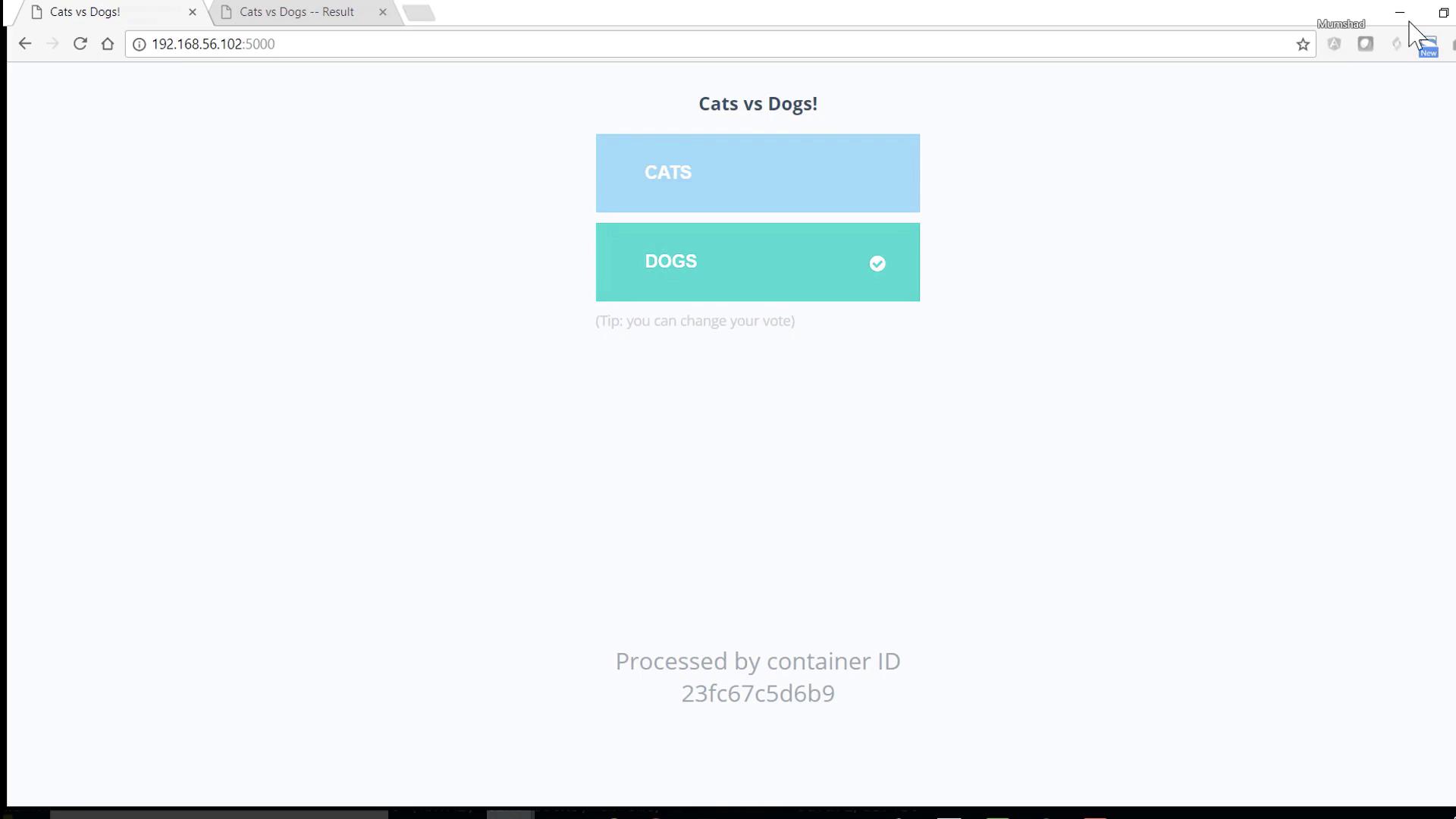
Step 5: Access the Application
- Voting interface: http://localhost:5000
- Results dashboard: http://localhost:5001
Clean Up
When you’re done testing, stop and remove all services with:--volumes or --rmi all flags.