

Repository Visibility
DTR repositories can be public or private.- Public: Any user with your DTR URL can pull images without authentication.
- Private: Only authenticated users with the right permissions can pull images.
To access private repositories, authenticate with
docker login <DTR_URL> using a valid DTR account.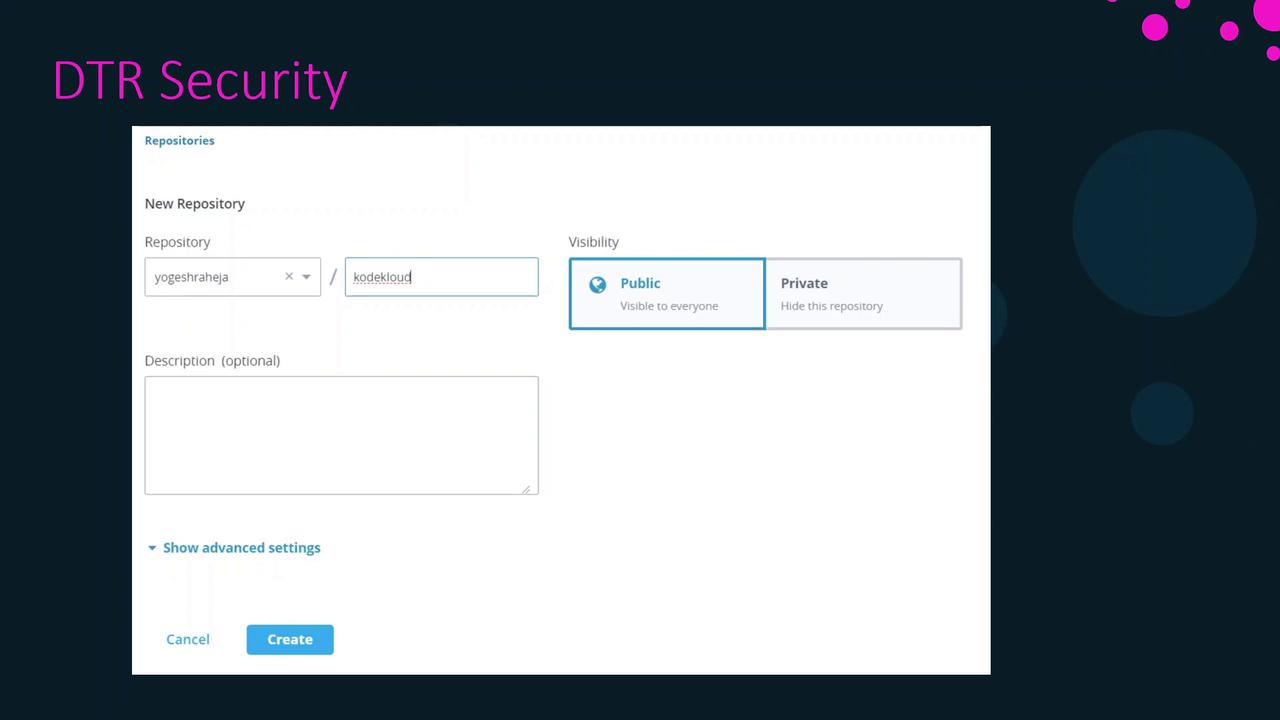
Managing User Accounts
Every push or pull to DTR requires a user account. You have two options:- UCP Accounts
Users created in [Universal Control Plane] are automatically available in DTR. - DTR Local Accounts
Create users directly in the DTR web UI; they’ll also appear in UCP.

Organizations and Teams
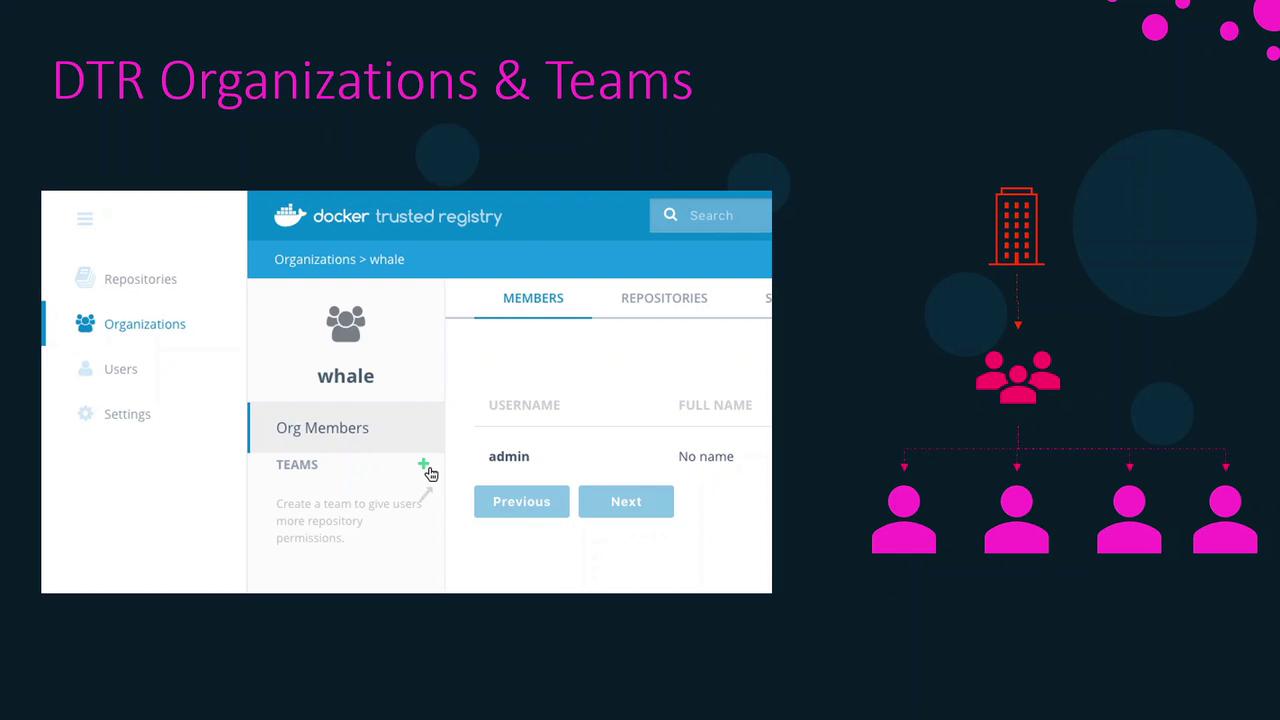
To collaborate on repositories, group users into organizations and teams:- Create an Organization
- Define Teams within that organization
- Add Users to each team
Organize users into teams by project or role to maintain consistent permissions and reduce administrative overhead.
Repository Permission Levels
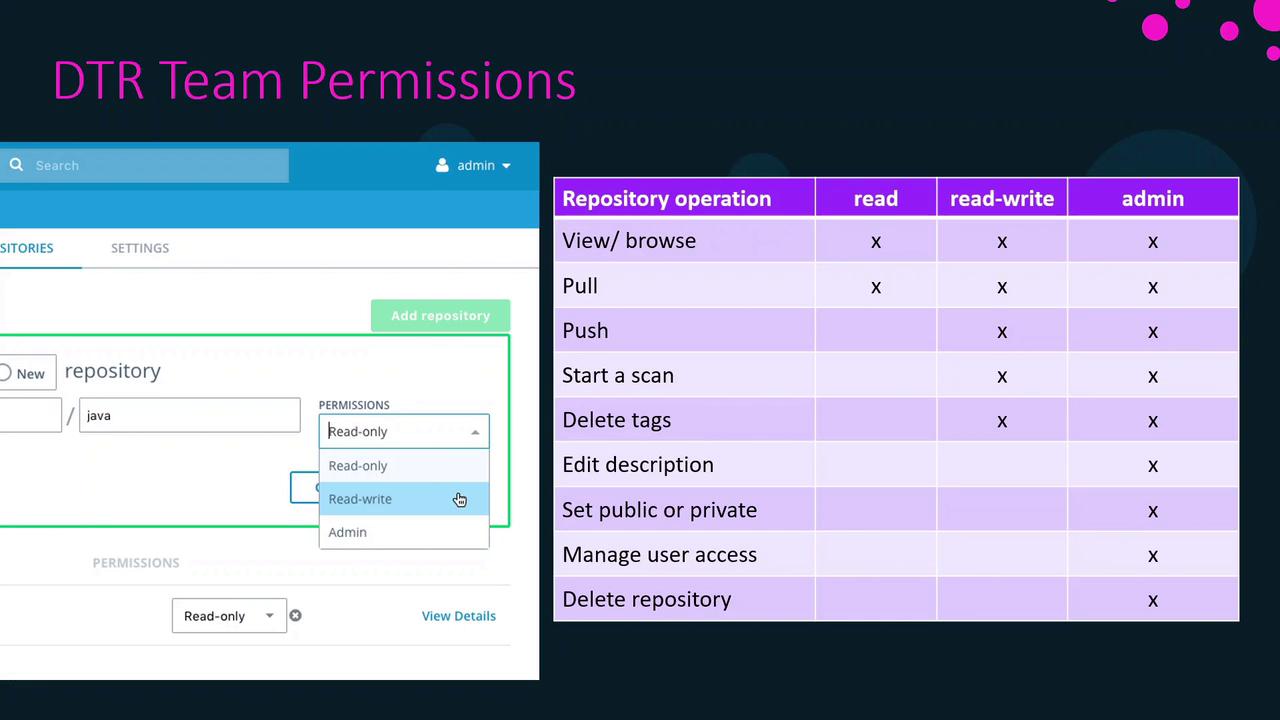
Assign one of three permission levels when granting a team access to a repository:| Permission | Actions Allowed |
|---|---|
| Read | View repository metadata & pull images |
| Write | Pull, push, tag, and scan images |
| Admin | Full control: read/write actions plus manage settings |
Summary
- Choose public or private visibility based on your security needs.
- Use UCP or DTR to manage user accounts seamlessly.
- Leverage organizations and teams to simplify collaboration.
- Assign granular permission levels (Read, Write, Admin) to control repository access.