

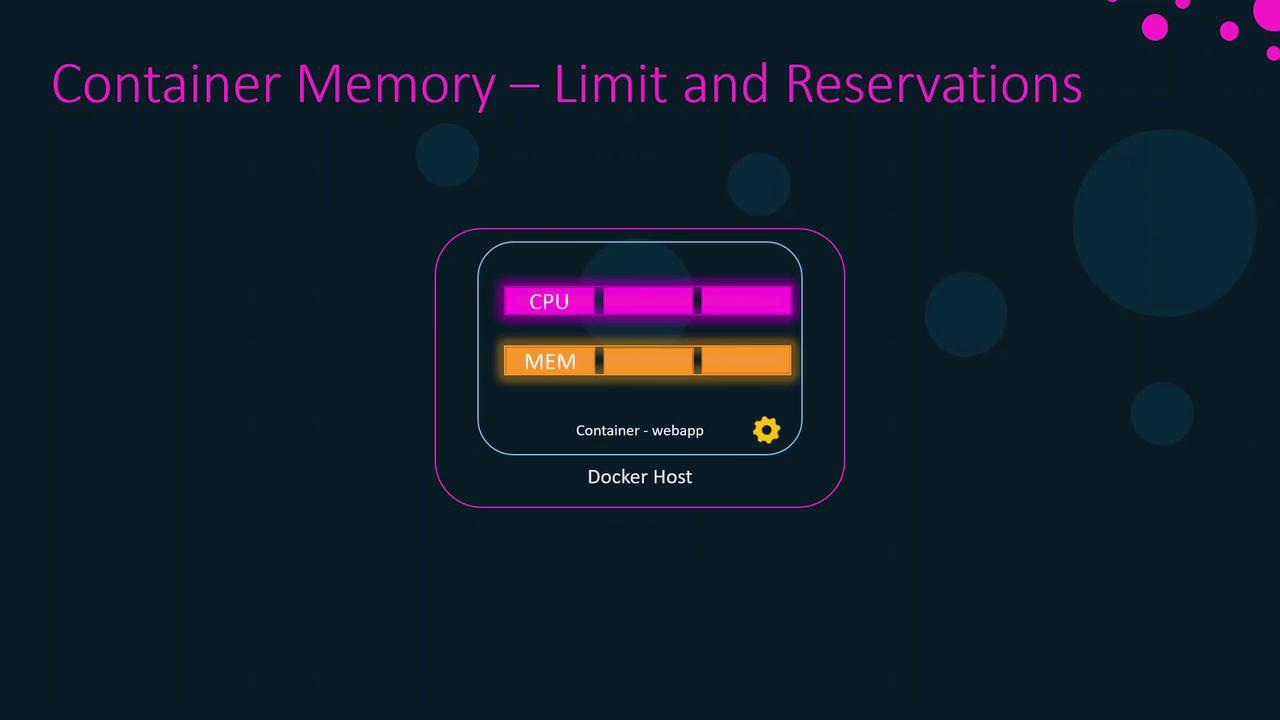
CPU Scheduling on Linux
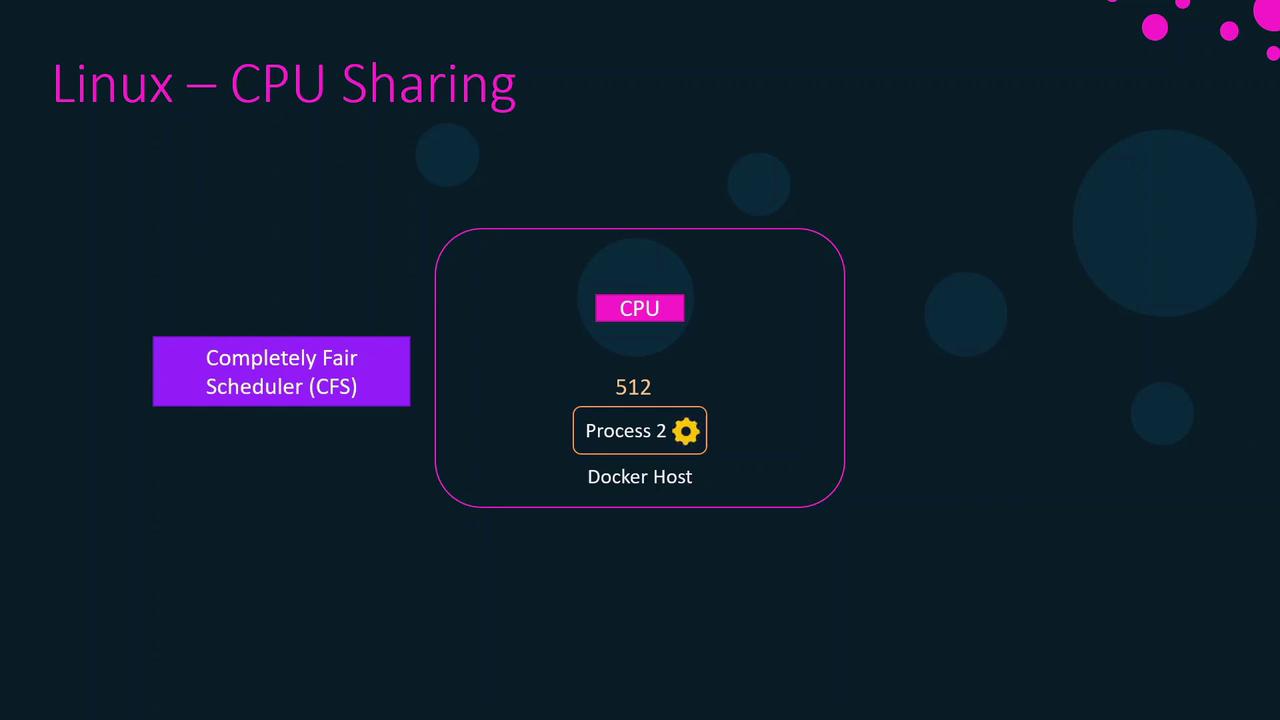
On a host with a single CPU core, two processes cannot truly run simultaneously. The Linux scheduler gives each process a tiny time slice (measured in microseconds), switching rapidly so they appear parallel. When one process has more weight, it receives more or longer slices.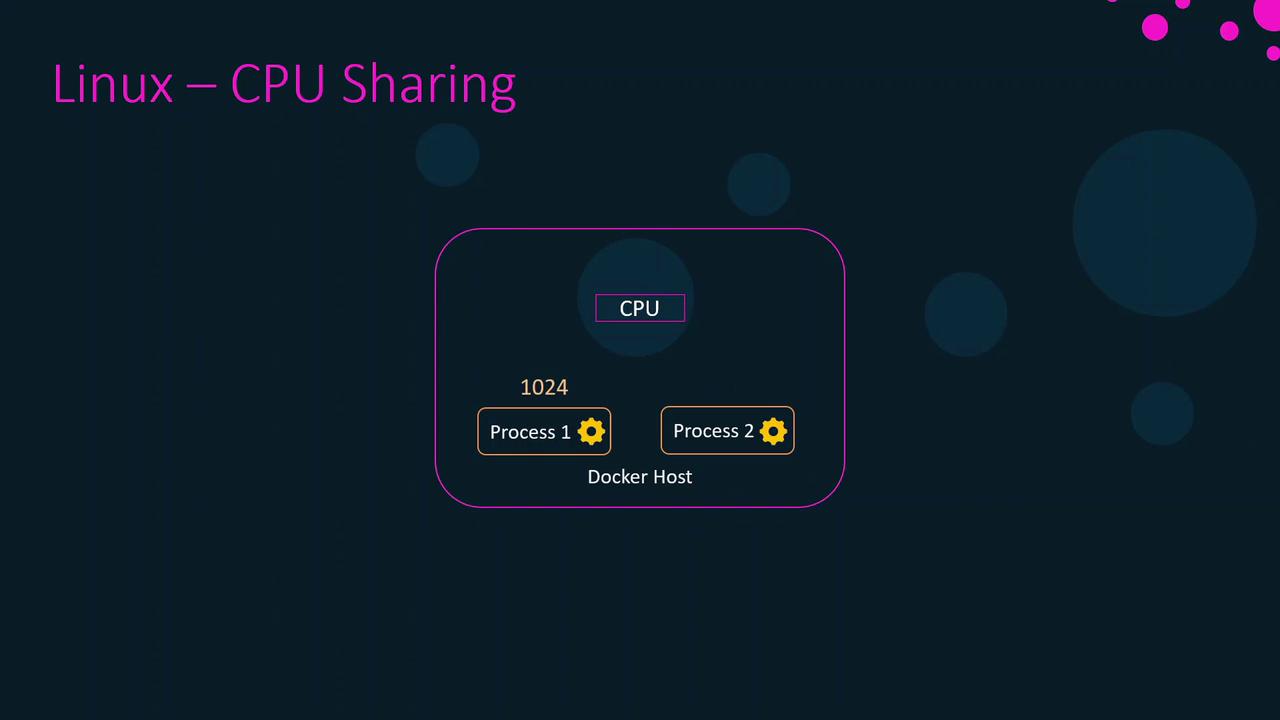
CPU Shares and Weights
CPU shares are relative weights, not hard caps. For example:- Process A: 1024 shares
- Process B: 512 shares
Applying CPU Shares to Containers
By default, each container gets 1024 CPU shares. To change this weight:webapp4 has half the CPU weight of any container using the default 1024 shares.
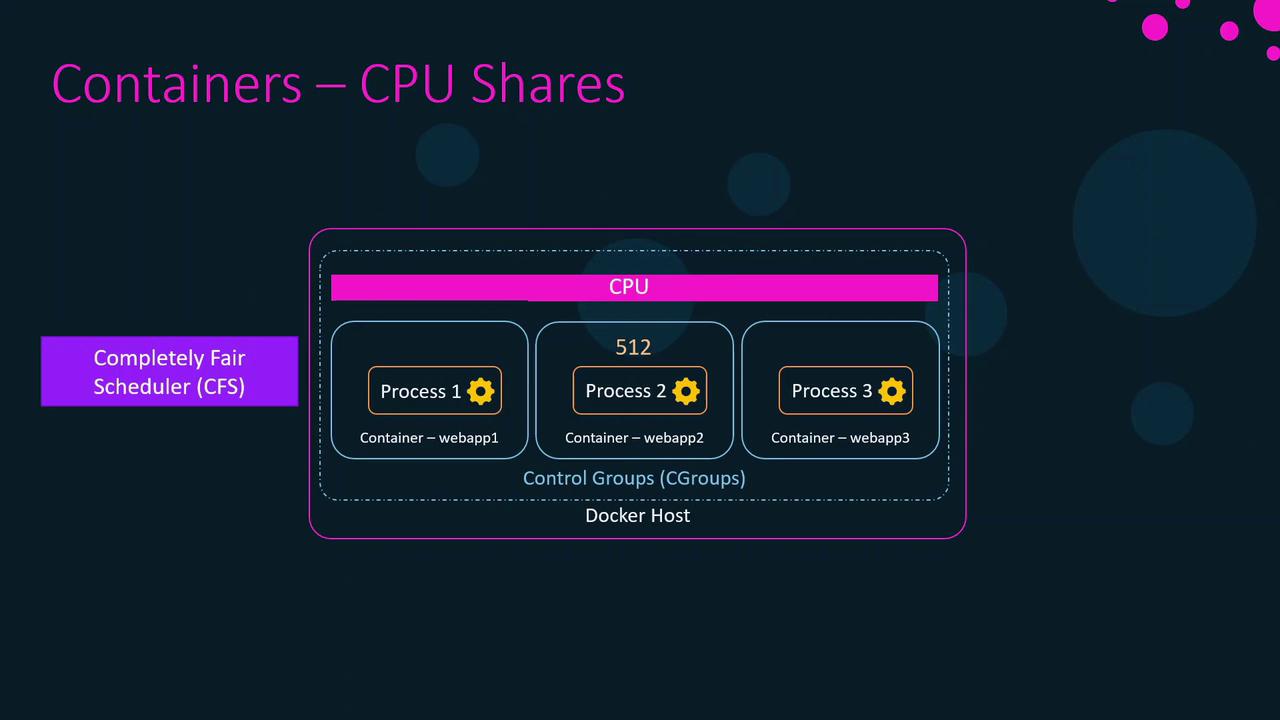
CPU shares only affect relative scheduling. A container with fewer shares can still use 100% of CPU if it’s the only active workload.
Restricting Containers to Specific CPUs
To pin a container to specific cores, use--cpuset-cpus. On a 4-core host (0–3):
webapp1 and webapp2 run only on cores 0 and 1; webapp3 and webapp4 on core 2. Core 3 stays free for other tasks.
Limiting CPU Usage with --cpus
Since Docker 1.13, you can enforce a hard CPU cap:
webapp4 to 2.5 CPU cores (≈62.5% of a 4-core host). To update an existing container:
Without proper CPU limits, a container can monopolize the host CPU, starving other containers or the Docker daemon and causing an unresponsive system.
CPU Limit Configuration Options
| Option | Description | Example |
|---|---|---|
--cpu-shares | Relative CPU weight (default: 1024 shares) | docker run --cpu-shares=512 nginx |
--cpuset-cpus | Pin container to specific CPU cores | docker run --cpuset-cpus="0-1" nginx |
--cpus | Hard limit on number of CPU cores | docker run --cpus=2.5 nginx |