In this lesson, we will explore storage classes in Kubernetes by reviewing their behavior and running hands-on labs. You will learn how to list storage classes, examine their properties, create persistent volume claims (PVCs), and deploy a pod to trigger volume binding. Finally, we will create a new storage class with on-demand binding.

Step 1: Checking Existing Storage Classes

Begin by determining how many storage classes exist in the cluster. Execute the following command:
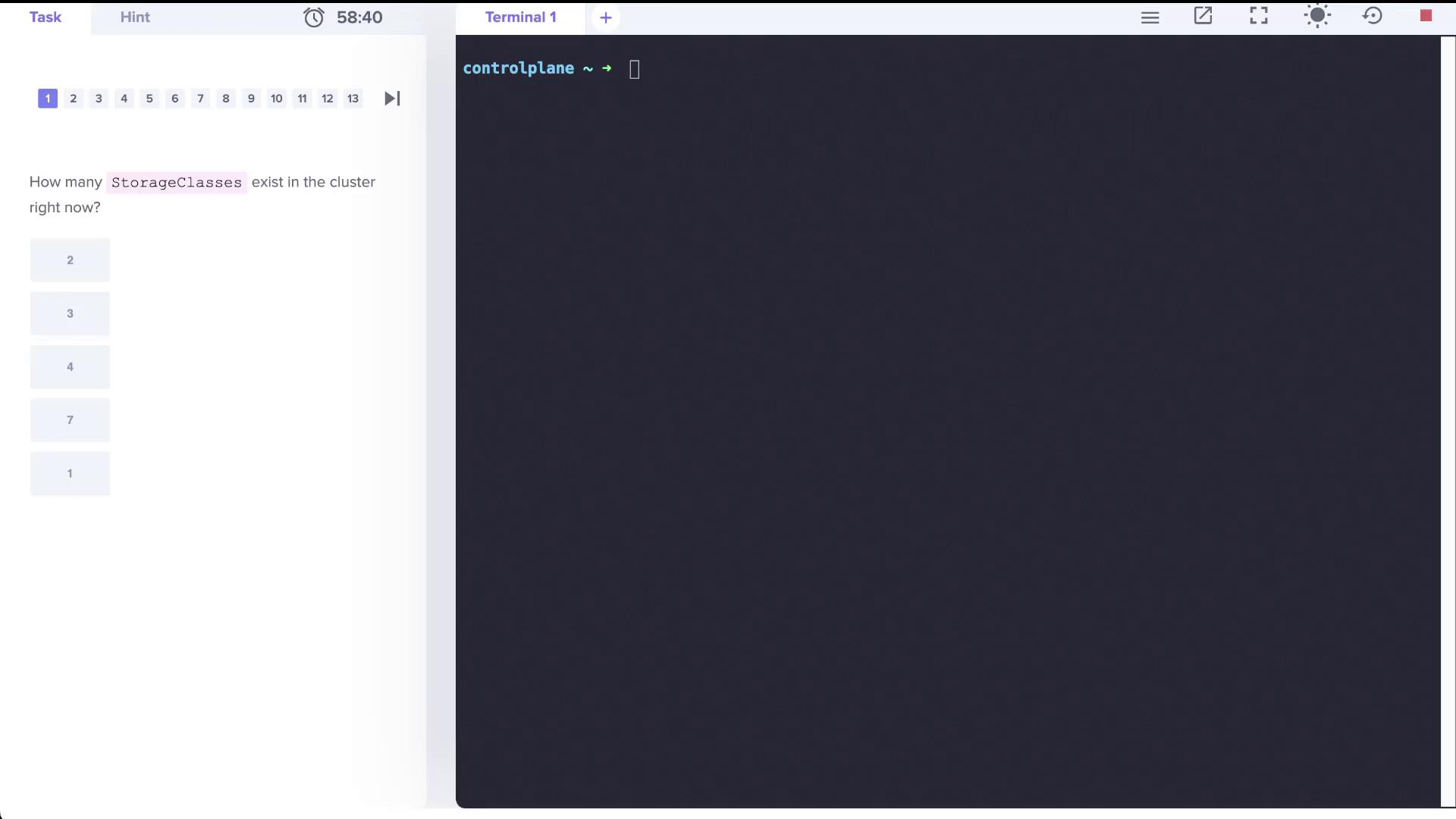
A terminal interface asks how many StorageClasses exist in a cluster, with multiple-choice options provided.
kubectl get storageclass
The output should display a storage class similar to:
NAME                   PROVISIONER               RECLAIMPOLICY   VOLUMEBINDINGMODE      ALLOW_VOLUME_EXPANSION   AGE
local-path (default)   rancher.io/local-path     Delete          WaitForFirstConsumer   false                    15m
You can also use the abbreviated command:
kubectl get sc
Both commands yield identical results.

Step 2: Reviewing Additional Storage Classes

Assume more storage classes have been created. Verify that there are now three storage classes:
kubectl get storageclass
or
kubectl get sc
An example output might be:
NAME                           PROVISIONER                      RECLAIMPOLICY   VOLUMEBINDINGMODE      ALLOW_VOLUME_EXPANSION   AGE
local-path (default)           rancher.io/local-path            Delete          WaitForFirstConsumer   false                   15m
local-storage                  kubernetes.io/no-provisioner       Delete          WaitForFirstConsumer   false                   6s
portworx-io-priority-high      kubernetes.io/portworx-volume      Delete          Immediate              false                   6s
  • local-storage uses the provisioner kubernetes.io/no-provisioner, meaning it does not support dynamic volume provisioning.
  • The local-path storage class is set to bind volumes using the WaitForFirstConsumer mode.
  • portworx-io-priority-high employs the kubernetes.io/portworx-volume provisioner.

Step 3: Working with Persistent Volumes (PVs) and Persistent Volume Claims (PVCs)

First, check if there is any PVC consuming a persistent volume (PV) named local-pv:
kubectl get pv
Example output:
NAME       CAPACITY   ACCESS MODES   RECLAIM POLICY   STATUS      CLAIM           STORAGECLASS   REASON   AGE
local-pv   500Mi      RWO            Retain           Available local-storage   local-storage   -      110s
Next, verify that there are no PVCs created yet:
kubectl get pvc
Expected output:
No resources found in default namespace.
Since no PVC exists, create one that binds to the PV. The PVC must request 500Mi of storage, use the ReadWriteOnce access mode, and specify the local-storage storage class. Create a file named pvc.yaml with the following content:
apiVersion: v1
kind: PersistentVolumeClaim
metadata:
  name: local-pvc
spec:
  accessModes:
    - ReadWriteOnce
  resources:
    requests:
      storage: 500Mi
  storageClassName: local-storage
After applying the YAML file, check the PVC status:
kubectl get pvc
Initially, the PVC may display a Pending status:
NAME       STATUS    VOLUME   CAPACITY   ACCESS MODES   STORAGECLASS    AGE
local-pvc  Pending   <none>   <none>     <none>        local-storage   4s
For further details, inspect the PVC using:
kubectl describe pvc local-pvc
You might see an event similar to:
Events:
  Type    Reason                 Age               From                                Message
  ----    ------                 ----              ----                                -------
  Normal  WaitForFirstConsumer   6s (x4 over 49s)  persistentvolume-controller         waiting for first consumer to be created before binding
This indicates that the WaitForFirstConsumer volume binding mode delays binding until a pod consumes the PVC.

Step 4: Deploying a Pod to Trigger PVC Binding

Deploy a pod named nginx that uses the PVC to initiate binding. This pod will run the nginx:alpine image and mount the PVC at /var/www/html. Refer to the image below for guidance:
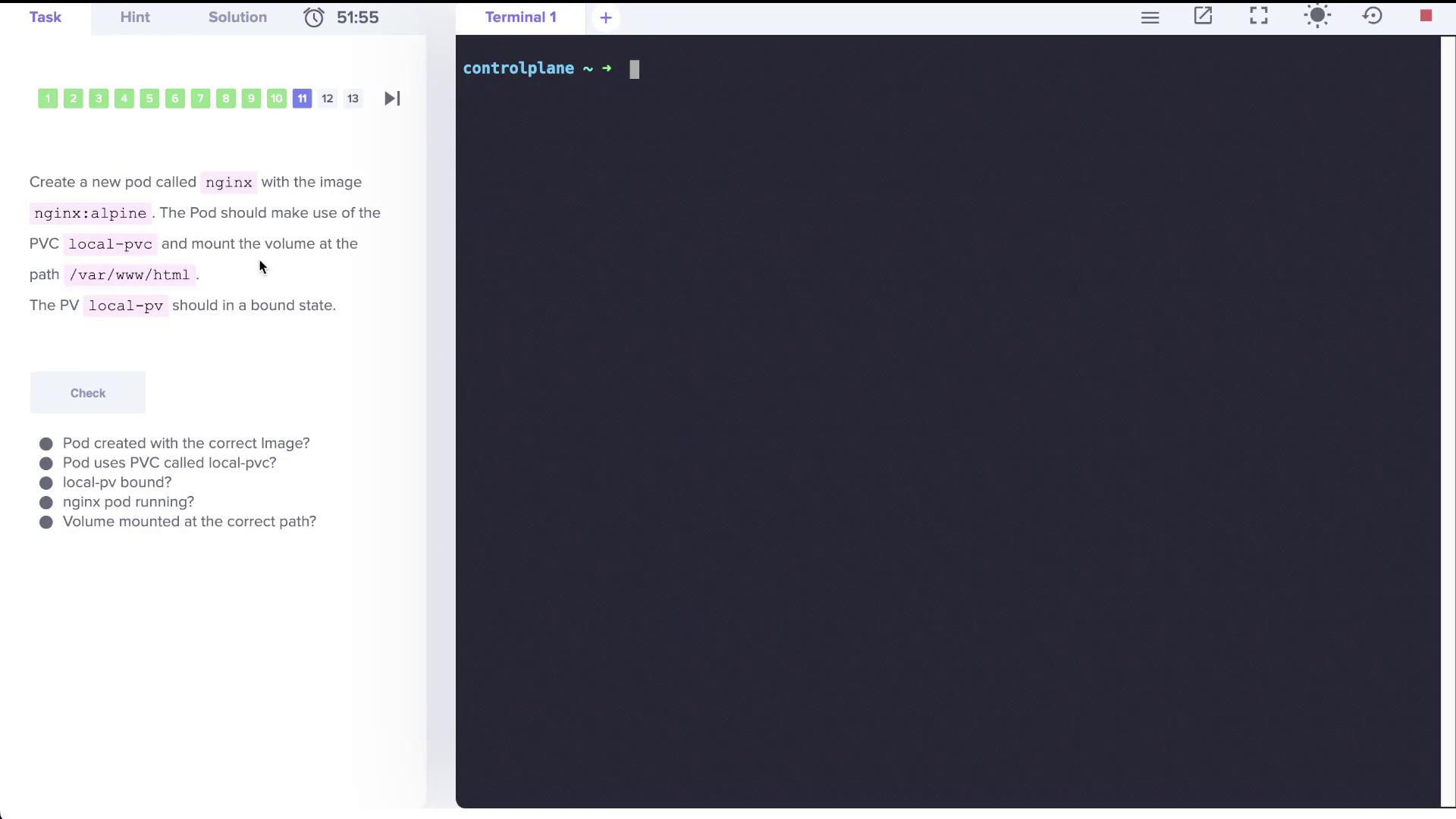
The image shows a task to create an Nginx pod using a specific image and PVC, with checks for correct configuration.
Create a file named nginx.yaml with the following configuration:
apiVersion: v1
kind: Pod
metadata:
  name: nginx
  labels:
    run: nginx
spec:
  containers:
    - name: nginx
      image: nginx:alpine
      volumeMounts:
        - mountPath: /var/www/html
          name: local-pvc-volume
  volumes:
    - name: local-pvc-volume
      persistentVolumeClaim:
        claimName: local-pvc
Deploy the pod with:
kubectl create -f nginx.yaml
After a short wait, recheck the PVC status:
kubectl get pvc
The output now should display that the PVC is Bound:
NAME       STATUS  VOLUME    CAPACITY   ACCESS MODES   STORAGECLASS    AGE
local-pvc  Bound   local-pv  500Mi      RWO            local-storage   4m47s
This confirms that creating the consumer pod triggered the binding of the PVC to the PV.

Step 5: Creating a New Storage Class with Delayed Binding

Finally, create a new storage class called delayed-volume-sc. This storage class utilizes a no-provisioner and employs the WaitForFirstConsumer volume binding mode. Prepare a file named delayed-volume-sc.yaml with the following content:
apiVersion: storage.k8s.io/v1
kind: StorageClass
metadata:
  name: delayed-volume-sc
provisioner: kubernetes.io/no-provisioner
volumeBindingMode: WaitForFirstConsumer
Create the storage class by running:
kubectl create -f delayed-volume-sc.yaml
Verify by listing all storage classes:
kubectl get sc
Expected output:
NAMEPROVISIONERRECLAIMPOLICYVOLUMEBINDINGMODEALLOW_VOLUME_EXPANSIONAGE
local-path (default)rancher.io/local-pathDeleteWaitForFirstConsumerfalse26m
local-storagekubernetes.io/no-provisionerDeleteWaitForFirstConsumerfalse10m
portworx-io-priority-highkubernetes.io/portworx-volumeDeleteImmediatefalse10m
delayed-volume-sckubernetes.io/no-provisionerDeleteWaitForFirstConsumerfalse3s

Lab Summary

In this lab, we covered the following topics:
  • Listing and determining the number of storage classes in a Kubernetes cluster.
  • Understanding the difference between dynamic and non-dynamic volume provisioning.
  • Creating a PersistentVolumeClaim (PVC) and observing its binding behavior under the WaitForFirstConsumer mode.
  • Deploying a consumer pod (nginx) that triggers PVC binding.
  • Creating a new storage class with delayed (on-demand) volume binding.
With these steps, you are now familiar with storage class configurations and the process of volume binding in Kubernetes. Enjoy managing your storage solutions efficiently! For more details on Kubernetes storage, see Kubernetes Documentation.