This article provides an overview of imperative commands in Kubernetes for creating and managing pods, services, deployments, and namespaces.
In this lesson, we guide you through imperative commands in Kubernetes. Gain practical experience creating pods, services, deployments, and namespaces imperatively—an invaluable exercise for exam preparation and day-to-day operations.─────────────────────────────
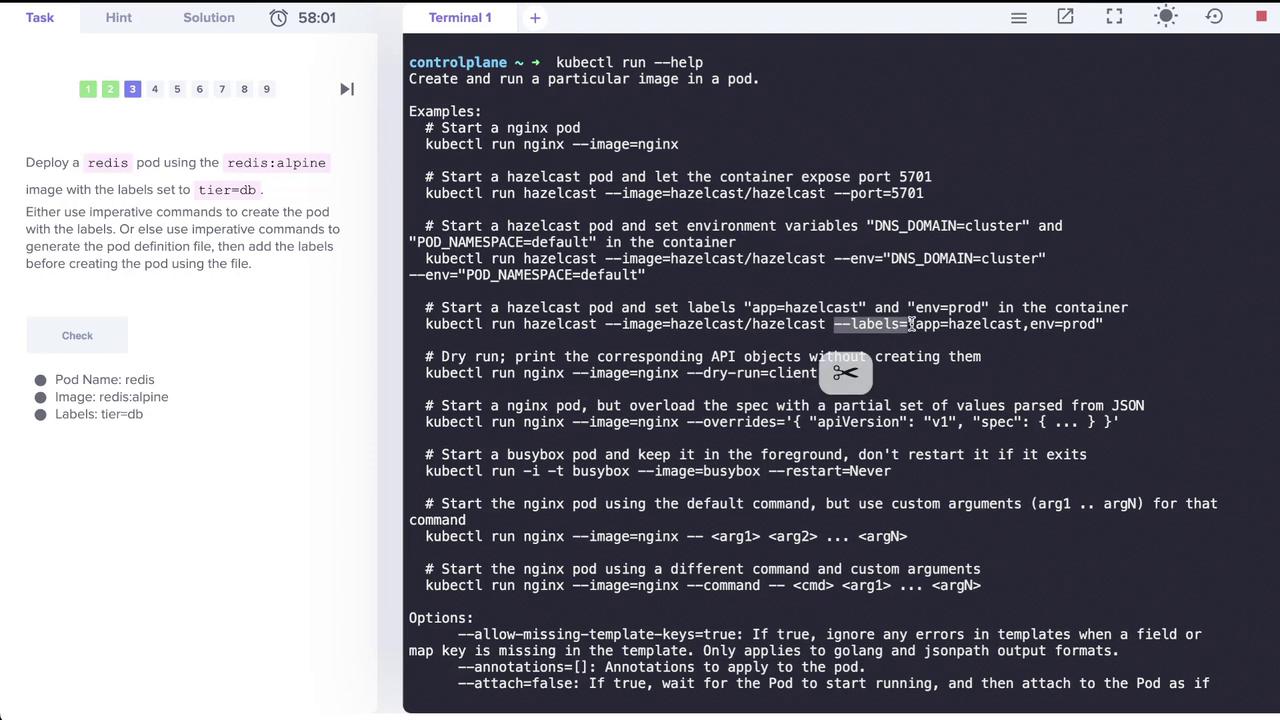
Next, deploy a Redis pod using the redis:alpine image and assign it the label tier=db. The --labels option accepts key-value pairs and supports multiple labels separated by commas. The image below illustrates deploying a Redis pod with the specified label:
Execute this command:
Copy
Ask AI
kubectl run redis --image=redis:alpine --labels="tier=db"
To expose the Redis pod on port 6379, create a ClusterIP service named “redis-service”. Although the command kubectl create service clusterip exists, it does not support specifying selectors. Instead, use the kubectl expose command, which automatically uses the pod’s labels as selectors.For example, run:
Copy
Ask AI
kubectl expose pod redis --port=6379 --name=redis-service
Afterwards, verify the service with:
Copy
Ask AI
kubectl get svc redis-service
Expected output:
Copy
Ask AI
NAME TYPE CLUSTER-IP EXTERNAL-IP PORT(S) AGEredis-service ClusterIP 10.43.56.187 <none> 6379/TCP 12s
Below are additional examples showcasing various usages of the kubectl expose command:
Creating a Pod and Exposing It as a Service in One Step
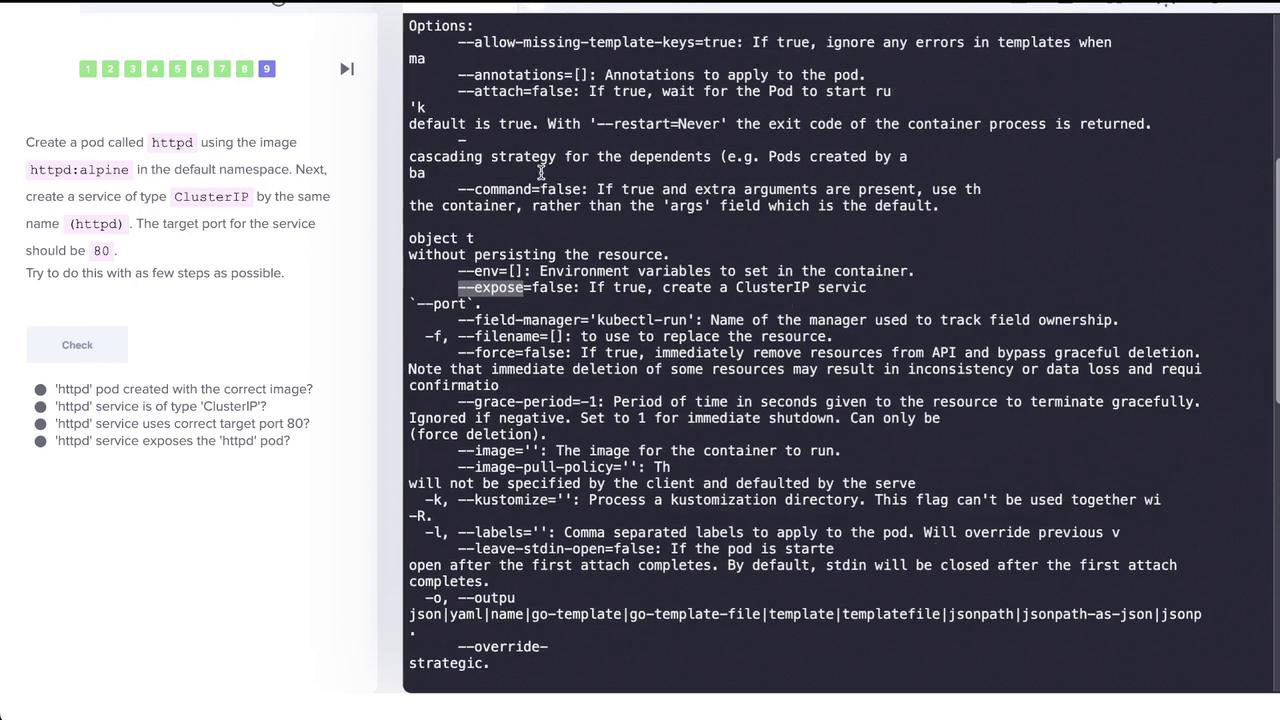
In this task, create a pod named “httpd” using the httpd:alpine image in the default namespace and simultaneously expose it as a ClusterIP service on port 80. The kubectl run command supports the --expose option to automatically create a service.Run the command below:
Copy
Ask AI
kubectl run httpd --image=httpd:alpine --port=80 --expose=true
You should see:
Copy
Ask AI
pod/httpd created
Then, verify that both the pod and its corresponding service have been created:
Copy
Ask AI
kubectl get pod httpdkubectl get svc httpd
To view detailed service information, run:
Copy
Ask AI
kubectl describe svc httpd
This confirms that the service has the correct selector (e.g., run=httpd), target port (80/TCP), and that endpoints are automatically discovered.For a visual outline of the creation process, refer to the diagram below:
Finally, describe the “httpd” service for full configuration details:
Copy
Ask AI
kubectl describe svc httpd
This command confirms the service’s selector, ClusterIP, exposed ports, and endpoints.─────────────────────────────
This concludes our lesson on imperative commands in Kubernetes. By following these steps, you have practiced creating and managing pods, services, deployments, and namespaces using imperative commands. For more detailed information, consider exploring the Kubernetes Documentation to expand your knowledge further.
Imperative commands are great for quick testing and learning; however, for production deployments, consider using declarative configurations for better maintainability.