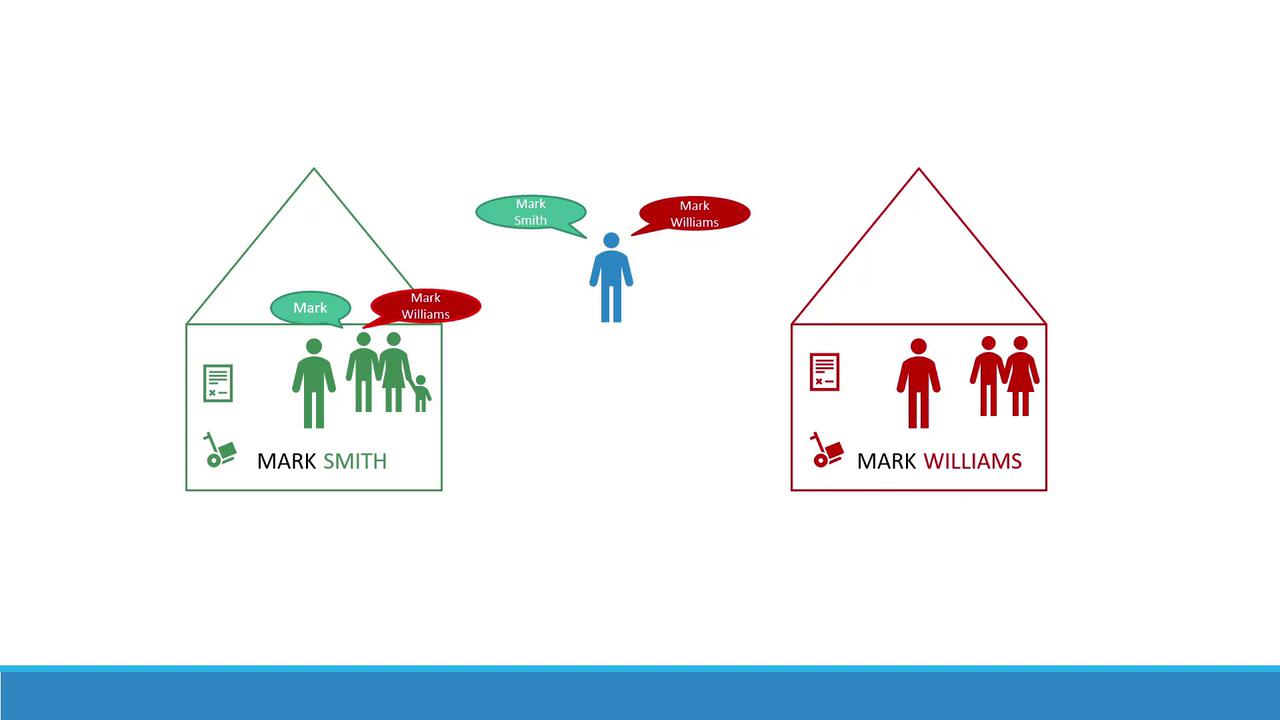
Imagine there are two boys named Mark. To differentiate between them, you refer to them by their last names—Smith and Williams. They come from different houses where people often use first names for those familiar with them. However, when addressing someone from another house or an outsider, the full name is used. In Kubernetes, these “houses” represent namespaces. They allow you to group and manage resources differently based on their context and intended use.
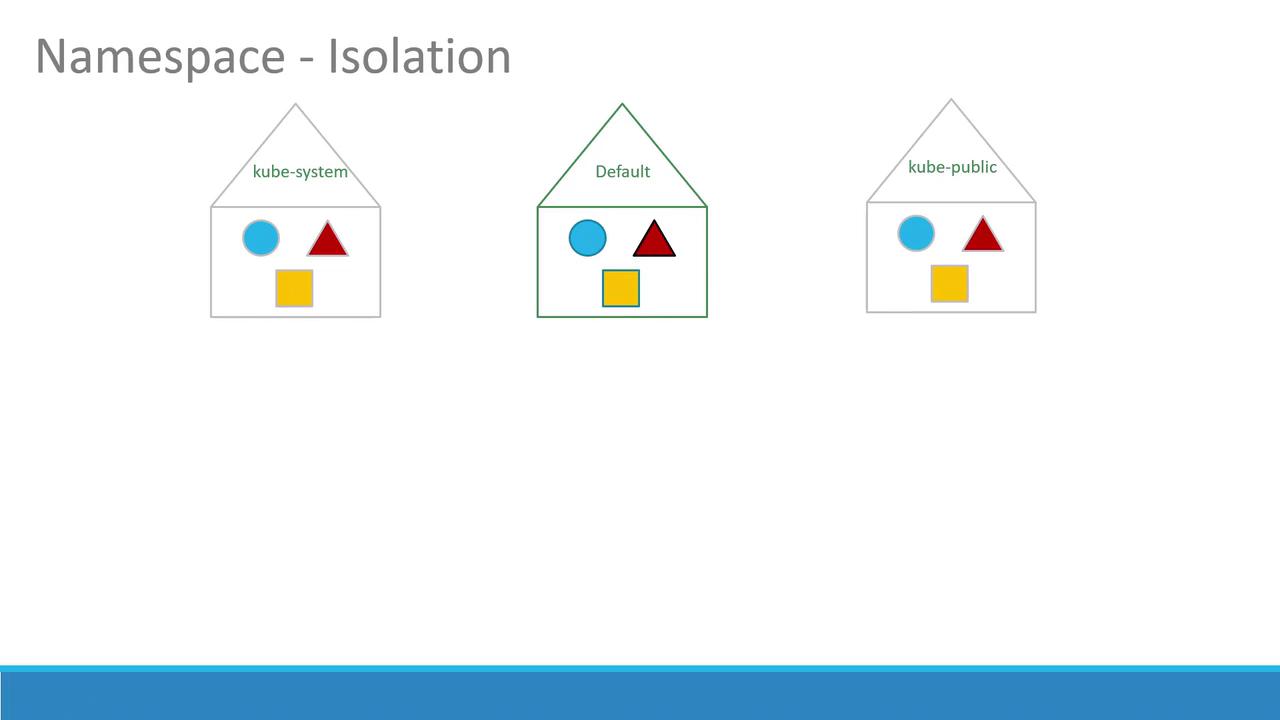
By default, when you create objects such as pods, deployments, and services in your cluster, they are placed within a specific namespace (similar to being “inside a house”). The default namespace is automatically created during the Kubernetes cluster setup. Additionally, several system namespaces are created at startup:
kube-system: Contains core system components like network services and DNS, segregated from user operations to prevent accidental changes.
kube-public: Intended for resources that need to be publicly accessible across users.
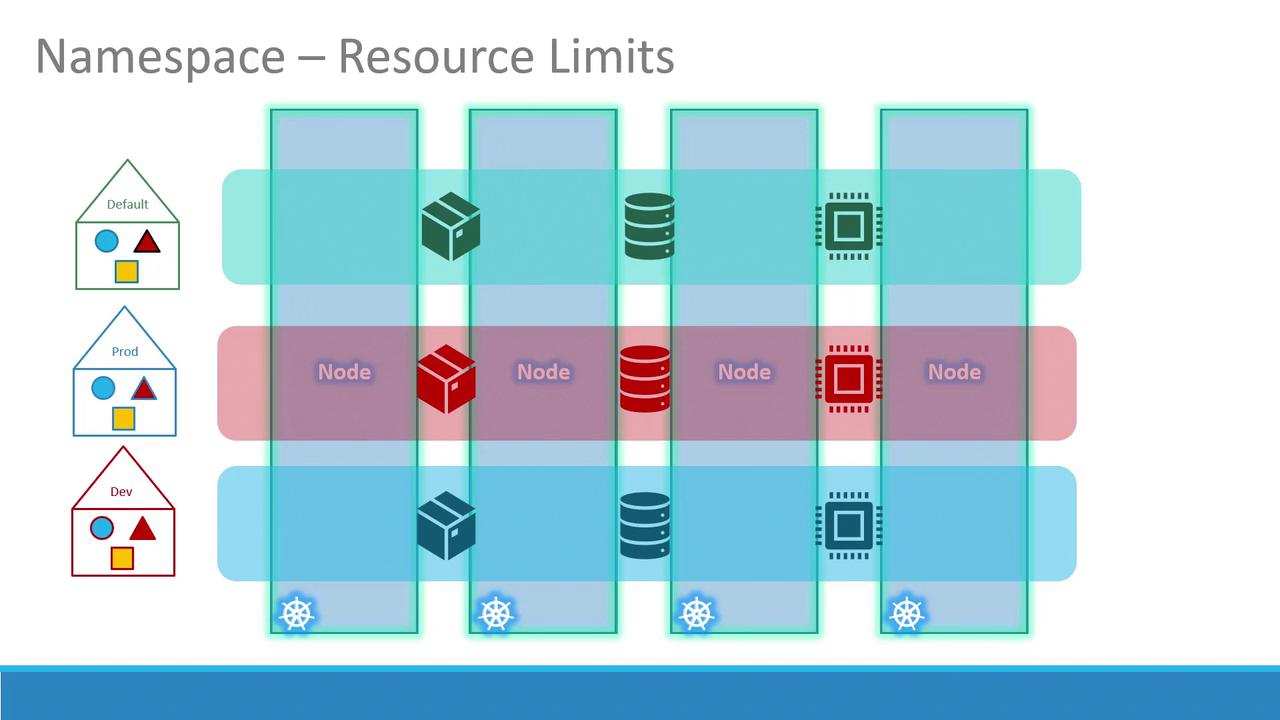
If you’re running a small environment or a personal cluster for learning, you might predominantly use the default namespace. In enterprise or production environments, however, namespaces provide essential isolation and resource management by allowing environments like development and production to coexist on the same cluster.
Namespaces allow you to set distinct policies and resource limits for different environments. This isolation prevents one namespace from interfering with another. For instance, you can apply separate resource quotas for CPU, memory, and the total number of pods to ensure fair usage across environments.
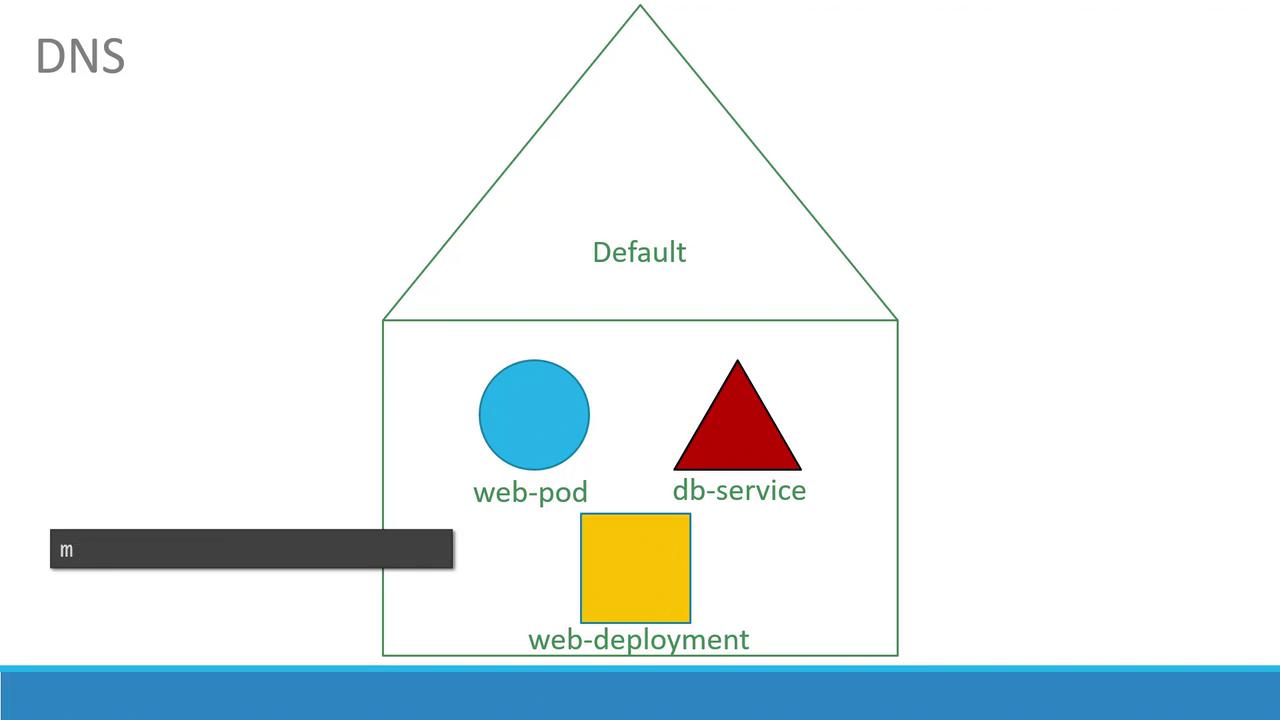
Within a single namespace, resources can refer to each other directly via their simple names. For example, a web application pod in the default namespace can access a database service simply by using its service name:
If the web app pod needs to communicate with a service located in a different namespace, you must use its fully qualified DNS name. For example, connecting to a database service named “db-service” in the “dev” namespace follows this format:
Copy
Ask AI
mysql.connect("db-service.dev.svc.cluster.local")
Here, “svc” indicates the service subdomain, followed by the namespace (“dev”) and the service name, ending with the default domain “cluster.local”.
If you’re working across multiple namespaces and want to avoid repeatedly specifying the namespace flag, you can set the default namespace for your current context:
will automatically list pods in the “dev” namespace. To list pods from all namespaces, use:
Copy
Ask AI
> kubectl get pods --all-namespaces
Contexts are used to manage multiple clusters and user environments within a single configuration. While switching namespaces is simple, managing contexts is a broader topic that warrants further exploration.
To ensure that no single namespace overconsumes cluster resources, Kubernetes allows you to define ResourceQuotas. For example, create a file named compute-quota.yaml with the following content:
Namespaces are a fundamental component in Kubernetes, enabling you to segment and manage resources effectively. Whether you’re isolating system components or separating development and production environments, using namespaces along with appropriate policies and resource quotas leads to a more efficient and organized cluster management.Practice these concepts and explore additional Kubernetes functionalities to deepen your understanding. Happy clustering!For further reading, check out these resources: