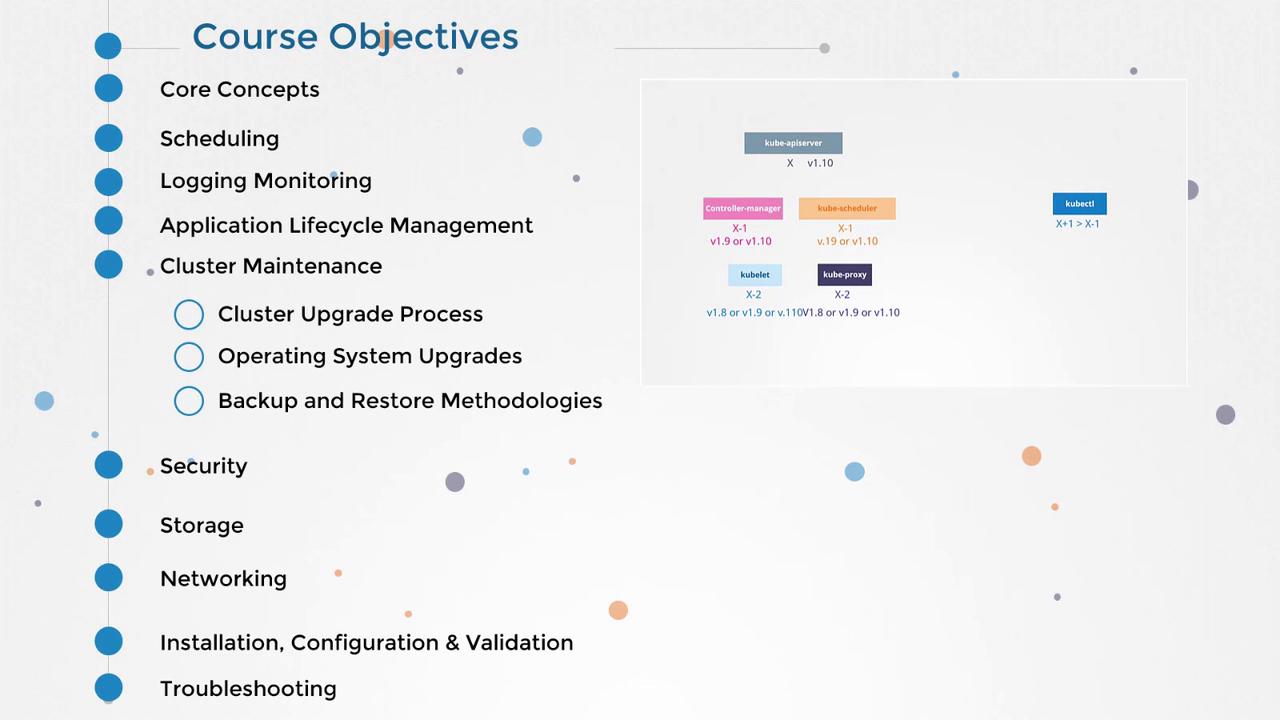
This article explores essential cluster maintenance topics including operating system upgrades, node removal, cluster upgrade processes, and backup methodologies.
Hello, this is Mumshad Mannambeth. In this article, we will explore essential cluster maintenance topics as part of the Certified Kubernetes Administrators course. We’ll cover key areas such as operating system upgrades, node removal, and cluster upgrade processes, as well as backup and disaster recovery methodologies.
We begin by discussing operating system upgrades and the considerations involved when a node is lost from the cluster, either unintentionally or due to deliberate removal for patching or upgrading purposes. Understanding these procedures is critical to ensuring minimal disruption to your Kubernetes environment.
Before upgrading your cluster, it’s important to have a solid grasp of Kubernetes releases, versioning, and best practices for selecting the appropriate upgrade pathway. Once you understand the upgrade procedure, you’ll get hands-on experience performing an end-to-end upgrade on a live cluster running applications.
Before proceeding with an upgrade, always run a pre-flight check using the kubeadm upgrade plan command. This command helps you verify the cluster’s health and fetch available upgrade versions.
To check the upgrade plan, run the following command:
Copy
Ask AI
kubeadm upgrade plan
The expected output will look similar to:
Copy
Ask AI
[upgrade] Running pre-flight checks:[upgrade] Making sure the cluster is healthy:[upgrade] Config: Making sure the configuration is correct:[upgrade] Fetching available versions to upgrade to:[upgrade/versions] Cluster version: v1.11.1[upgrade/versions] Kubernetes version: v1.11.8[upgrade/versions] Latest stable version: v1.11.3Components that must be upgraded manually after you haveupgraded the control plane with `kubeadm upgrade apply`:COMPONENT CURRENT AVAILABLEKubelet v1.11.1 v1.11.3Upgrade to the latest stable version:COMPONENT CURRENT AVAILABLEAPI Server v1.11.8 v1.11.3Controller Manager v1.11.8 v1.11.3Scheduler v1.11.8 v1.11.3Kube Proxy v1.11.8 v1.11.3Etcd v3.1.8 N/AYou can now apply the upgrade by executing the following command:
After upgrading the control plane with kubeadm upgrade apply, make sure to manually upgrade components like kubelet, as highlighted in the output above.
In the final part of this module, we focus on backup and restore methodologies. This section will guide you through a disaster recovery simulation where you back up your Kubernetes cluster, simulate a catastrophic event, and then restore the cluster to its original state. This practical exercise is designed to enhance your ability to manage and recover a Kubernetes cluster effectively.Let’s get started on ensuring your clusters are resilient and well-maintained!