This article explains using JSONPath with kubectl for managing Kubernetes outputs, covering commands, queries, formatting, and practice tests.
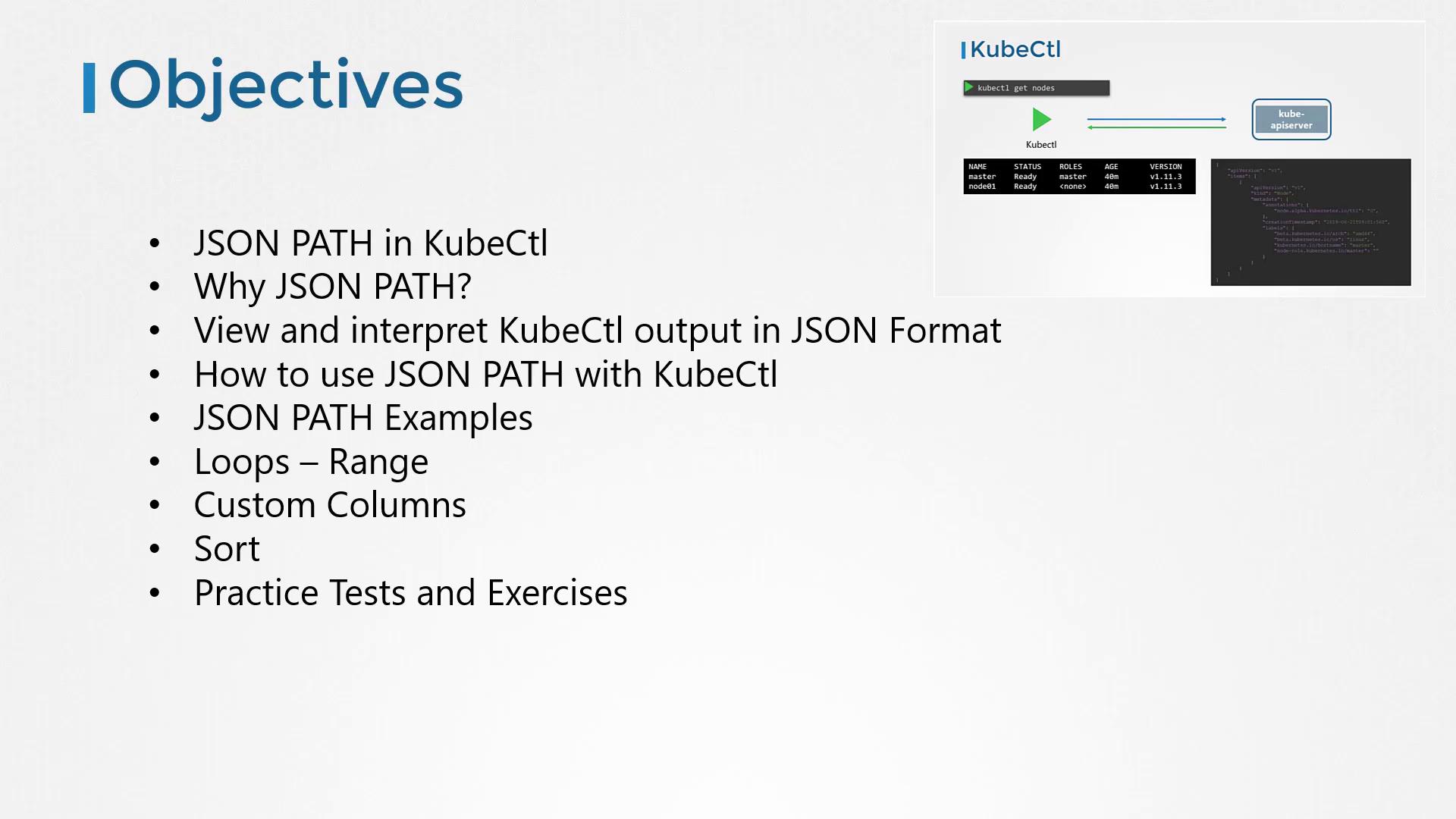
Hello, and welcome to this lesson on using JSONPath with kubectl in Kubernetes. My name is Mumshad Mannambeth. In this session, we will explain why JSONPath is an essential tool for managing large Kubernetes outputs and demonstrate how to use it effectively with kubectl. We’ll cover viewing JSON output, constructing JSONPath queries, using loops, custom column formatting, and sorting functions. Towards the end, you’ll find practice tests that will help reinforce your learning.
To kick off, consider some of these basic commands:
Copy
Ask AI
kubectl get nodes -o custom-columns=NODE:.metadata.name,.CPU:.status.capacity.cpukubectl get nodes --sort-by=.metadata.namekubectl get nodes --sort-by=.status.capacity.cpu
Before diving deeper, it’s important to understand how JSONPath queries work. If you’re new to JSONPath, consider exploring free online tutorials and practice tests to build a strong foundation.
Experiment with JSONPath on a Kubernetes dataset to understand its structure before applying more complex queries with kubectl.
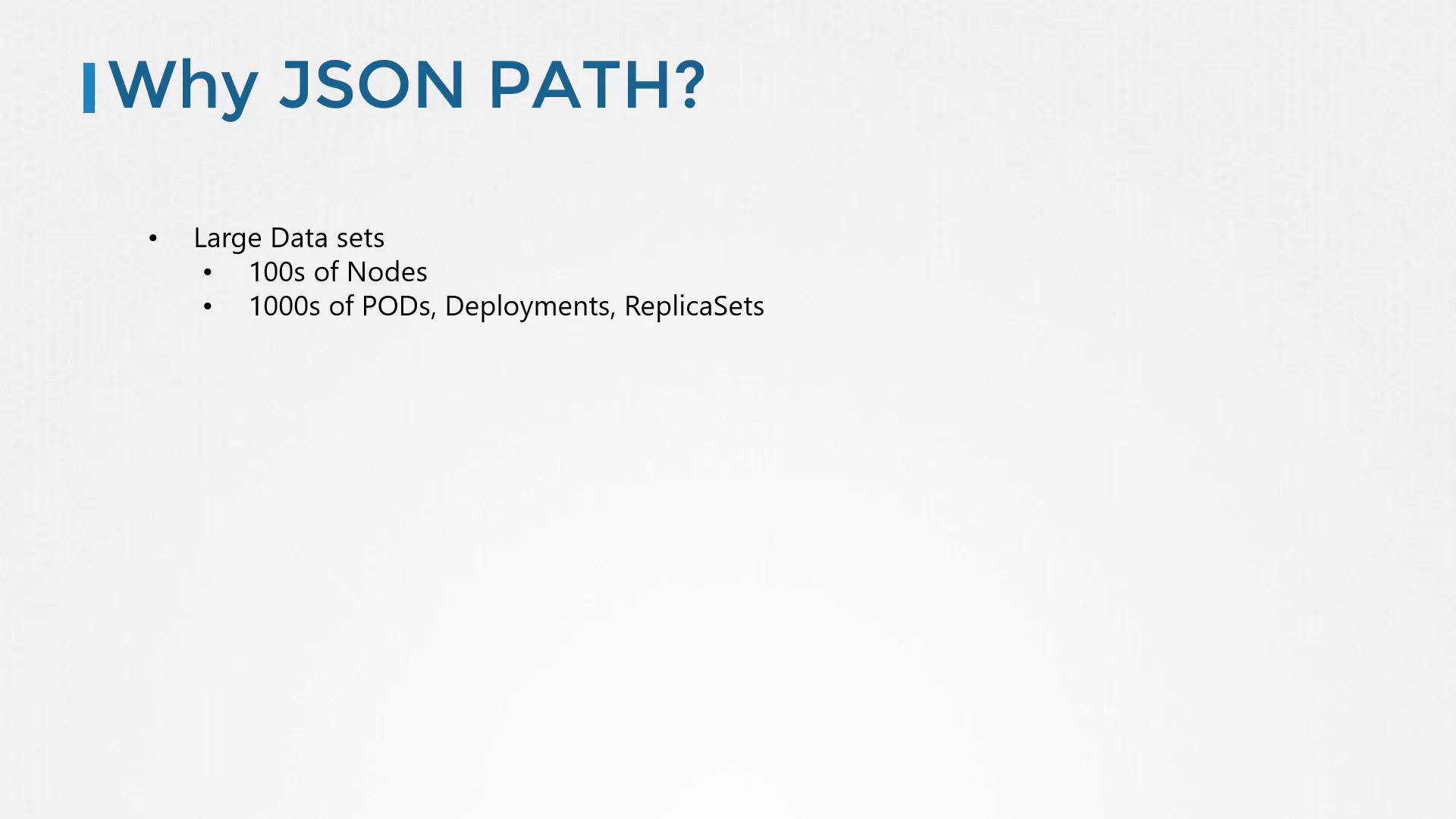
In production environments with hundreds of nodes and thousands of objects—such as deployments, pods, ReplicaSets, services, and secrets—the standard kubectl output might not provide the precise data you need. While kubectl gives a quick summary, JSONPath queries let you filter and format large datasets with precision. This functionality enables you to generate customized reports tailored to your needs.
Kubectl is the command-line interface for Kubernetes that communicates with the API server. Every command retrieves data in JSON format and converts it into a human-readable format. For example, the basic command to list nodes is:
Copy
Ask AI
kubectl get nodes
The typical output looks like this:
Copy
Ask AI
NAME STATUS ROLES AGE VERSIONmaster Ready master 40m v1.11.3node01 Ready <none> 40m v1.11.3
Behind the scenes, the JSON output might resemble:
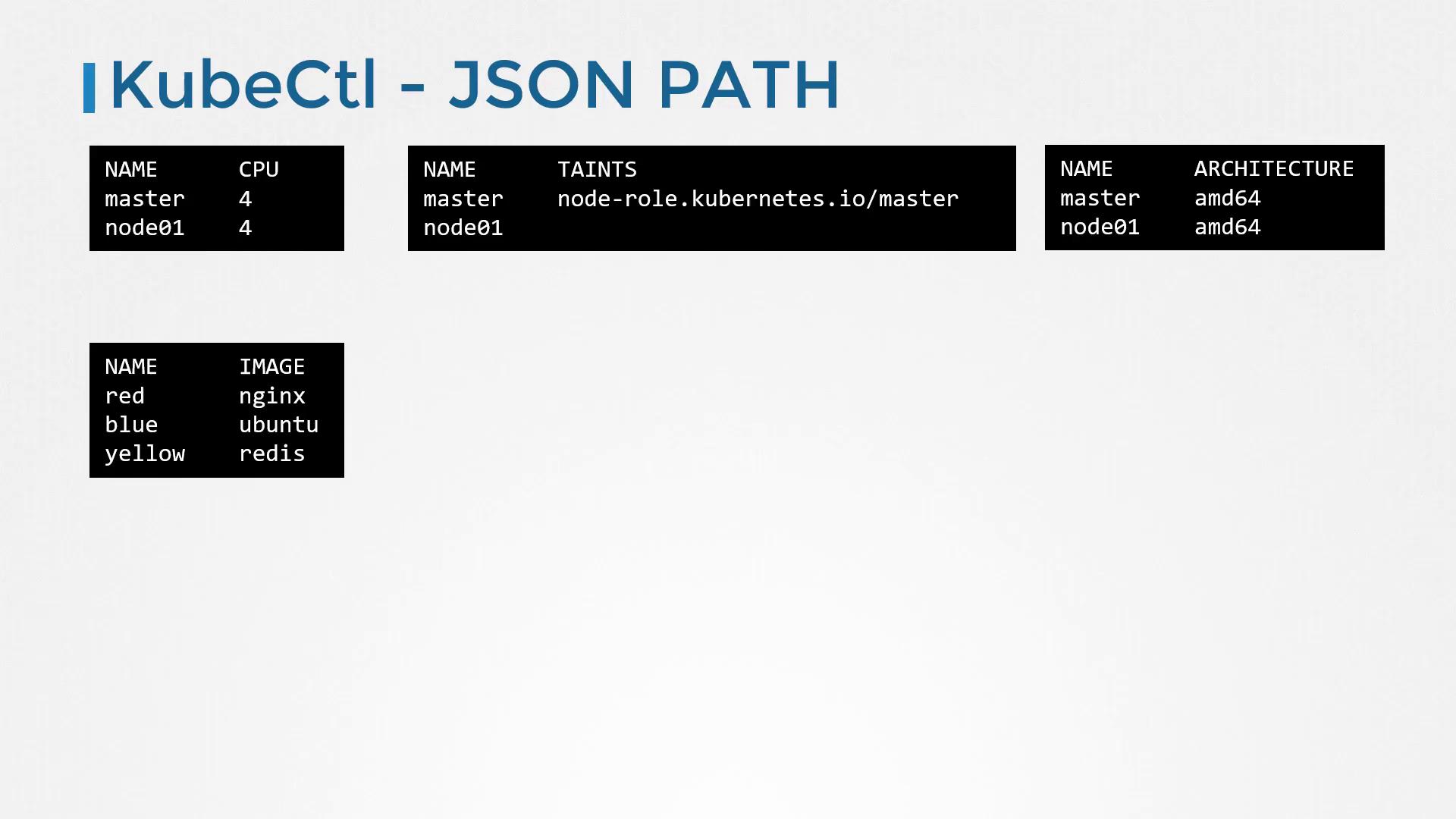
Imagine needing a report that displays specific fields, such as node names and CPU counts. No default command provides this directly—that’s where JSONPath shines. Follow these steps to build a JSONPath query with kubectl:
Retrieve Raw Data
Start by retrieving the node details:
Copy
Ask AI
kubectl get nodes
View Full JSON Output
Add the -o json option to see the complete data:
Copy
Ask AI
kubectl get nodes -o jsonkubectl get pods -o json
For instance, a sample JSON output for pods might look like:
For a neatly formatted table, you can leverage JSONPath loops. Using the range keyword functions as an iterator over each node. For every node, you can print its name, followed by a tab (\t), its CPU count, and a newline (\n):
Copy
Ask AI
kubectl get nodes -o=jsonpath='{range .items[*]}{.metadata.name}{"\t"}{.status.capacity.cpu}{"\n"}{end}'
Alternatively, the built-in custom columns functionality provides a simpler option. For example:
Copy
Ask AI
kubectl get nodes -o=custom-columns=NODE:.metadata.name,CPU:.status.capacity.cpu
Note that with custom columns, you don’t need to include the .items in your JSONPath query because kubectl automatically iterates through the list.If you need to sort the output, use the --sort-by option. For example:
Copy
Ask AI
kubectl get nodes --sort-by=.metadata.namekubectl get nodes --sort-by=.status.capacity.cpu
Mastering JSONPath queries with kubectl empowers you to extract and present detailed information from your Kubernetes environment accurately and efficiently. With practice, you’ll create powerful commands that display data in exactly the format you need.Below is a summary of key commands demonstrated in this lesson:
Command
Description
Example
Custom Columns
Display specific columns
kubectl get nodes -o=custom-columns=NODE:.metadata.name,CPU:.status.capacity.cpu
Sorting by Name
Sort nodes alphabetically
kubectl get nodes --sort-by=.metadata.name
Sorting by CPU
Sort nodes by CPU capacity
kubectl get nodes --sort-by=.status.capacity.cpu
Now, explore the practice tests and exercises to further solidify your understanding of these advanced kubectl commands. Happy learning!