This article explores autoscaling in Kubernetes, focusing on Horizontal and Vertical Pod Autoscaling for the Certified Kubernetes Administrator exam.
In this lesson series, we explore autoscaling, a key topic for the Certified Kubernetes Administrator (CKA) exam. We will focus on Horizontal Pod Autoscaling (HPA) and Vertical Pod Autoscaling (VPA) to give you the essential knowledge in a concise format. For a comprehensive dive into autoscaling, consider the Kubernetes Autoscaling course on KodeKloud.Before diving into autoscaling in Kubernetes, let’s review the traditional concepts of scaling using physical servers.Imagine a past scenario where applications were deployed on physical servers with fixed CPU and memory capacities. When the application load exceeded server capacity, you had two options:
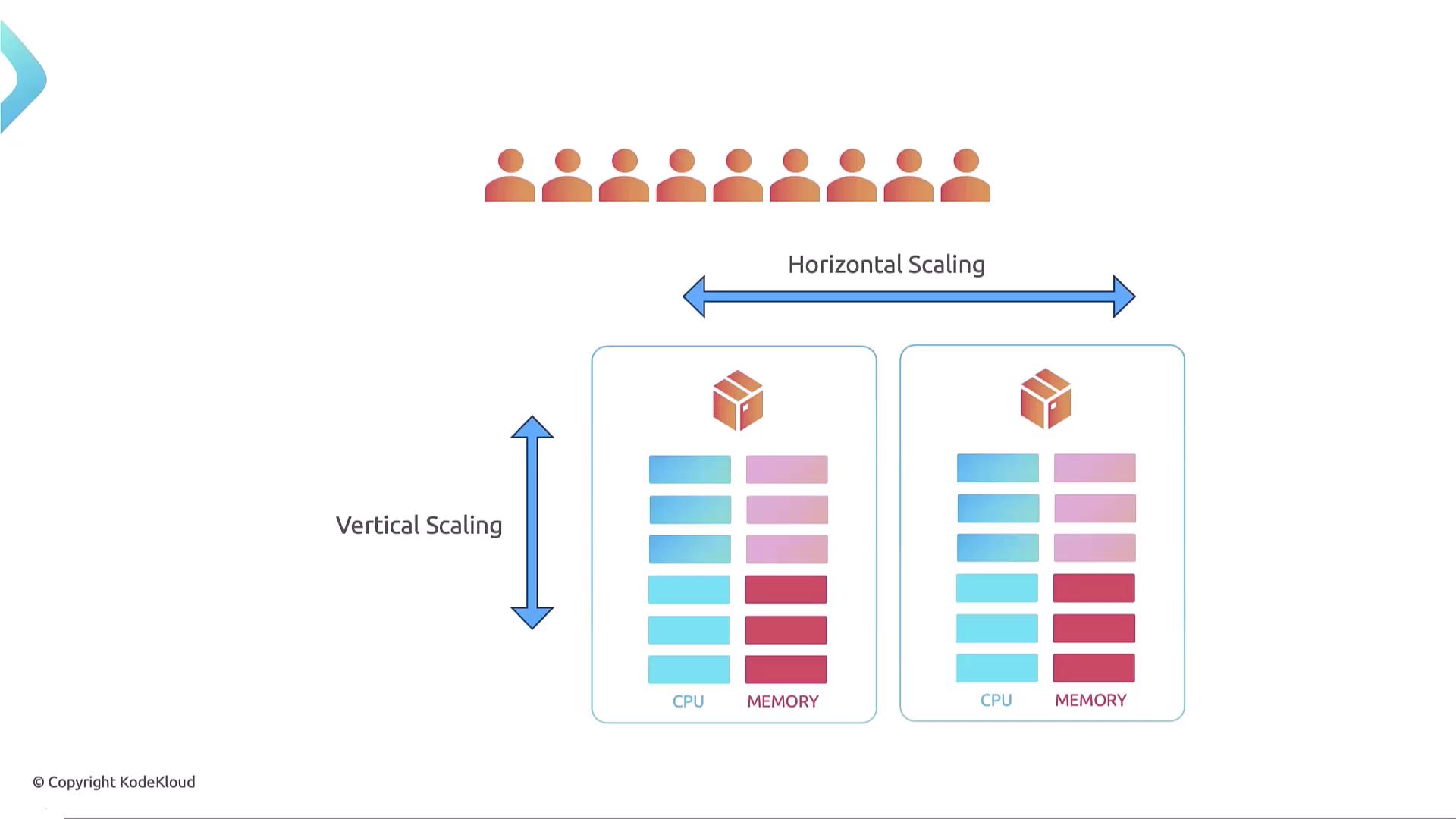
Shut down the application and upgrade the existing server by adding more CPU and memory (vertical scaling).
If the application could run multiple instances, add another server to distribute the load without downtime (horizontal scaling).
Vertical scaling means enhancing a single server’s resources, whereas horizontal scaling means incorporating additional servers to manage increased load.
Now, let’s see how these concepts apply to Kubernetes and containerized environments. Kubernetes is designed to dynamically scale containerized applications. Two primary scaling strategies in Kubernetes are:
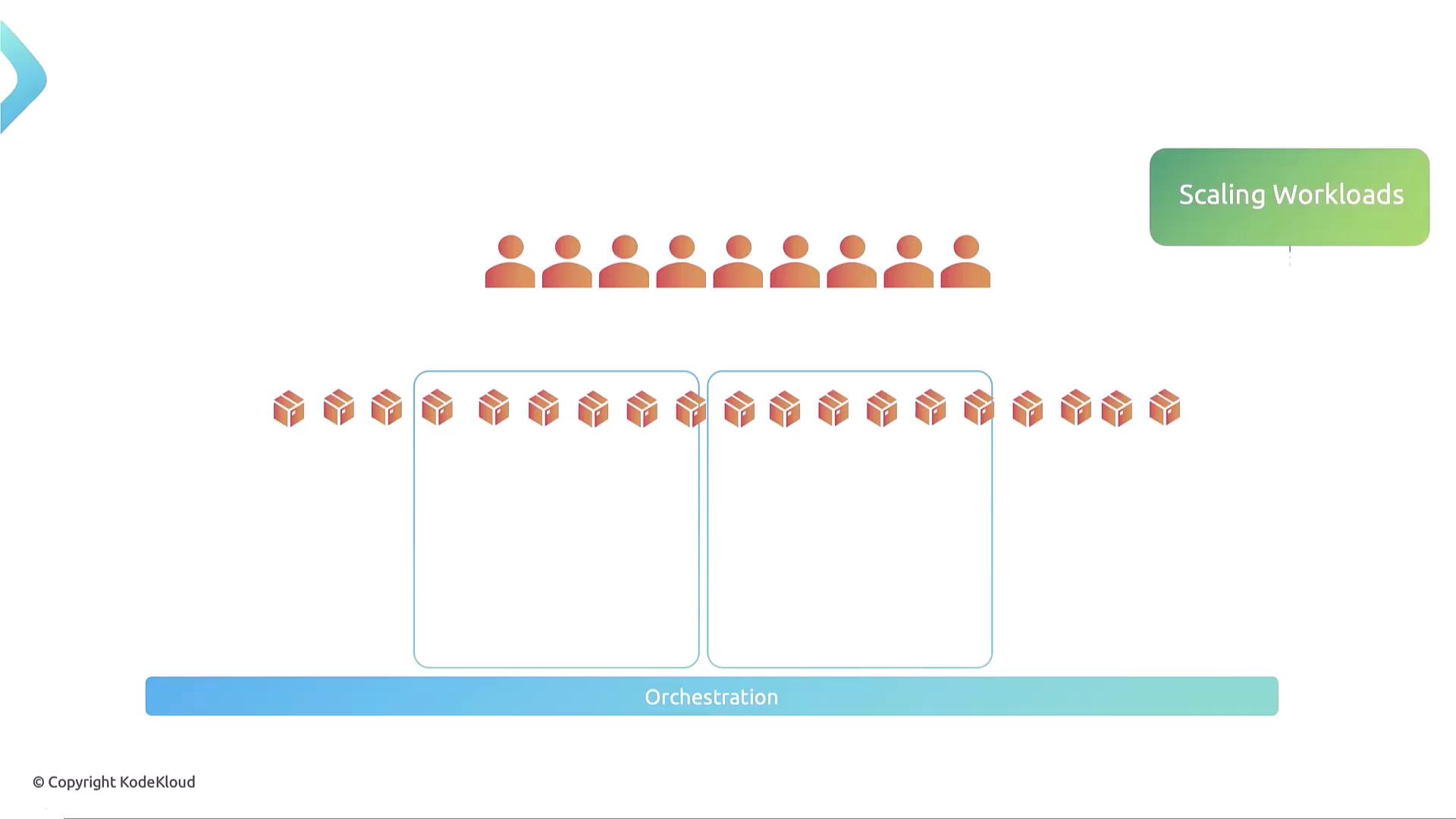
Scaling workloads – adding or removing containers (Pods) in the cluster.
Scaling the underlying cluster infrastructure – adding or removing nodes (servers) in the cluster.
To clarify:
For the cluster infrastructure:
Horizontal scaling: Add more nodes to the cluster.
Vertical scaling: Increase resources (CPU, memory) on existing nodes.
For workloads:
Horizontal scaling: Create more Pods.
Vertical scaling: Increase resource limits and requests for existing Pods.
There are two approaches to scaling in Kubernetes: manual and automated.
Manual scaling and automated scaling both have their place. Manual scaling involves direct intervention and command execution, while automated scaling leverages Kubernetes controllers for dynamic adjustments.
Workload Vertical Scaling:
Edit the deployment, stateful set, or ReplicaSet to change resource limits and requests:
Copy
Ask AI
kubectl edit <workload-type>/<workload-name>
Vertical scaling of cluster nodes is less common in Kubernetes because it often requires downtime. In virtualized environments, it may be easier to provision a new VM with higher resources, add it to the cluster, and then decommission the older node.
This lesson provided a high-level overview of scaling concepts—both in traditional environments and in containerized applications managed by Kubernetes. In upcoming lessons, we will explore these autoscaling methods in greater detail.See you in the next lesson!