This article covers rolling updates and rollbacks in Kubernetes, focusing on deployment strategies and application upgrades.
In this lab, we dive into rolling updates and rollbacks in Kubernetes, with a primary focus on rolling updates. For brevity, the alias “k” is used to represent “kubectl” throughout this guide.An alias has been set for kubectl:
Copy
Ask AI
alias k='kubectl'alias kubectl='k3s kubectl'alias vi='vim'
NAME READY UP-TO-DATE AVAILABLE AGEfrontend 4/4 4 4 55s
The output confirms that the application is blue. Next, execute the test script curl-test.sh to simulate multiple user requests. The output should confirm the application’s version and color:
Copy
Ask AI
Hello, Application Version: v1 ; Color: blue OKHello, Application Version: v1 ; Color: blue OKHello, Application Version: v1 ; Color: blue OKHello, Application Version: v1 ; Color: blue OKHello, Application Version: v1 ; Color: blue OKHello, Application Version: v1 ; Color: blue OKHello, Application Version: v1 ; Color: blue OKHello, Application Version: v1 ; Color: blue OKHello, Application Version: v1 ; Color: blue OKHello, Application Version: v1 ; Color: blue OKHello, Application Version: v1 ; Color: blue OKHello, Application Version: v1 ; Color: blue OK
To further verify, inspect the deployment details:
Copy
Ask AI
k get deploy
Copy
Ask AI
NAME READY UP-TO-DATE AVAILABLE AGEfrontend 4/4 4 4 2m41s
Then view the container image used in the deployment:
Copy
Ask AI
k describe deploy frontend
Key details from the output:
Container image: kodekloud/webapp-color:v1
RollingUpdate strategy details (25% max unavailable, 25% max surge)
The rolling update strategy ensures that only a subset of pods is updated at a time, providing a smooth transition during application upgrades.
The current deployment strategy is RollingUpdate, meaning that only a few pods are taken down at any given time during an upgrade. Verification using the following commands confirms the strategy in action:
Copy
Ask AI
k get deploy
Copy
Ask AI
NAME READY UP-TO-DATE AVAILABLE AGEfrontend 4/4 4 4 2m41s
Copy
Ask AI
k describe deploy frontend
Review the details showing:
StrategyType: RollingUpdate
RollingUpdateStrategy: 25% max unavailable, 25% max surge
With 4 replicas, only one pod is updated at a time. This minimizes downtime and ensures continuous service availability.
Next, we modify the deployment strategy from RollingUpdate to Recreate. In the Recreate strategy, all existing pods are shut down before new ones are created, which might result in temporary downtime.Edit the deployment using:
Using kubectl edit deployment frontend, update the strategy section. Change from:
Upgrading the Application to v3 with Recreate Strategy
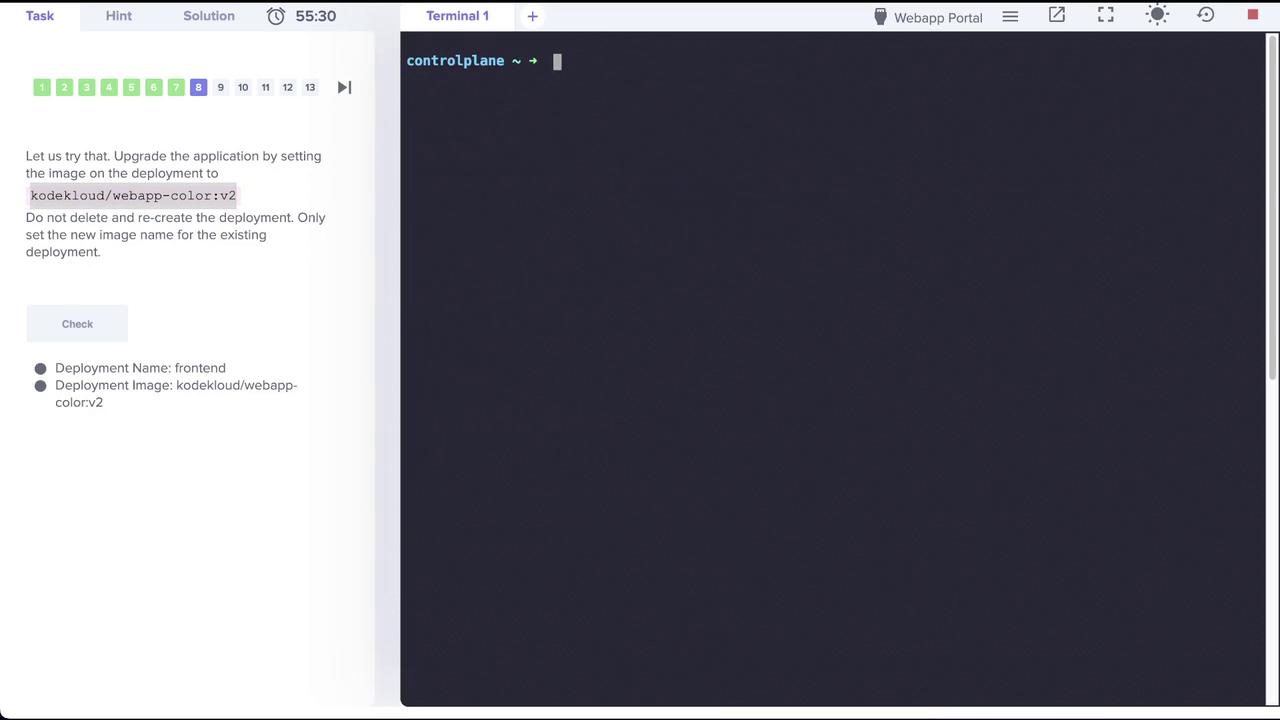
Now that the deployment is set to the Recreate strategy, upgrade the application by updating the container image to kodekloud/webapp-color:v3:
Copy
Ask AI
k set image deploy frontend simple-webapp=kodekloud/webapp-color:v3
Immediately after running the command, execute the test script:
Copy
Ask AI
./curl-test.sh
During the upgrade, you might see several request failures:
Copy
Ask AI
FailedFailedFailedFailedFailedFailedFailed
These errors occur because all pods are temporarily down during the recreate process. Once the update completes, accessing the application will show version v3 with red color:
Copy
Ask AI
Hello, Application Version: v3 ; Color: red OKHello, Application Version: v3 ; Color: red OKHello, Application Version: v3 ; Color: red OKHello, Application Version: v3 ; Color: red OKHello, Application Version: v3 ; Color: red OKHello, Application Version: v3 ; Color: red OKHello, Application Version: v3 ; Color: red OKHello, Application Version: v3 ; Color: red OKHello, Application Version: v3 ; Color: red OKHello, Application Version: v3 ; Color: red OKHello, Application Version: v3 ; Color: red OKHello, Application Version: v3 ; Color: red OK
This concludes the lab on rolling updates and strategy changes in Kubernetes. Enjoy experimenting with dynamic update strategies and managing your deployments efficiently!