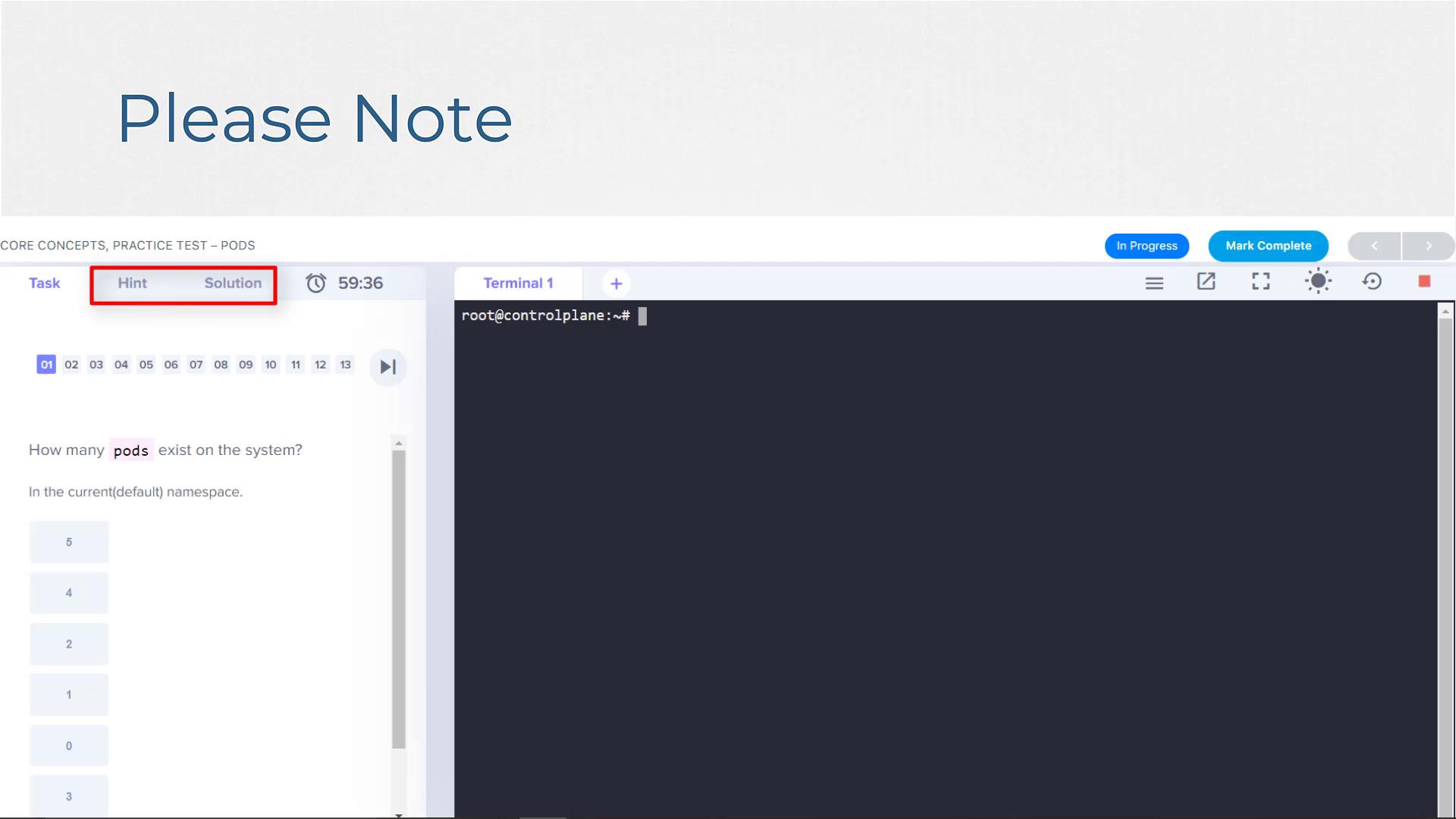
This practice test is designed to help you prepare for the exam by testing your skills in a realistic lab setting. Please use a laptop or desktop computer with a keyboard for the best experience.
Lab Environment Overview
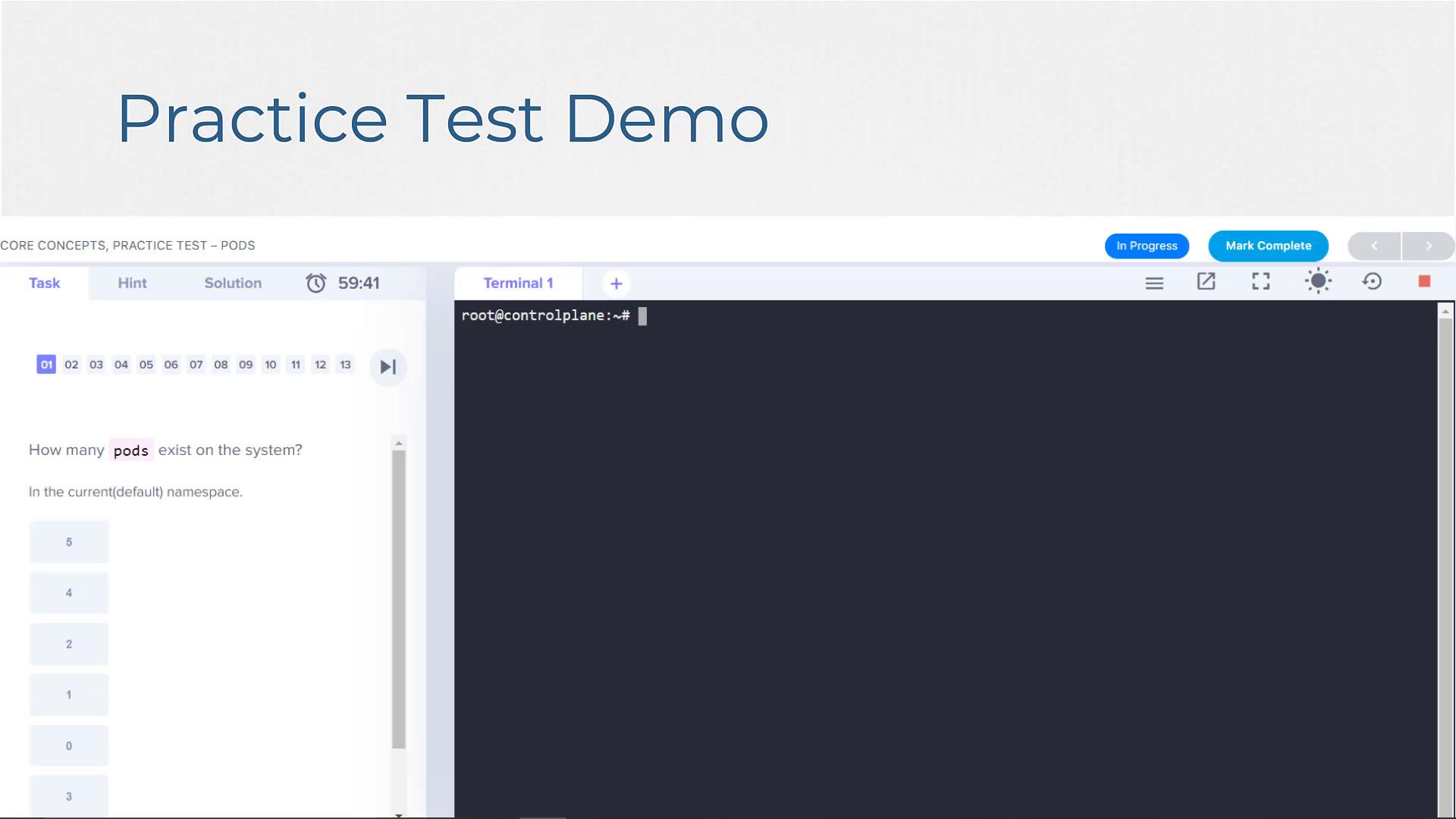
Click the start button to load the lab environment. Allow a moment for the lab to initialize—typically less than 30 seconds, though occasionally it may take a few minutes. Once loaded, you will see two main sections:- Quiz Portal (Left Side): Hosts your test questions.
- Live Terminal (Right Side): Where you execute commands. This terminal might be a Linux shell for Linux, shell scripting, or Git tasks; a Docker host for Docker tasks; or a Kubernetes control plane for Kubernetes tasks. You can run commands here to interact with and configure the system.
Structure of the Practice Test
The lab is divided into two parts:- Terminal: Use this section on the right to run commands and interact with the system (e.g., view and configure a Kubernetes cluster).
- Quiz Portal: Located on the left, this portal contains practice test questions grouped by topic. Each practice test includes between 5 to 15 questions. The total number of questions is shown at the top, and each question is marked as you progress.
Question Types
The test includes a variety of question types for a comprehensive learning experience:- Environment-Based Questions: Find information within the lab environment to select the correct answer.
- Configuration Tasks: Modify the environment by deploying Pods, services, or other components, then verify the changes.
- Specification Matching: Given a configuration specification (spec), create a matching configuration using the provided editors (e.g., the vi editor).
- Multiple-Choice Questions: Some questions are scenario-based to test your conceptual understanding. Note that these might not appear on the actual certification exam.
Accessing Web Applications
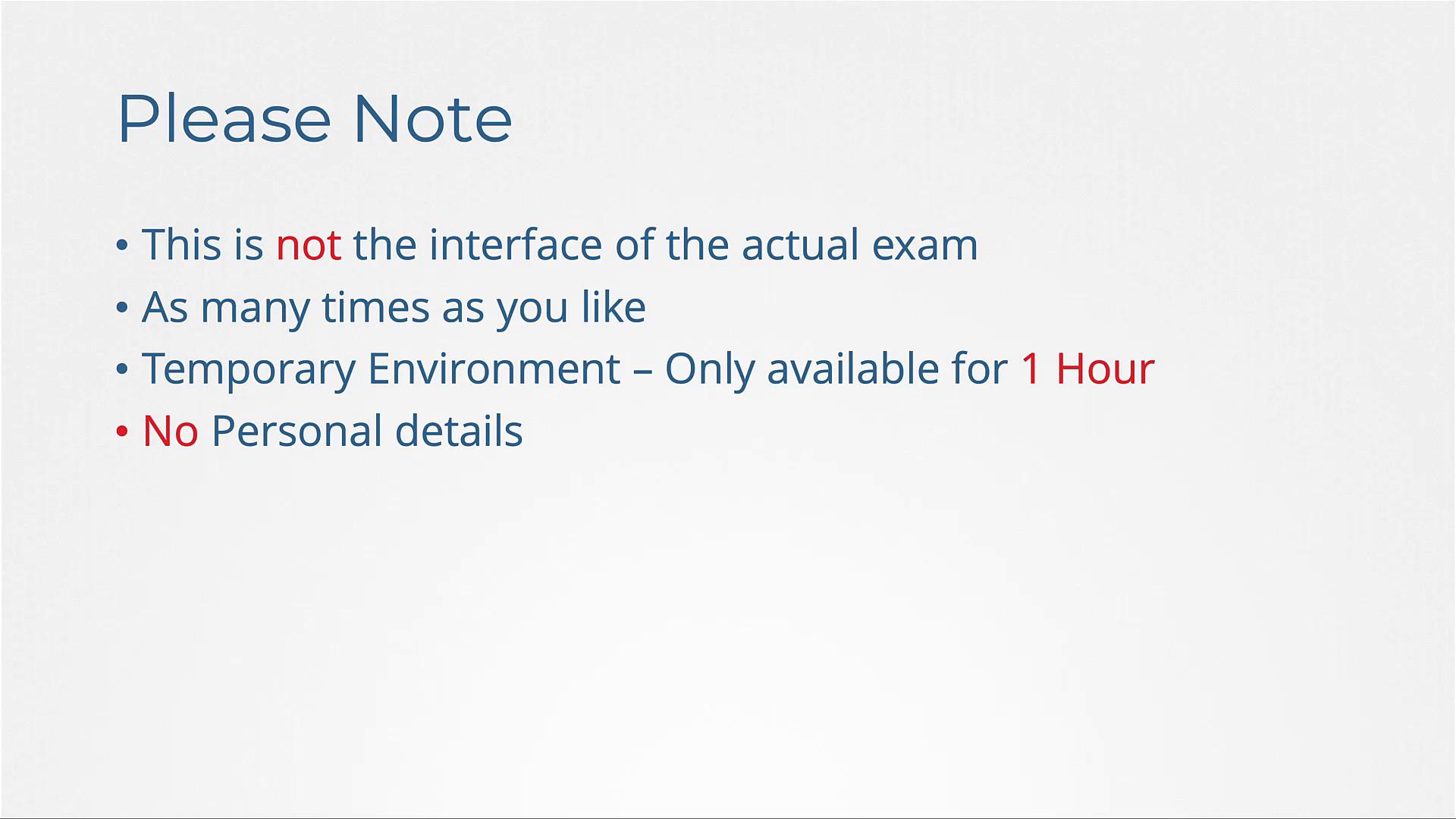
For certain deployments, you might have a web portal link available above the terminal. This link is provided if the application features a web interface. For instance, when exposing a service, you might run the following command:Please note that this lab environment is not an exact replica of the actual Kubernetes certification exam environment. It is custom-built to help you practice and prepare. All work will be deleted after one hour (or the specified lab session duration), so do not store any personal credentials or persistent data here.
Retaking the Test and Session Guidelines
You can retake these tests as many times as needed until you feel confident. However, remember:- The lab environment is temporary and will expire after one hour (or as specified).
- Refreshing the lab window or experiencing temporary connectivity issues should return you to the same environment.
- Extended browser closures or lengthy idle periods may result in the lab being automatically terminated. In such cases, you will need to restart a new lab session from the beginning.
Practice and Learning
These practice tests are designed not only to assess your skills based on the course lecture but also to help you gain essential hands-on experience. Some questions may cover topics beyond the lecture material, so always refer to the documentation and search for solutions if you are stuck. The hints and solutions panel, visible with each question, is provided to guide you. If any task or question remains unclear, please reach out for further assistance. The goal is to encourage you to read the documentation, find necessary information, and apply it successfully. Below is an additional image showing a Kubernetes practice test interface: