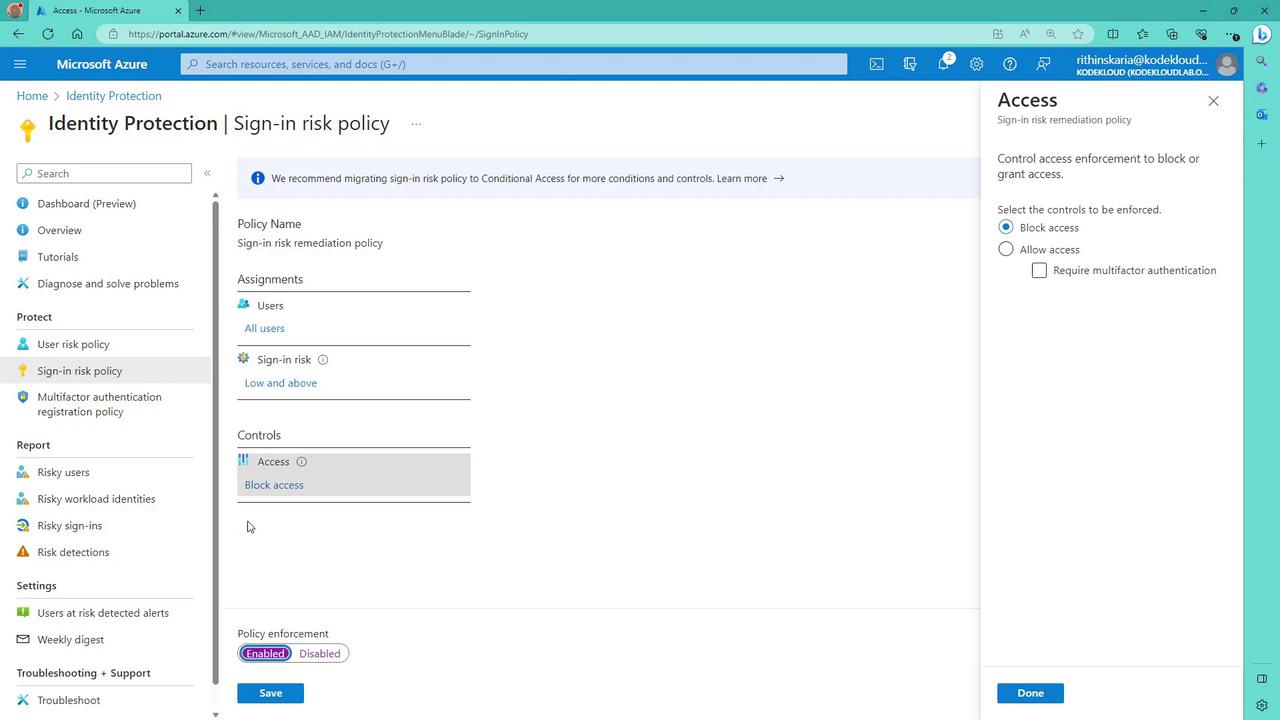
Although Microsoft recommends using a conditional access policy for enhanced flexibility and control, you can still configure the sign-in risk policy through the Azure Portal similarly to how you set up the user risk policy.
Key Benefits of the Sign-In Risk Policy
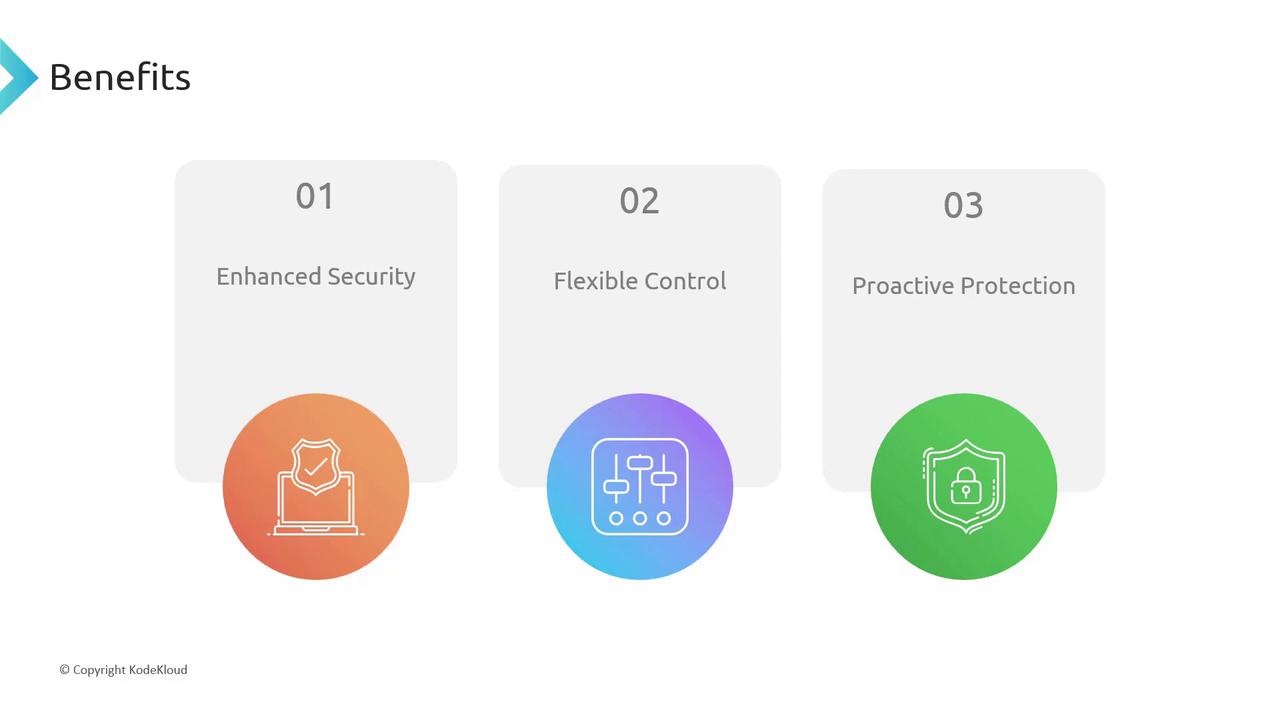
Implementing the sign-in risk policy in your Azure AD environment provides several significant advantages:- Enhanced Security: Real-time detection and mitigation of suspicious sign-in attempts help prevent potential breaches.
- Flexible Control: Administrators can tailor responses based on the risk level, such as enforcing multi-factor authentication (MFA) or blocking access.
- Proactive Protection: Early threat detection enables prompt action to neutralize potential security incidents.
Configuring the Sign-In Risk Policy
When you log into the Azure Portal, the sign-in risk policy will appear just below the user risk policy. The configuration interface is similar, with settings specifically designed for evaluating authentication events. For example, you have the option to either block access or allow access with additional safeguards like MFA. This contrasts with the user risk policy, where actions might include enforcing a password reset.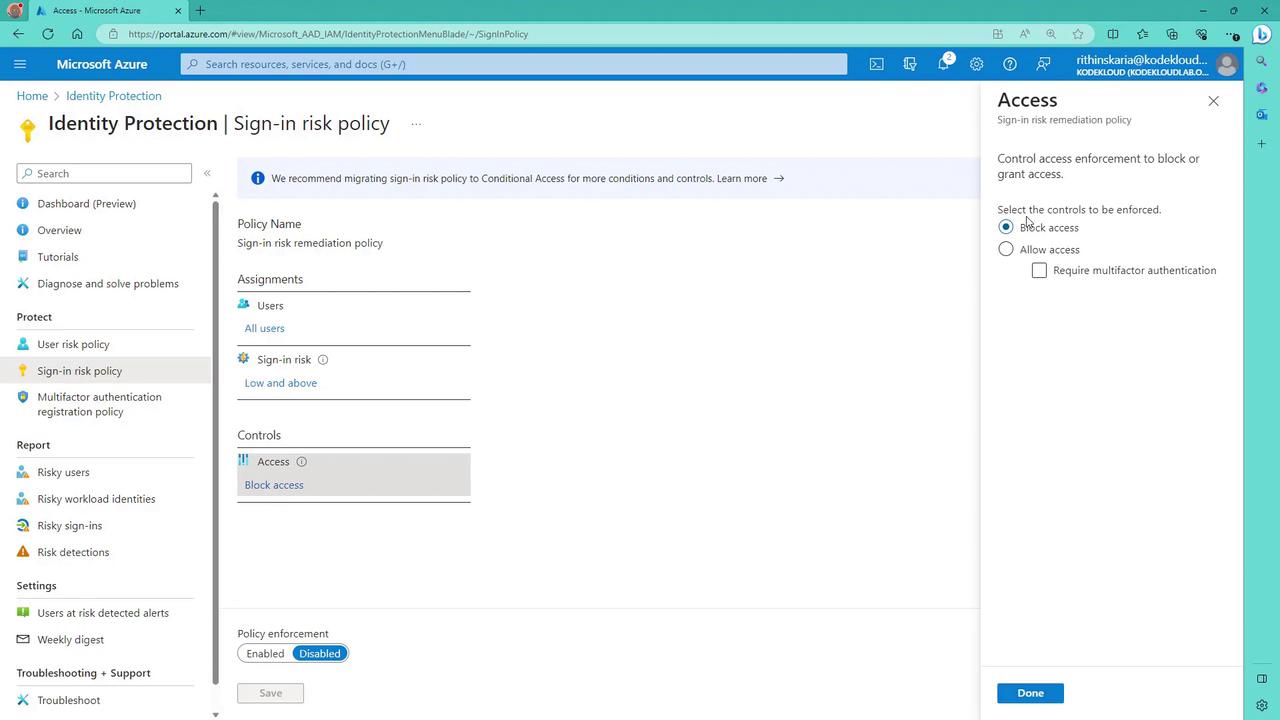
Activating the Policy
After you have configured the necessary parameters for the sign-in risk policy, simply enable and save your settings. This action immediately activates the policy, ensuring that your organization benefits from enhanced protections against risky authentications.