

Application Level
At the application level, Azure offers Application Insights for monitoring and diagnostics. With Application Insights you can:- Instrument your application using a dedicated package.
- Run availability tests.
- Store the collected data in Azure Log Analytics.
Utilize Application Insights to gain real-time insights into your application’s behavior and performance.
Operating System Level
To collect data from the operating system, follow these steps:- Install the Azure Monitor Agent.
- Use the diagnostics extension to gather guest OS metrics.
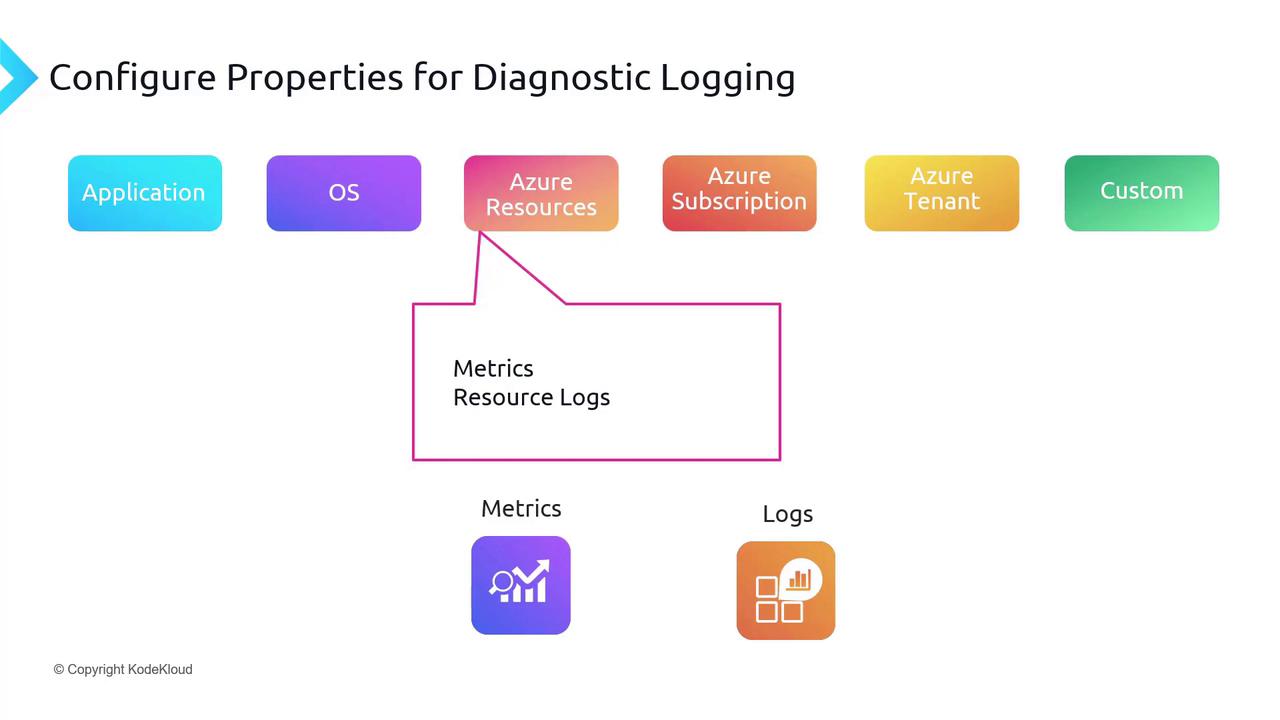
Azure Resources
Azure resources come with built-in metrics and resource logs:- Metrics: Available by default without additional configuration.
- Resource Logs: Require configuration of diagnostic settings. For example, virtual machines use an agent for this configuration, while other resources require manual configuration.
Azure Subscription
Azure subscriptions offer valuable service health insights, allowing you to monitor the status of various services. For example, you can verify whether the virtual machine service is available or check for issues with your database service. You can also configure alerts to notify you of any changes in service health.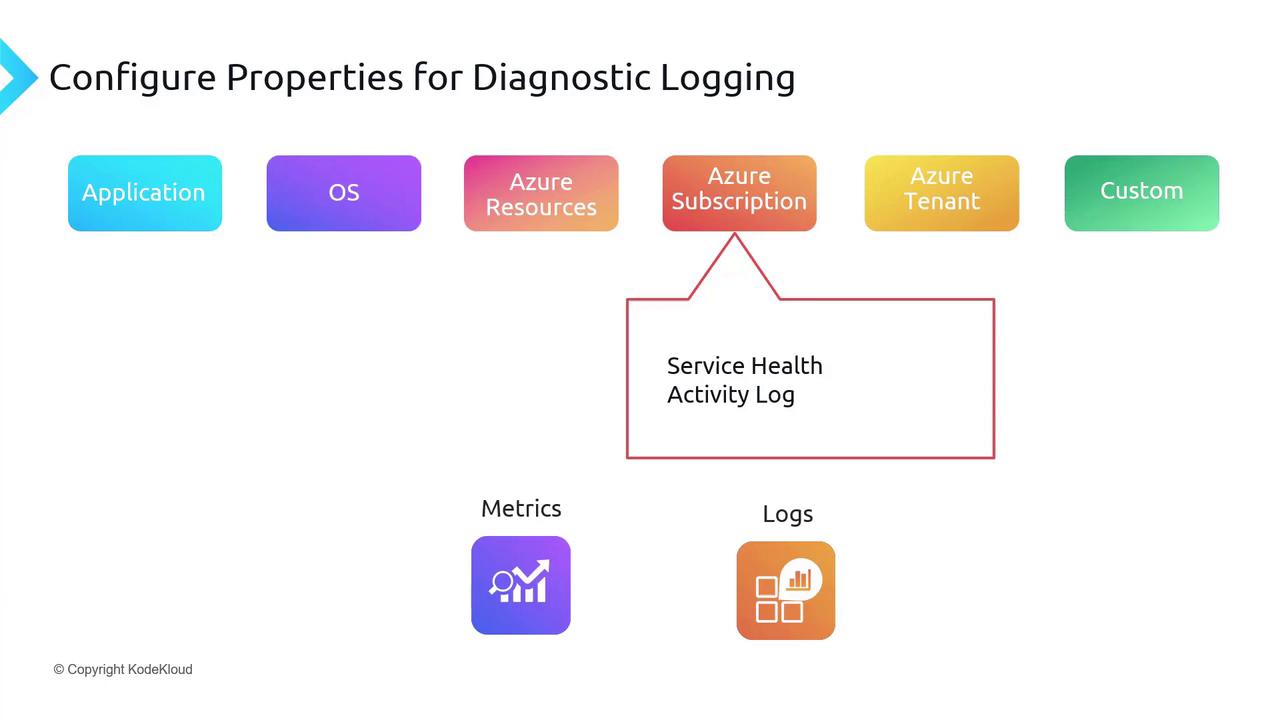
Azure Tenant
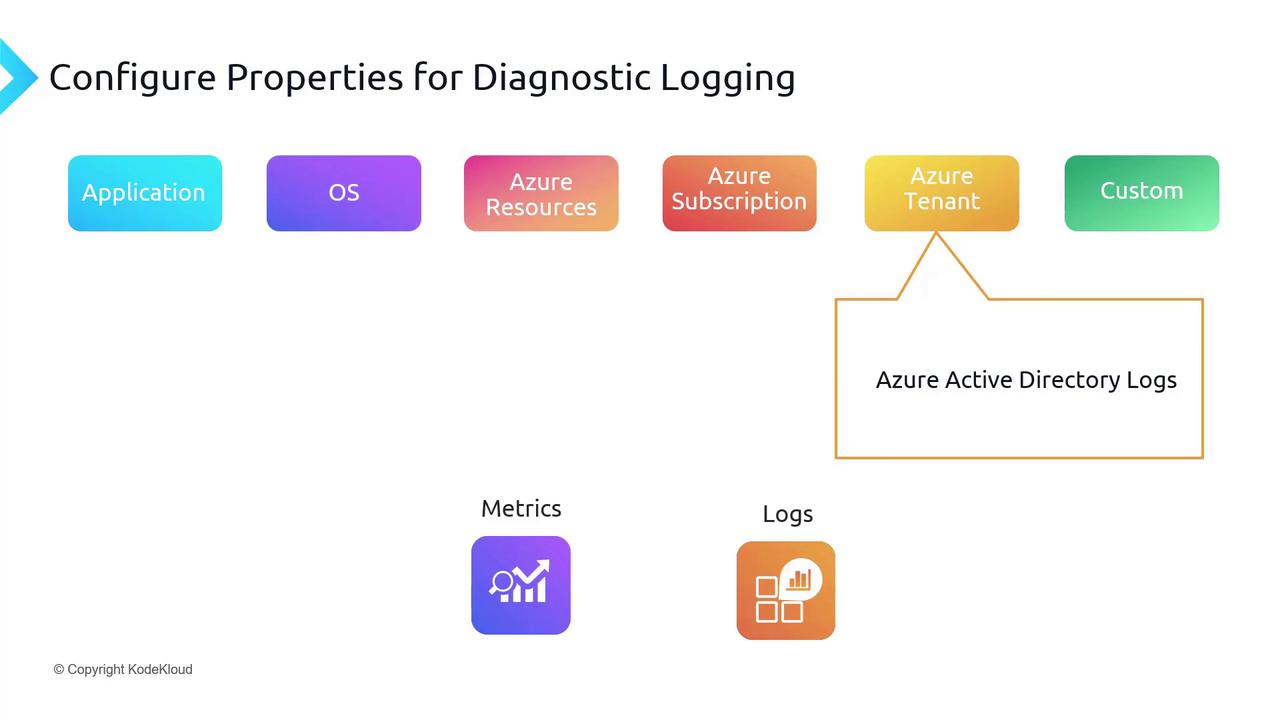
At the tenant level, you have access to various Azure activity logs such as:- Sign-in logs
- Audit logs
- Device registration logs
Custom Log Sources
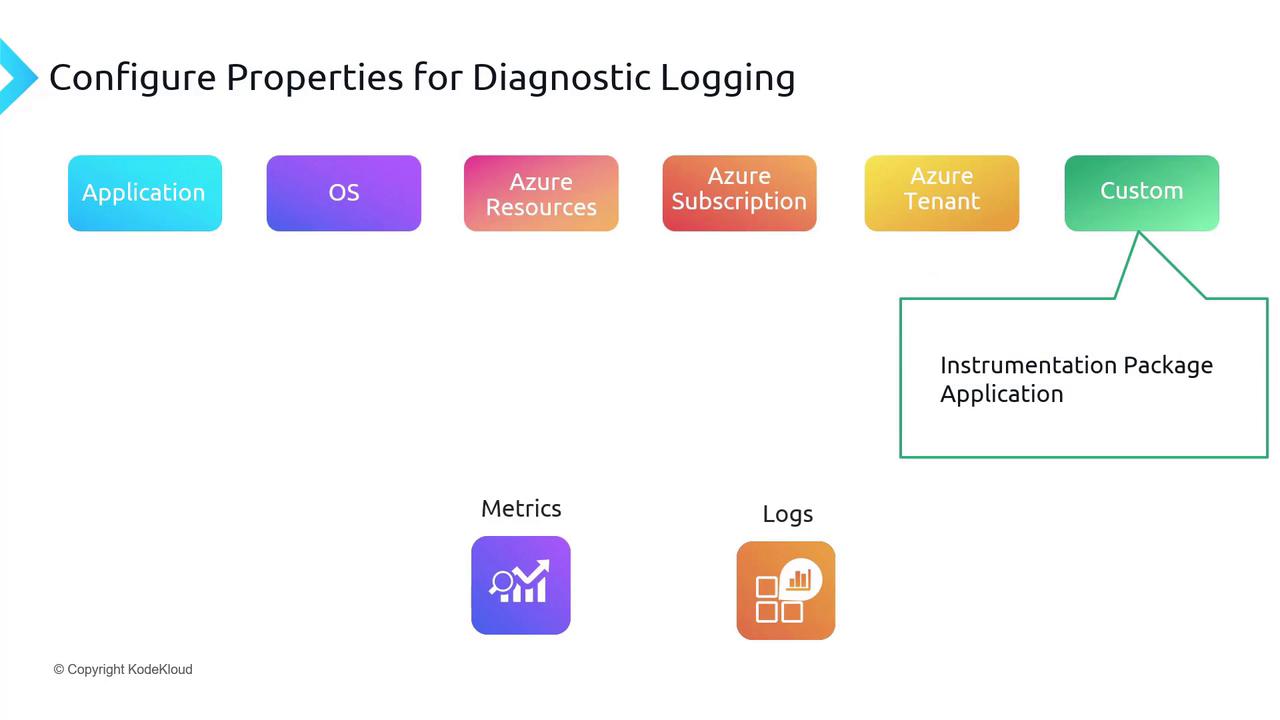
For data that does not fit within the standard categories, custom logging solutions are available through:- Instrumentation packages
- Custom applications
- Connect non-Azure devices.
- Manage these devices directly from Azure.
- Install extensions like the Azure Monitor Agent, guest configuration, or custom scripts.
Conclusion
In summary, configuring diagnostic logging properties across different levels in Azure enables a robust and secure monitoring framework. The key components include:- Application Level: Utilize Application Insights for performance tracking and failure analysis.
- Operating System Level: Deploy the Azure Monitor Agent and diagnostics extension for in-depth OS metrics.
- Azure Resources: Leverage built-in metrics and configure resource logs to suit your data collection needs.
- Azure Subscription: Monitor service health and review activity logs for operational oversight.
- Azure Tenant: Access comprehensive identity and security logs to enhance your auditing capabilities.
- Custom Log Sources: Integrate custom logging and Azure Arc for monitoring across diverse environments.
By implementing a multi-layered diagnostic logging strategy, you can achieve comprehensive monitoring and proactive management of your Azure infrastructure.