1. Add a New Self-Hosted Runner in GitHub
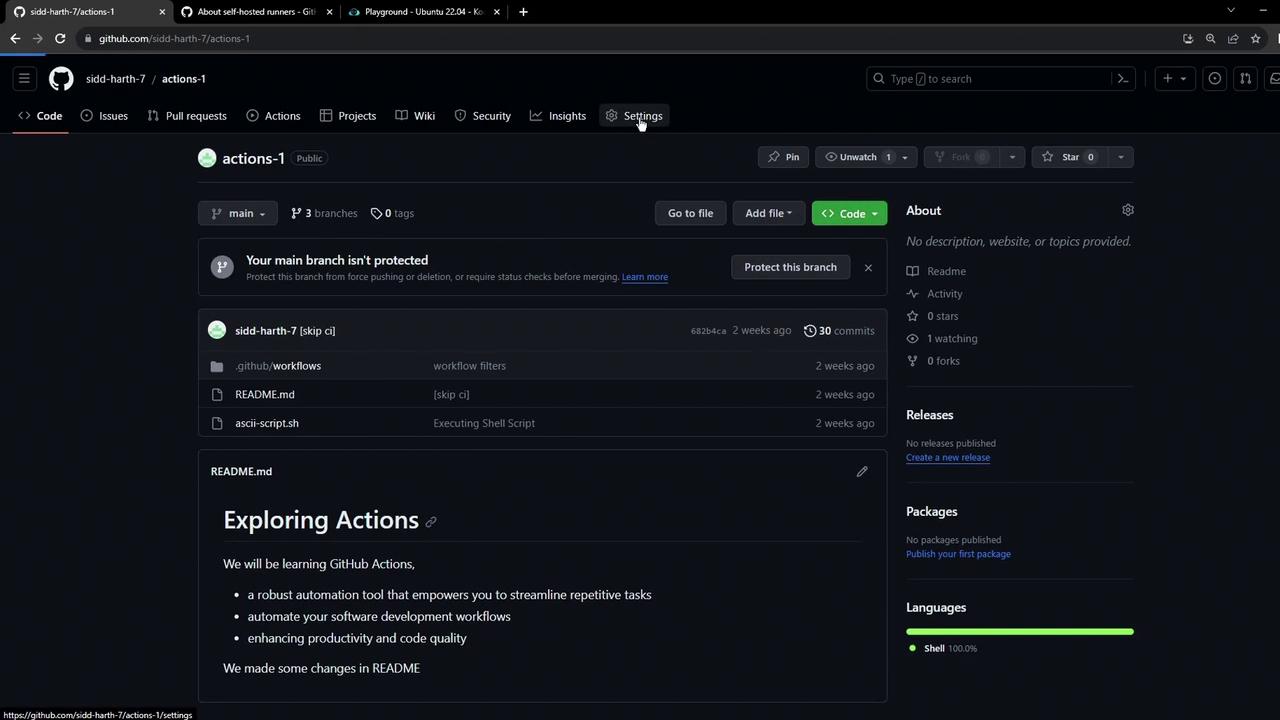
- In your repository, go to Settings → Actions → Runners.
- Click New self-hosted runner.
- Select Linux as the OS and x64 as the architecture. GitHub then displays the setup commands.
Available Runner Platforms
| Operating System | Architecture |
|---|---|
| Linux | x64 |
| macOS | x64, ARM |
| Windows | x64, ARM |
2. Install the Runner on Your Linux VM
Open a terminal and execute:Ensure your VM meets the runner requirements: at least 2 CPU cores, 8 GB RAM, and Docker if you plan on containerized jobs.
3. Configure the Runner
Use the registration token provided in the GitHub UI:By default, running the runner as root is disabled for security. To override (at your own risk), export:
4. Verify the Runner in GitHub
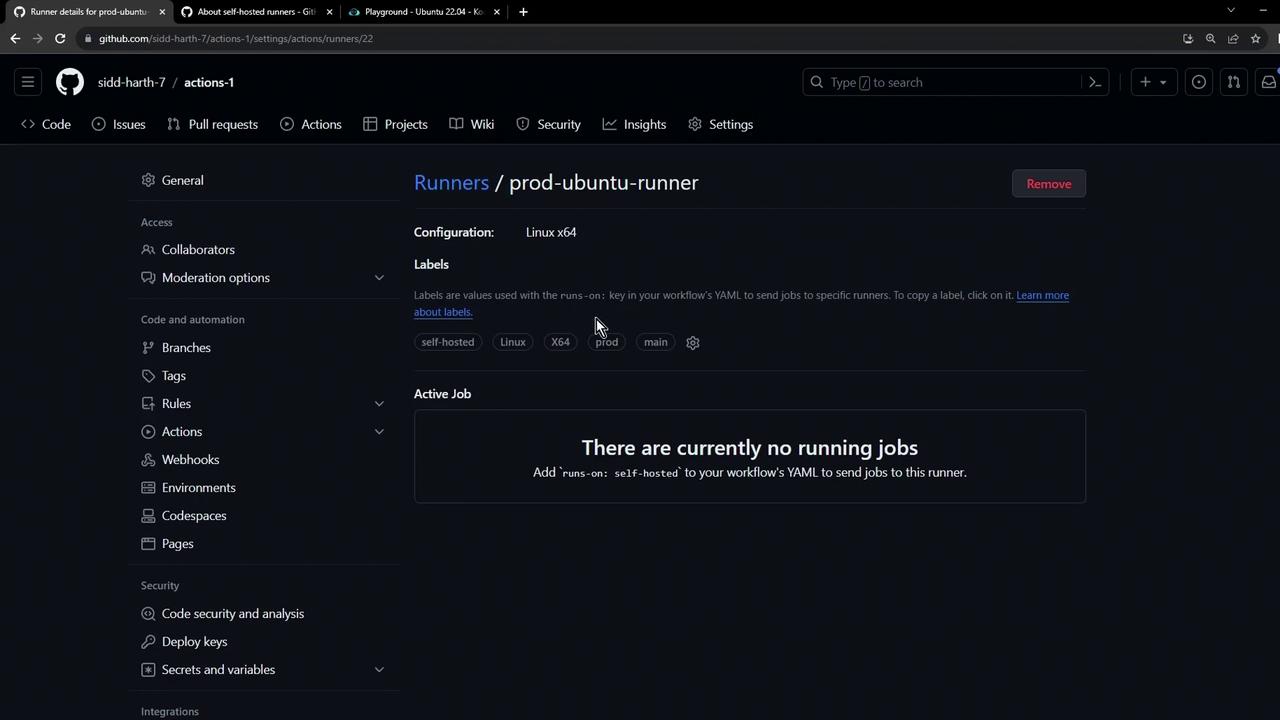
Return to Settings → Actions → Runners and refresh. You should seeprod-ubuntu-runner listed (initially offline):