Step 1: Define Environment Variables
Keep secret credentials out of your code by declaring environment variables at the top of your workflow:Use
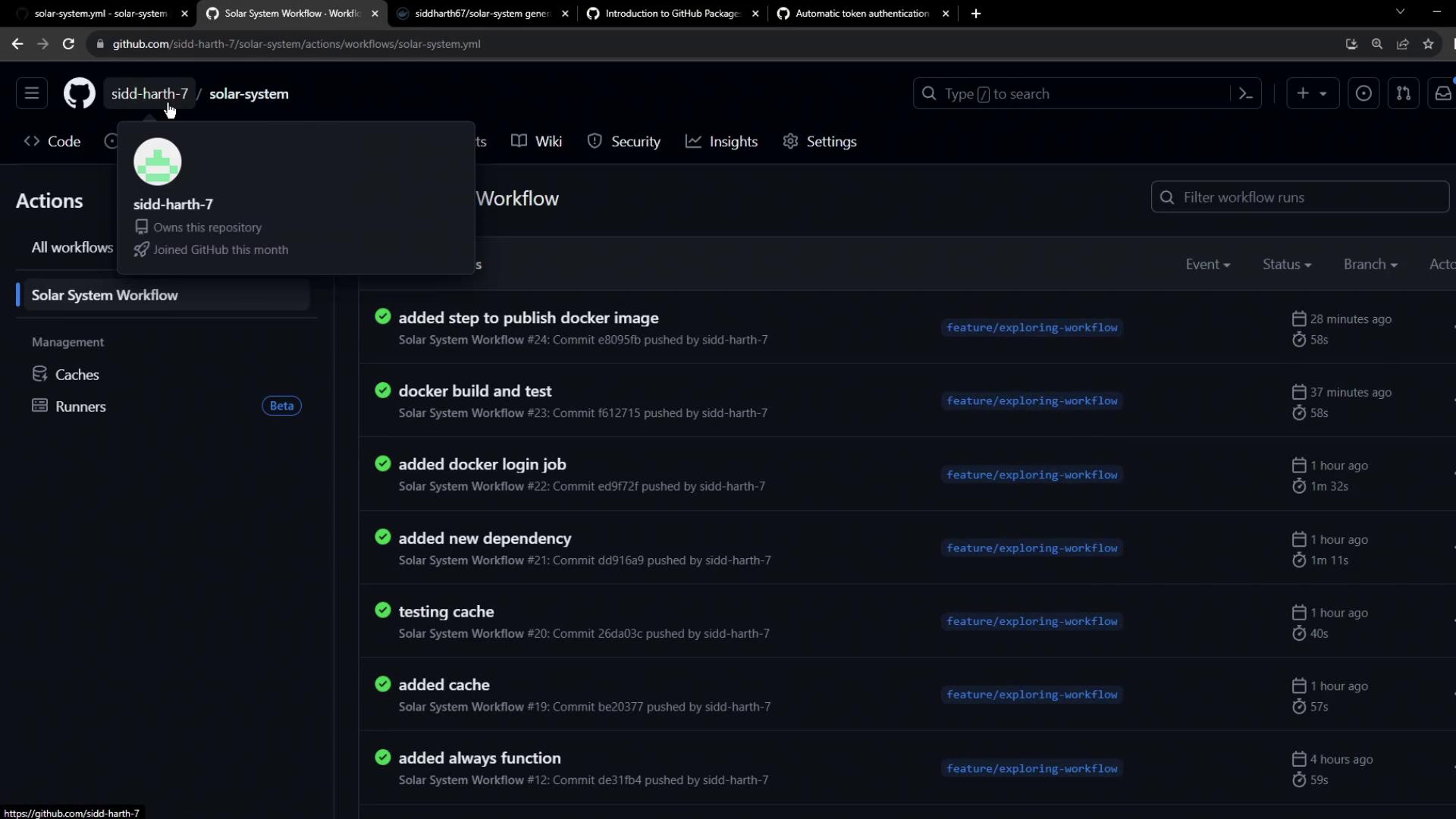
vars for non-sensitive values and secrets for confidential data.Step 2: View Recent Workflow Runs
After committing your.github/workflows/ci.yml, check the Actions tab to see your workflow executions:
Understanding GitHub Container Registry
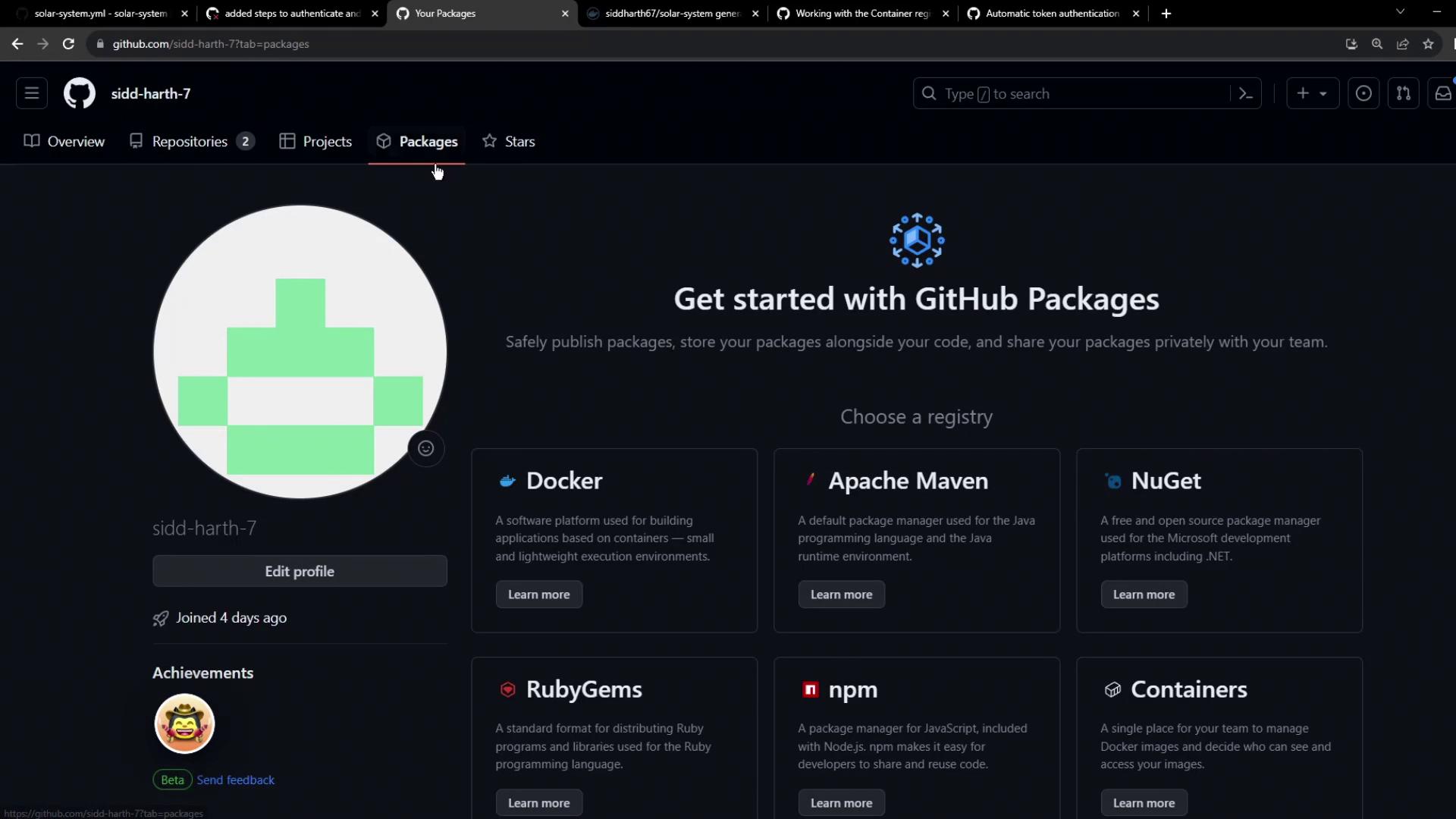
GHCR lets you publish, store, and share Docker and OCI images under theghcr.io namespace.
Explore GHCR in GitHub Docs
Visit the GitHub Packages documentation and select Container Registry: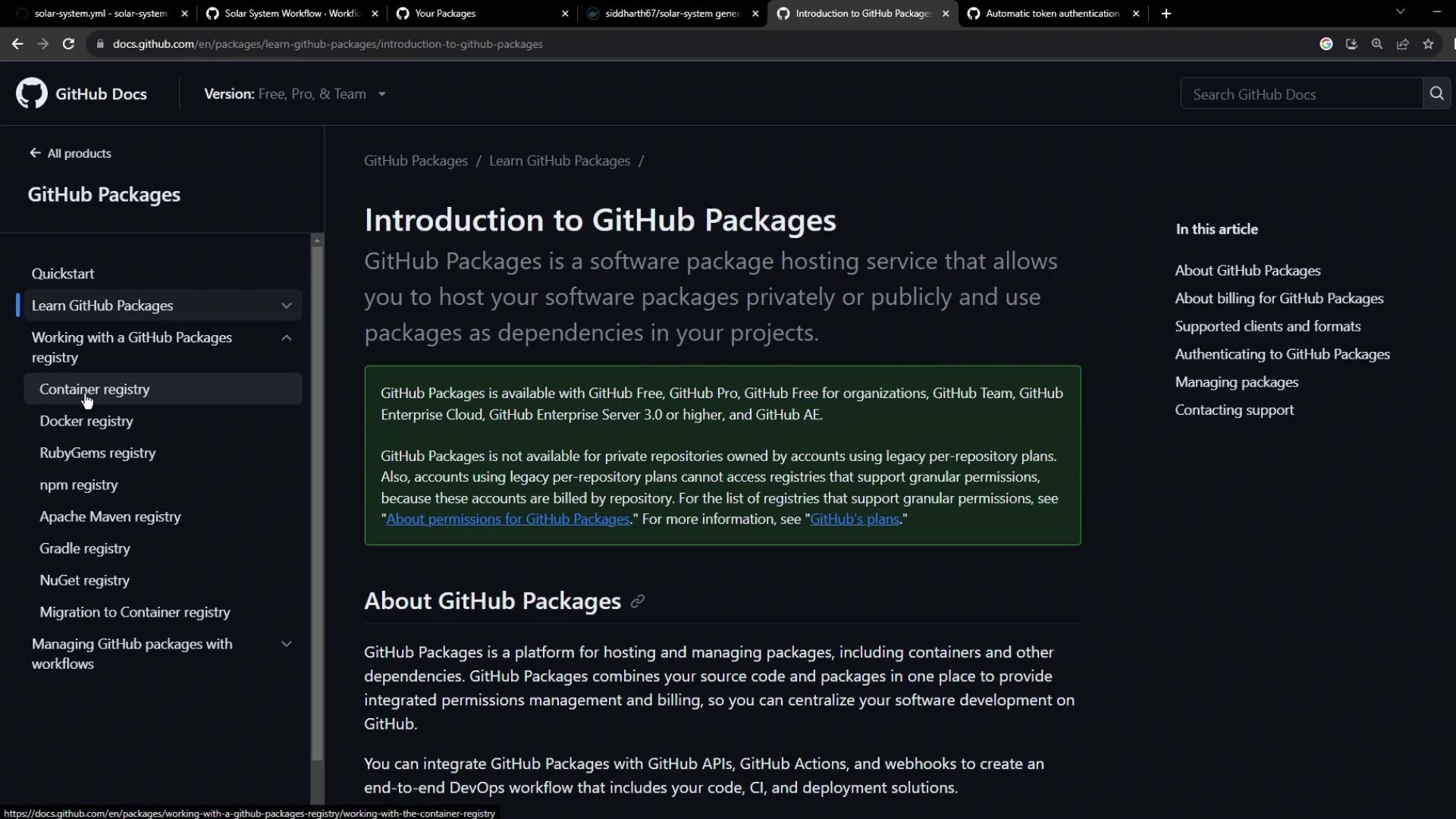
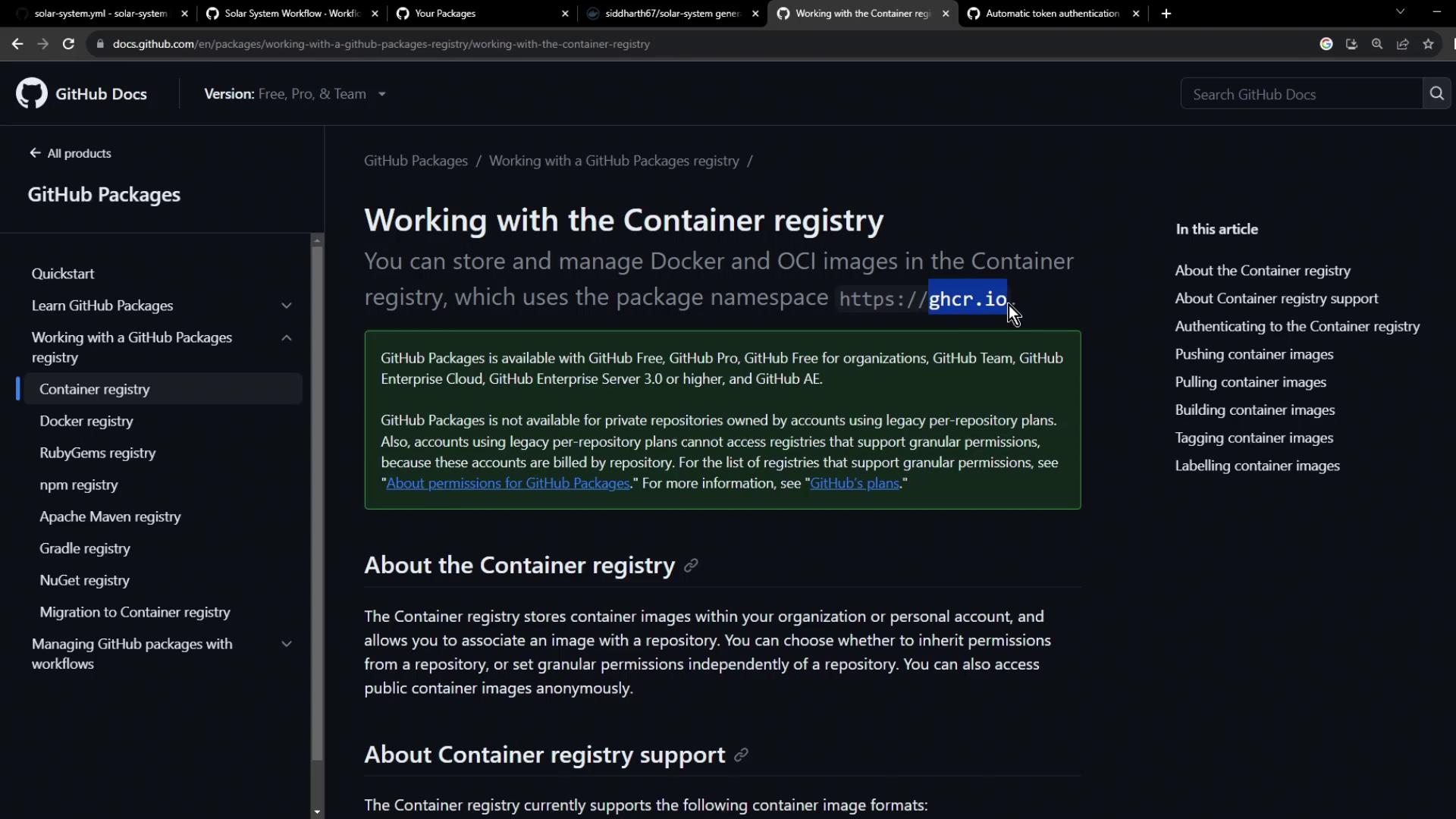
GHCR Namespace Details
All images live underghcr.io/<OWNER>/<IMAGE>:
Step 3: Authenticate to GHCR
Authenticating uses a GitHub token with write permissions topackages. The registry is ghcr.io, username is your GitHub account, and the password is a Personal Access Token (PAT) or $GITHUB_TOKEN.
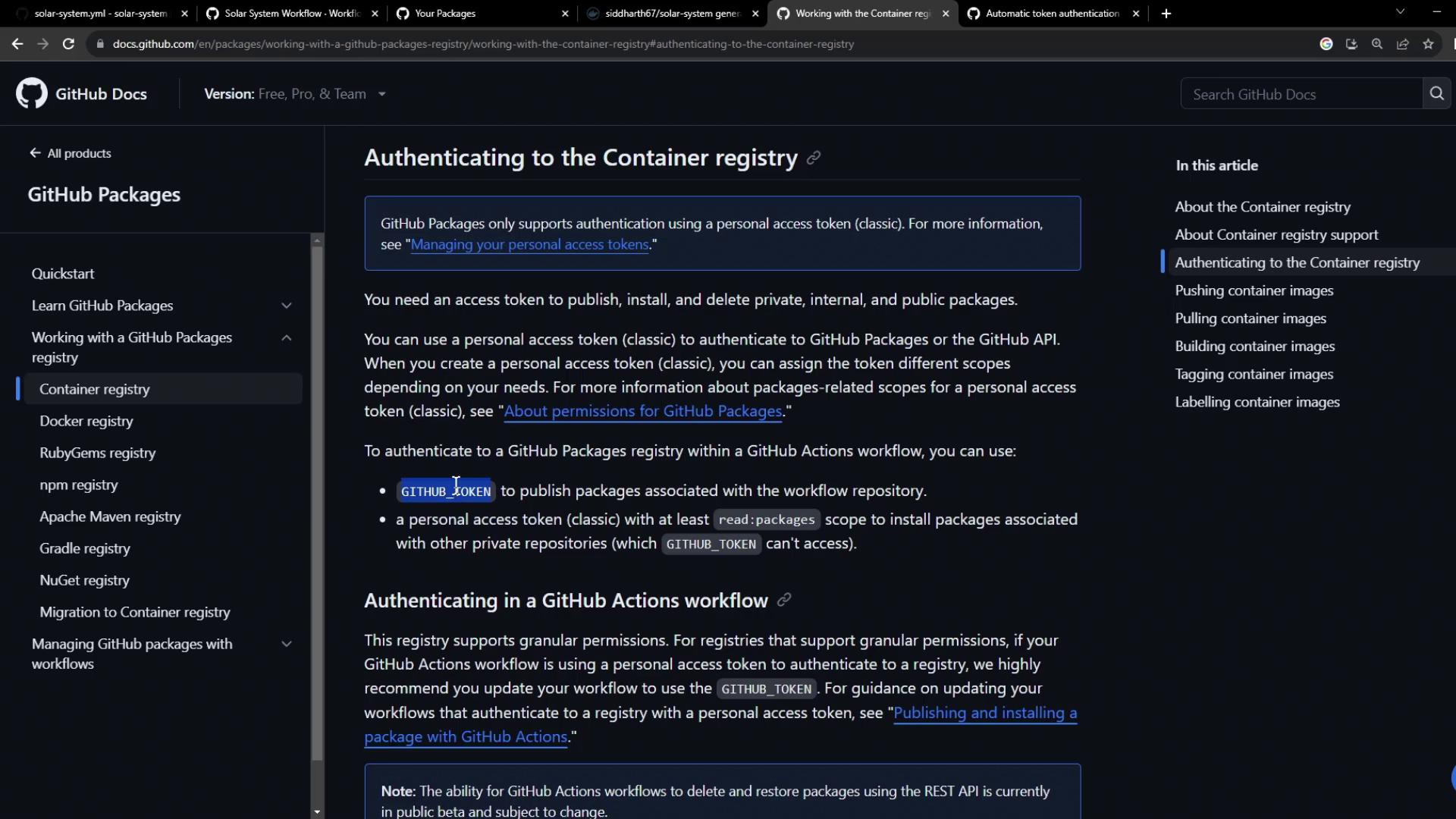
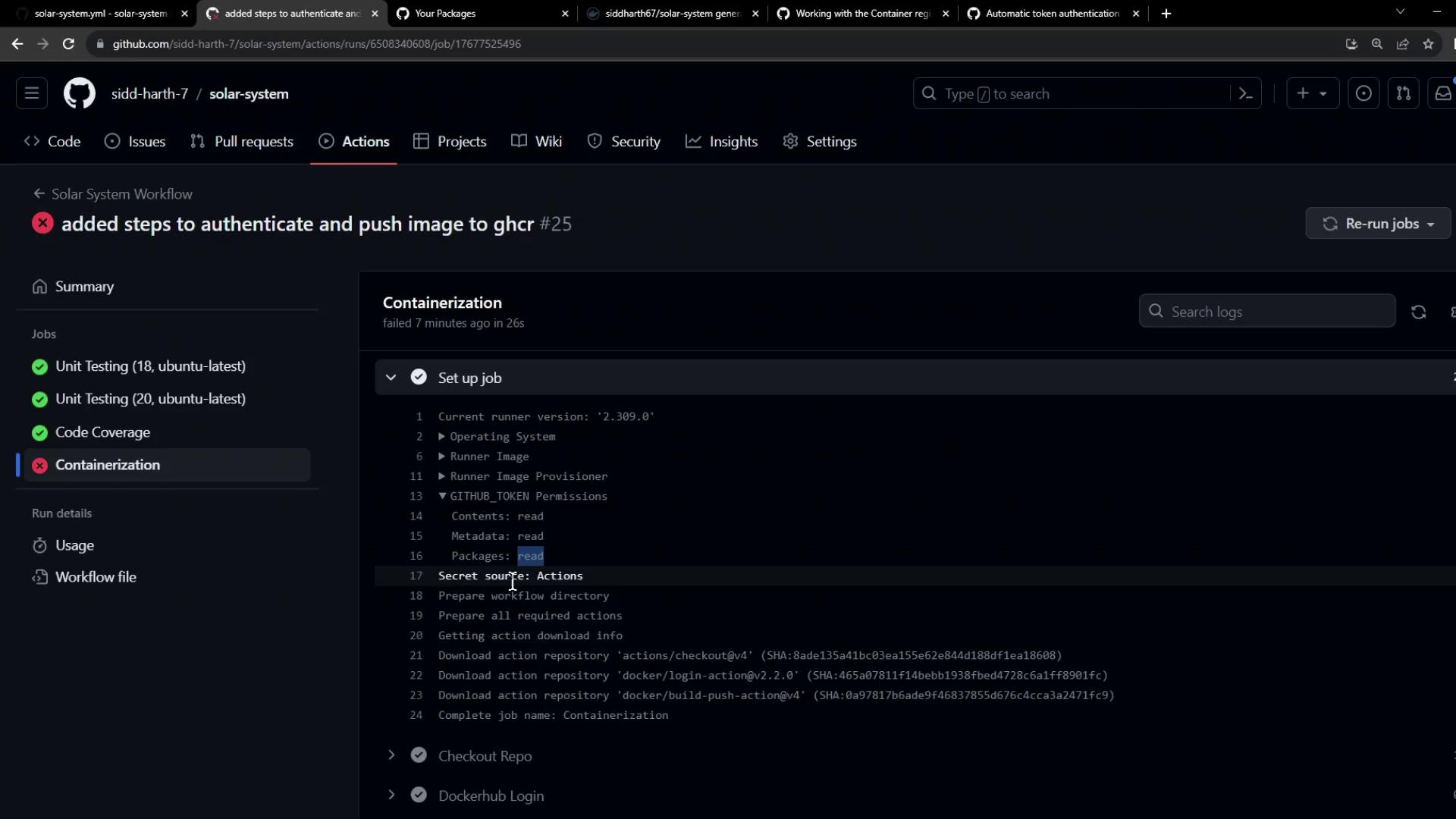
By default,
GITHUB_TOKEN only has read access to packages. You must grant write permissions (shown later) to push images.Step 4: Update Your GitHub Actions Workflow
Under thedocker job, add login, build, test, and push steps.
Login Actions
| Registry | Action | Inputs |
|---|---|---|
| Docker Hub | docker/[email protected] | username: ${{ vars.DOCKERHUB_USERNAME }}, password: ${{ secrets.DOCKERHUB_PASSWORD }} |
| GitHub Container Registry | docker/[email protected] | registry: ghcr.io, username: ${{ github.repository_owner }}, password: ${{ secrets.GITHUB_TOKEN }} |
Build Image for Testing
Usedocker/build-push-action with push: false to build without pushing:
Run Container Tests
Start your container and verify health endpoints:Push to Both Registries
Finally, enablepush: true and tag for both Docker Hub and GHCR:
chore: add GHCR authentication and push steps) and monitor:
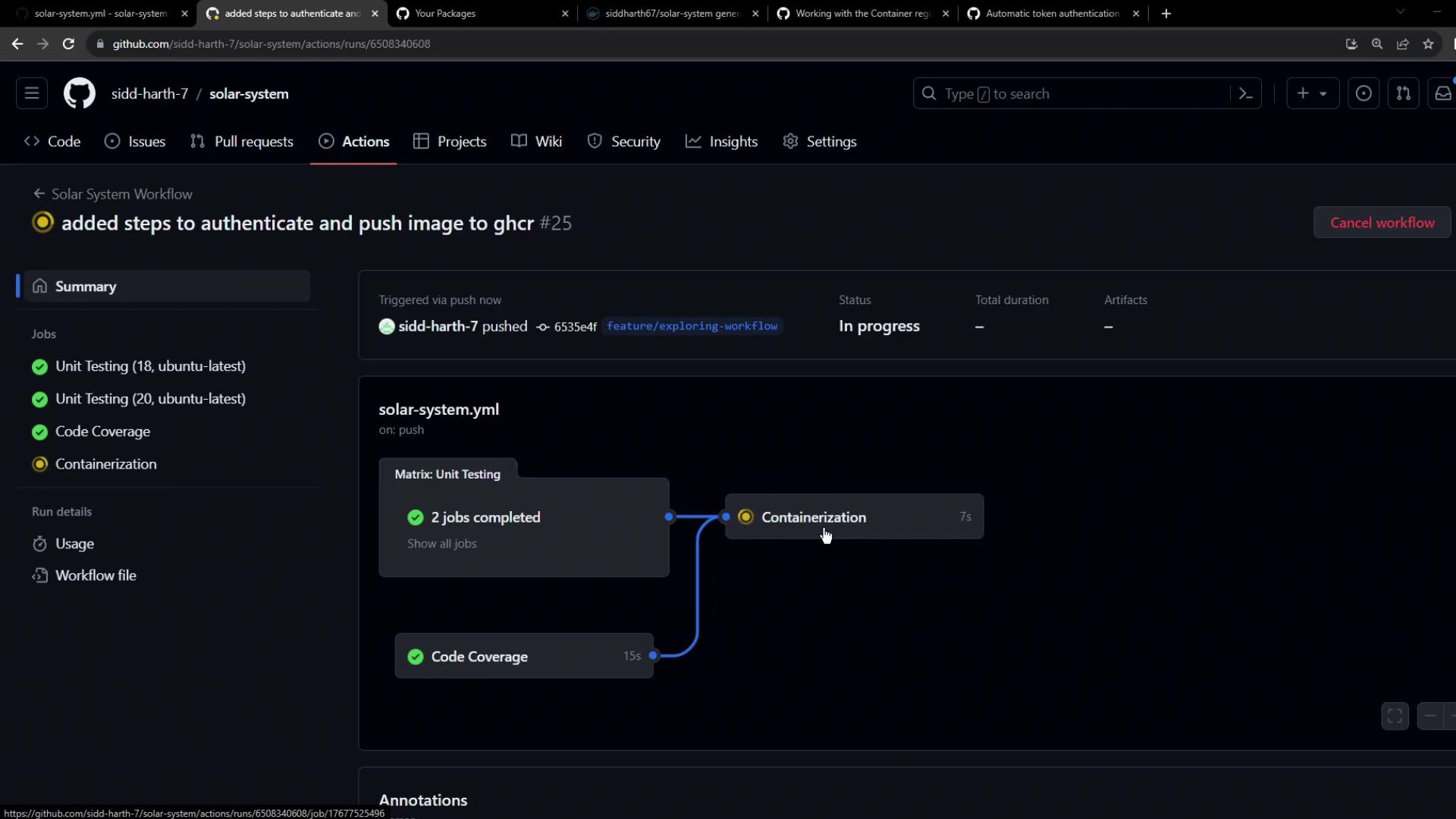
Handling Push Errors
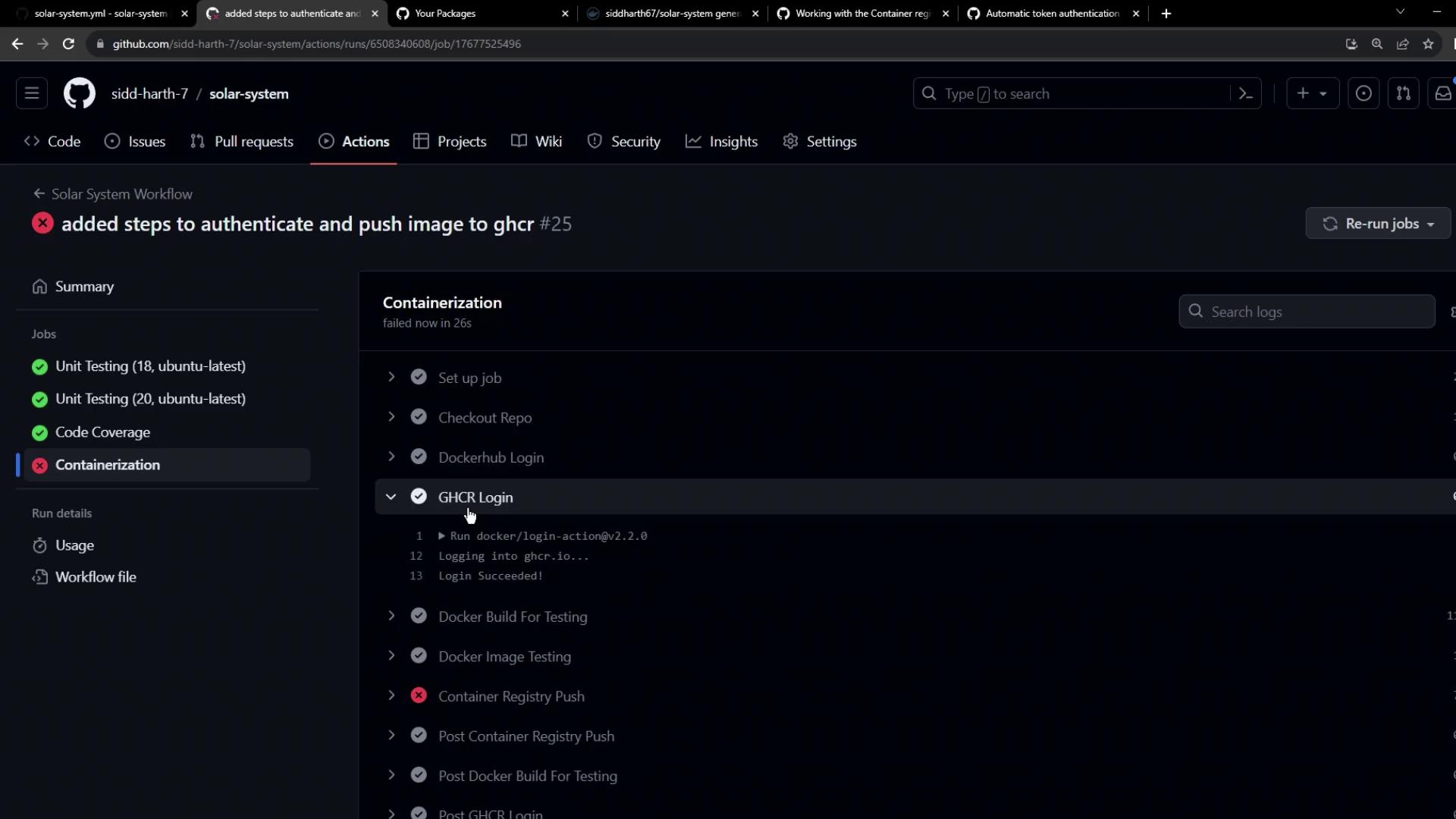
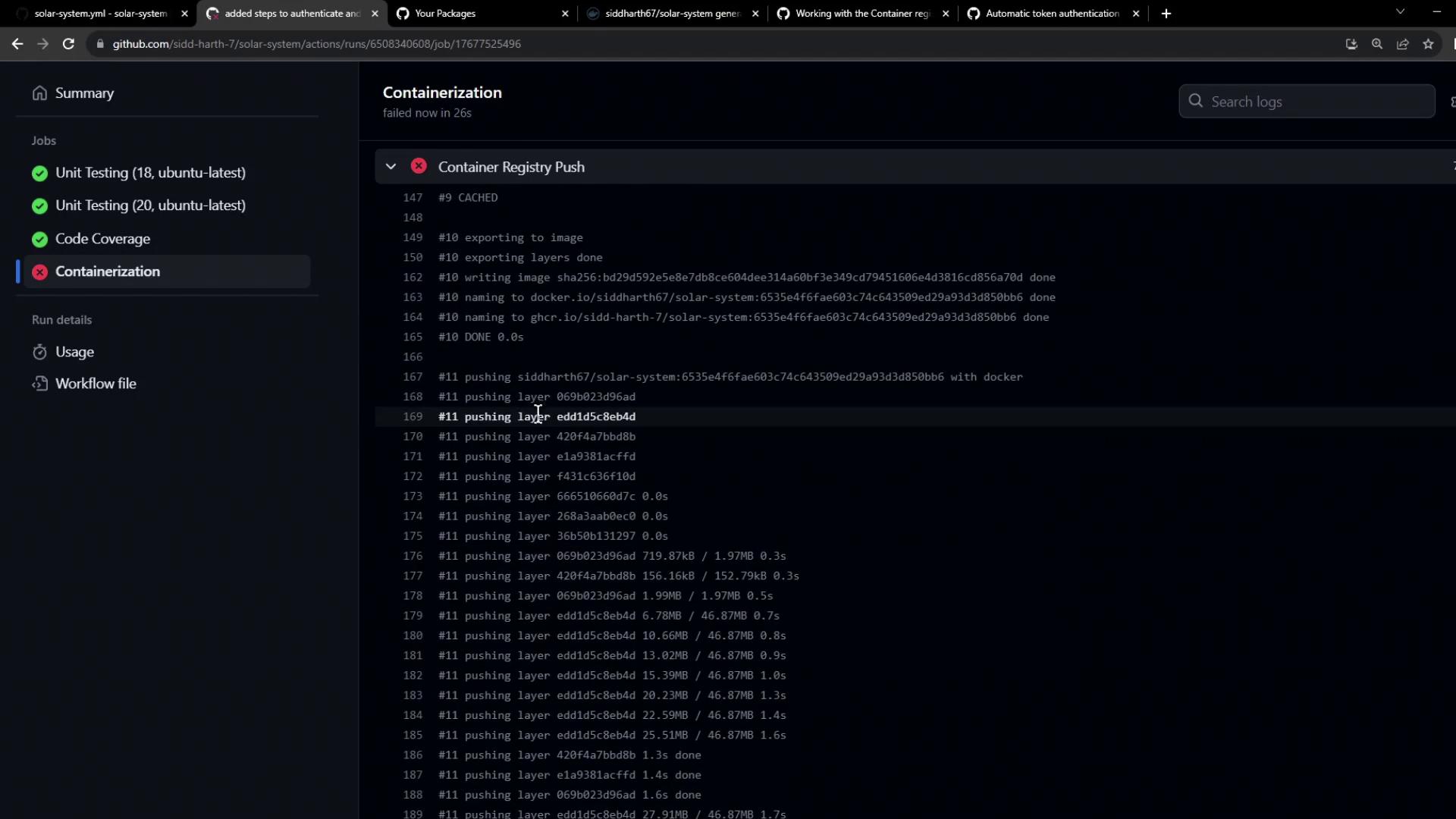
If you encounter:denied: installation not allowed to Create organization package
you’ll see a failed Containerization job:
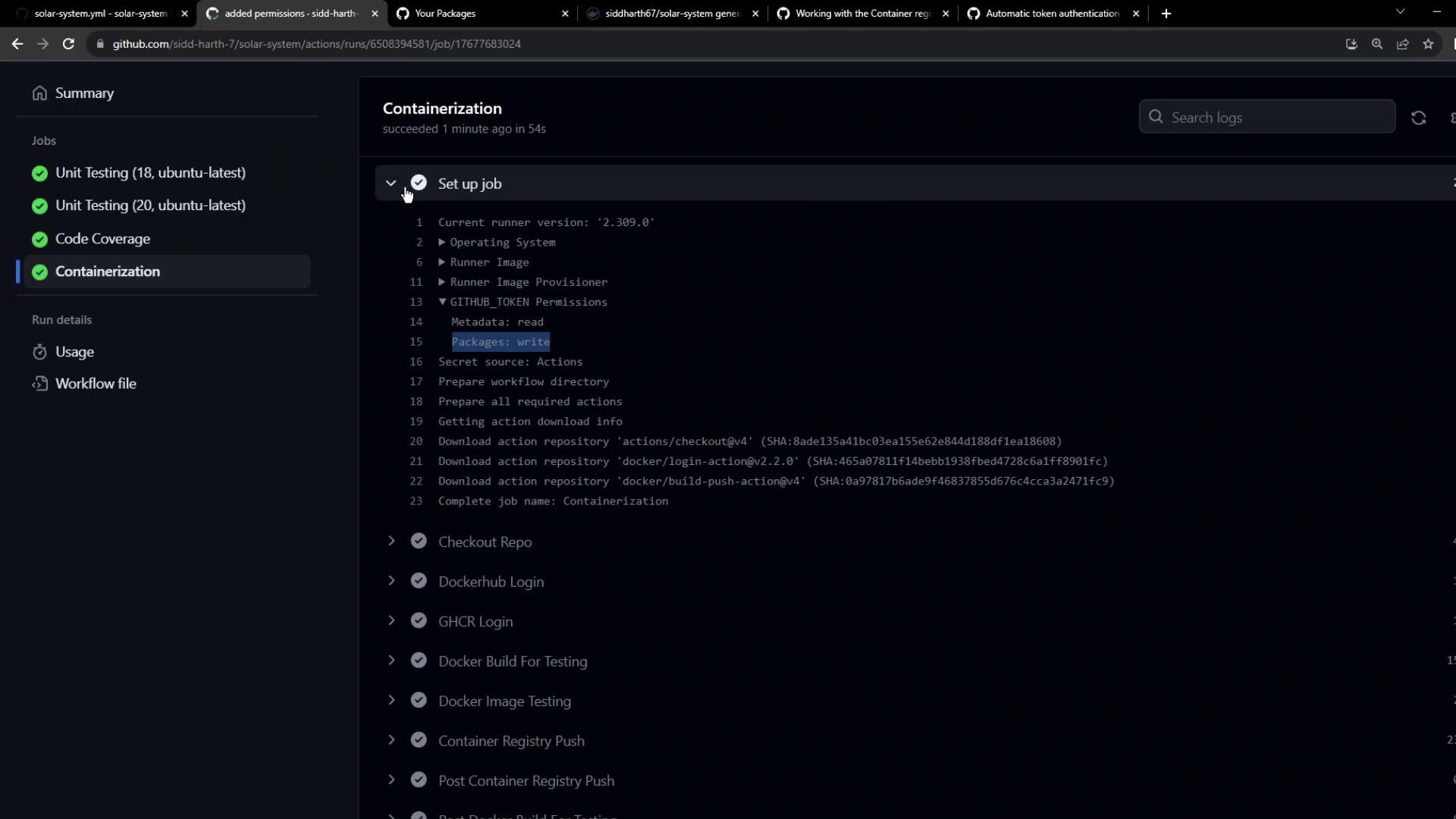
Step 5: Grant Write Permissions to Packages
Add package write permissions to thedocker job:

Step 6: View All Workflow Runs
Check all runs under your workflow: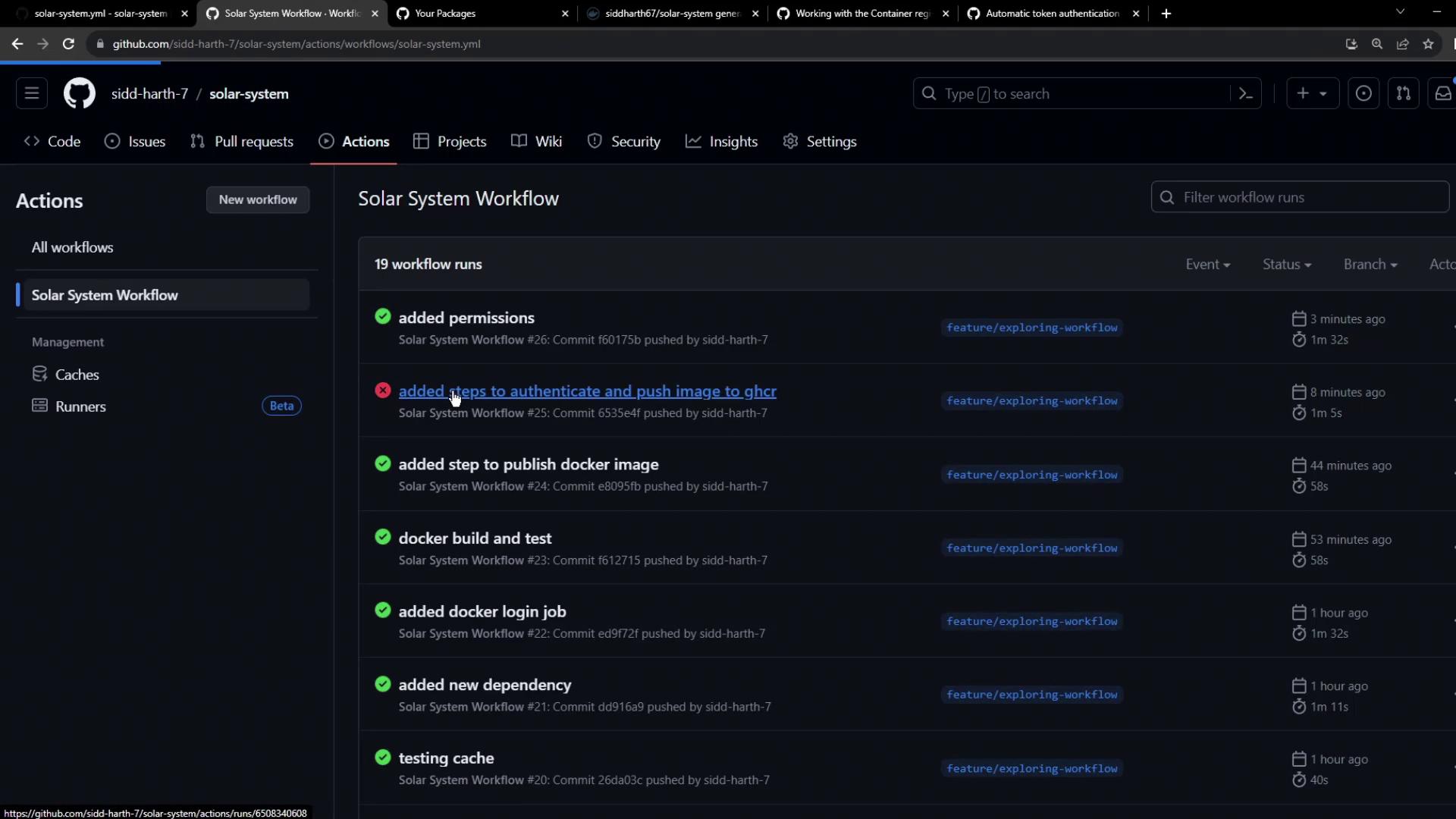
Step 7: Pull and Use Your GHCR Image
Now that your image lives on GHCR, you can pull and reuse it: