Extend your GitHub Actions workflow with an integration test that automatically picks up your application’s dynamic Ingress host URL. This guide shows you how to:
Deploy manifests to a Kubernetes cluster
Capture the Ingress hostname as a workflow output
Consume that output in a downstream integration-testing job
Adding the Integration Test Job After your dev-deploy job completes, add an integration-testing job that references the URL output:
jobs : integration-testing : name : Dev Integration Testing needs : [ dev-deploy ] runs-on : ubuntu-latest steps : - name : Test URL Output with curl and jq env : URL : ${{ needs.dev-deploy.outputs.APP_INGRESS_URL }} run : | echo "URL: $URL" echo "-----------------------------------------" curl https://$URL/live -s -k | jq -r .status | grep -i live
The curl and jq utilities are pre-installed on the ubuntu-latest runner.
Using curl -k skips TLS verification. Only use this in non-production or trusted test environments.
Retrieving the Ingress Host URL To surface the Ingress host from Kubernetes into your workflow:
Invoke kubectl in the deploy job to read the host via JSONPath.
Write that hostname to GITHUB_OUTPUT.
Expose it as a job-level output.
1. Modify the Deploy Job In your dev-deploy job, after applying the manifests, add a step with an ID to capture the host:
jobs : dev-deploy : needs : docker runs-on : ubuntu-latest steps : - name : Checkout Repository uses : actions/checkout@v4 - name : Install kubectl uses : azure/setup-kubectl@v3 with : version : '1.26.0' - name : Configure Kubeconfig uses : azure/k8s-set-context@v3 with : method : kubeconfig kubeconfig : ${{ secrets.KUBECONFIG }} - name : Deploy to Development run : kubectl apply -f kubernetes/development - id : set-ingress-host name : Set App Ingress Host URL run : | echo "APP_INGRESS_HOST=$(kubectl -n ${{ vars.NAMESPACE }} \ get ingress -o jsonpath='{.items[0].spec.tls[0].hosts[0]}')" \ >> "$GITHUB_OUTPUT"
Kubernetes Ingress Example apiVersion : networking.k8s.io/v1 kind : Ingress metadata : name : solar-system namespace : development spec : rules : - host : solar-system-{{ .Namespace }}.{{ .Ingress.IP }}.nip.io http : paths : - path : / pathType : Prefix backend : service : name : solar-system port : number : 3000 tls : - hosts : - solar-system-{{ .Namespace }}.{{ .Ingress.IP }}.nip.io secretName : solar-system
Run these commands locally or in a step to confirm your JSONPath:
Command Description kubectl -n development get ingressList all ingresses in the development namespace kubectl -n development get ingress -o jsonpath='{.items[0].spec.tls[0].hosts[0]}'Extract the first TLS host from the ingress
kubectl -n development get ingress
# OUTPUT:
# NAME           HOSTS                                           ADDRESS                       PORTS   AGE
# Extract only the host:
kubectl -n development get ingress \
  -o jsonpath='{.items[0].spec.tls[0].hosts[0]}'
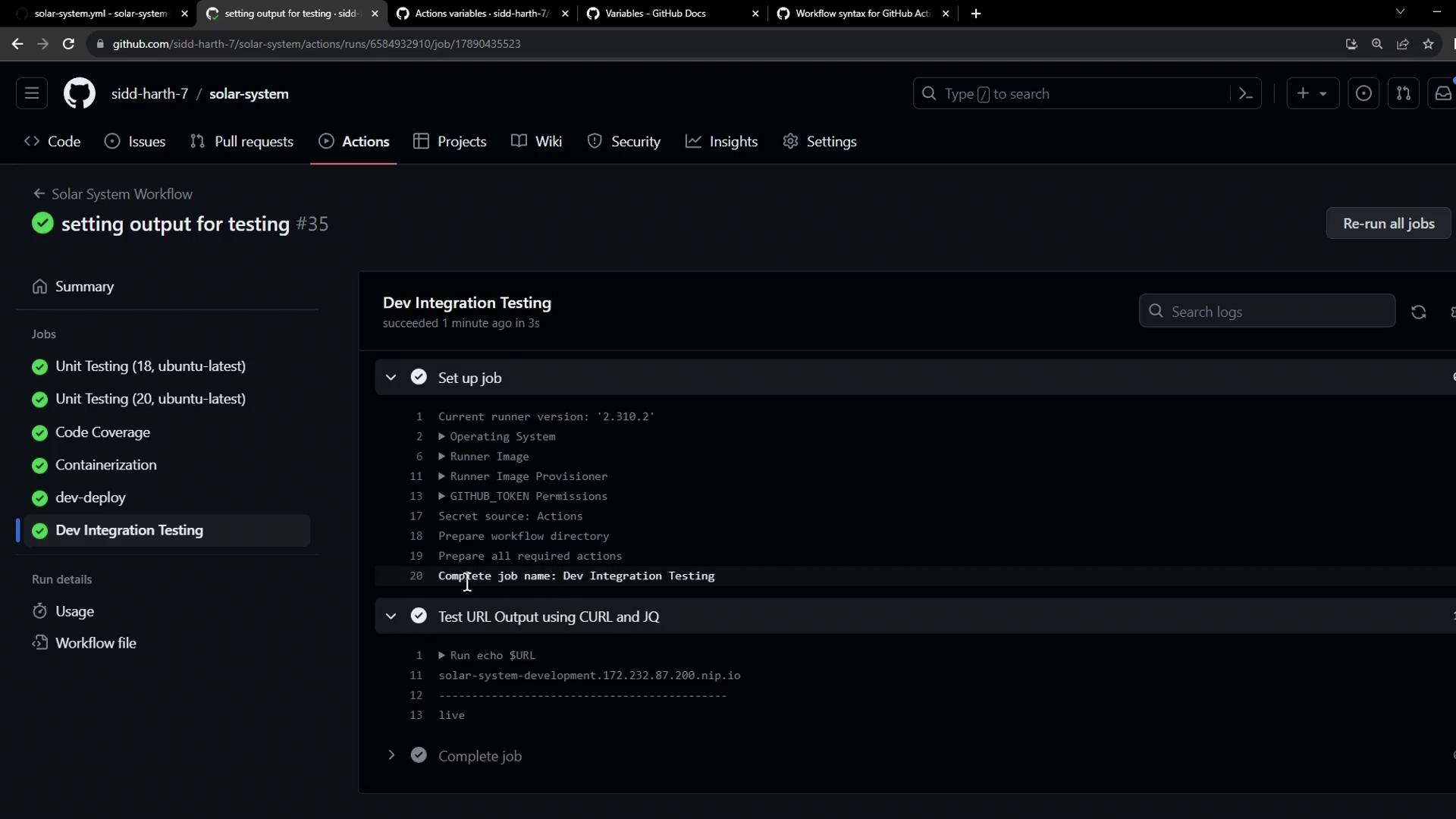
# solar-system-development.172.232.87.200.nip.io
3. Expose the Step Output as a Job Output Enable downstream jobs to consume the captured host by defining an outputs section:
jobs : dev-deploy : needs : docker runs-on : ubuntu-latest outputs : APP_INGRESS_URL : ${{ steps.set-ingress-host.outputs.APP_INGRESS_HOST }} steps : # ... (previous steps) ...
Consuming the Output in Integration Testing In the integration-testing job, map the job output to an environment variable:
jobs : integration-testing : name : Dev Integration Testing needs : dev-deploy runs-on : ubuntu-latest steps : - name : Test URL Output with curl and jq env : URL : ${{ needs.dev-deploy.outputs.APP_INGRESS_URL }} run : | echo "URL: $URL" echo "-----------------------------------------" curl https://$URL/live -s -k | jq -r .status | grep -i live
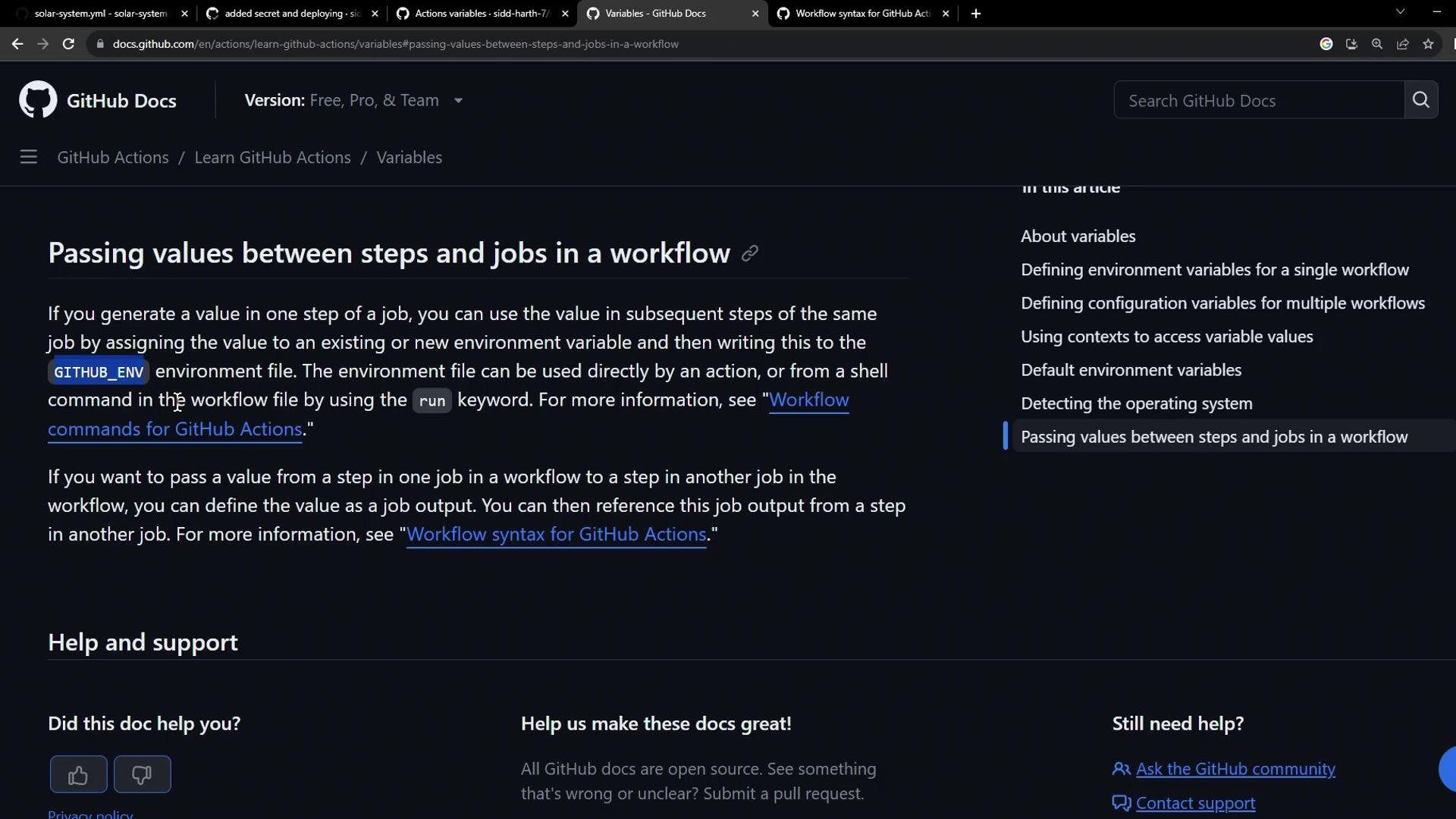
Passing Values Between Jobs Learn more in the GitHub Actions docs on passing values between jobs .
Official Example jobs : job1 : runs-on : ubuntu-latest outputs : output1 : ${{ steps.step1.outputs.test }} output2 : ${{ steps.step2.outputs.test }} steps : - id : step1 run : echo "test=hello" >> "$GITHUB_OUTPUT" - id : step2 run : echo "test=world" >> "$GITHUB_OUTPUT" job2 : runs-on : ubuntu-latest needs : job1 steps : - env : OUTPUT1 : ${{ needs.job1.outputs.output1 }} OUTPUT2 : ${{ needs.job1.outputs.output2 }} run : echo "$OUTPUT1 $OUTPUT2"
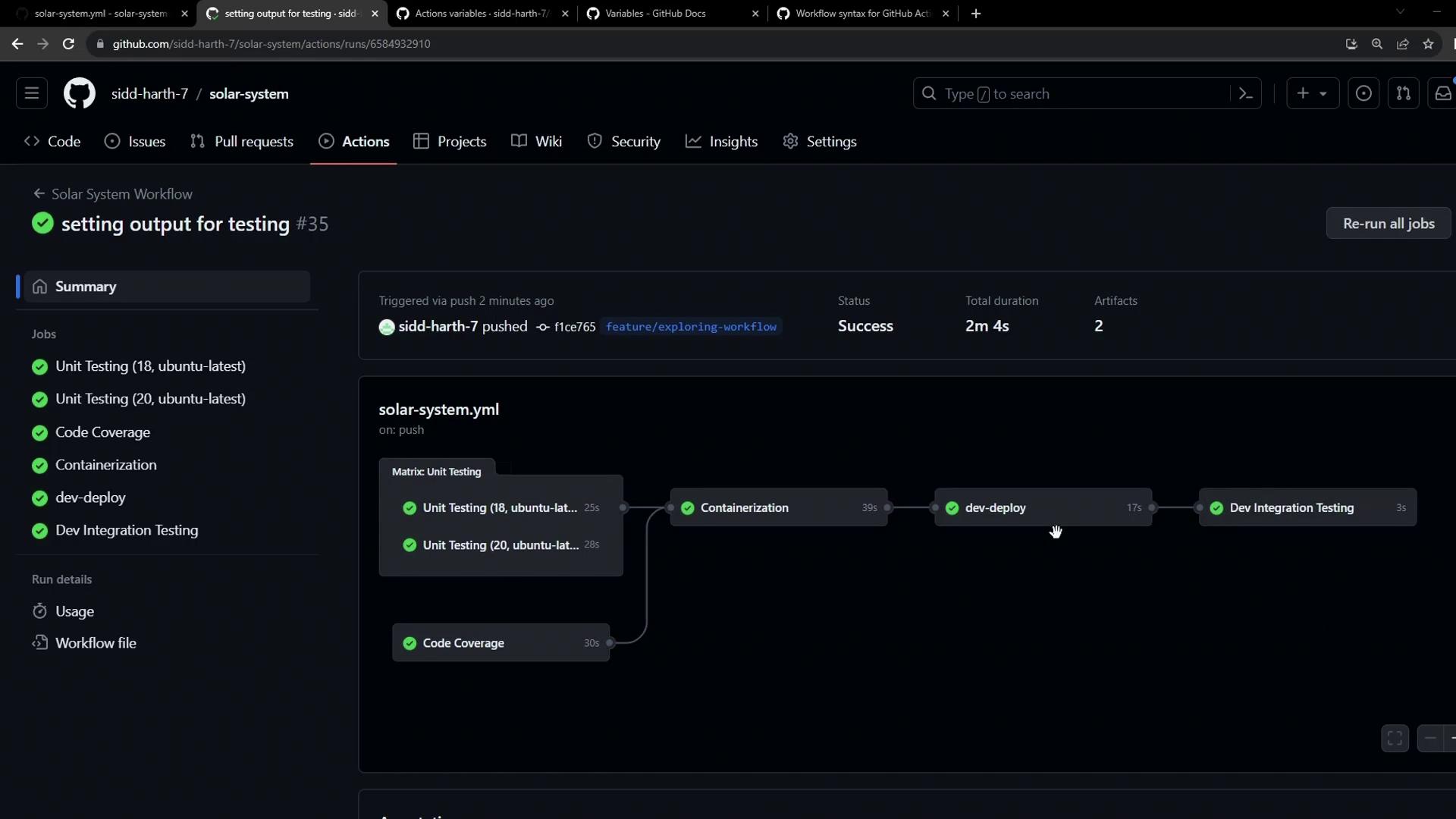
Workflow Run Summary Integration Testing Job Log This confirms that the dynamic Ingress host URL was successfully passed from the deploy job to the integration-testing job.
References