In this guide, we’ll dive deeper into GitHub Actions’ matrix strategy. You’ll learn how to:
Exclude unsupported combinations
Include custom combinations
Control failure behavior (fail-fast)
Limit parallel jobs (max-parallel)
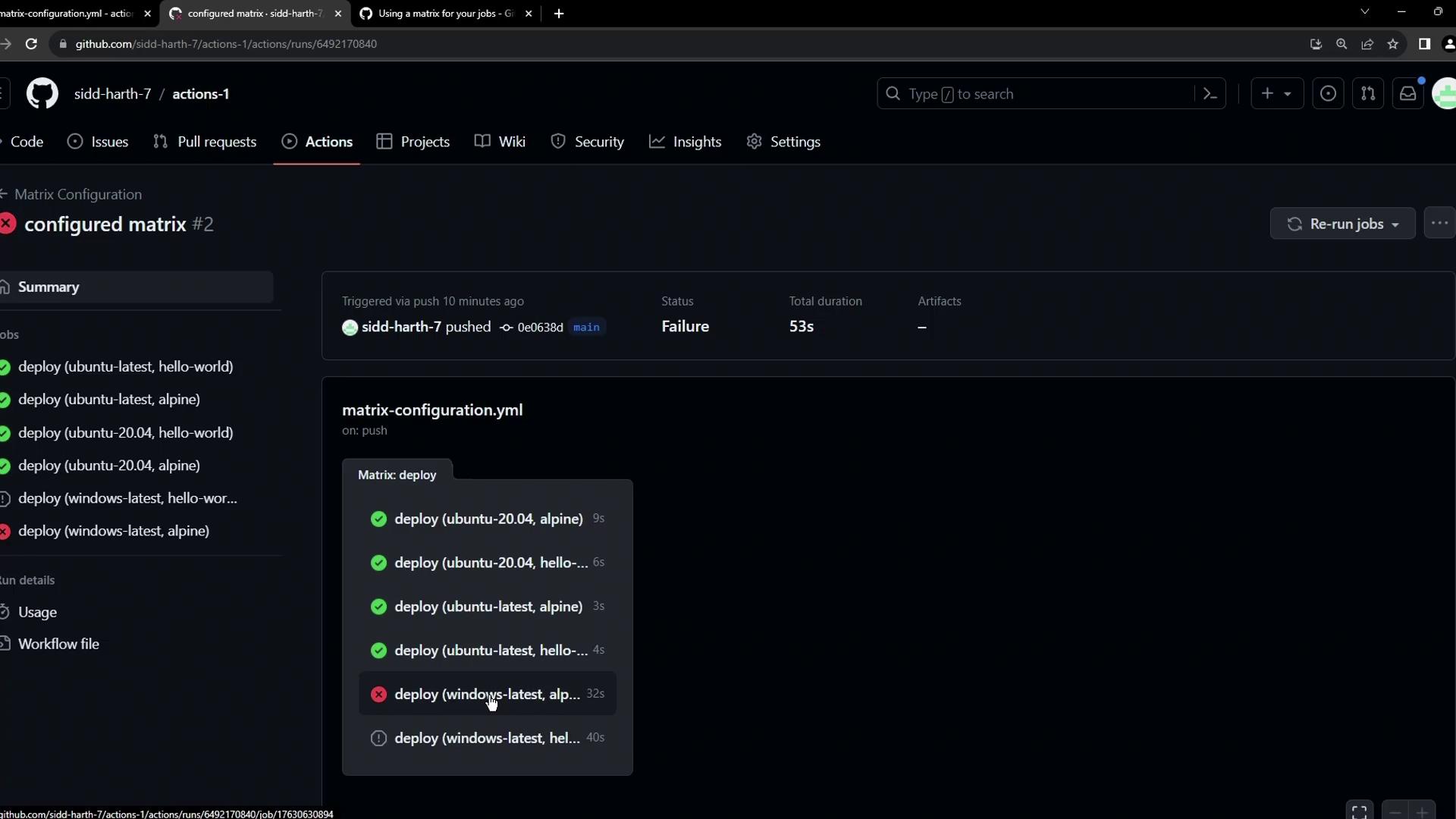
By default, if any matrix job fails, GitHub Actions cancels all in-progress or queued jobs. Also, all combinations run in parallel unless you configure otherwise.
1. Excluding Specific Combinations To prevent certain OS–image pairs (like Alpine on Windows) from running, use the exclude keyword under strategy.matrix:
# .github/workflows/deploy.yml on : workflow_dispatch : jobs : deploy : runs-on : ${{ matrix.os }} strategy : matrix : os : [ ubuntu-latest , ubuntu-20.04 , windows-latest ] images : [ hello-world , alpine ] exclude : - os : windows-latest images : alpine steps : - name : Echo Docker Details run : docker info - name : Run Image on ${{ matrix.os }} run : docker run ${{ matrix.images }}
With this configuration, GitHub Actions will skip the windows-latest + alpine job, reducing the total from six to five.
Excluding unsupported combinations helps save build minutes and avoids predictable failures.
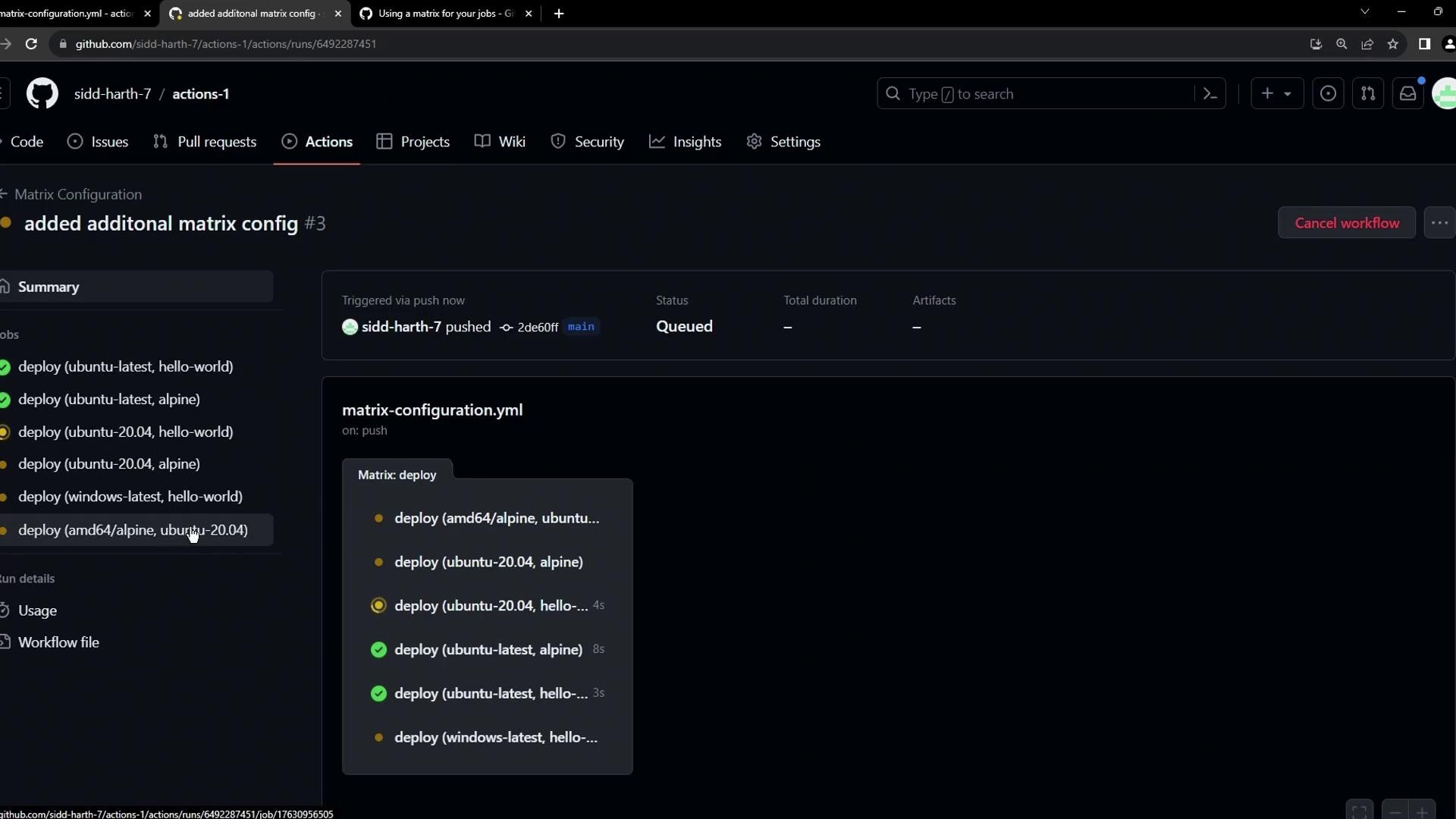
2. Including Additional Combinations Use include to add custom pairs beyond the default matrix. For instance, to run amd64/alpine only on Ubuntu 20.04:
# .github/workflows/deploy.yml on : workflow_dispatch : jobs : deploy : runs-on : ${{ matrix.os }} strategy : matrix : os : [ ubuntu-latest , ubuntu-20.04 , windows-latest ] images : [ hello-world , alpine ] exclude : - os : windows-latest images : alpine include : - os : ubuntu-20.04 images : amd64/alpine steps : - name : Echo Docker Details run : docker info - name : Run Image on ${{ matrix.os }} run : docker run ${{ matrix.images }}
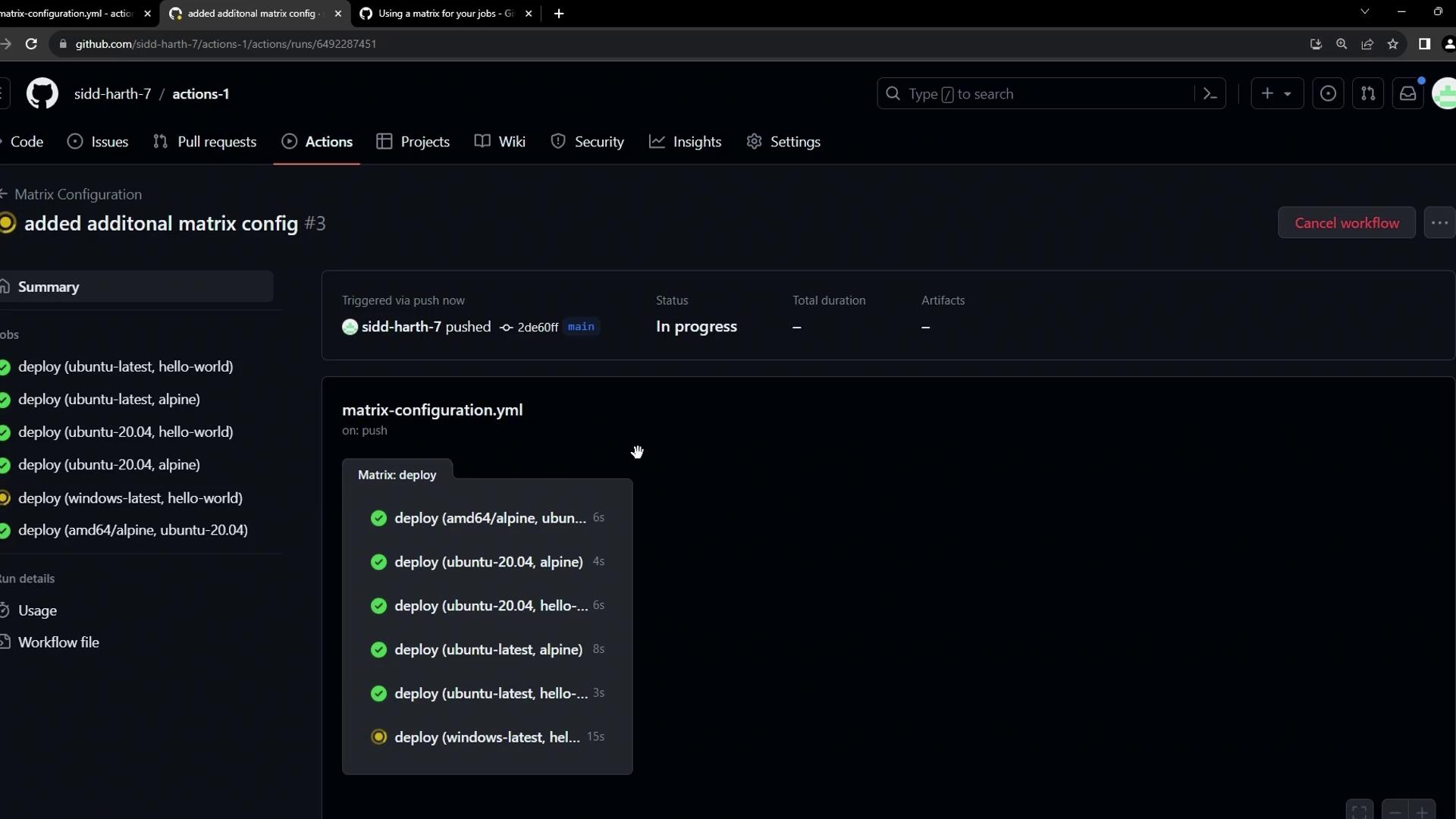
This ensures amd64/alpine builds only on Ubuntu 20.04, while still excluding Alpine on Windows.
3. Controlling Failure Behavior and Parallelism By default, fail-fast: true cancels all remaining jobs if one fails. You can disable this and control concurrency:
# .github/workflows/deploy.yml on : workflow_dispatch : jobs : deploy : runs-on : ${{ matrix.os }} strategy : fail-fast : false # Continue running all matrix jobs even on failure max-parallel : 2 # Limit to 2 concurrent jobs matrix : os : [ ubuntu-latest , ubuntu-20.04 , windows-latest ] images : [ hello-world , alpine ] exclude : - os : windows-latest images : alpine include : - os : ubuntu-20.04 images : amd64/alpine steps : - name : Echo Docker Details run : docker info - name : Run Image on ${{ matrix.os }} run : docker run ${{ matrix.images }}
This setup runs only two jobs at a time. As each finishes, the next queued jobs start.
Notice Alpine is excluded on Windows, and amd64/alpine is included only on Ubuntu 20.04:
Matrix Strategy Options at a Glance Option Description matrix Defines axes (e.g., OS, images) to combine exclude Omits specific combinations include Adds custom combinations beyond the default fail-fast true (default) cancels on first failure; false runs all jobs regardlessmax-parallel Limits how many matrix jobs run concurrently
References