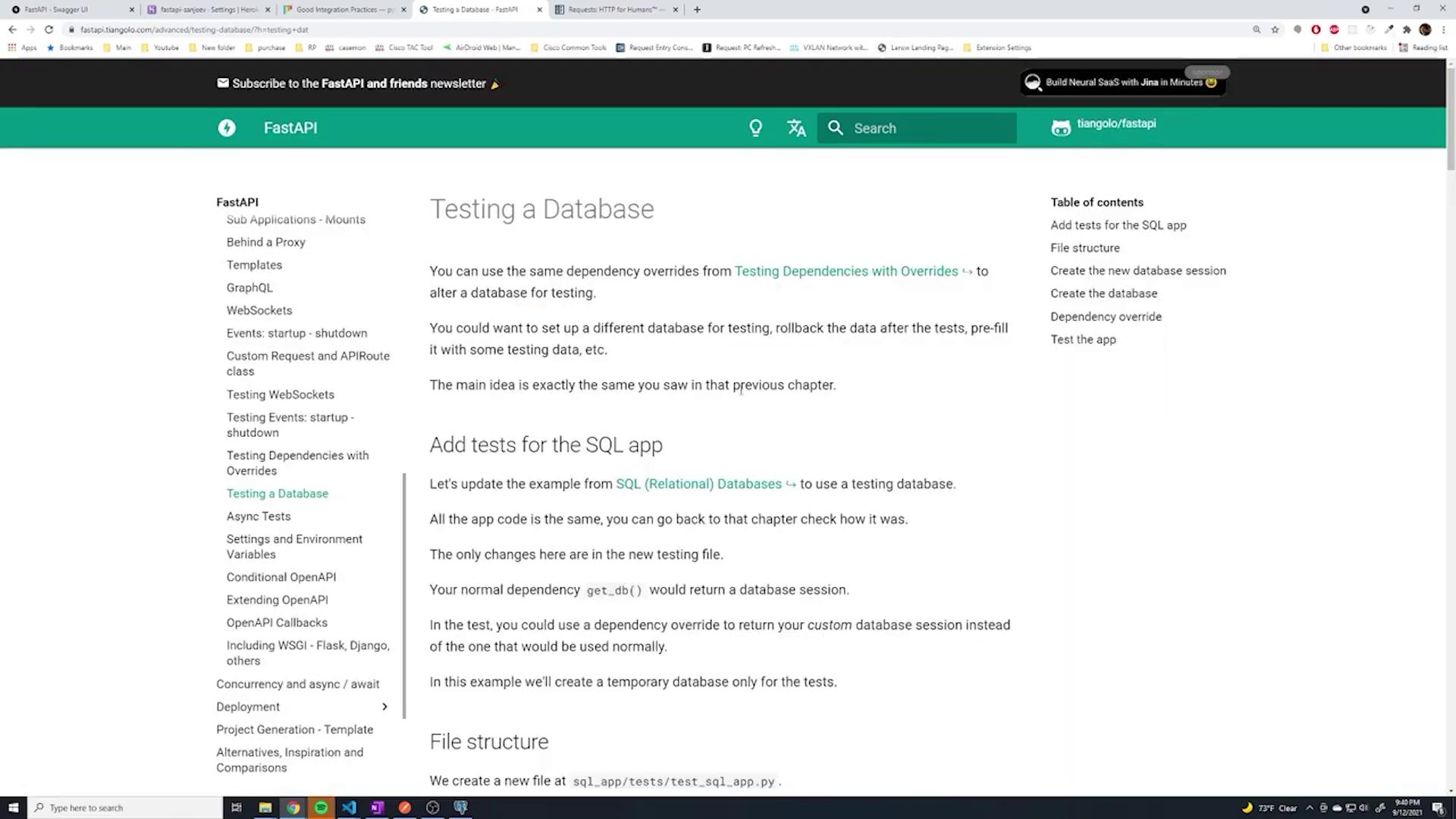
This article explains how to set up a separate test database in FastAPI to avoid interference with development data during testing.
Before proceeding, it’s important to note that running tests against your development database is not ideal. Using your development, staging, or production databases for tests can cause interference and unexpected issues. To mitigate this, we will create and use a completely separate database specifically for testing.Below is an example test for creating a user:
Currently, the application imports the client from the main app. This causes the tests to use the existing development database (typically viewed in PgAdmin). Since the development database might contain pre-existing data, tests can unexpectedly fail. It is best to use a dedicated testing database.Consider this test file snippet that includes the necessary changes to use a separate test database:
One key advantage of our setup is the dependency injection configured in our database.py file. The original database configuration resembles the following:
This configuration creates a session dependency using a function like:
Copy
Ask AI
def get_db(): db = SessionLocal() try: yield db finally: db.close()
Every SQLAlchemy query in your routes depends on this session object from get_db. To test in isolation, you can override this dependency with one that connects to your dedicated test database.For example, a router file might include database dependency code similar to:
The dependency get_db is injected into the routes, making it easy to override for testing. To point tests to the dedicated database, create an override function (commonly named override_get_db) that returns a session connected to your test database. For example:
After setting up the override, your tests run against the dedicated test database, yielding an output similar to:
Copy
Ask AI
tests/test_users.py::test_root Hello World PASSEDtests/test_users.py::test_create_user PASSED
To complete the test setup, copy your database configuration into your tests and adjust the SQLAlchemy URL to point to your test database. One example is as follows:
Copy
Ask AI
import psycopg2from psycopg2.extras import RealDictCursorimport timefrom app.config import settingsfrom sqlalchemy import create_enginefrom sqlalchemy.ext.declarative import declarative_basefrom sqlalchemy.orm import sessionmaker# Use a separate test database by appending '_test' to the database name.SQLALCHEMY_DATABASE_URL = f'postgresql://{settings.database_username}:{settings.database_password}@{settings.database_hostname}:{settings.database_port}/{settings.database_name}_test'engine = create_engine(SQLALCHEMY_DATABASE_URL)TestingSessionLocal = sessionmaker(autocommit=False, autoflush=False, bind=engine)Base = declarative_base()
Then, define the testing dependency:
Copy
Ask AI
def override_get_db(): db = TestingSessionLocal() try: yield db finally: db.close()
Finally, override the dependency in your FastAPI app:
Copy
Ask AI
from app.database import get_dbapp.dependency_overrides[get_db] = override_get_dbclient = TestClient(app)
If your test database is new, you might encounter errors due to missing tables. Make sure to create all the necessary tables before running your tests.
One common strategy is to have SQLAlchemy create all tables from your models before the tests execute:
With this setup, the test database (e.g., fastapi_test) is automatically created and populated with the necessary tables when the tests run. You can verify the existence of tables by executing a query like:
Copy
Ask AI
SELECT * FROM public.usersORDER BY "id" ASC;
After running your test suite, you should see output confirming that tests passed, and you can view the new table entries in your test database via your favorite database tool (such as PgAdmin):
Copy
Ask AI
tests/test_users.py::test_root Hello World PASSEDtests/test_users.py::test_create_user PASSED=================================== 2 passed, 5 warnings in 1.00s ===================================
Below is the final summary snippet showing the test database setup:
Copy
Ask AI
from app.database import get_db, Basefrom app.config import settingsfrom sqlalchemy import create_enginefrom sqlalchemy.orm import sessionmaker# Configure the test database URL by appending '_test' to the existing name.SQLALCHEMY_DATABASE_URL = f'postgresql://{settings.database_username}:{settings.database_password}@{settings.database_hostname}:{settings.database_port}/{settings.database_name}_test'engine = create_engine(SQLALCHEMY_DATABASE_URL)TestingSessionLocal = sessionmaker(autocommit=False, autoflush=False, bind=engine)Base.metadata.create_all(bind=engine)def override_get_db(): db = TestingSessionLocal() try: yield db finally: db.close()app.dependency_overrides[get_db] = override_get_db
FastAPI’s dependency override functionality allows you to easily swap out dependencies, such as the database session, during testing. This separation ensures that your tests run in an isolated environment, protecting your development data. Moreover, the test database can be hosted on your local machine, in a Docker container, or on a remote server—simply adjust your connection details accordingly.
Before running tests against your dedicated testing database (e.g., fastapi_test), make sure that the database exists. In PgAdmin, you can create the database by executing:
Copy
Ask AI
SELECT * FROM public.usersORDER BY id ASC;
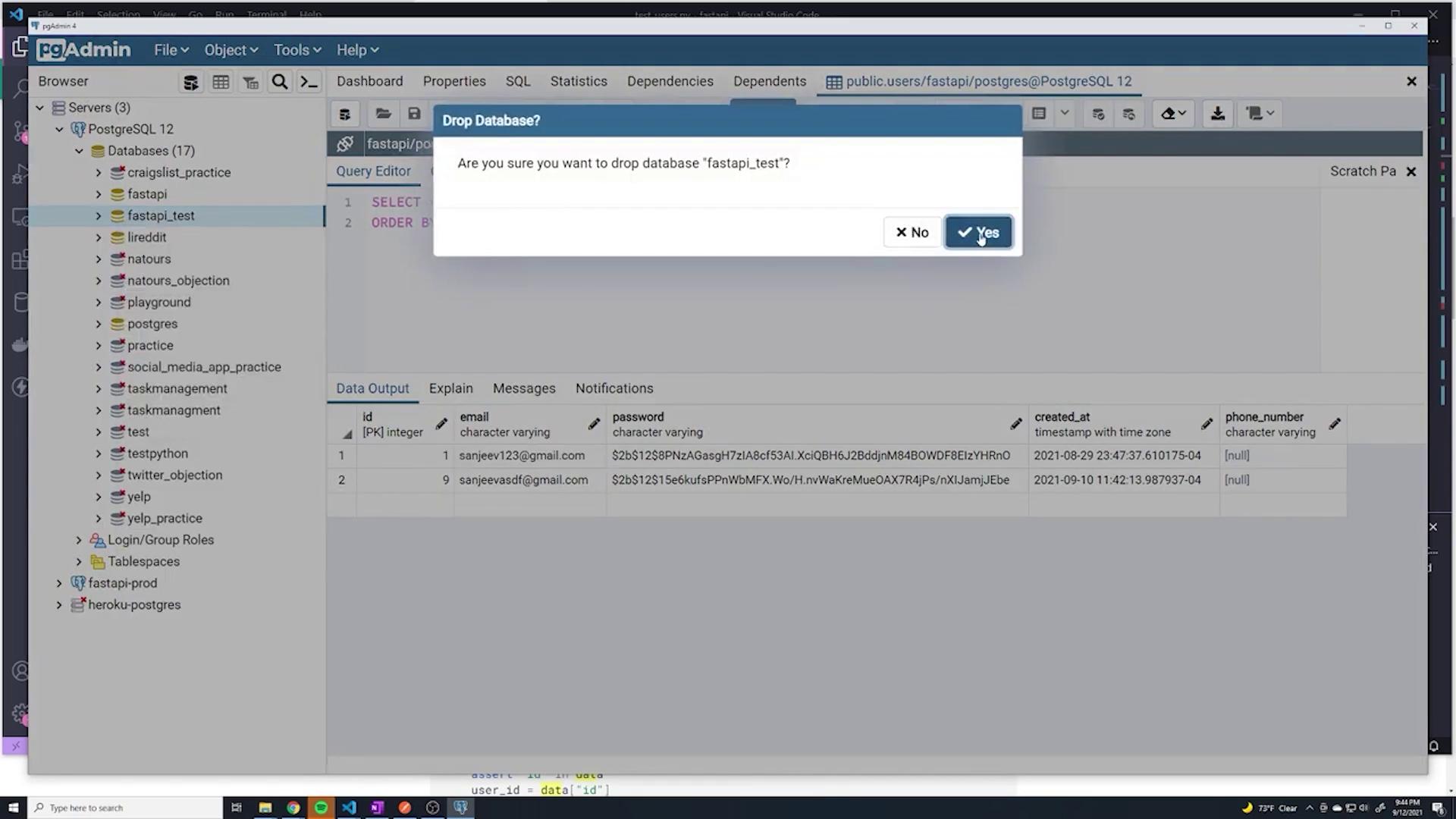
If you need to drop or create databases for testing purposes, tools like PgAdmin offer a graphical interface. For example, you might see a confirmation dialog when dropping a database:
After setting up the test database and overriding the dependency, you can run your tests. A final example of the configuration is as follows:
Copy
Ask AI
# Configure test database connection.SQLALCHEMY_DATABASE_URL = f'postgresql://{settings.database_username}:{settings.database_password}@{settings.database_hostname}:{settings.database_port}/{settings.database_name}_test'engine = create_engine(SQLALCHEMY_DATABASE_URL)TestingSessionLocal = sessionmaker(autocommit=False, autoflush=False, bind=engine)Base.metadata.create_all(bind=engine)def override_get_db(): db = TestingSessionLocal() try: yield db finally: db.close()
When you run the tests:
Copy
Ask AI
tests/test_users.py::test_root Hello World PASSEDtests/test_users.py::test_create_user PASSED
you can verify, using your database tool, that all necessary tables (such as the users table) have been created and populated appropriately.This concludes our guide on setting up a separate test database in FastAPI. By leveraging dependency overrides, you can ensure that tests run in a fully isolated environment without affecting your development data.