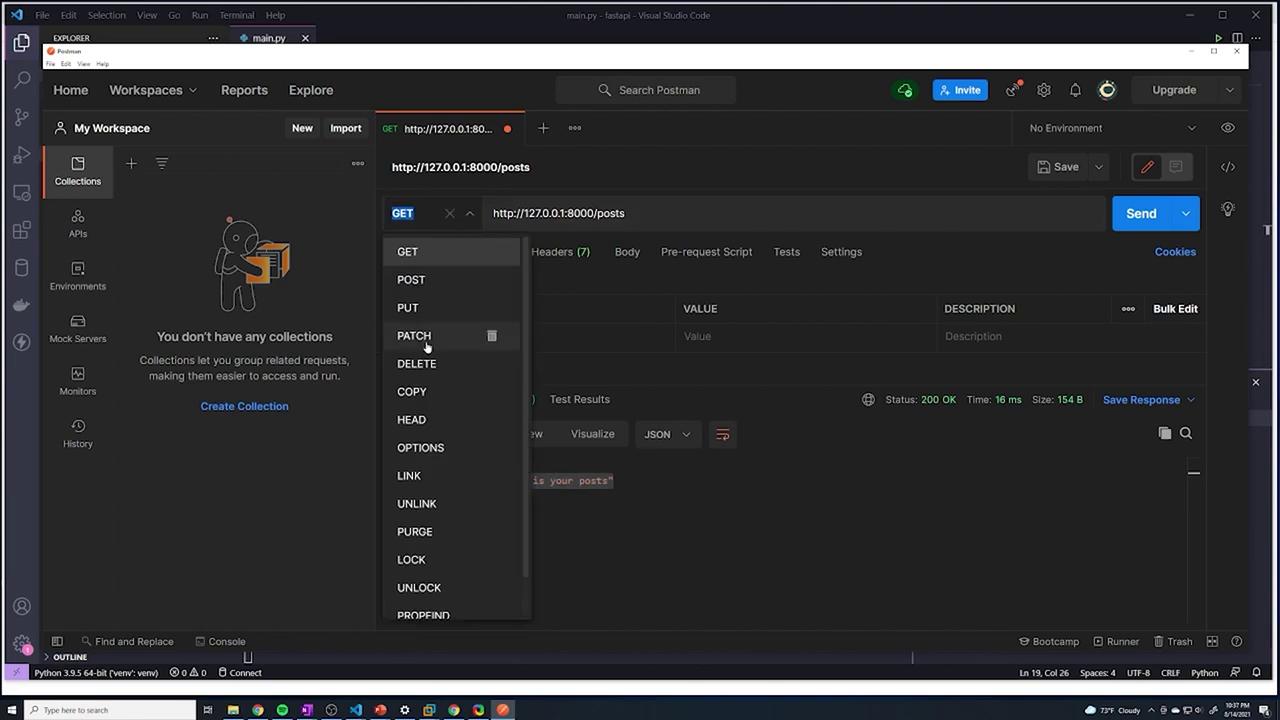
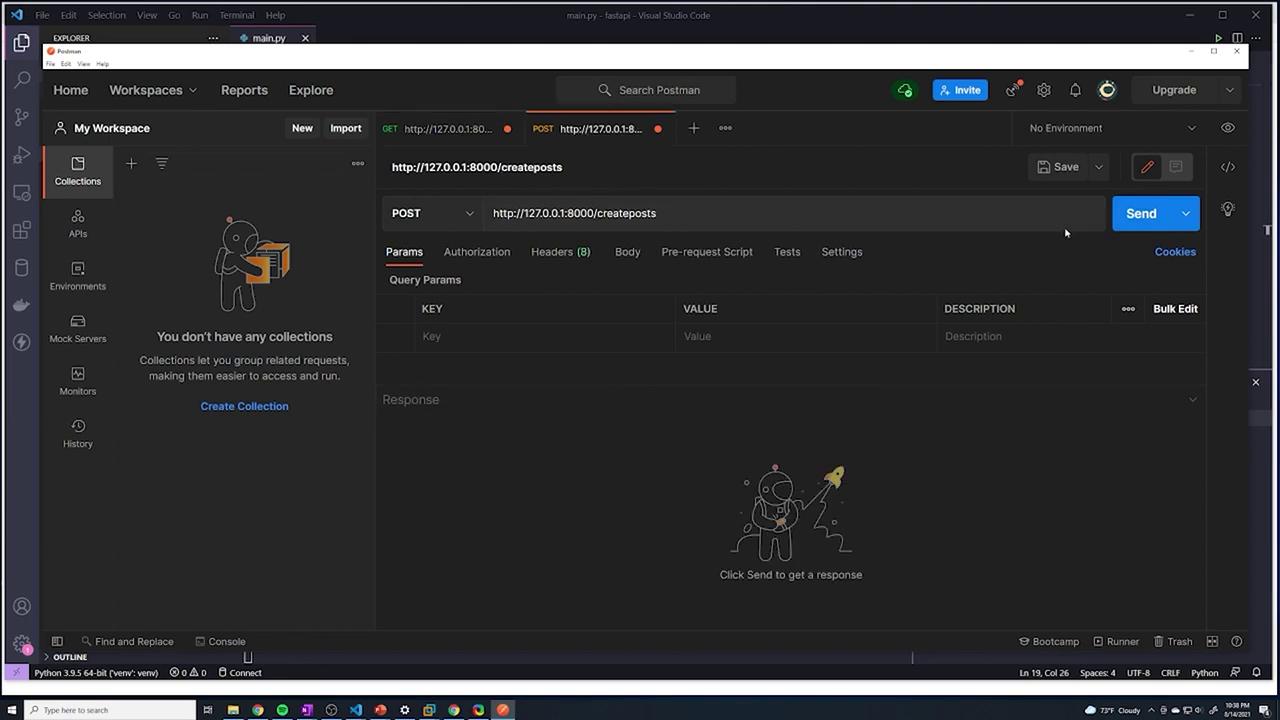
This guide explores POST requests in FastAPI, detailing how to send data to the server for processing.
In previous sections, we focused on handling GET requests. All our API interactions involved retrieving data from the server. In this guide, we’ll explore POST requests, which are used to send data to the server for processing.Below, you can find a simple example of our existing GET request configuration:
Copy
Ask AI
@app.get("/")def root(): return {"message": "Hello World"}@app.get("/posts")def get_posts(): return {"data": "This is your posts"}
When you run your FastAPI application, the console output will look similar to this:
Copy
Ask AI
INFO: Waiting for application shutdown.INFO: Application shutdown complete.INFO: Finished server process [26220]INFO: Stopping reloader process [17852](venv) C:\Users\sanje\Documents\Courses\fastapi>uvicorn main:app --reloadINFO: Uvicorn running on http://127.0.0.1:8000 (Press CTRL+C to quit)INFO: Started reloader process [22656] using watchgodINFO: Started server process [17080]INFO: Waiting for application startup.INFO: Application startup complete.INFO: 127.0.0.1:51249 - "GET / HTTP/1.1" 200 OKINFO: 127.0.0.1:63457 - "GET /posts HTTP/1.1" 200 OK
The main difference between GET and POST requests lies in how data is transmitted between the client and server:
GET Requests
GET requests retrieve data from the API server. For example, when a user wants to fetch posts, a GET request is sent and the server returns the requested information.
POST Requests
POST requests allow the client to send data to the server. This method is commonly used for creating new resources. For instance, if you want to add a new social media post, you would send an HTTP POST request containing details such as the title, content, and author. The server processes this data, stores it if necessary, and responds with a confirmation or the details of the newly created resource.
Imagine your device—a web browser or mobile app—as the client. In a GET request, the client asks for data, whereas in a POST request, the client submits data for the server to handle.
While the demonstration URL “/createposts” is used here for clarity, best practices recommend using a resource-oriented endpoint name.
Let’s extend our code to include a POST endpoint that creates posts by altering the HTTP method from GET to POST:
Copy
Ask AI
@app.get("/")def root(): return {"message": "Hello World"}@app.get("/posts")def get_posts(): return {"data": "This is your posts"}@app.post("/createposts")def create_posts(): return {"message": "succesfully creat"}
After saving the changes and restarting the server, your console output should display similar log messages:
Copy
Ask AI
INFO: Waiting for application shutdown.INFO: Application shutdown complete.INFO: Finished server process [26220]INFO: Stopping reloader process [17852](venv) C:\Users\sanje\Documents\Courses\fastapi>uvicorn main:app --reloadINFO: Uvicorn running on http://127.0.0.1:8000 (Press CTRL+C to quit)INFO: Started reloader process [22656]INFO: Started server process [17080]INFO: Waiting for application startup.INFO: Application startup complete.127.0.0.1:51249 - "GET / HTTP/1.1" 200 OK127.0.0.1:63457 - "GET /posts HTTP/1.1" 200 OK
The key function of a POST request is to transmit data to the API server. In Postman, switch to the “Body” tab, select “raw”, and choose “JSON” as the format. JSON objects are structured similarly to Python dictionaries, using key-value pairs within curly braces. For example:
Copy
Ask AI
{ "title": "top beaches in florida"}
You may also include additional fields:
Copy
Ask AI
{ "title": "top beaches in florida", "content": "check out these awesome beaches"}
To handle incoming JSON data in FastAPI, you can use the Body function from FastAPI to parse the request payload into a Python dictionary. First, import Body:
Next, update the POST endpoint to extract the payload:
Copy
Ask AI
@app.get("/posts")def get_posts(): return {"data": "This is your posts"}@app.post("/createposts")def create_posts(payload: dict = Body(...)): print(payload) return {"message": "succesfully created posts"}
When a POST request is made, the payload (for example, {'title': 'top beaches in florida', 'content': 'check out these awesome beaches'}) is printed to the console.