This article explains how to set up a FastAPI route to retrieve a users profile information based on their ID.
In this article, we explain how to set up a FastAPI route to retrieve a user’s profile information based on their ID. This endpoint is essential for authentication, profile viewing (similar to what websites like Twitter or Instagram use), and ensuring that only necessary data is exposed. While previous examples demonstrated similar operations for updating posts, here our focus is on fetching user details.
Although the following code example shows an update operation for a post, it demonstrates the common pattern of querying the database, checking for existence, and then updating a record. This pattern is similar to what is used for retrieving user details.
Below is an example snippet from a typical post update function:
Copy
Ask AI
def update_post(id: int, updated_post: Schemas.PostCreate, db: Session):
    # Example (update) code snippet; not part of the get-user functionality.
    post_query = db.query(models.Post).filter(models.Post.id == id)
    post = post_query.first()

    if post is None:
        raise HTTPException(status_code=status.HTTP_404_NOT_FOUND,
                            detail=f"Post with id: {id} does not exist")

    post_query.update(updated_post.dict(), synchronize_session=False)
    db.commit()
When you run your FastAPI application with Uvicorn, you should see output confirming a successful startup and database connection:
Copy
Ask AI
(venv) C:\Users\sanje\Documents\Courses\fastapi> uvicorn app.main:app --reloadINFO: Uvicorn running on http://127.0.0.1:8000 (Press CTRL+C to quit)INFO: Started reloader process: [27820] using watchdogDatabase connection was successful!
The following code snippet demonstrates how to create a new user. During creation, the user’s password is hashed for security. This process is crucial for protecting sensitive information:
Next, we define the GET operation to retrieve a user’s details by their ID. This endpoint extracts the ID from the URL, queries the database, and returns the user details if found. If the user does not exist, an HTTP 404 error is raised. The response model intentionally excludes the password field to prevent exposing sensitive data.
Copy
Ask AI
@app.get('/users/{id}', response_model=schemas.UserOut)def get_user(id: int, db: Session = Depends(get_db)): user = db.query(models.User).filter(models.User.id == id).first() if not user: raise HTTPException(status_code=status.HTTP_404_NOT_FOUND, detail=f"User with id: {id} does not exist") return user
When you restart your application, you will see similar output in your console:
Copy
Ask AI
(venv) C:\Users\sanje\Documents\Courses\fastapi> uvicorn app.main:app --reloadINFO: Uvicorn running on http://127.0.0.1:8000 (Press CTRL+C to quit)INFO: Started reloader process: [27820] using watchdogDatabase connection was successful!
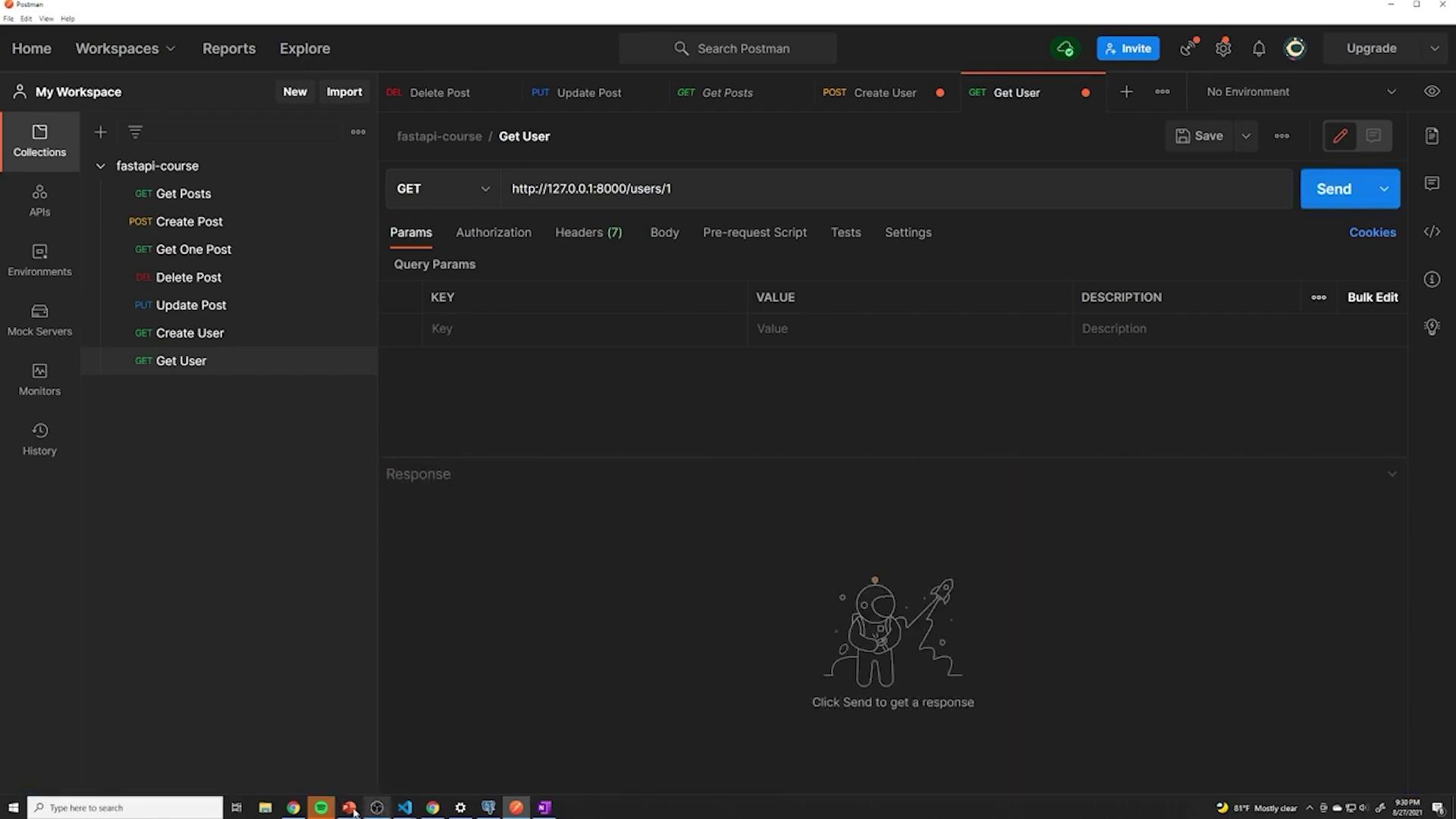
Test this endpoint using a tool like Postman by sending a GET request to your local server, for example, http://127.0.0.1:8000/users/1. Ensure that you use the correct HTTP method and endpoint to receive the expected user details in JSON format.
Upon sending a request (e.g., to /users/1), if a user exists with that ID, the JSON response will include only non-sensitive fields such as ID, email, and creation timestamp. A sample response might be:
For additional context, here are the simplified Pydantic schemas used for user creation and response formats. The UserOut schema excludes the password to enhance security and supports ORM mode for better compatibility with SQLAlchemy models.
Copy
Ask AI
class UserCreate(BaseModel): email: EmailStr password: strclass UserOut(BaseModel): id: int email: EmailStr created_at: datetime class Config: orm_mode = True
With these definitions, your GET endpoint securely returns only the appropriate fields, ensuring that sensitive details, such as the password, are not exposed during profile retrieval.Happy coding!