This article explains how to use GitHub Actions Secrets to securely manage sensitive information in workflows.
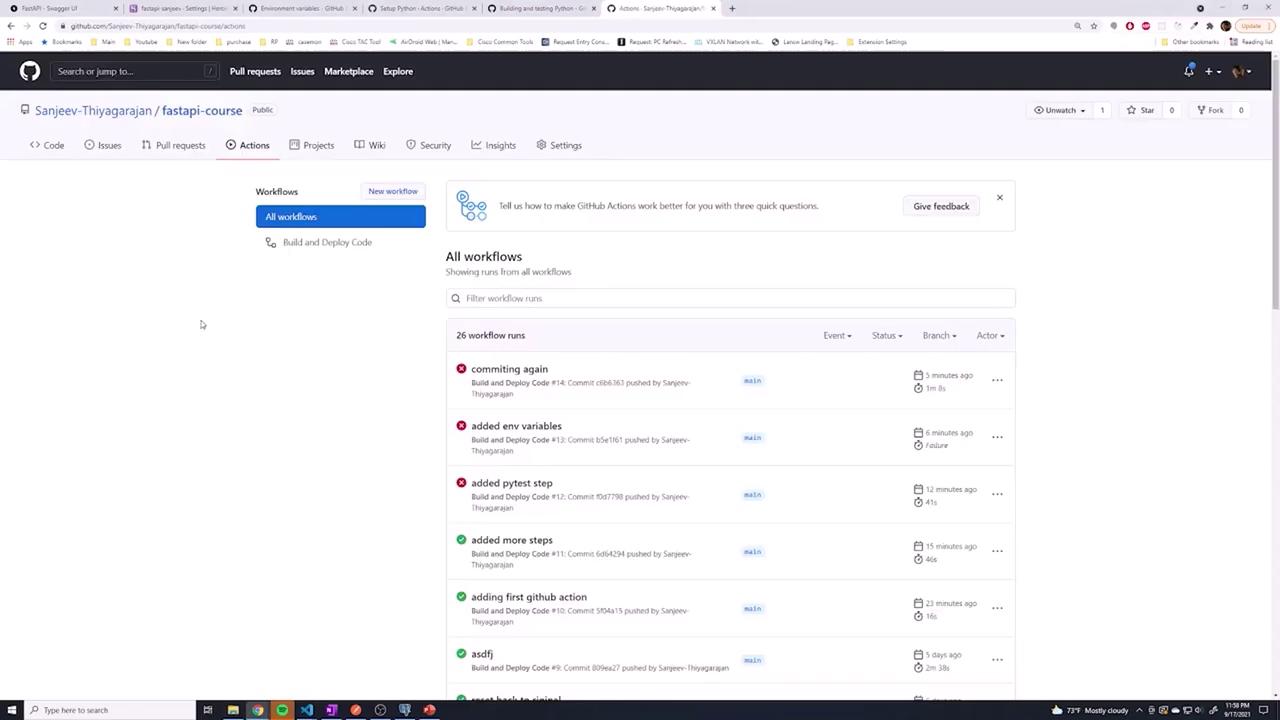
In the previous lesson, we learned that hard-coding environment variables directly into your GitHub Actions workflow can expose sensitive information. As illustrated in the diagram below, when these values are embedded in the workflow file, anyone with access to the repository is able to view them:
For instance, a workflow might initially be configured as follows:
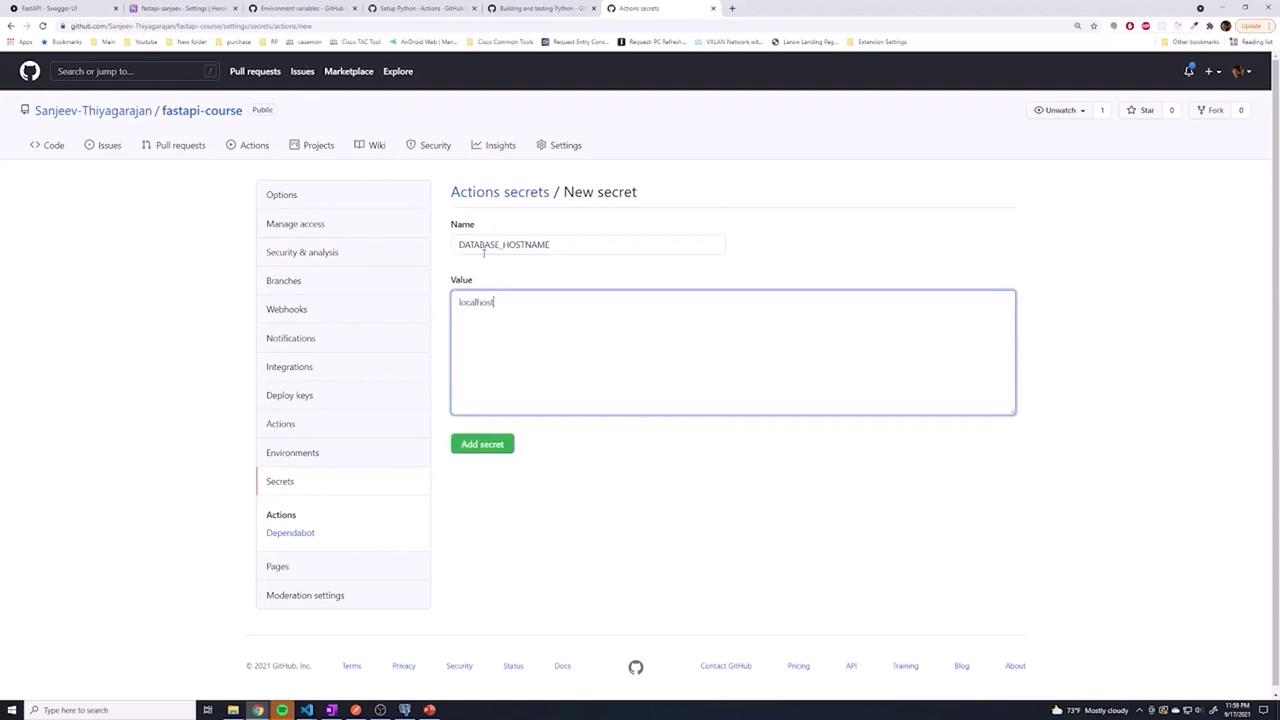
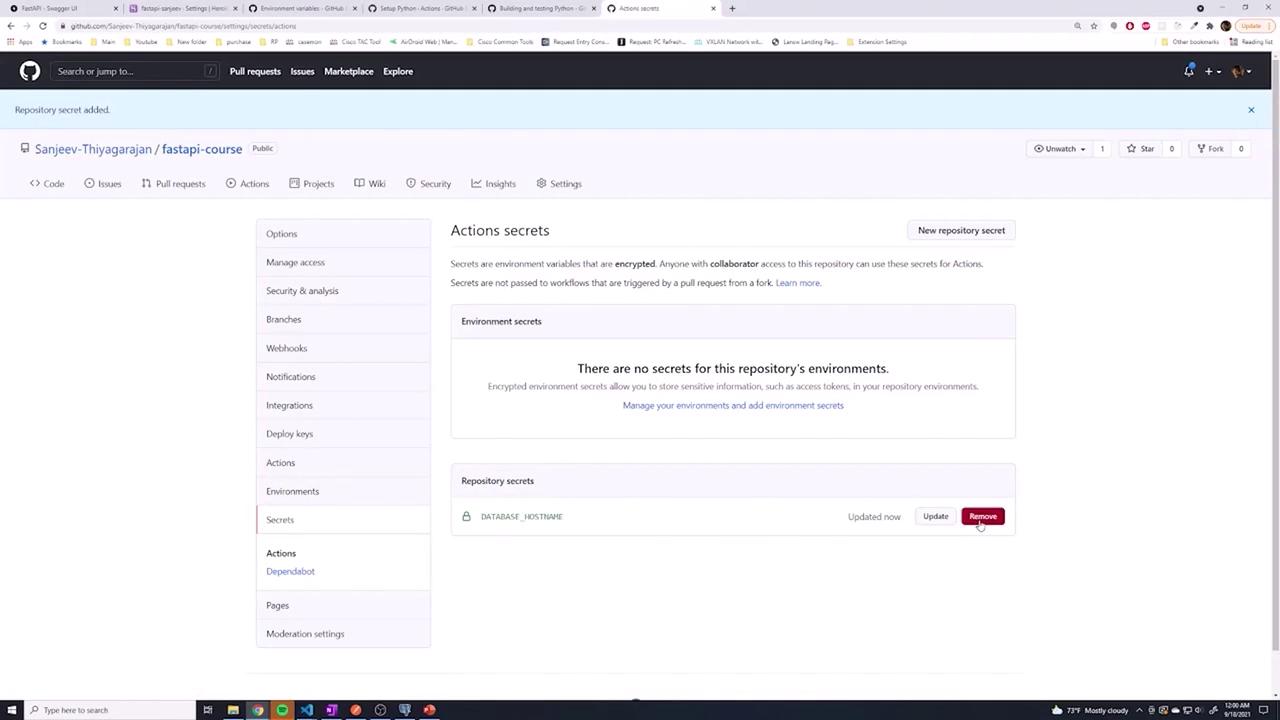
To protect sensitive data, navigate to your repository’s Settings and locate the Secrets section. There, you can define repository secrets that are accessible across all branches. For example, you might create a secret named DATABASE_HOSTNAME with a value such as localhost.
After setting up your secret, update your workflow file to reference it using the following syntax:
In this updated configuration, using ${{ secrets.DATABASE_HOSTNAME }} instructs the GitHub Actions runner to securely retrieve the secret without exposing its value in the workflow file or job logs.
While repository secrets offer global coverage for your workflows, GitHub also supports environment secrets for more granular control. This distinction allows you to set up separate groups of secrets for different deployment environments (such as testing, development, or production).To configure an environment secret:
Open your repository’s Settings and select Environments.
Create a new environment (for example, name it testing).
Add your secrets to the environment, ensuring the key names match your workflow variables for consistency.
Once the environment secrets are defined, modify your workflow to specify the target environment:
Here’s an example of a workflow configured to use environment secrets:
If a secret exists in both the repository and environment scopes with the same name, check the GitHub documentation to understand the precedence rules.
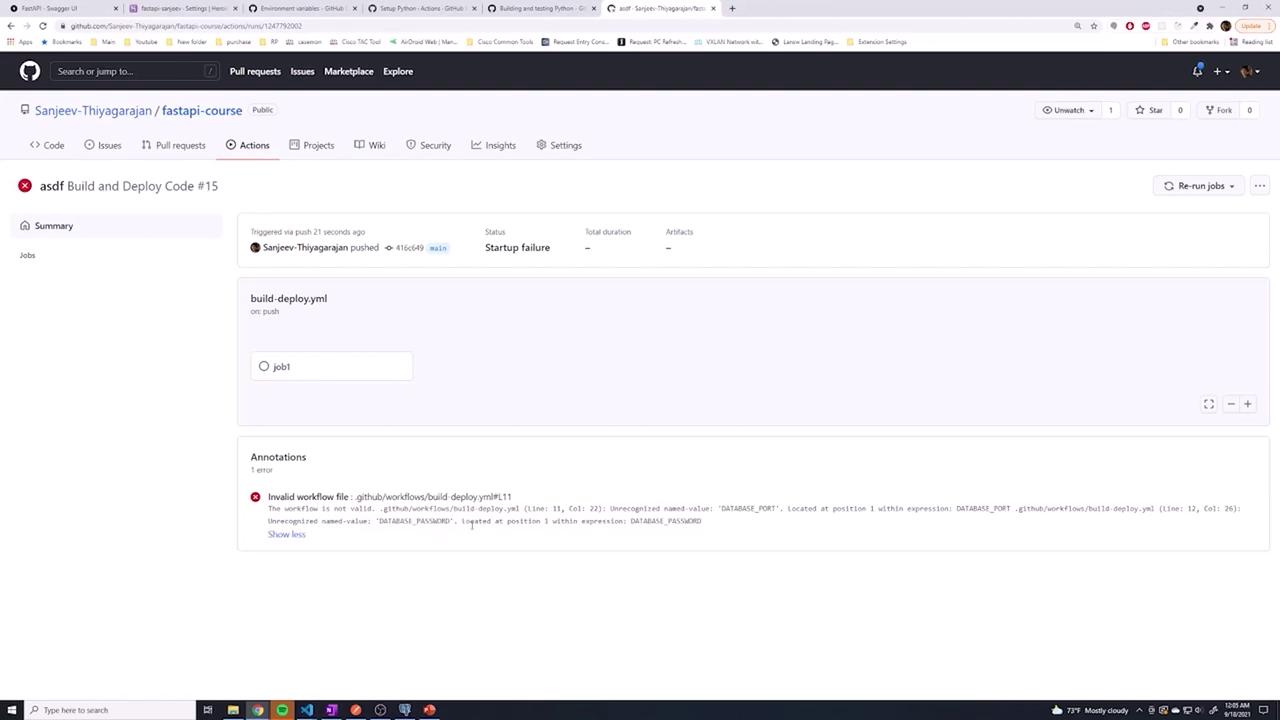
After pushing your changes, you might encounter errors in your GitHub Actions job. For example, an error like “unrecognized name, database_port” suggests that one of the environment variables was referenced without using the required secrets. prefix. The screenshot below highlights such an error:
To fix this issue, ensure that every secret is referenced using the correct syntax, ${{ secrets.VARIABLE_NAME }}. Here is the corrected job configuration:
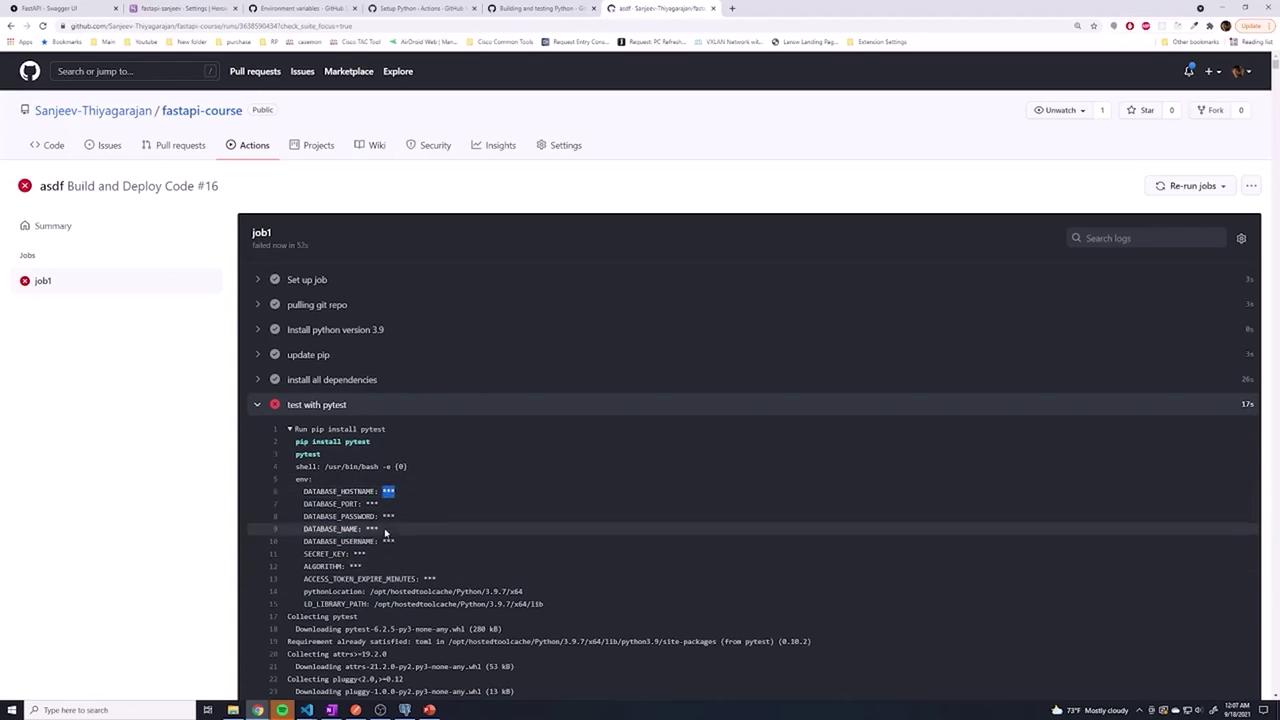
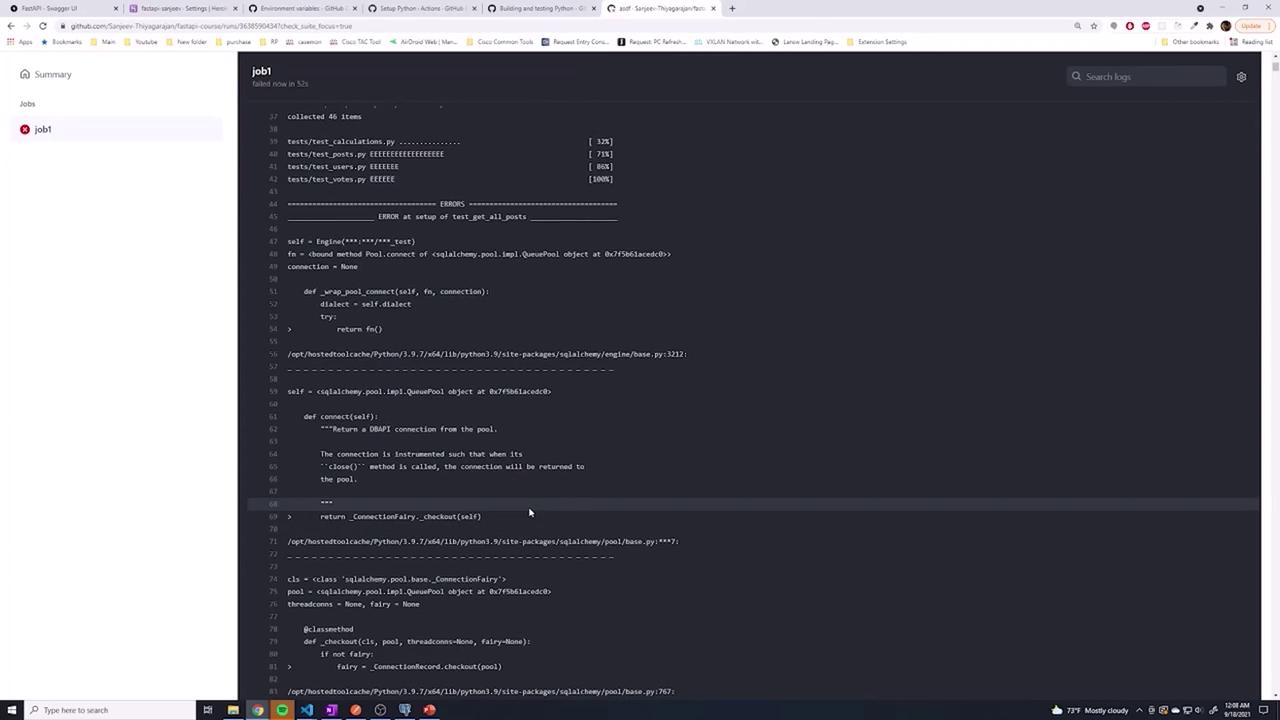
Once you re-run the workflow, you should see that the secrets are correctly retrieved. The logs will mask the actual secret values, but you can verify that they are passed in correctly. Note that you might also encounter a database connection error (since no database exists on localhost), which is expected in this context.For instance, running tests might produce error logs similar to the following:
Copy
Ask AI
pip install pytestpytest
This error occurs because the workflow attempts to connect to a non-existent database. A future lesson will detail how to set up a test database on your runner to ensure that your tests execute properly.
In the next lesson, we will explore setting up a test database on the runner to enable successful connections and error-free test executions.