

1. Checking Out the Repository
The first step in our workflow is to pull the Git repository. This ensures that all subsequent actions have access to the latest version of your code. For example:2. Setting Up Python
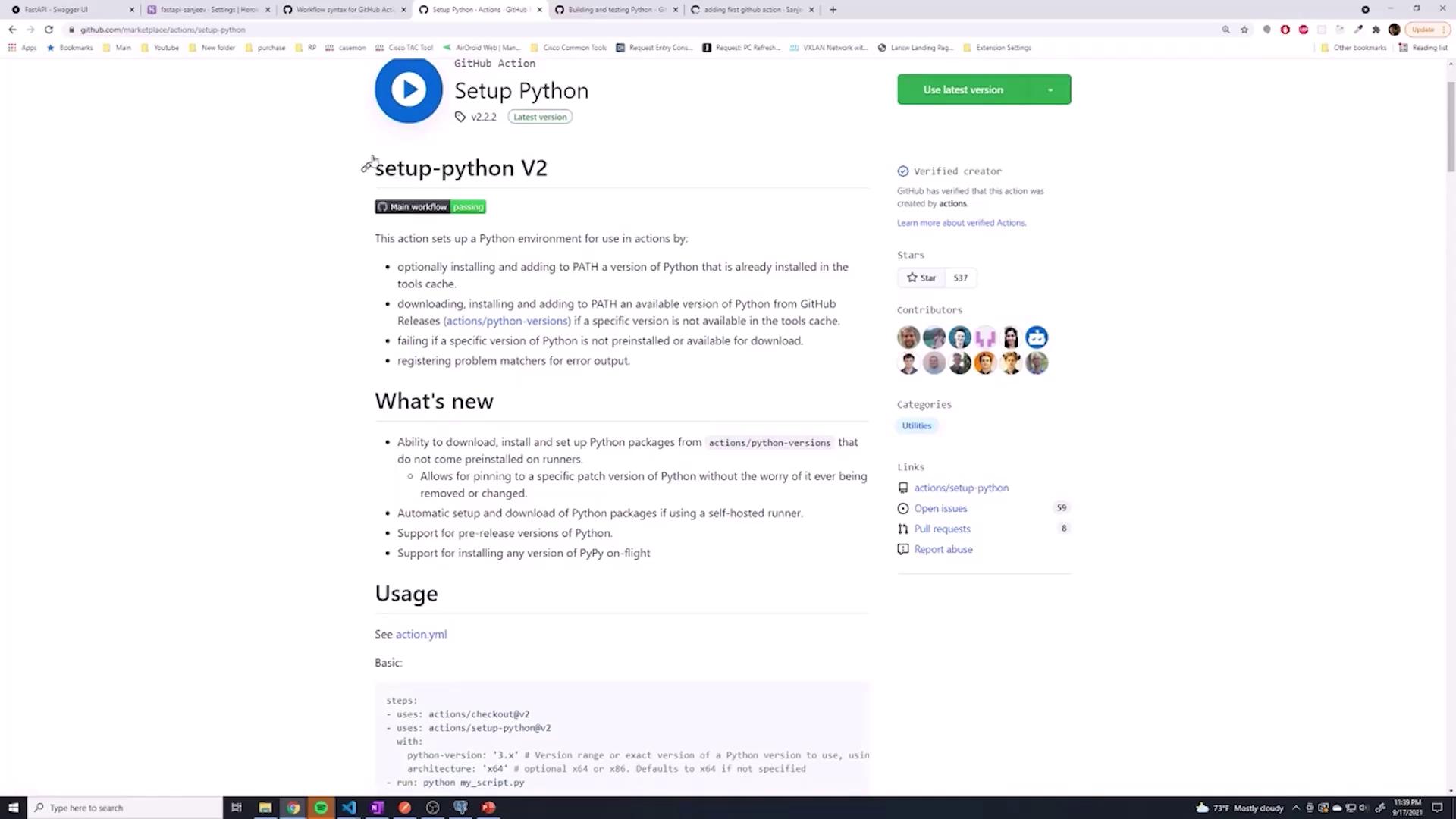
It is possible to install Python manually (e.g., usingsudo apt install python3), but using a pre-built GitHub Action simplifies the process considerably. The actions/setup-python@v2 action not only installs Python but also lets you test your code against multiple Python versions if needed. In this guide, we will configure Python version 3.9.
3. Upgrading pip and Installing Dependencies
After setting up Python, it is important to upgrade pip to ensure you are using the latest package management features. The next step is to install your project dependencies from therequirements.txt file.
4. Running Tests with Pytest
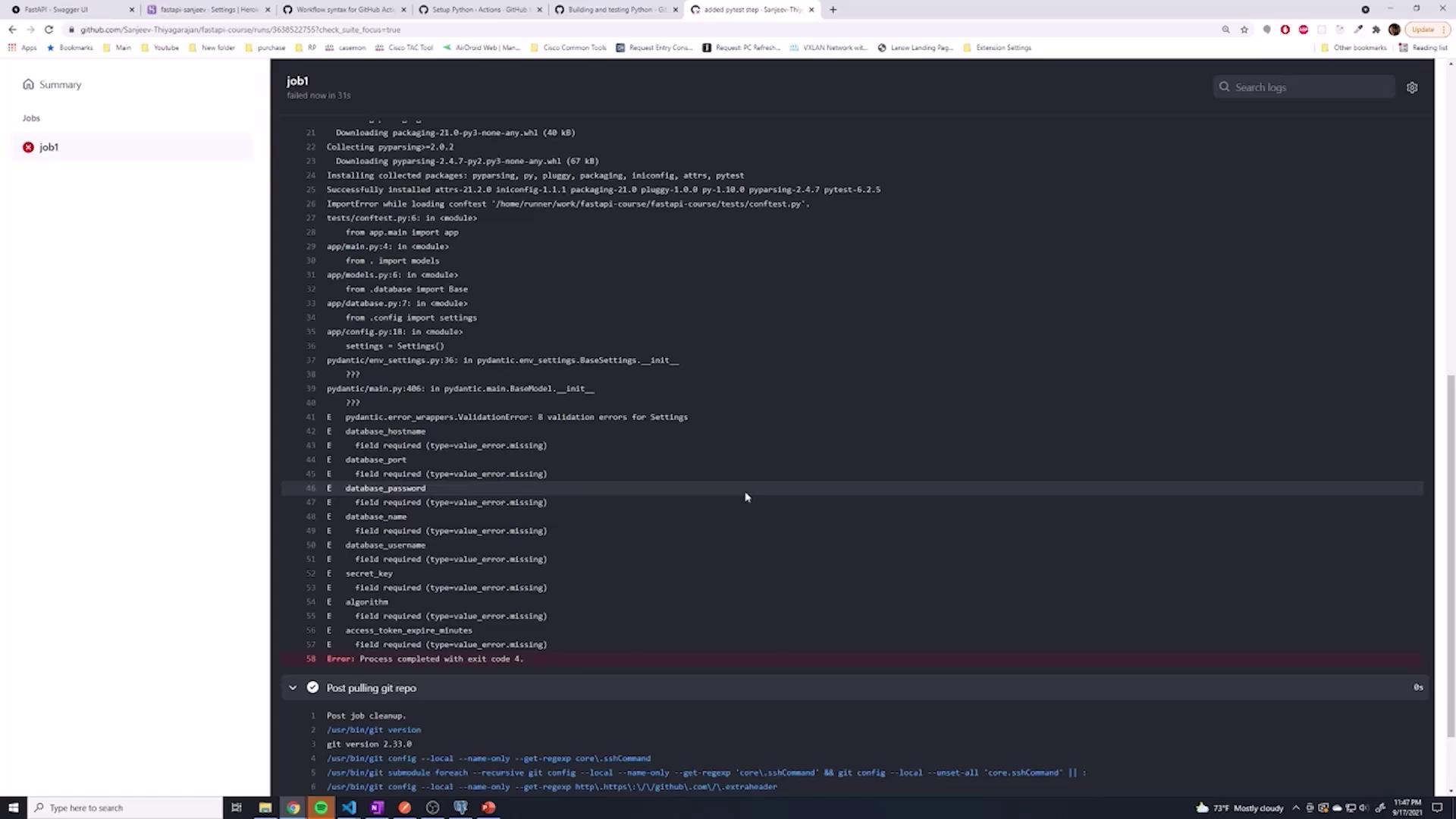
Testing is a critical step in any CI/CD pipeline. Here, we incorporate Pytest for executing your test suite. If Pytest is not already listed in your dependencies, this step will install it and run your tests.5. Observing the Workflow Run
Upon committing and pushing your changes, navigate to the GitHub Actions tab to monitor the progress of your workflow. The pipeline executes the following sequential steps:- Pulling the Git repository
- Installing Python version 3.9 using a GitHub action
- Upgrading pip
- Installing project dependencies from
requirements.txt - Running Pytest to validate your code
Conclusion
In this article, we configured a GitHub Actions workflow to:- Checkout the repository
- Install Python using a pre-built GitHub Action
- Upgrade pip and install the necessary dependencies
- Run tests with Pytest to verify that our application functions as expected