This article explains how to implement a DELETE endpoint in FastAPI to remove a post by its ID.
In this lesson, we’ll learn how to implement a DELETE endpoint in FastAPI to remove a post based on its ID. By following this guide, you will understand how to:
Verify a post exists using a GET endpoint.
Remove a post from an in-memory list.
Handle scenarios where the post is not found.
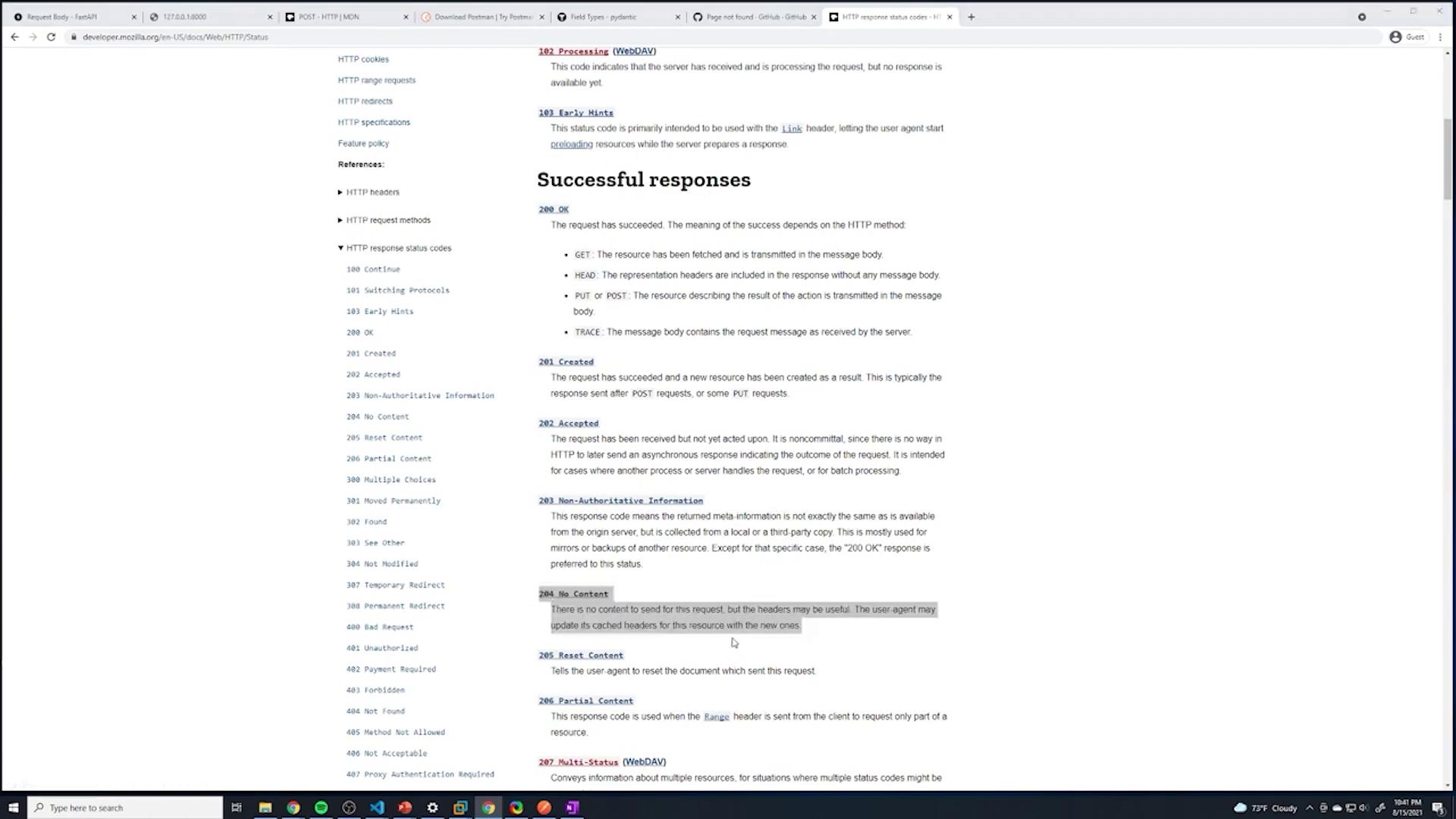
Return the appropriate HTTP response, using a 204 status code for a successful deletion.
Before deleting a post, ensure you have helper functions in place to locate the post and its index within your list.
Below is an outline of the solution:
Retrieve a single post using a GET endpoint for verification.
Define the DELETE endpoint to:
Accept the post ID via the URL.
Find the index of the post with the given ID.
Remove the post from the list.
Return a response with a 204 status code if deleted, or a 404 error if not found.
We start by defining a simple GET endpoint that retrieves a post by its ID. If the post isn’t found, an HTTPException with a 404 status code is raised.
Copy
Ask AI
@app.get("/posts/{id}")def get_post(id: int): post = find_post(id) if not post: raise HTTPException( status_code=status.HTTP_404_NOT_FOUND, detail=f"Post {id} was not found" ) return {"post_detail": post}
Below is a complete example that sets up the FastAPI application along with helper functions to locate a post and its index for deletion. Notice the use of the enumerate() function in find_index_post.
Copy
Ask AI
from typing import Optionalfrom fastapi import FastAPI, Response, status, HTTPExceptionfrom pydantic import BaseModelfrom random import randrangeapp = FastAPI()class Post(BaseModel): title: str content: str published: bool = True rating: Optional[int] = Nonemy_posts = [ {"title": "title of post 1", "content": "content of post 1", "id": 1}, {"title": "favorite foods", "content": "I like pizza", "id": 2}]def find_post(id: int): for p in my_posts: if p['id'] == id: return pdef find_index_post(id: int): for i, p in enumerate(my_posts): if p['id'] == id: return i@app.get("/")def root(): return {"message": "Hello World"}@app.get("/posts")def get_posts(): return {"data": my_posts}@app.post("/posts", status_code=status.HTTP_201_CREATED)def create_posts(post: Post): post_dict = post.dict() post_dict['id'] = randrange(0, 1000000) my_posts.append(post_dict) return {"data": post_dict}@app.get("/posts/{id}")def get_post(id: int): post = find_post(id) if not post: raise HTTPException( status_code=status.HTTP_404_NOT_FOUND, detail=f"Post with id: {id} was not found" ) return {"post_detail": post}
To implement the DELETE endpoint correctly, update the endpoint to include the post ID in the function parameters, handle scenarios where the post cannot be found, and return a 204 status code (No Content) on success.
Copy
Ask AI
@app.delete("/posts/{id}", status_code=status.HTTP_204_NO_CONTENT)def delete_post(id: int): # Find the index matching the given post ID index = find_index_post(id) if index is None: raise HTTPException( status_code=status.HTTP_404_NOT_FOUND, detail=f"Post with ID {id} does not exist" ) my_posts.pop(index) return Response(status_code=status.HTTP_204_NO_CONTENT)
Do not include any content in the response body when using a 204 status code, as this might cause errors related to the declared Content-Length.
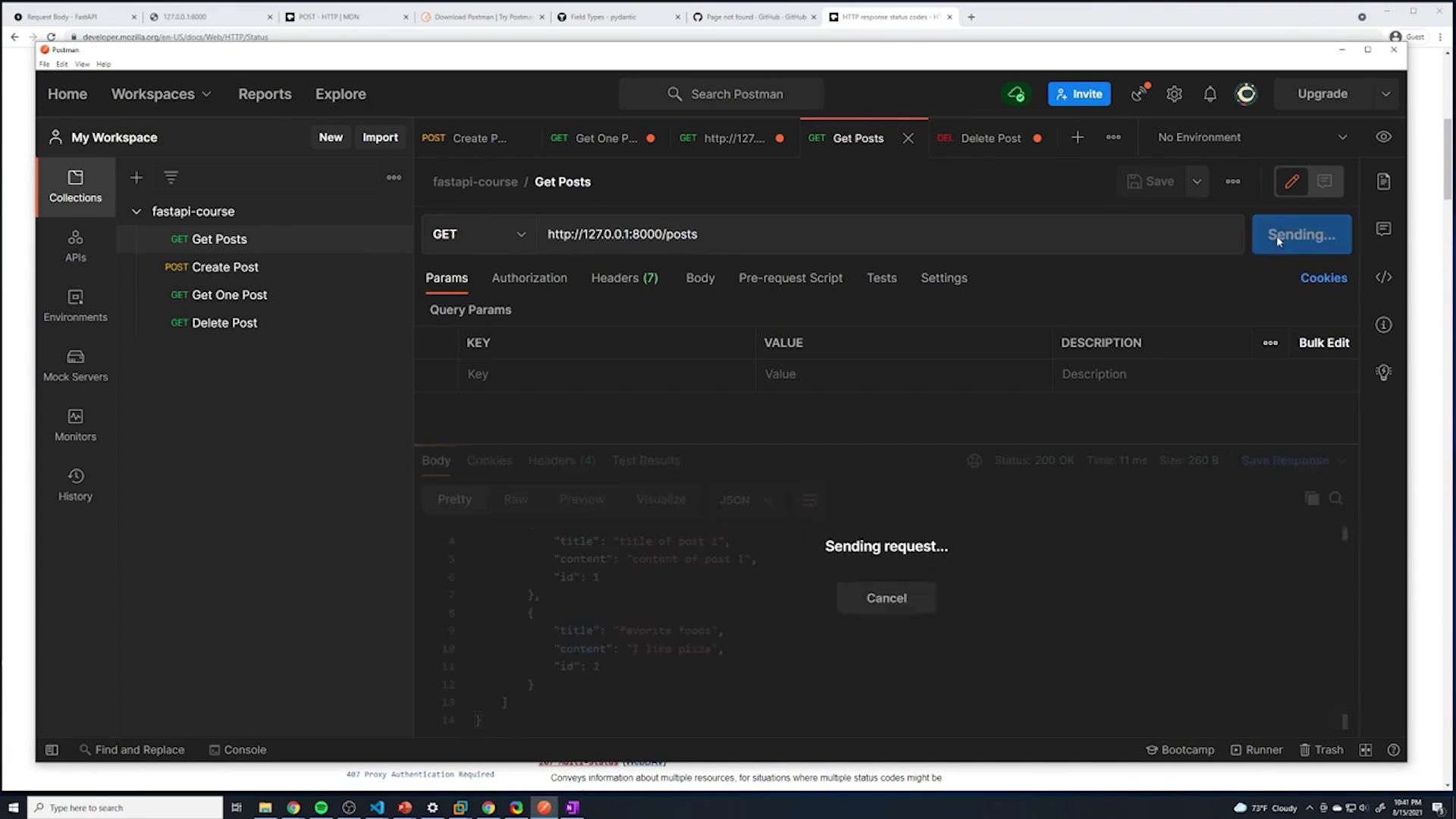
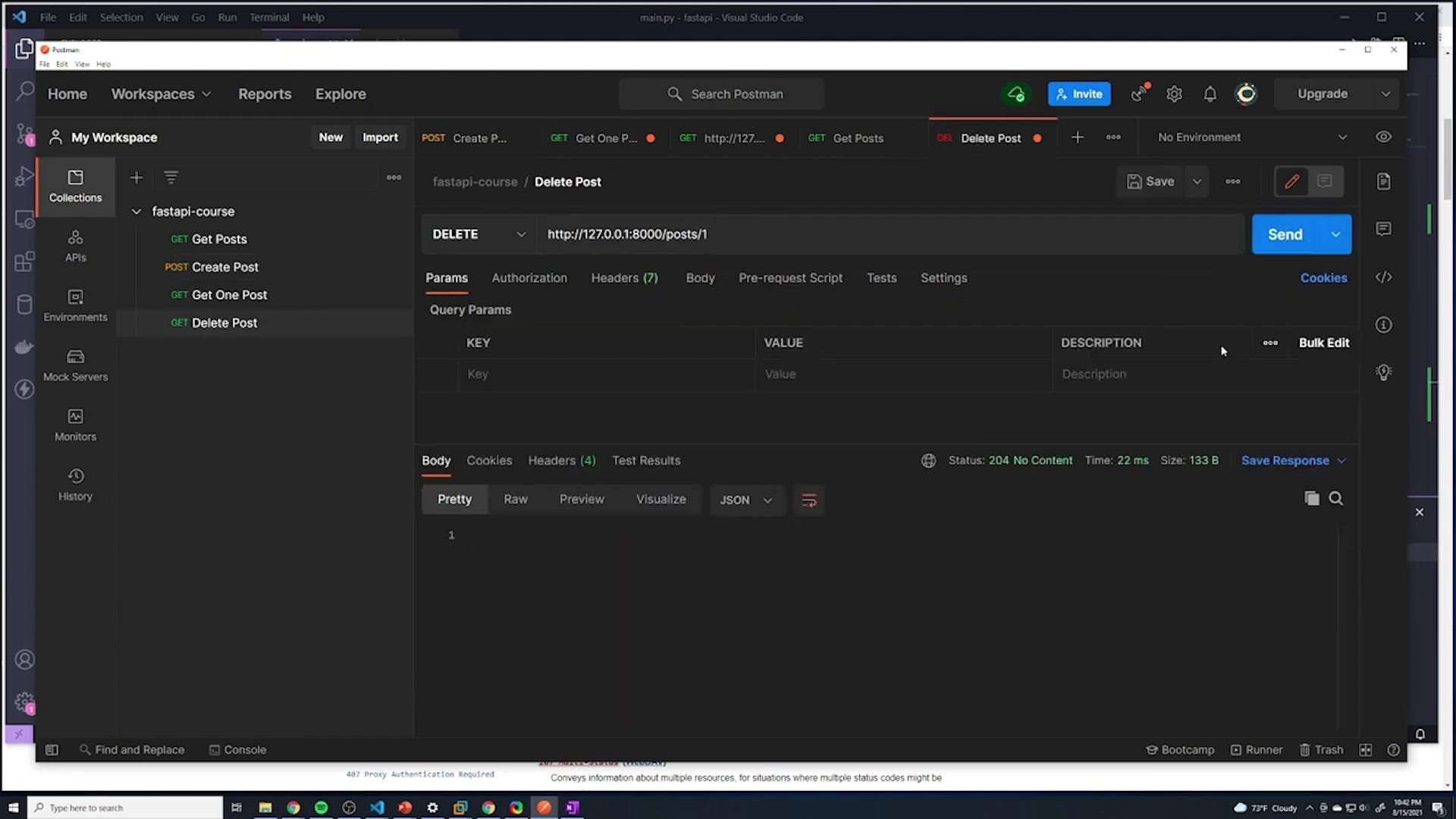
You can test the DELETE endpoint using tools like Postman. For example, sending a DELETE request to remove the post with ID 1 might initially yield an error like:TypeError: ‘NoneType’ object cannot be interpreted as an integerThis error indicates that the helper function find_index_post returned None, meaning that the post with the specified ID does not exist. Once the conditional check is added, attempting to delete a non-existent post will raise an HTTPException with a 404 status code.When the deletion is successful, the server will log a 204 No Content response:
The final DELETE endpoint returns a 204 status code with no content, which is shown in the following snippet:
Copy
Ask AI
@app.delete("/posts/{id}", status_code=status.HTTP_204_NO_CONTENT)def delete_post(id: int): # Find the index in the list based on the given post ID index = find_index_post(id) if index is None: raise HTTPException( status_code=status.HTTP_404_NOT_FOUND, detail=f"Post with ID {id} does not exist" ) my_posts.pop(index) return Response(status_code=status.HTTP_204_NO_CONTENT)
Sending a DELETE request now returns a 204 response with no content: