

Volumes in Docker
Docker containers are inherently transient—they are designed to run temporarily, process data, and then be destroyed. By default, any data generated within a container is lost once the container stops. To overcome this limitation, Docker allows you to attach a volume at container creation. This attached volume ensures that data persists even after the container is terminated. Similarly, Kubernetes pods are ephemeral. When a pod processes data and is eventually deleted, any data stored within it is lost unless a volume is attached. Volumes in Kubernetes ensure that essential data remains available even after a pod’s lifecycle ends.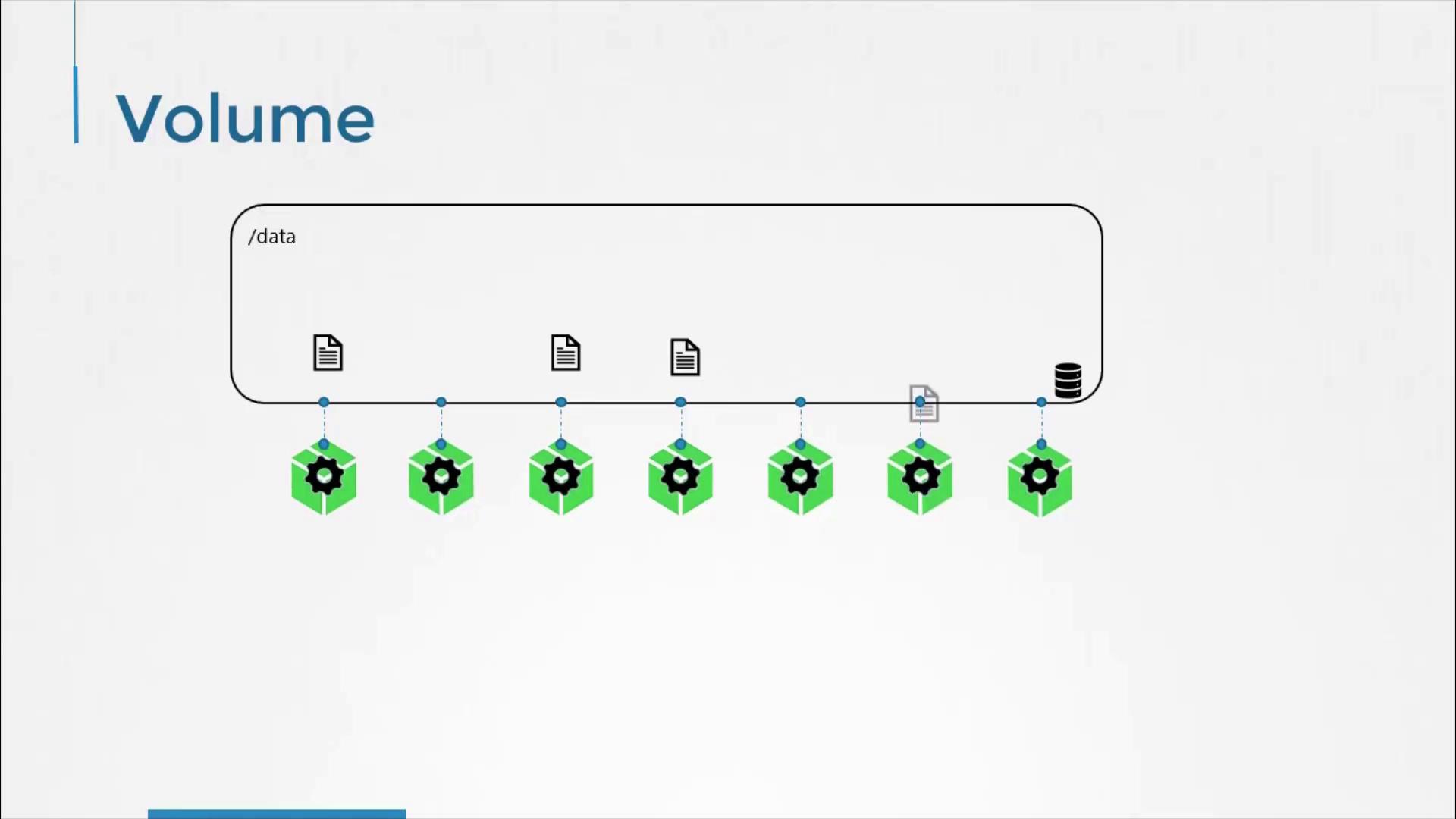
A Simple Volume Implementation in Kubernetes
Consider a simple example on a single-node Kubernetes cluster. In this scenario, a pod generates a random number between 0 and 100 and writes it to/opt/number.out. Without a volume, this file would be lost when the pod is deleted. To retain the generated number, we create a volume and mount it into the pod.
In this example, we use a directory on the host as our storage medium. The volume is configured to use the /data directory on the node and is mounted to the /opt directory inside the container. This ensures that any data written to /opt/number.out is persisted to the host directory.
Below is the YAML configuration for our pod with a hostPath volume:
- The container runs an Alpine Linux image that executes the
shufcommand to generate a random number and appends the result to the/opt/number.outfile. - The
volumeMountsfield ensures that thedata-volumeis mounted at/optwithin the container. - The
volumessection defines thedata-volumeusing the host’s/datadirectory.
Even if the pod is deleted, the file containing the random number remains stored on the host, preserving your generated data.
Considerations for Multi-Node Clusters
While the hostPath volume works well in a single-node environment, it is not recommended for multi-node Kubernetes clusters. In a multi-node setup, pods scheduled on different nodes would reference their local/data directories, leading to inconsistent data storage. To achieve consistent and shared storage across nodes, an external, replicated storage solution should be used.
Kubernetes supports a variety of storage options, including:
- Network File System (NFS)
- GlusterFS
- Flocker
- Fibre Channel
- CephFS
- ScaleIO
- AWS EBS
- Azure Disk or File storage
- Google Persistent Disk
awsElasticBlockStore field is specified along with the volume ID and file system type (ext4). This setup enables Kubernetes to manage volume storage on AWS EBS, providing a scalable and reliable external storage solution.
Using hostPath in multi-node clusters can lead to data inconsistency. Always consider using external storage solutions for environments that require shared storage across nodes.