/var/lib/docker with subdirectories such as overlay2, containers, images, and volumes. These directories hold data for images, running containers, and persistent volumes. For instance, container-related files are stored in the containers folder, image data in the images folder, and any persistent container data in the volumes folder.
Docker’s Layered Architecture
Docker builds images using a layered structure, where every instruction in a Dockerfile creates a new layer containing only the changes relative to the previous one. Consider the following example Dockerfile:- Base Layer: The official Ubuntu image.
- Packages Layer: Installed APT packages.
- Dependencies Layer: Python libraries installed via pip (Flask and flask-mysql).
- Application Code Layer: Your source code copied into the image.
- Entry Point Layer: The defined startup command.
Reusing Layers Across Applications
Imagine a scenario with two applications that share most of the Dockerfile layers. Even if the source code and entry points differ, they use the same base image and dependency layers, ensuring efficient caching and faster builds. Dockerfile for the first application:If you modify only your application code (for example, updating
app.py), Docker leverages the cache for unchanged layers and only rebuilds the updated code layer.Understanding Image and Container Layers
Docker images are composed of several immutable layers, stacked in the following order:- Base Layer: The underlying Ubuntu OS.
- Packages Layer: OS-level packages installed via APT.
- Dependencies Layer: Python packages installed with pip.
- Application Code Layer: Your application source code.
- Entry Point Layer: The command configuration for running the container.
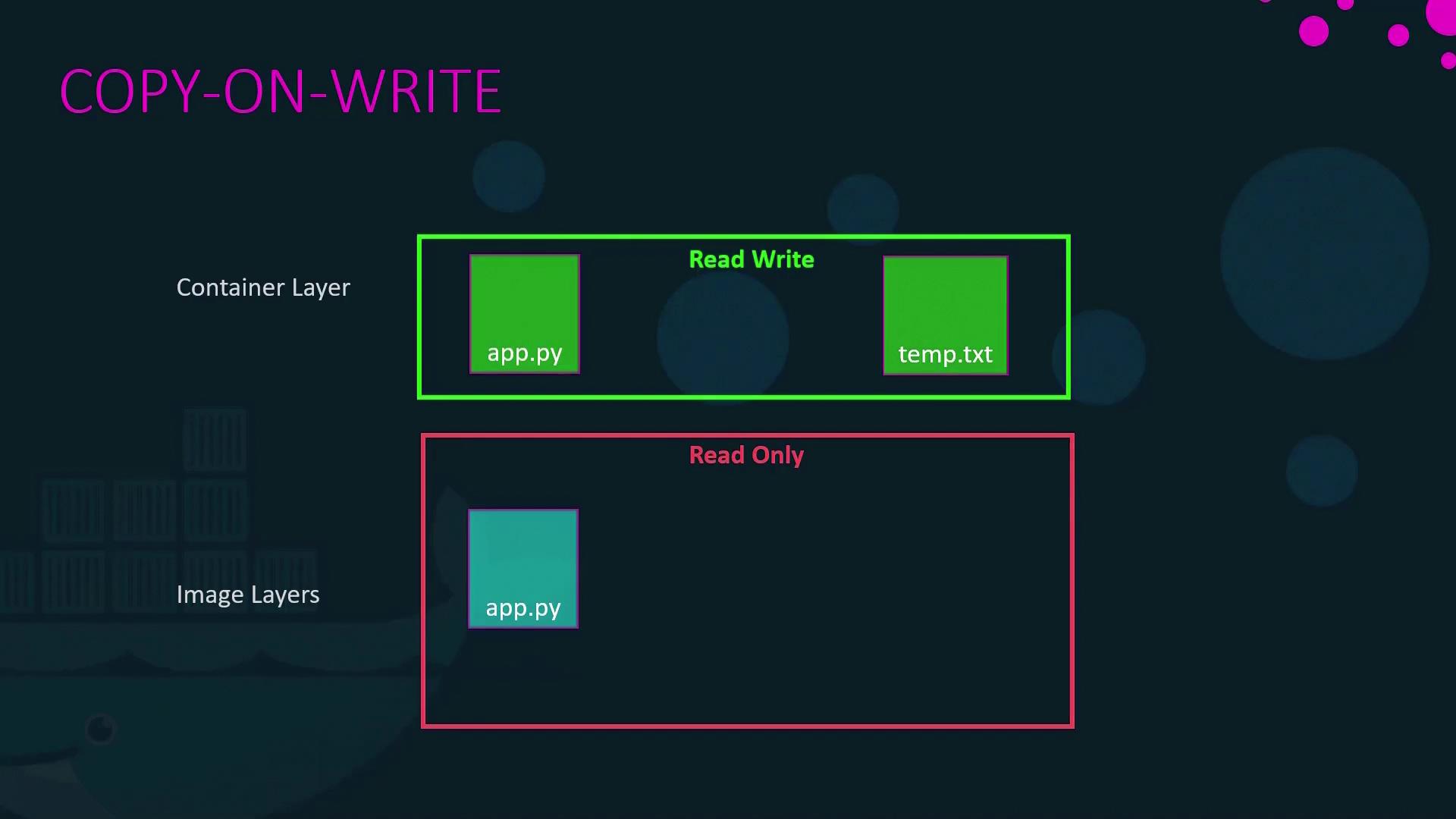
temp.txt within a running container, it is stored in this writable layer. Docker’s “copy-on-write” mechanism ensures that modifications to files originally part of the image are first copied to the writable layer before any changes are applied.
The diagram below illustrates the “Copy-On-Write” concept:
Persisting Data with Volumes and Bind Mounts
Since the writable layer is temporary, persisting important data—especially for stateful applications like databases—is critical. Docker offers two primary methods for data persistence: volumes and bind mounts.Using Volumes
Volumes are managed by Docker and provide a straightforward way to persist data. Create a volume on the Docker host with:/var/lib/docker/volumes/data_volume. To mount the volume into a container (e.g., for MySQL data persistence), run:
Using Bind Mounts
Bind mounts allow you to use an existing directory on your host system. For example, to use/data/mysql, run:
Using the —mount Option
The--mount flag provides a more verbose syntax but achieves the same result. For a bind mount, use:
-v flag and the --mount option enable you to map a host directory to a container, ensuring your important data persists beyond the container’s life span.
Docker Storage Drivers
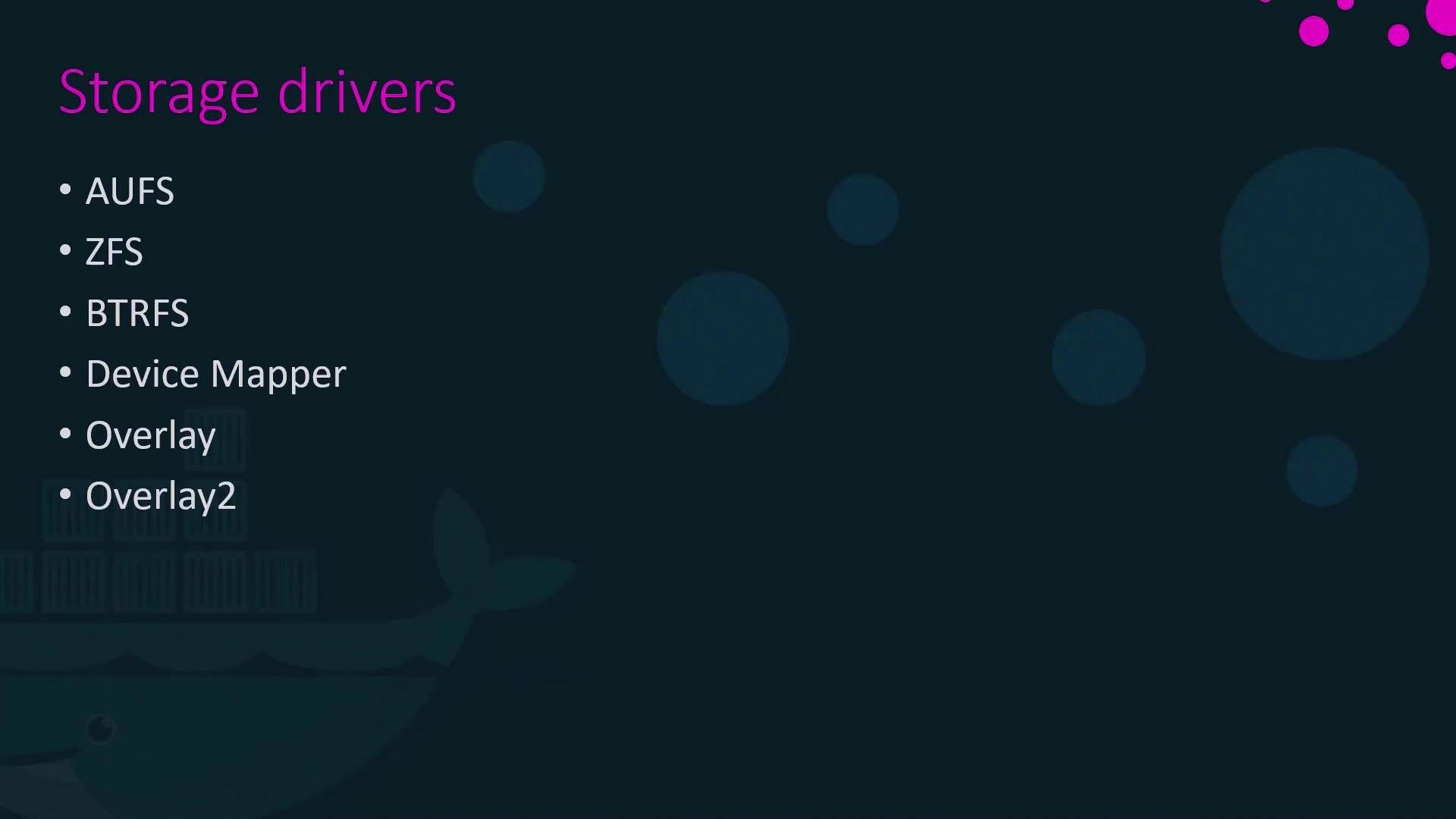
Docker storage drivers are key to implementing the layered filesystem and managing the writable container layer. They handle the creation of layers and the copy-on-write mechanism. Common storage drivers include:- AUFS
- ZFS
- Btrfs
- Device Mapper
- Overlay and Overlay2
For a deeper understanding of Docker storage drivers and their use cases, consult the official Docker Documentation and other relevant resources.