

- A descriptive metric name.
- One or more labels (key-value pairs) that add valuable context.
- A numerical value representing the measured quantity at a specific time.
Metric Structure
Consider the example metric generated by the node exporter:- The metric name,
node_cpu_seconds_total, represents the total CPU seconds. - The labels
cpuandmodespecify which CPU (CPU 0) and its state (idle). - The numerical value
258277.86indicates the total seconds that CPU 0 has been idle.
Timestamps and Data Scraping
Every time Prometheus scrapes a target, it collects not only the metric value but also the timestamp—a Unix timestamp that records the number of seconds since January 1, 1970, UTC. This ensures that all measurements are accurately recorded in time.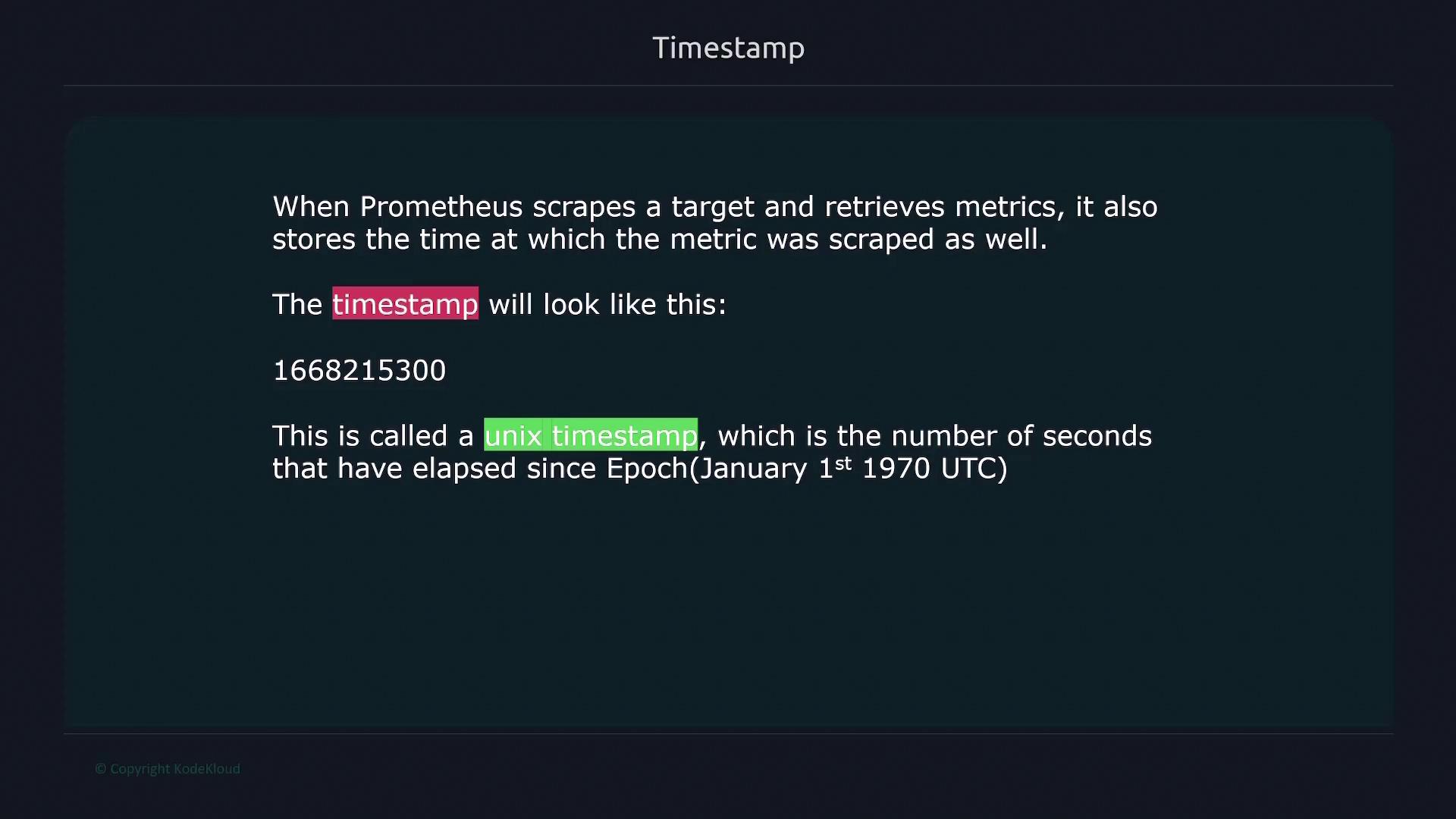
You can convert Unix timestamps to human-readable formats using various online tools, although most modern dashboarding tools perform this conversion automatically based on your local timezone.
Time Series
In Prometheus, a time series is a sequence of timestamped data points that share the same metric name and labels. For example, consider these metrics collected from two different servers:- Two distinct metrics are present:
node_filesystem_filesandnode_cpu_seconds_total. - With different combinations of labels (such as
device,cpu, andinstance), there are eight unique time series.
Metric Attributes
Every Prometheus metric has two key attributes:- Help attribute: Provides a natural language description of what the metric measures.
- Type attribute: Specifies the metric type, such as counter, gauge, histogram, or summary.
Metric Types
-
Counter:
Counters are used to count events with values that only increase. They are typically used for metrics like total requests, error counts, or job executions. -
Gauge:
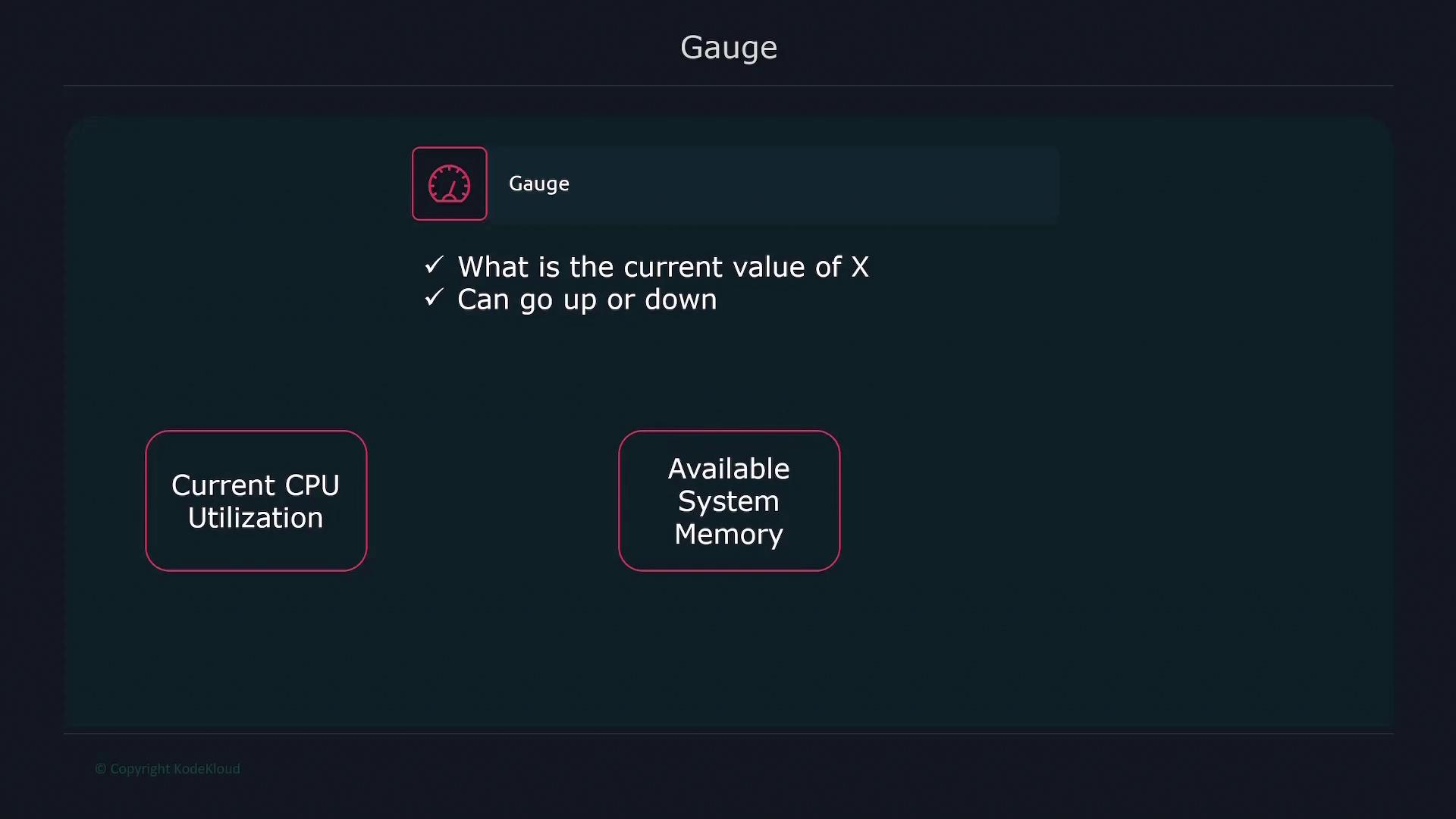
Gauges measure values that can increase or decrease, such as current CPU utilization or memory usage.
- Histogram:
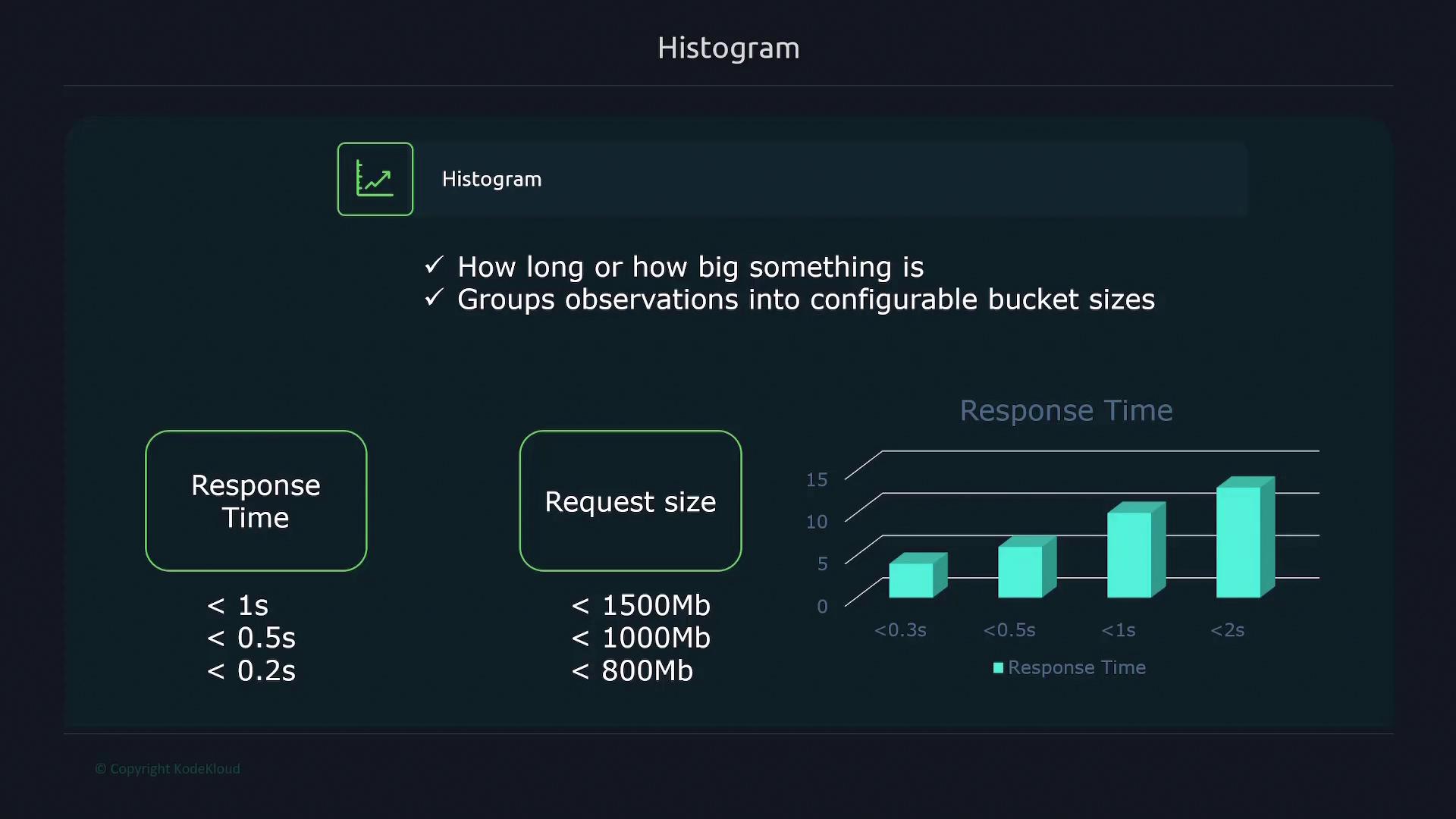
Histograms record the distribution of values, such as response times or request sizes, by sorting observations into configurable buckets. For example, you might define buckets for requests that take 0.2, 0.5, or 1 second to complete.
- Summary:
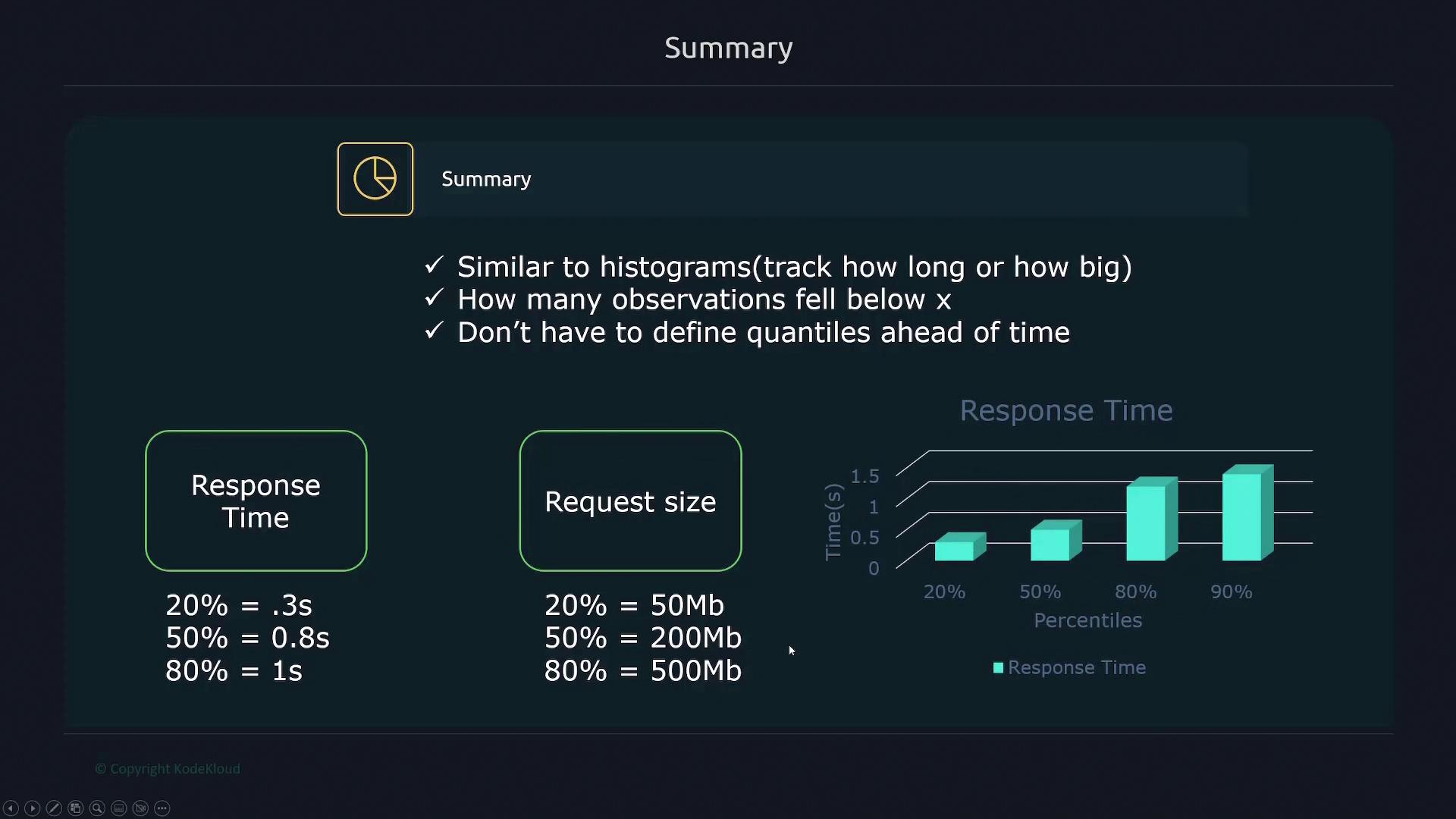
Summaries provide quantile information (such as percentiles) for durations or sizes, offering an alternative method to histograms for understanding data distributions. For instance, a summary might show that 20% of requests completed in under 0.3 seconds, 50% under 0.8 seconds, and 80% under one second.
Metric Naming Conventions
Metric names should clearly indicate the system feature being measured. Valid characters include ASCII letters, numbers, underscores, and colons. However, avoid using colons in metric names since they are reserved for recording rules in Prometheus.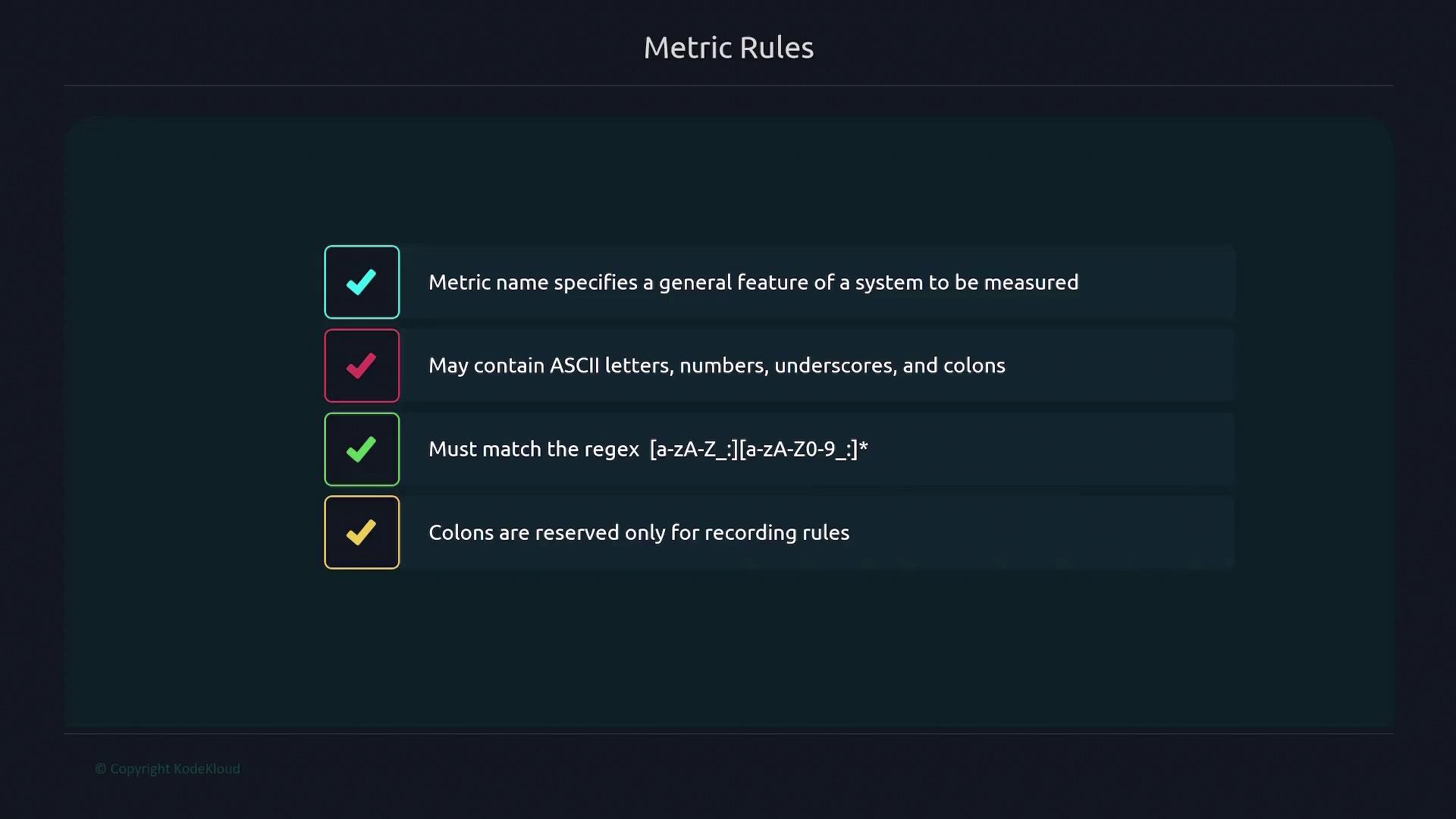
Labels in Depth
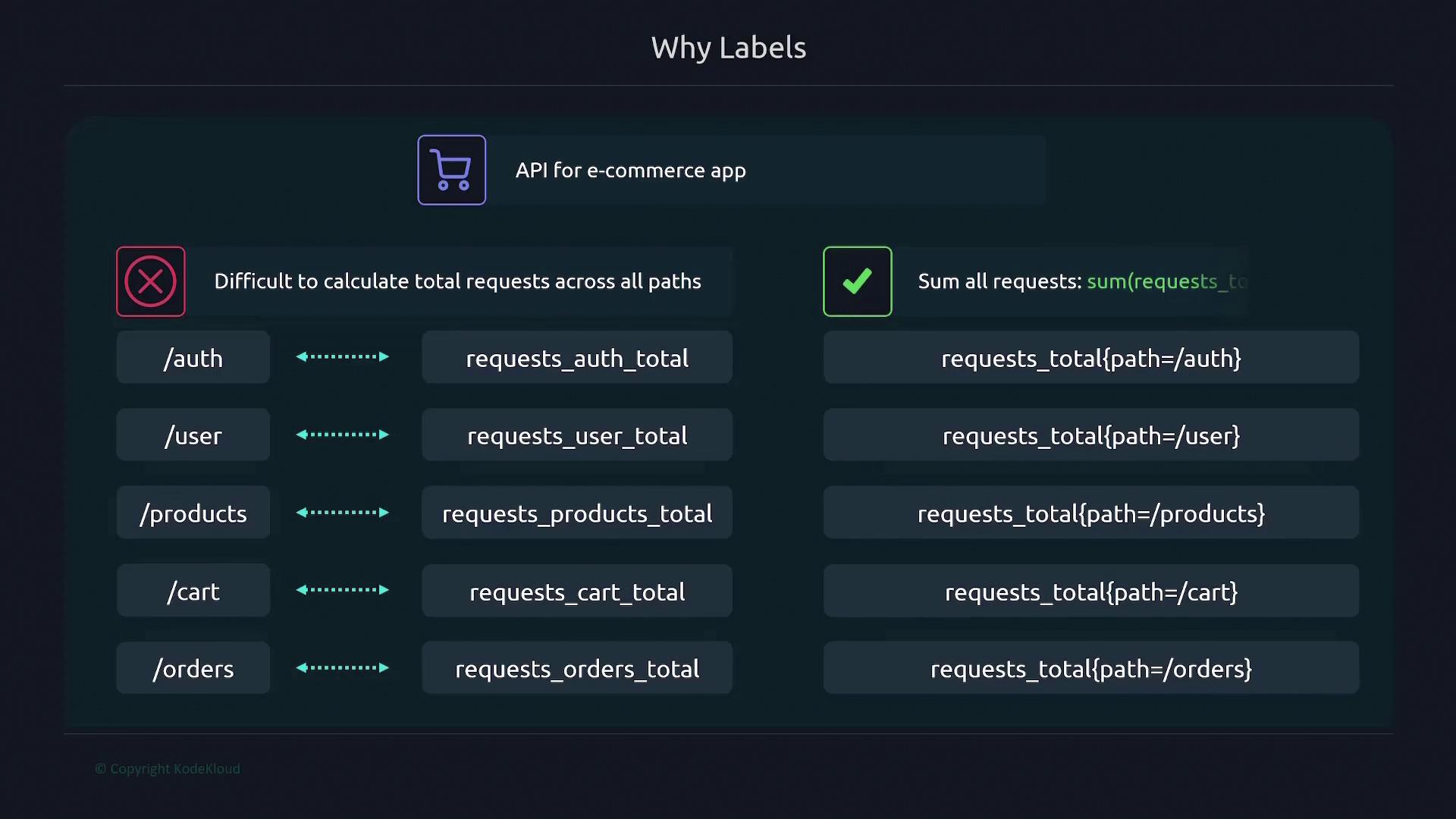
Labels are key-value pairs that add dimensions to your metrics. Instead of creating separate metrics for each variant (for example, different API endpoints), you can use a single metric differentiated by labels. Consider API request metrics:- Without labels:
requests_auth_totalfor the authentication endpoint.requests_user_totalfor the user endpoint.
- With labels:
-
Use a single metric (
requests_total) with apathlabel, like so:
-
Use a single metric (
sum) to combine values across endpoints. Labels can represent multiple dimensions; for instance, adding an HTTP method label (GET, POST, PATCH, DELETE) further refines the data.
Remember, the metric name is internally treated as a label called __name__, and other labels prefixed or suffixed with double underscores are reserved for internal use by Prometheus.
Moreover, every metric automatically includes the instance and job labels. The instance label identifies the target (as defined in your configuration), while the job label corresponds to the job name specified in your Prometheus configuration file:
![The image explains labels as key-value pairs for metrics, allowing criteria-based splitting, multiple labels, and ASCII characters, matching the regex [a-zA-Z0-9_]*.](https://kodekloud.com/kk-media/image/upload/v1752880540/notes-assets/images/Kubernetes-and-Cloud-Native-Associate-KCNA-Prometheus-Metrics/frame_660.jpg)
This article has provided a comprehensive overview of Prometheus metrics. You now have a solid foundation in understanding metric structure, timestamp usage during data scraping, the nature of time series, various metric types, naming conventions, and the crucial role that labels play in monitoring. With this knowledge, you are better equipped to model and query your monitoring data effectively in Prometheus.