

What Is a Policy?
An ACL policy in Consul is a named collection of rules that govern the permissions of one or more tokens. Policies are:- Reusable: Attach the same policy to multiple tokens.
- Composable: A token’s effective permissions are the union of all its policies.
- Modular: In production, you might create distinct policies for:
- Each Consul server node
- Different client applications
- The Consul Snapshot Agent (for backups)
- Any other process interacting with Consul
- ID: Auto-generated, immutable public identifier
- Name: Unique within the Consul cluster
- Description (optional): Human-readable notes
- Rules: HCL or JSON granting or denying permissions
- Datacenters (optional): Scopes where the policy applies
- Namespace (Enterprise only): Limits policy to a namespace
Default Consul Policies
When you bootstrap Consul’s ACL system, two built-in policies are created by default: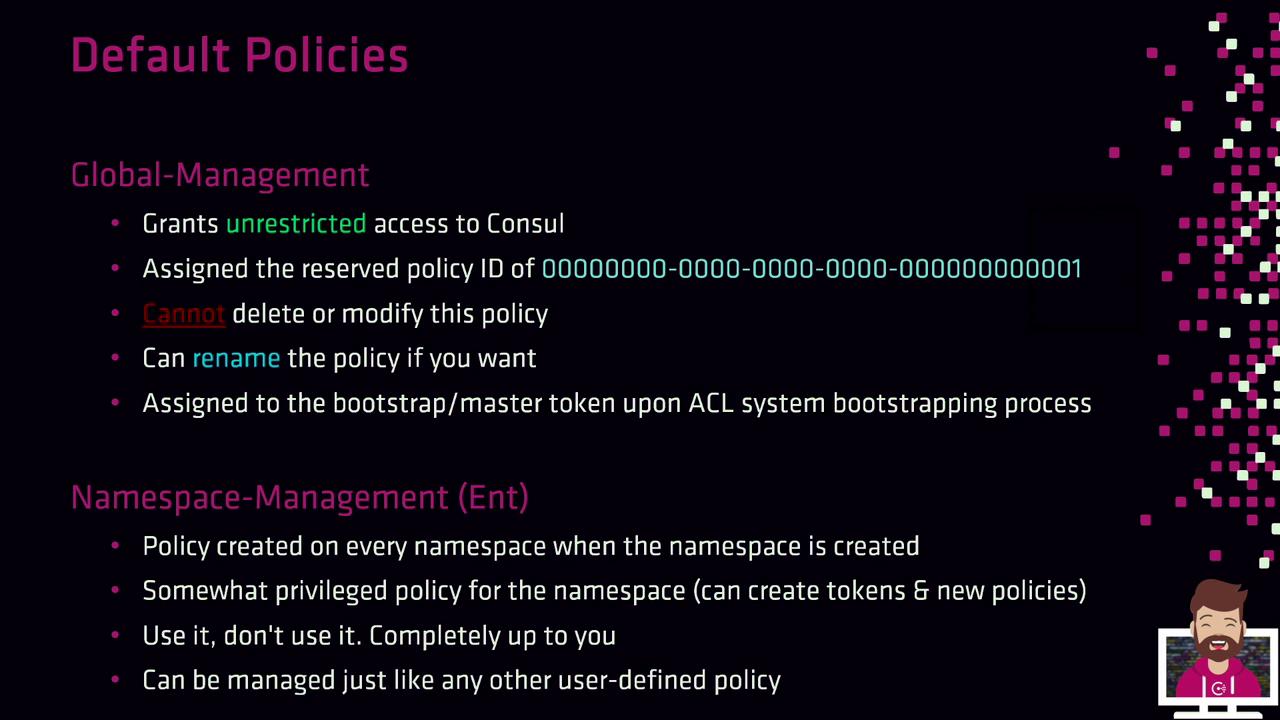
-
Global-Management
- Policy ID:
00000000-0000-0000-0000-000000000001 - Unrestricted access to the entire cluster
- Cannot be deleted or modified (rename allowed)
- Auto-assigned to the bootstrap master token
- Policy ID:
-
Namespace-Management (Enterprise only)
- Created per namespace
- Manages policies and tokens within its namespace
- Behaves like a user-defined policy
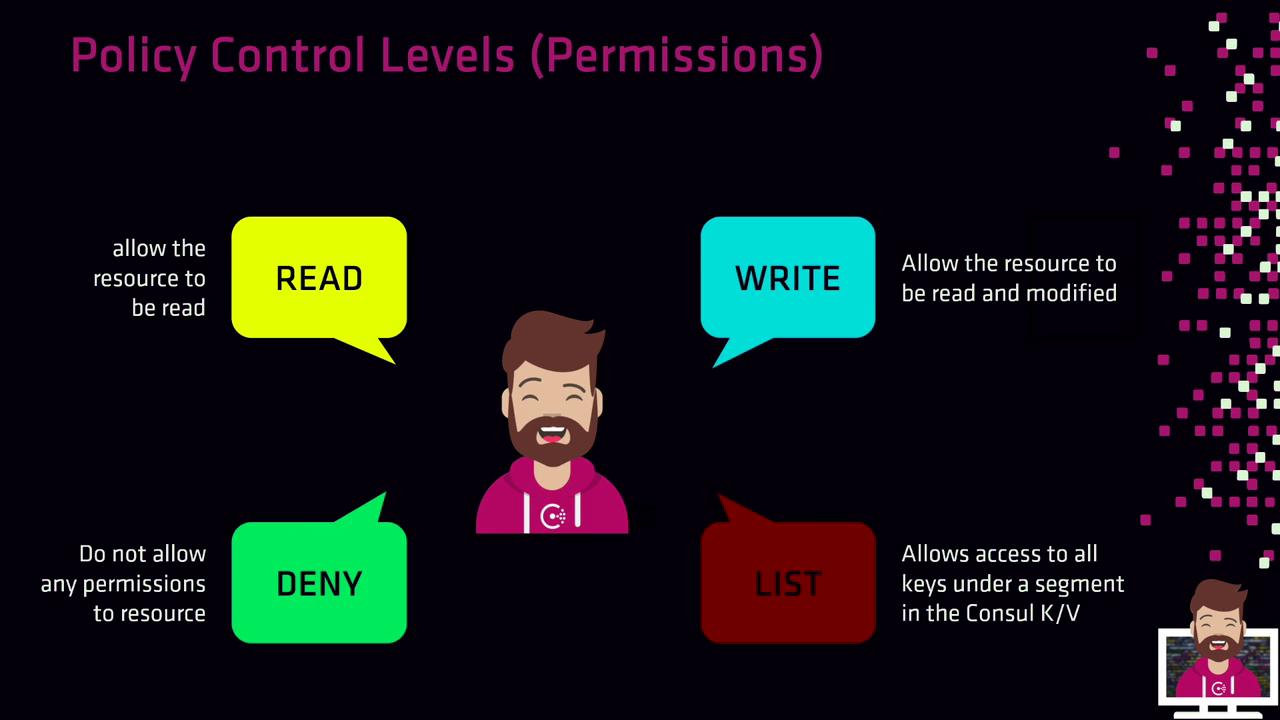
Policy Control Levels
Control levels determine how rules interact with resources. Consul supports four levels:| Control Level | Description |
|---|---|
| read | Retrieve resource data |
| write | Modify or create resources and read them |
| deny | Block access regardless of other policies |
| list | Enumerate keys or resources under a given prefix |
ACL Resource Types
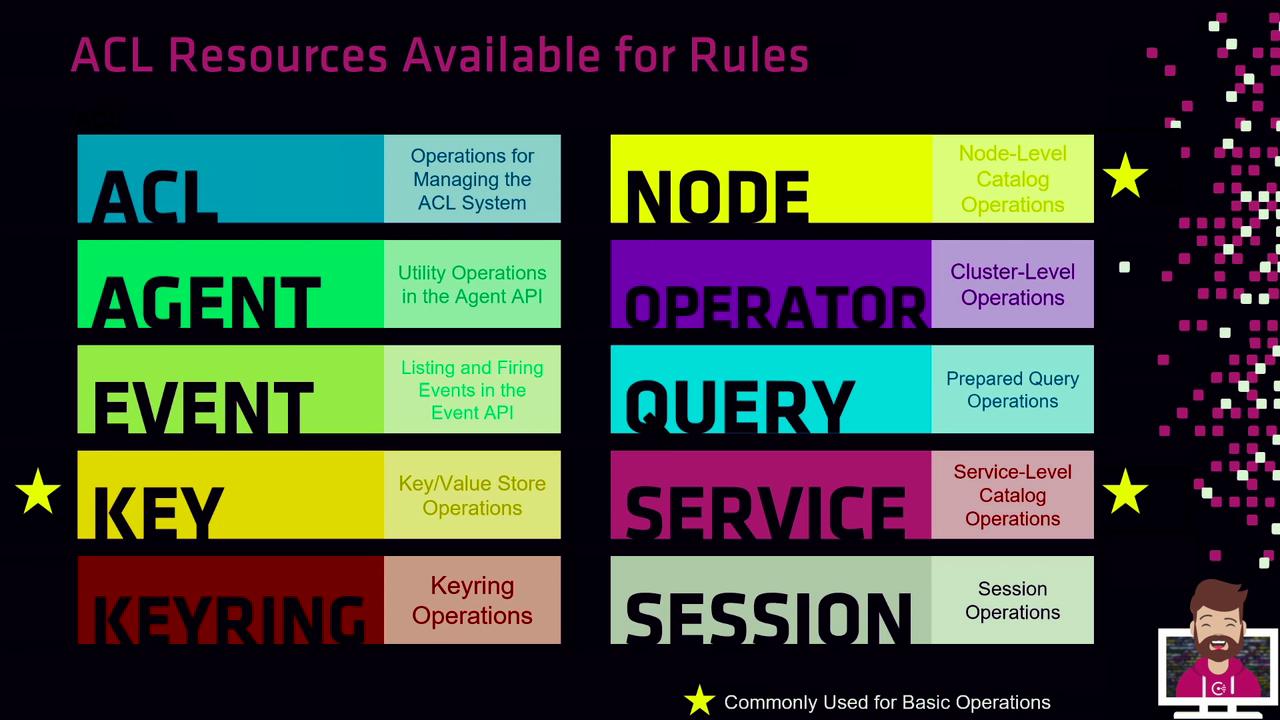
Consul ACL rules apply to various resource types. Below is a breakdown of common and advanced resources:| Resource Type | Description | Use Case |
|---|---|---|
key, key_prefix | KV store operations | Common |
node, node_prefix | Node registration and catalog | Common |
service, service_prefix | Service discovery and health checks | Common |
acl, agent, event, keyring | ACL management, agent operations, events | Advanced scenarios |
operator, query, session, prepared_query | Cluster control, queries, and sessions | Advanced scenarios |
Exact vs. Prefix Matching
Exact Match
Grant permissions on a single, named resource:- Only the key at
kv/apps/web-app-01is writable. - Only the service
customer-dbis readable.
Prefix Match
Cover multiple resources under a common prefix:- Any key under
kv/is readable. - All services (empty prefix) are readable.
Full Policy Example
Below is a complete policy granting specific rights to a web server and application:Creating Policies via CLI
Use theconsul acl policy command to create a policy from your HCL file:
You can also supply rules inline using
--rules 'service "eCommerce" { policy = "write" }' if you prefer not to use a file.Creating Policies via API
Send a PUT request to the ACL policy endpoint:If your default ACL policy is
allow, you can omit the X-Consul-Token header.Anonymous Token Policy
When no token is provided, Consul uses the anonymous token. Typical read-only permissions include:Grant only minimal privileges to the anonymous token to avoid exposing sensitive data.
Node-Specific Policies
HashiCorp best practice is to create one policy per node to tightly control registration and catalog operations:We will explore a hands-on lab to practice creating and managing ACL policies in Consul.