

- API and RPC encryption between clients and servers
- Mutual TLS (mTLS) in the service mesh (Connect)
- Optional HTTPS on the HTTP API endpoint
Overview of TLS Certificate Requirements
| Communication Channel | Purpose | Certificates Required |
|---|---|---|
| API & RPC | Secure HTTP API and internal RPC traffic | Server and client TLS certificates |
| Service Mesh (Connect) | mTLS for all service-to-service communication | Mutual TLS certificates issued by Consul’s CA |
| HTTPS API (Optional) | Encrypt HTTP listener on port 8500 | HTTP TLS certificate and private key |
TLS for API and RPC
By default, Consul’s HTTP API and internal RPC talk over plain TCP/HTTP. To enable encryption:- Generate a server certificate (with
server.service.consulas a SAN). - Generate client certificates for each agent or external client.
- Distribute
cert_fileandkey_filein the agent configuration.
Without TLS, all API calls and gossip traffic are unencrypted. Enable certificates to protect sensitive data in transit.
Service Mesh (Connect) and mTLS
When Connect is enabled, Consul automatically issues and rotates certificates for every service proxy:- Each side presents a certificate signed by the same CA.
- Identity is verified before any data exchange.
- Traffic is fully encrypted in transit.
HTTP API over HTTPS (Optional)
If you prefer to secure only the HTTP API (port 8500) without using Connect, configure the HTTP listener for TLS:Consul as an Integrated CA
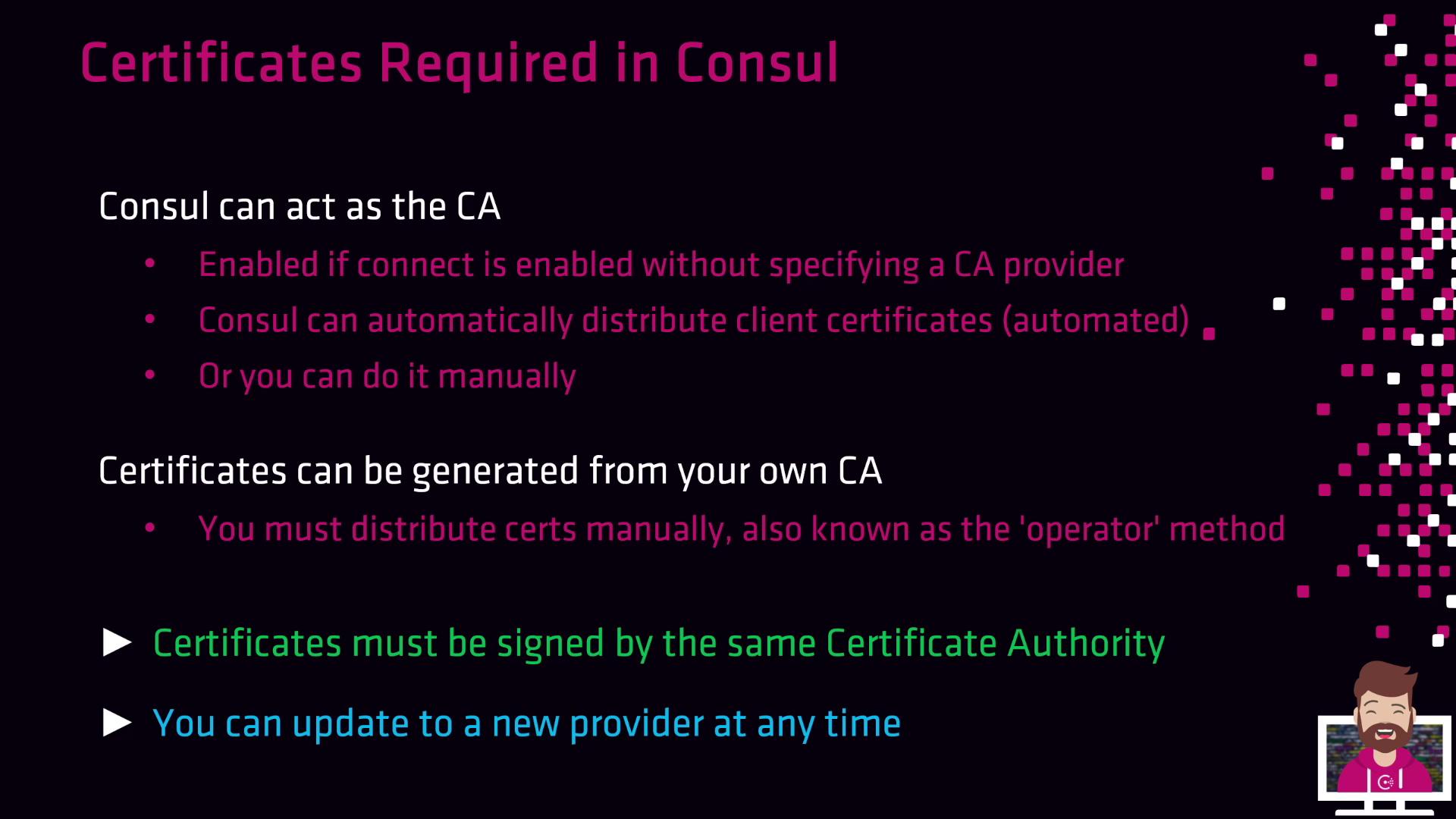
When no external CA provider is configured, Consul’s built-in CA will:- Issue leaf certificates for servers, clients, and Connect proxies
- Automatically distribute new certificates as agents join
- Rotate certificates based on your CA configuration
Consul’s integrated CA simplifies setup by removing manual renewal tasks. It’s ideal for most small-to-medium deployments.
Operator Method: Manual Certificate Management
If you need full control or must integrate with an existing PKI, use the operator method:- Use your internal CA (or Consul’s CA) to generate server and client certificates.
- Manually copy
*.crtand*.keyfiles to each Consul agent. - Update the agent configuration to point at your certificates.
Signing and Trust Requirements
All certificates in your Consul cluster—server, client, and proxy—must be signed by the same CA. Consul only accepts a single root CA bundle for validation. Mixing certificates from multiple CAs will lead to trust failures.If any certificate chain does not match the configured root CA bundle, Consul agents will refuse to connect, causing service disruptions.
Migrating to an External CA
You can switch from the built-in CA to an external provider (e.g., Vault) without downtime:- Start Consul with the embedded CA.
- Configure the external CA provider in your
consul.hcl(e.g., Vault). - Restart agents one by one—Consul will re-issue certificates using the new provider.