Sample JSON Configuration
Below is a baseline JSON file for a Consul server inus-east-1. You can also write this in HCL; refer to the Consul Configuration Documentation for HCL examples.
Understanding Configuration Sources
You can provide configuration through:- JSON/HCL files
- Command-line flags (e.g.,
-server,-bootstrap-expect) - Environment variables prefixed with
CONSUL_
Environment variables are useful for overrides in containerized or CI/CD environments. For complex configurations, maintain a single JSON or HCL file.
Key Options in a Server Configuration File
Below is a summary of the most common server directives. Adjust these values to match your deployment topology and security requirements.| Option | Type | Description |
|---|---|---|
server | Boolean | true for server agents; false for clients. |
datacenter | String | Logical data center name (e.g., us-east-1). |
node | String | Unique agent identifier (often the host name). Must be unique in the cluster. |
retry_join | Array of strings | List of peers or cloud auto-join parameters to contact when forming/joining the cluster. |
client_addr | IP or interface | Address for client‐facing RPC, HTTP, and DNS servers. |
bind_addr | IP or interface | Address for internal gossip and serf LAN communications. |
advertise_addr | IP or interface | Address broadcast to other agents for cluster membership. |
bootstrap_expect | Integer | Number of servers to wait for before bootstrapping the Raft cluster (only in server mode). |
encrypt | String (base64) | 32-byte key generated via consul keygen for gossip encryption. Must match across all agents. |
data_dir | String (path) | Local filesystem path for storing agent state and metadata. |
log_level | String | Verbosity level (trace, debug, info, warn, err). |
Keep your gossip encryption key (
encrypt) confidential. If exposed, rotate it immediately using consul keygen and reconfigure all agents.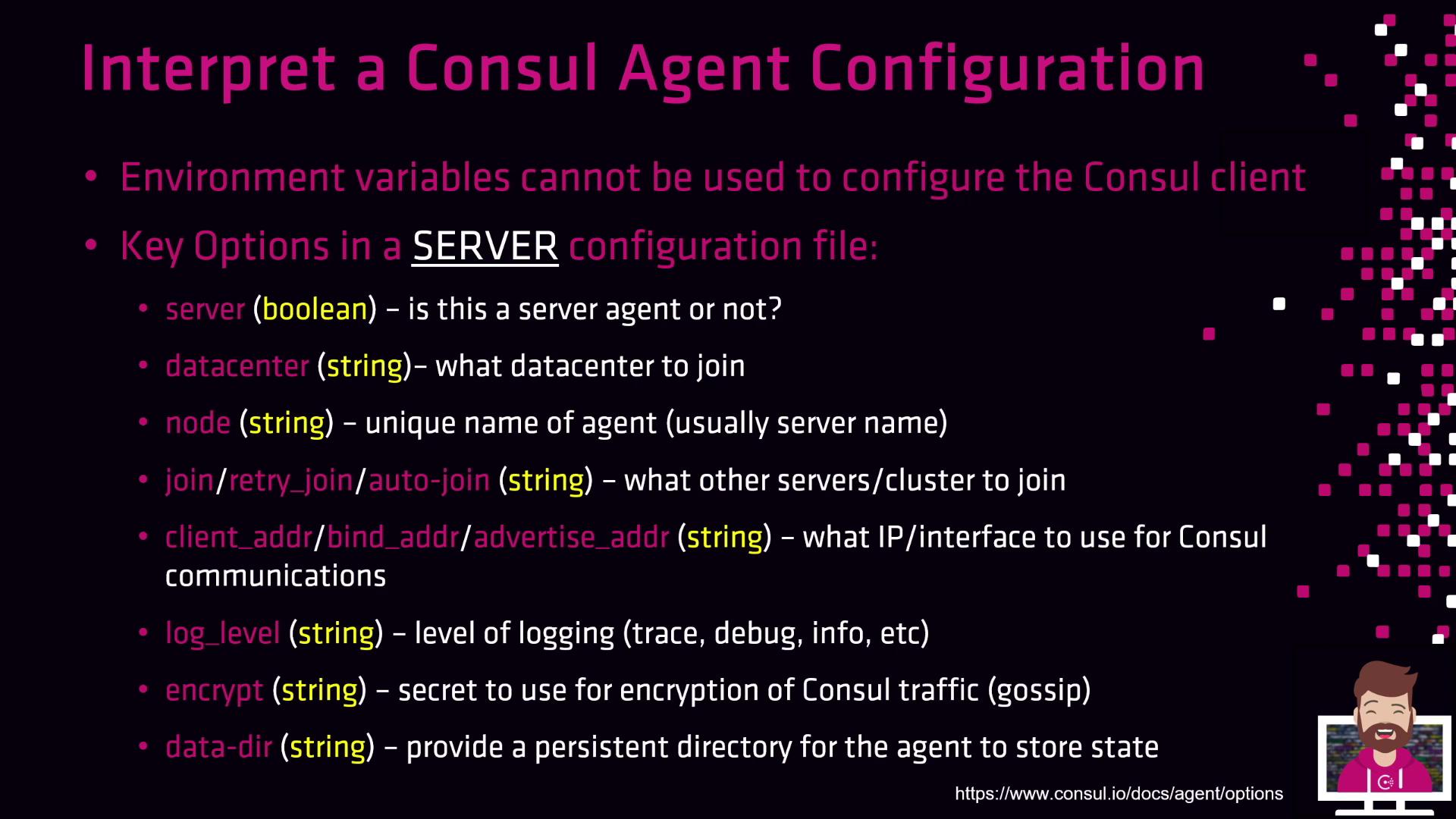
acl block), syslog integration (enable_syslog), or cloud-specific auto-join settings.
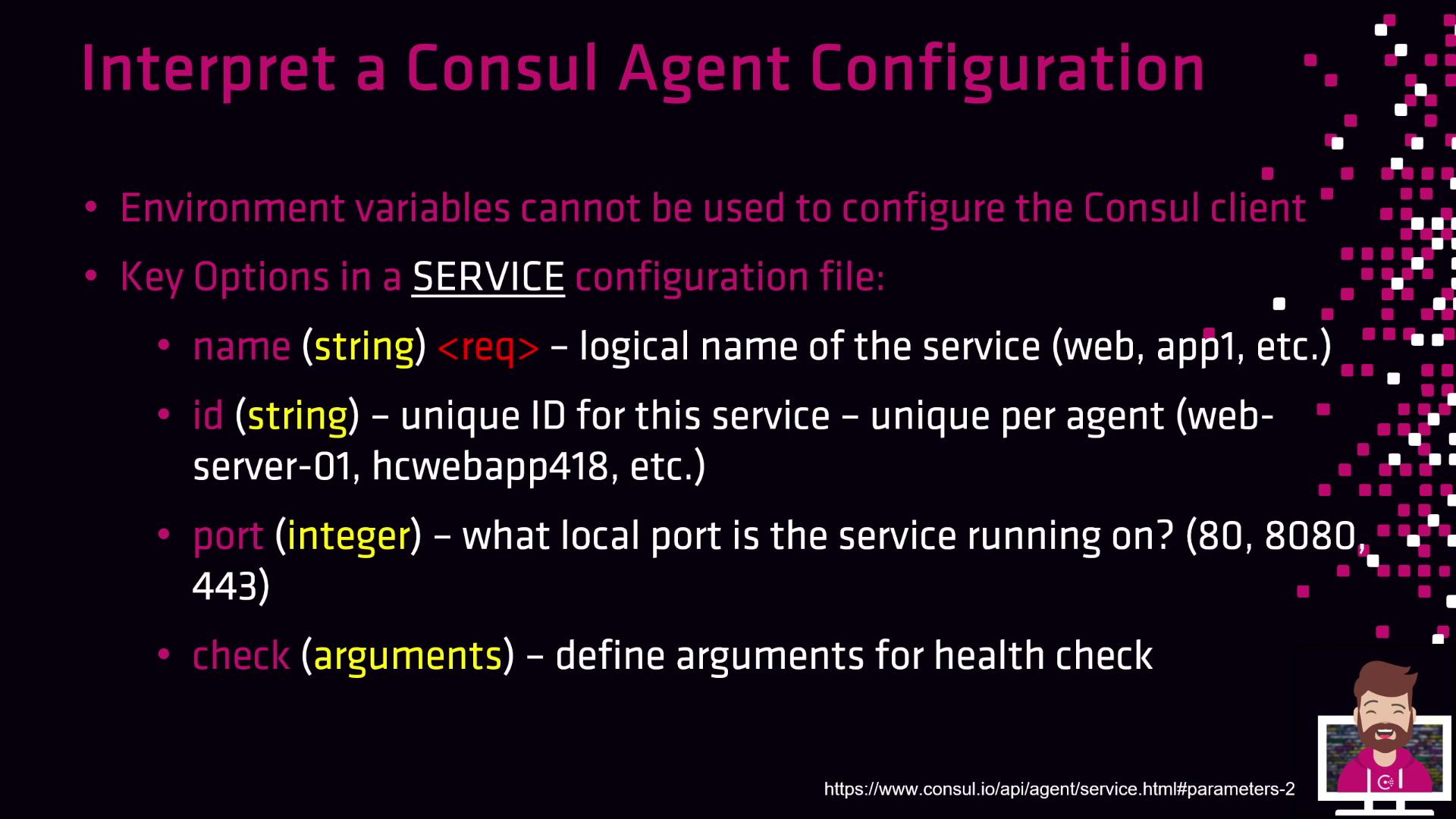
Key Options in a Service Configuration File
Service definitions register application endpoints with Consul for discovery and health checking. Below is an overview of essential fields:| Option | Type | Description |
|---|---|---|
name | String | Logical service name (e.g., webapp1, database562). |
id | String | Unique instance identifier (e.g., webserver01). |
port | Integer | Local port where the service listens (e.g., 8080, 443). |
check | Object or Array | Health check definitions (HTTP, TCP, script). Specify interval, timeout, and status TTL. |
You can define multiple health checks per service. Use
deregister_critical_service_after to automatically remove unhealthy instances.