

Centralized Service Registry
A centralized registry is the single source of truth for service locations and health status. When a service (for example, Service A) starts, its Consul agent registers the service instance with the Consul servers. Later, if Service A needs to call Service B, it queries Consul for a healthy Service B endpoint and receives the IP and port of a live instance. This approach is critical in containerized or auto-scaling environments where instances can spin up or down rapidly. By offloading east–west load balancing of microservices to Consul’s registry, you often reduce the need for dedicated load balancers between services.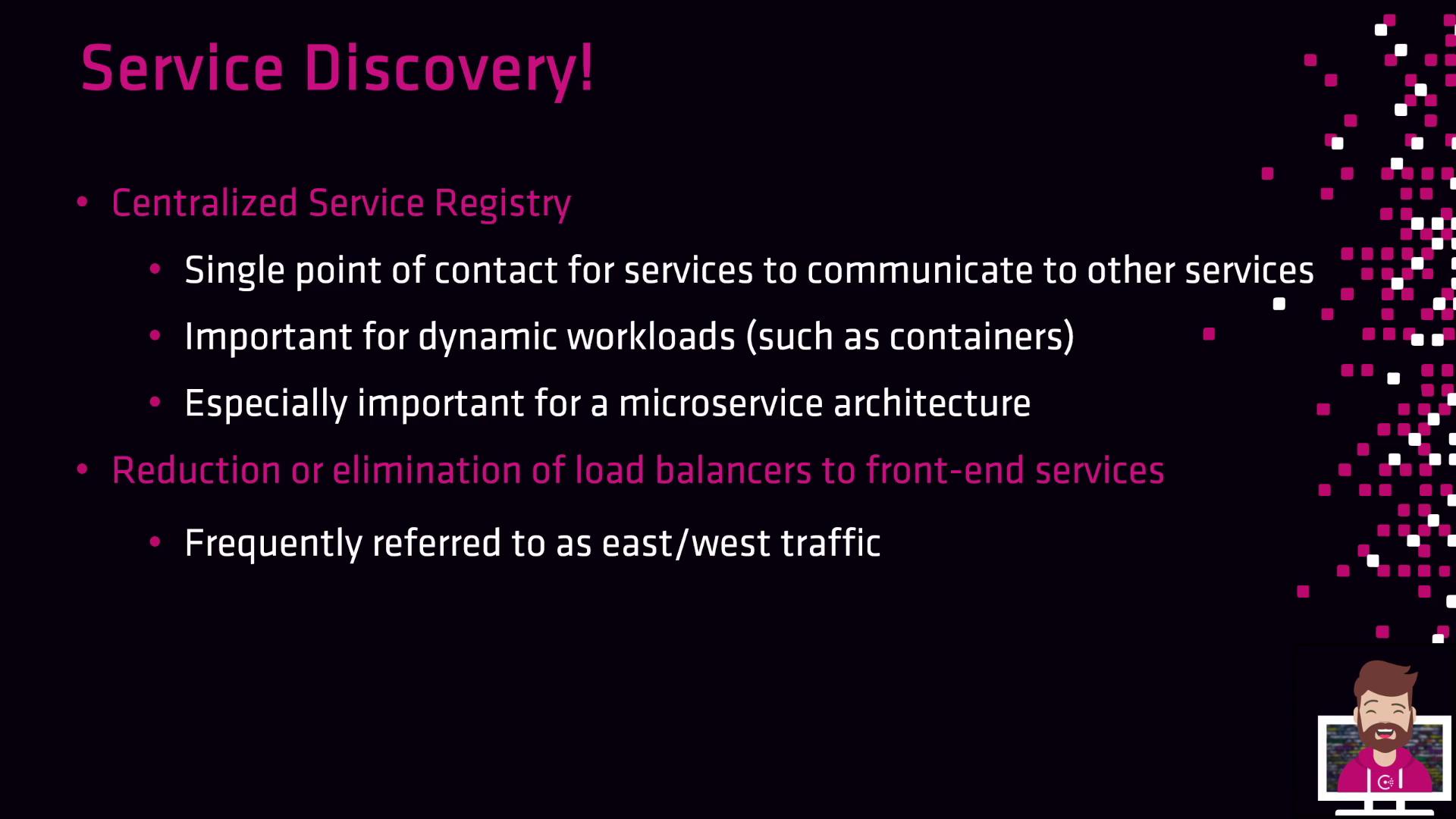
Real-Time Health Monitoring
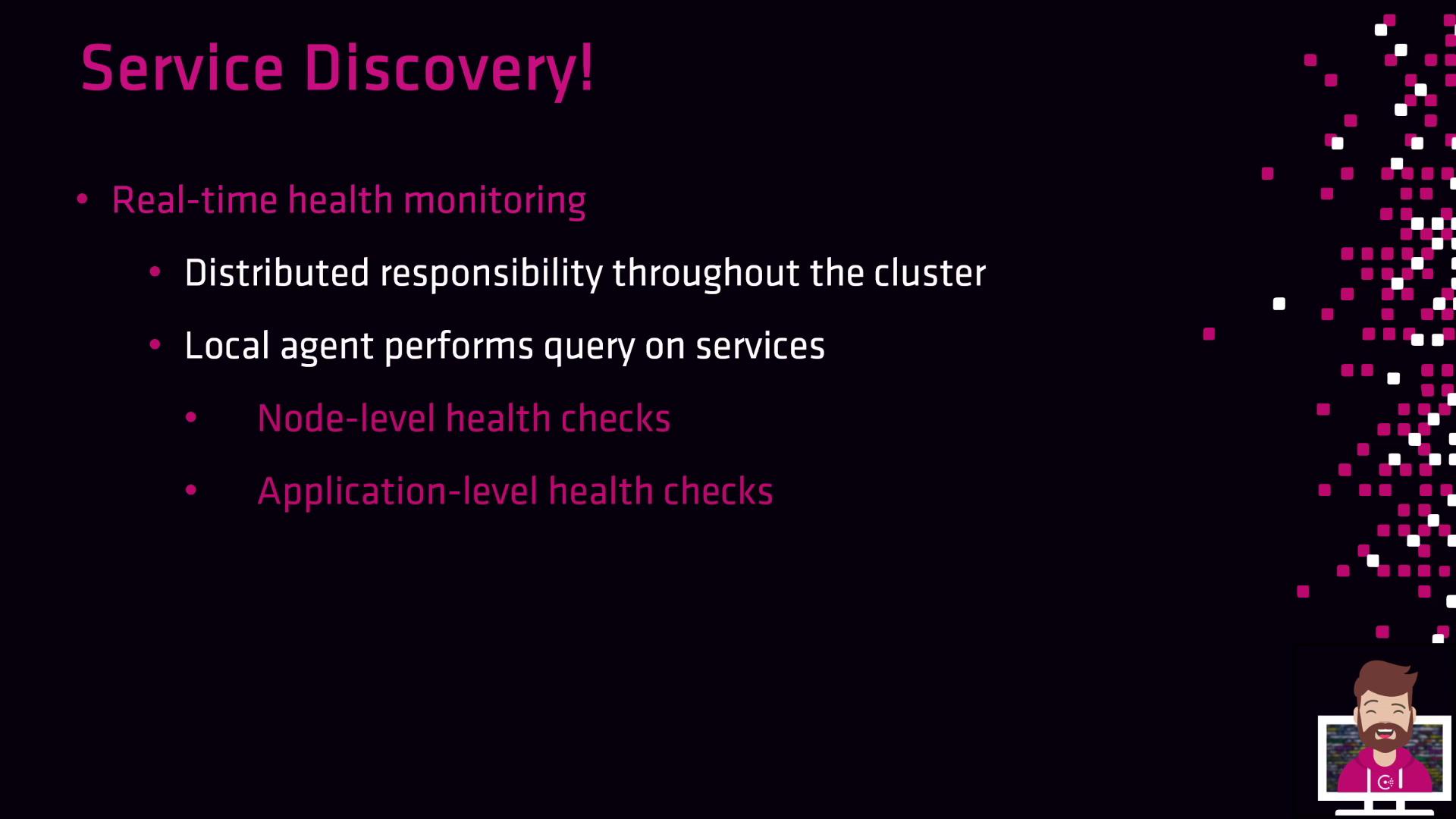
Consul agents distribute health checks across all nodes. Each agent runs:| Check Type | Scope | Example |
|---|---|---|
| Node-level | Host or VM resource | SSH availability, disk space, CPU usage |
| Service-level | Application endpoint | HTTP /health latency, TCP port response |
Service Registration and Lookup Workflow
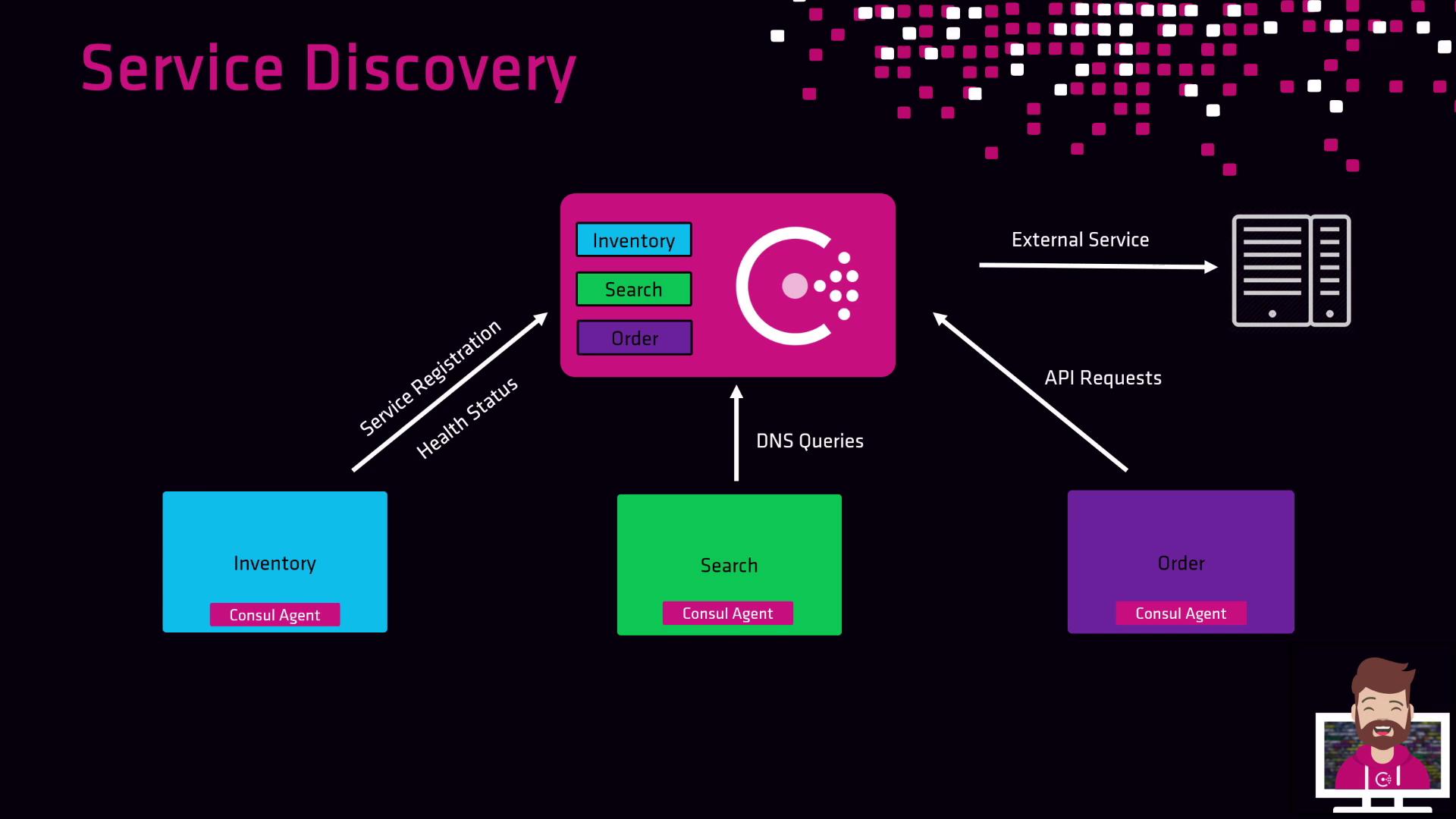
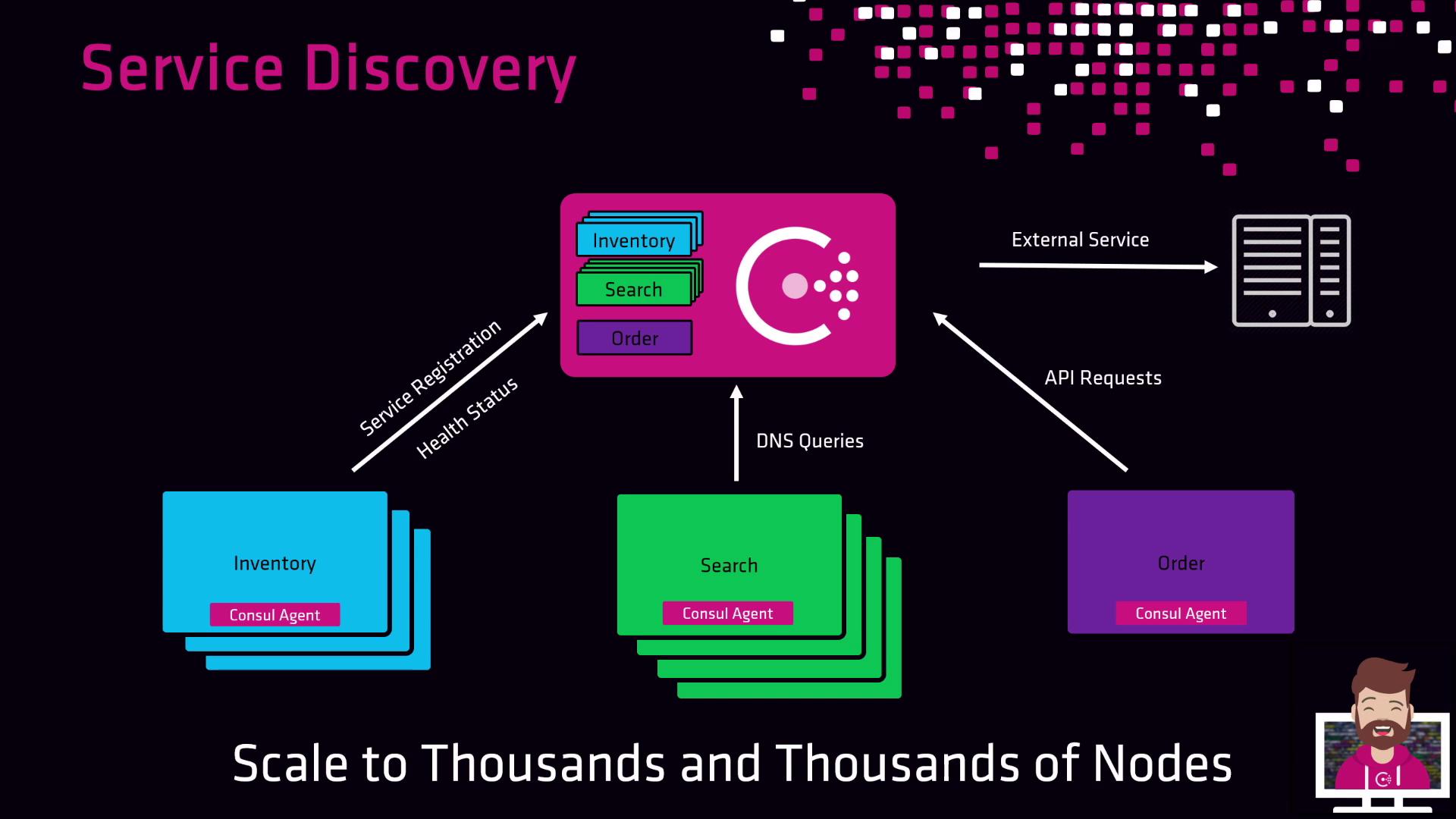
Imagine an e-commerce platform with three microservices: Inventory, Search, and Order. Each service runs a local Consul agent, which:- Registers the service on startup.
- Performs scheduled health checks.
- Updates the central catalog with status.
- DNS:
- HTTP API:
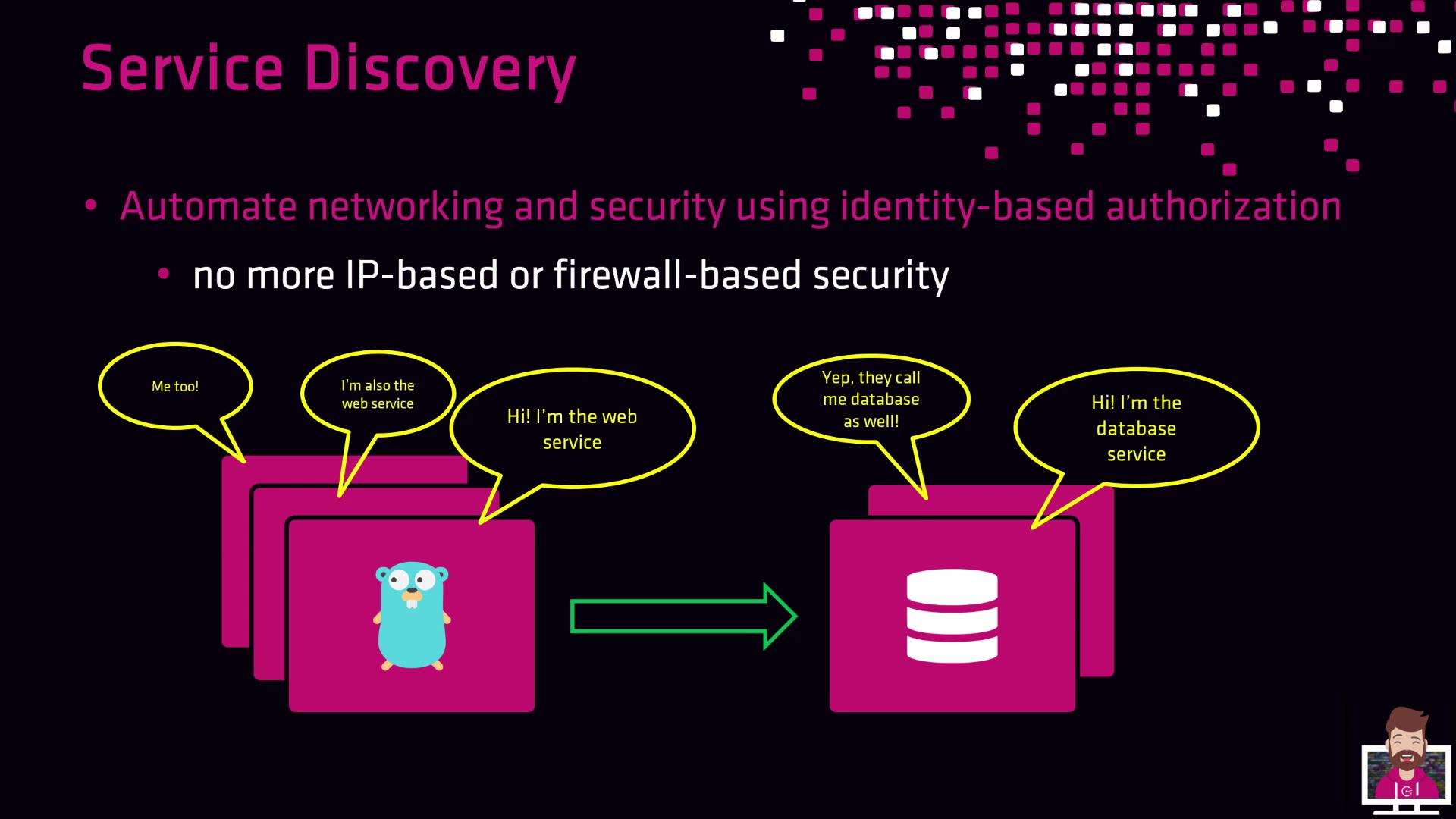
Identity-Based Authorization with Consul Connect
Consul Connect extends service discovery to include mTLS encryption and identity-based policies (intentions). Instead of managing IP-based firewall rules, define intentions like:Consul Connect leverages mTLS certificates for both authentication and encryption. Intentions are enforced by sidecar proxies, ensuring secure and auditable communication.
Multi–Data Center Service Discovery
Consul supports global service discovery across multiple data centers. Each DC runs its own Consul cluster, and mesh gateways connect clusters over public or private networks. Services register locally but can query remote data centers for failover or aggregation. For example, deploy your web and database services in both Azure and AWS:- Azure web service queries local Consul for database instances.
- If the Azure database fails, Consul transparently fails over to the AWS database cluster.
Links and References
- Official Consul Documentation: https://www.consul.io/docs
- Consul Connect Overview: https://www.consul.io/docs/connect
- DNS Interface Guide: https://www.consul.io/docs/discovery/dns
- HTTP API Reference: https://www.consul.io/api
- HashiCorp Learn: https://learn.hashicorp.com/collections/consul/getting-started