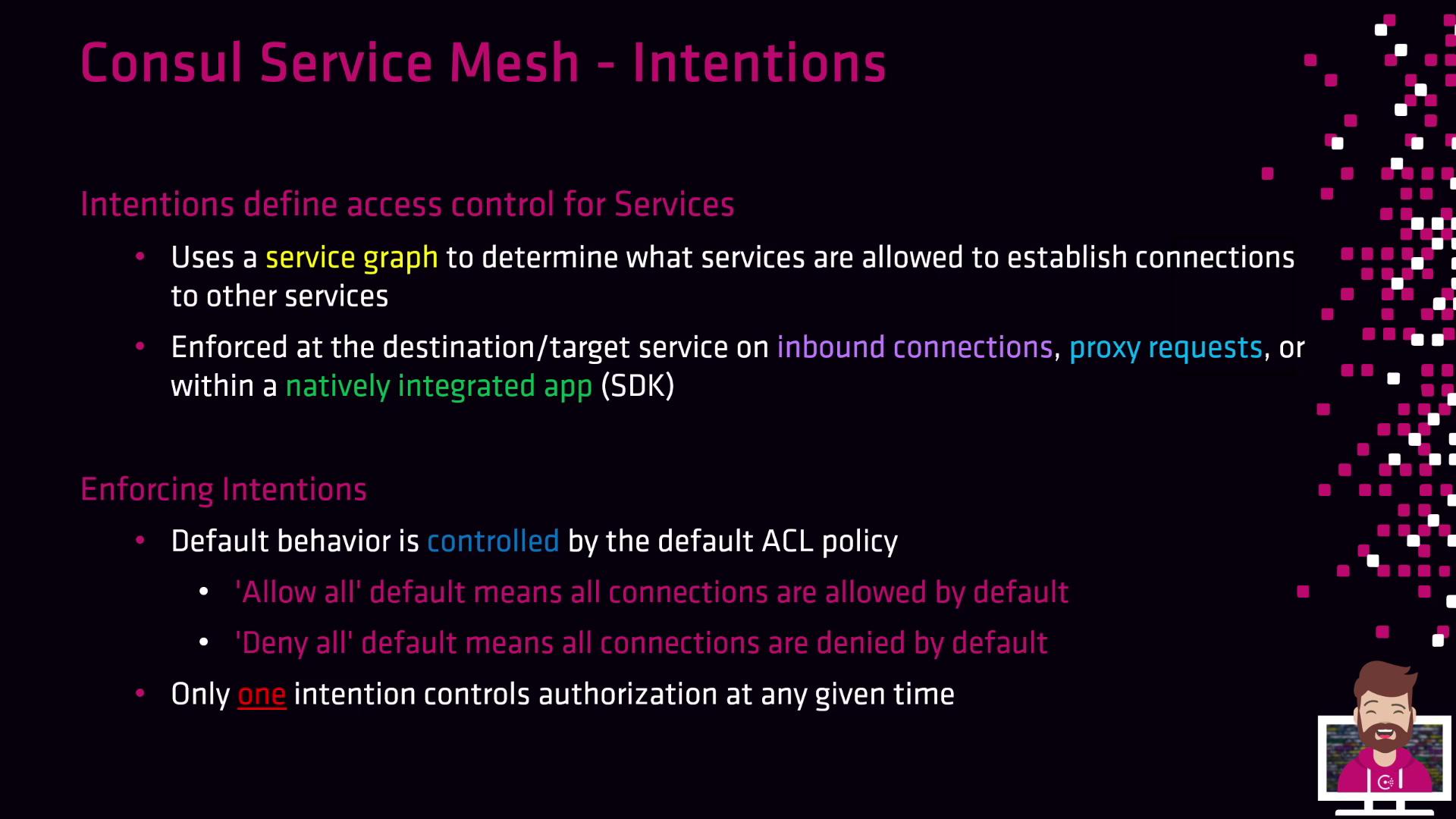
- With a default ACL policy of Allow All, every service-to-service call succeeds unless you explicitly add a Deny Intention.
- With Deny All, no traffic is allowed until you create specific Allow Intentions.
If you switch to
Deny All, all existing service calls will be blocked until you configure Allow Intentions.Building Your Service Graph with Intentions
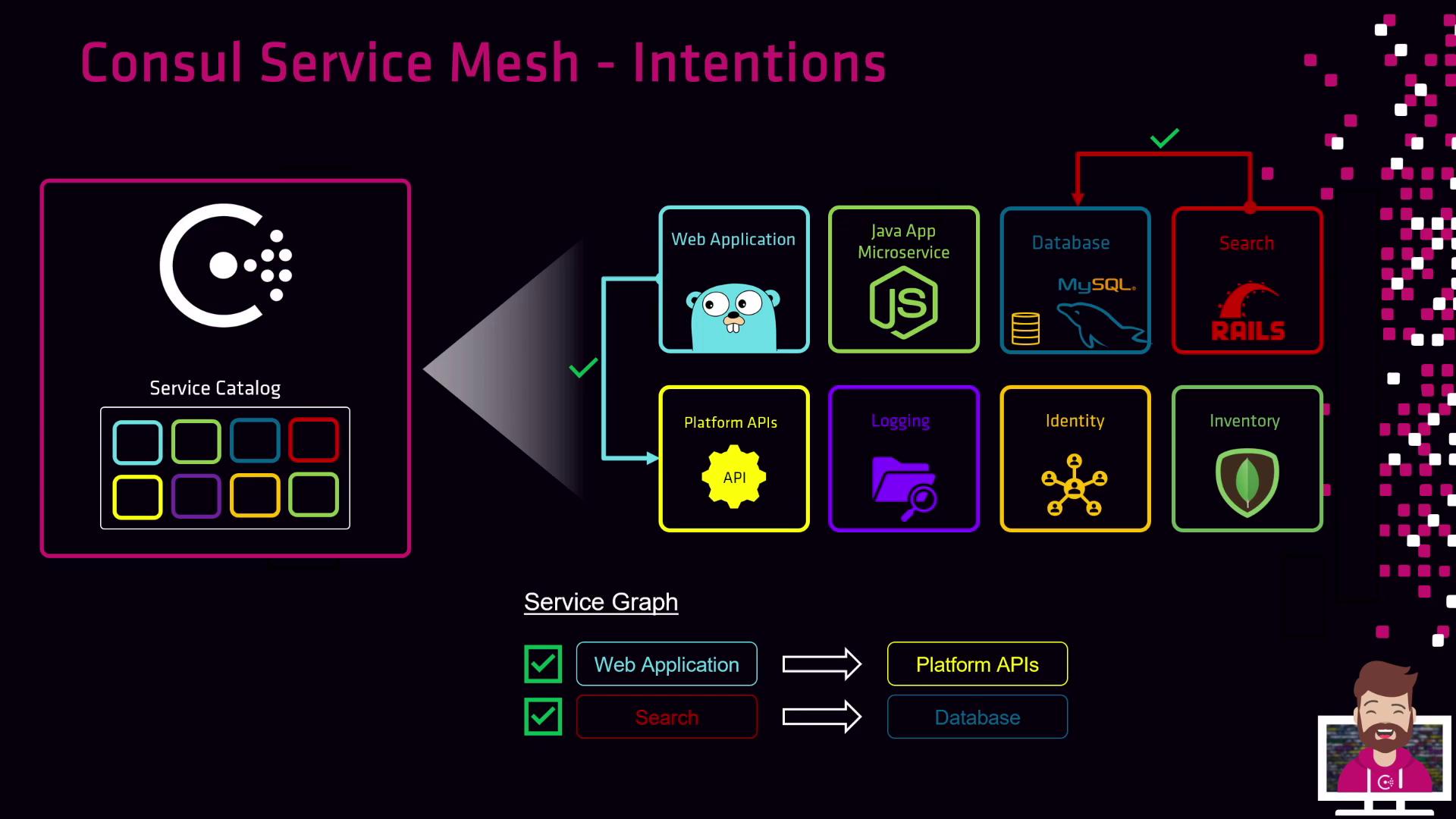
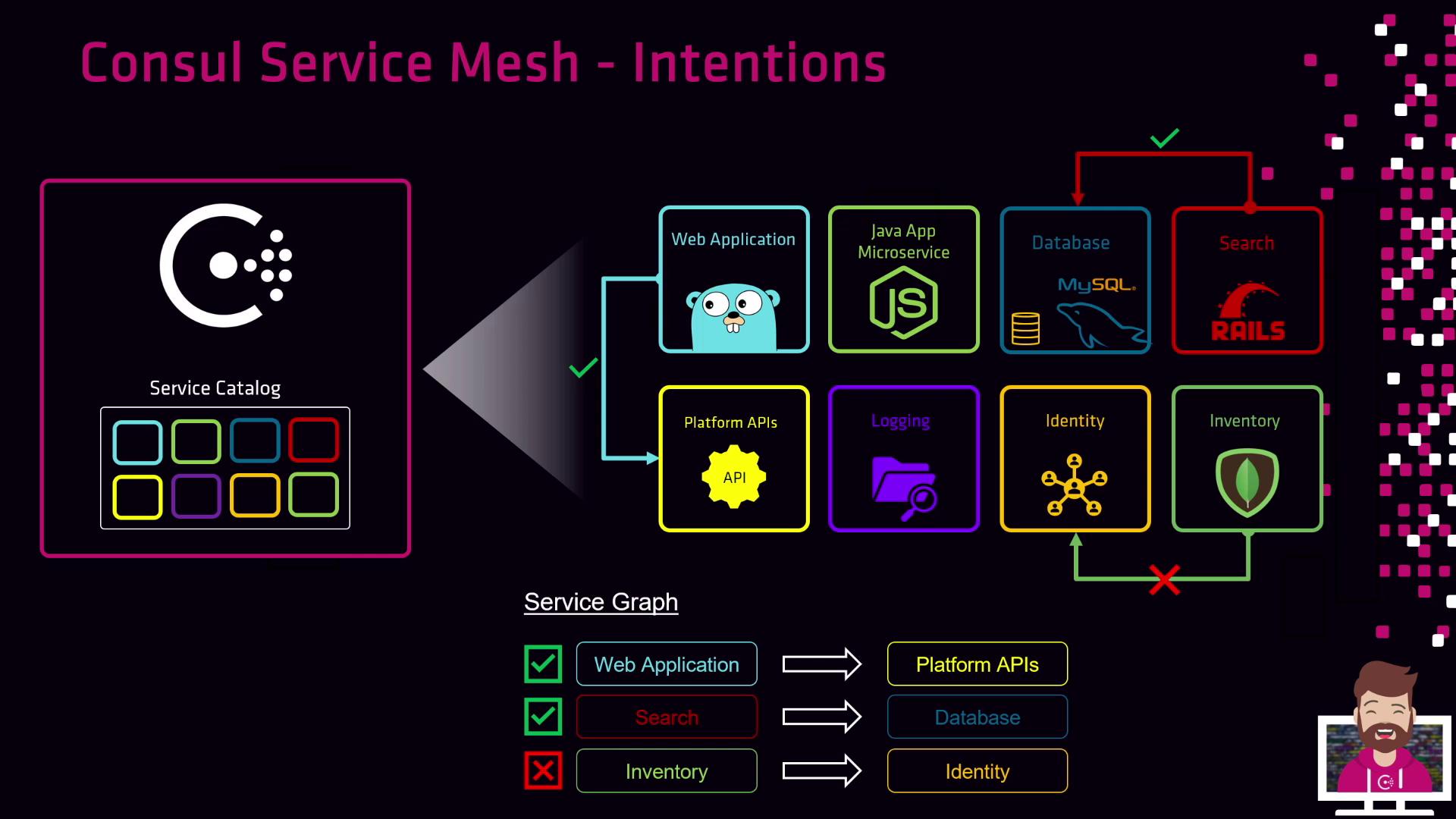
Every service registers in Consul’s catalog—usually alongside a Sidecar Proxy. As you define Intentions, Consul dynamically constructs a service graph illustrating permitted interactions. Consider these common policies:- Allow the web application to call the Platform API
Create an Allow Intention fromweb-app→platform-apifor encrypted, authenticated traffic. - Allow the search service to query the database
Define an Allow Intention fromsearch-service→databaseso search can read data. - Deny Inventory service access to Identity service
Add a Deny Intention frominventory→identityto block all inventory instances.
Intentions Precedence and Match Order
Intentions are prioritized by a precedence value; higher numbers are evaluated first. Consul processes rules top-down and stops at the first match for both source and destination services.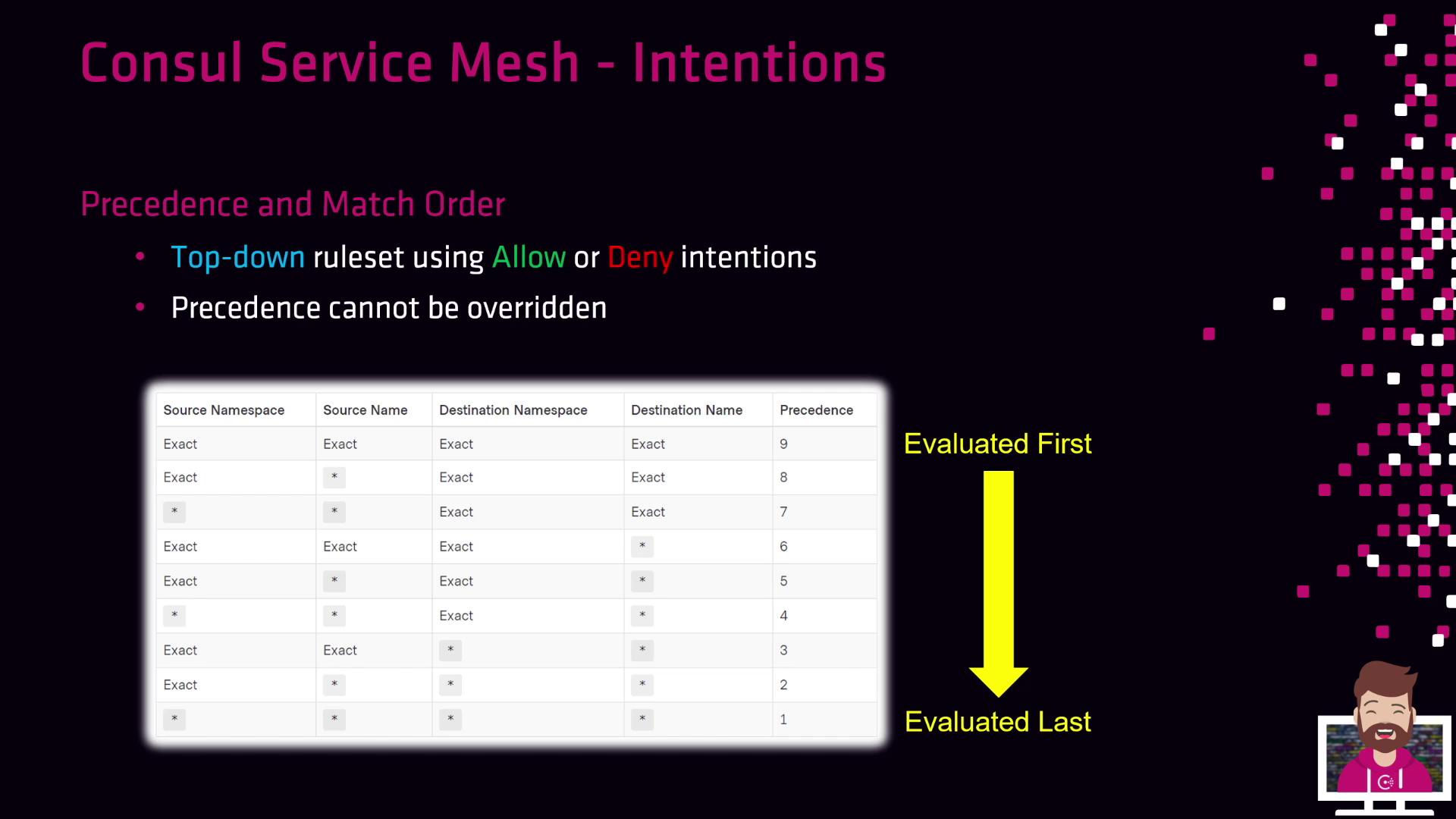
Protocol Enforcement: Layer 4 vs. Layer 7
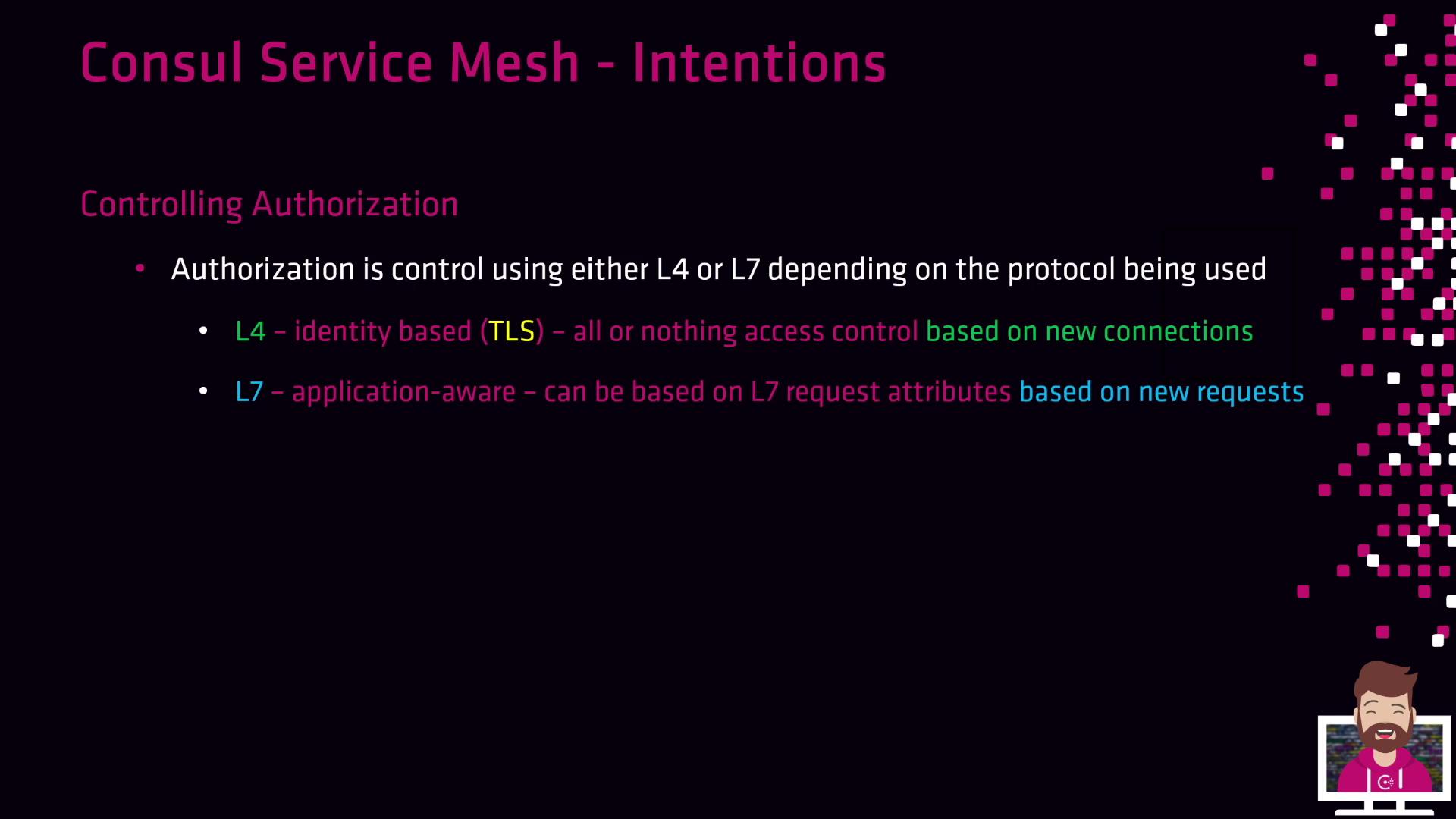
Consul supports two enforcement modes, depending on your proxy and application protocol:| Enforcement Layer | Mechanism | Key Capabilities |
|---|---|---|
| Layer 4 (L4) | Consul’s built-in proxy | Identity-based TCP allow/deny on new connections |
| Layer 7 (L7) | Envoy or advanced sidecars | HTTP-aware policies (paths, headers, methods) |
To use Layer 7 Intentions, integrate Envoy or another HTTP-aware proxy with Consul.