In this lesson, you’ll explore the Consul Key/Value (K/V) Store—its core capabilities, interaction methods, HTTP API access, and how to monitor changes using Consul Watch, Envconsul, and Consul Template.
Ensure you have a running Consul cluster and basic familiarity with Consul installation.

Topics Covered

  1. Capabilities and limitations of the Consul Key/Value Store
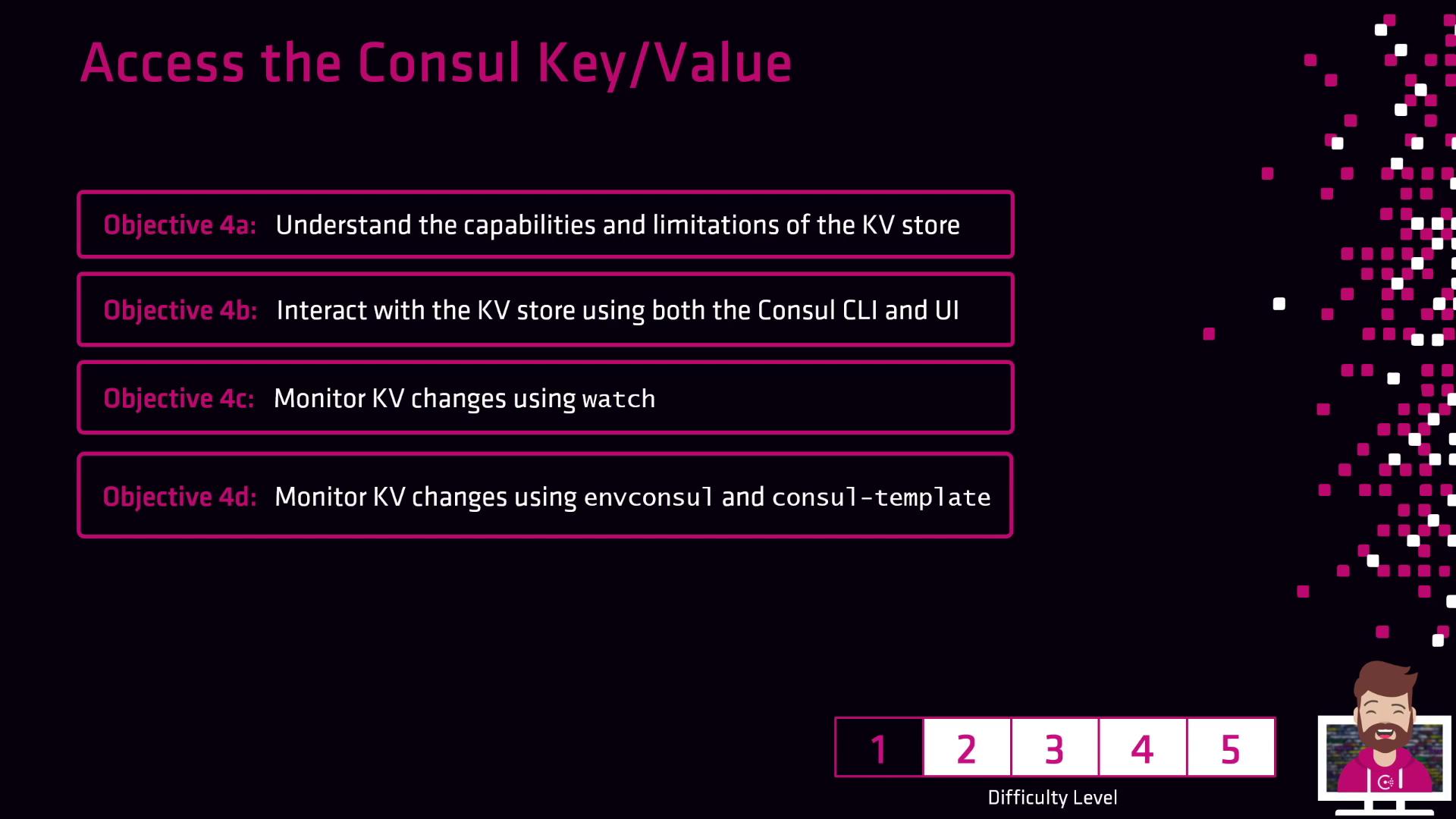
The image outlines objectives for accessing the Consul Key/Value store, including understanding its capabilities, interacting with it via CLI and UI, and monitoring changes. It also indicates a difficulty level of 2.
  1. Interacting with the K/V Store using the Consul CLI and Web UI
  2. Accessing the K/V Store via the HTTP API
  3. Monitoring key-value changes with Consul Watch and integrating external tools:
Let’s dive in and start querying, storing, and watching key/value pairs within Consul!